
Description
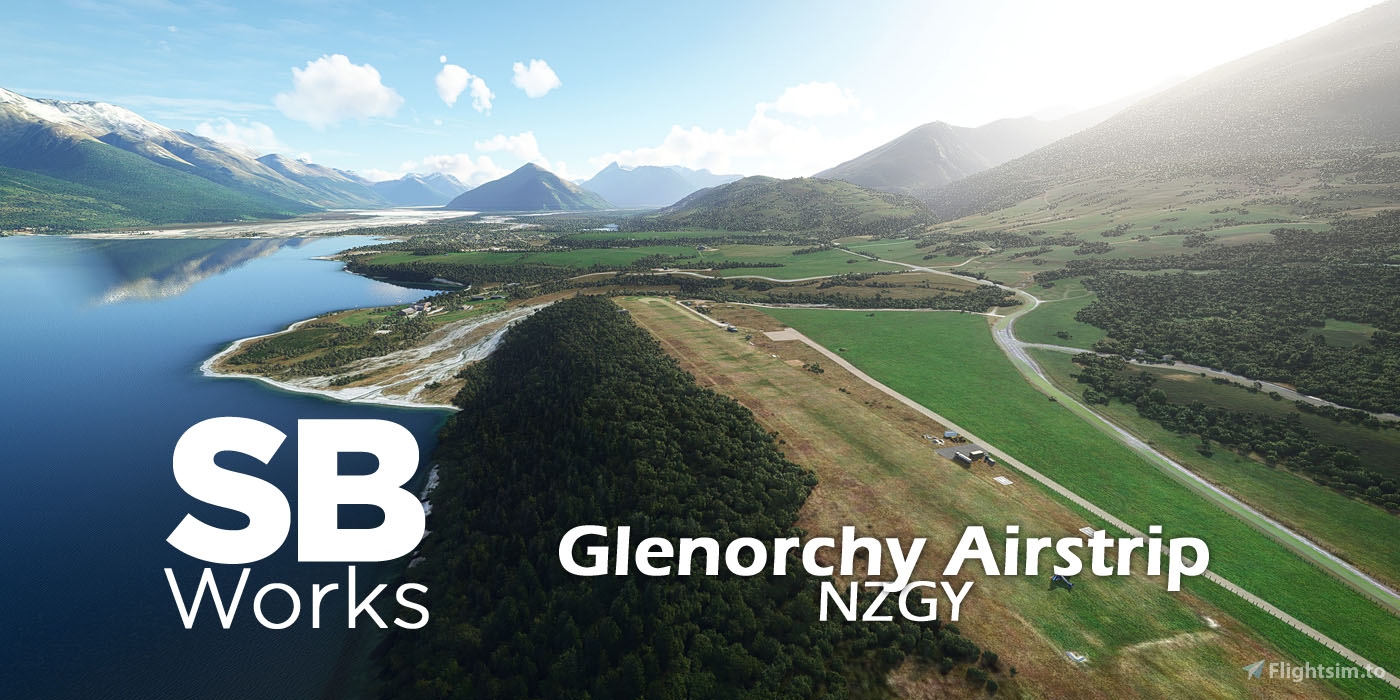
Glenorchy Airstrip, New-Zealand, for MSFS
Real-life airstrip, ICAO code NZGY
Version 1.2
--Description--
Located in the northern arm of Lake Wakatipu, Glenorchy is well known for its landscapes. The Glenorchy Airport, or rather an airstrip, is a grass runway airfield from where you can take scenic flights and enjoy sky jumping.
Glenorchy is a great place to start your sightseeing flights in the area, between Queenstown and Milford Sound.
--The scene--
It's an improvement of the default NZGY airfield. I used default assets, custom ones and some assets from various libraries. Please make sure you have them installed in your "Community" folder.
It's a good complement to my other airstrips around Lake Wakatipu:
- Mount Nicholas Airstrip NZ58 (https://flightsim.to/file/16211/mt-nicholas-airstrips-nz58)
- Walter Peak Airstrip NZ59 (https://flightsim.to/file/15832/walter-peak-airstrip-nz59)
- Greenstone Station NZ57 (https://flightsim.to/file/19084/greenstone-station-airstrip-nz57)
- Paradise Airstrip NZ56 (https://flightsim.to/file/19404/paradise-airstrip-nz56)
--What's new?--
v0.9
initial version
v0.10
removed the Airport Services definition files that caused services to disappear from not only NZGY (as intended) but also all the airports in the region and even worldwide (bug from SU5).
So you may now see marshaller or pushback at Glenorchy, even if it's not realistic at all, waiting for this situation to be corrected by Microsoft/Asobo.
v1.0
-new custom building of SkyDive
-new custom fences
-improved terraforming
-few additional assets here and there
v1.1
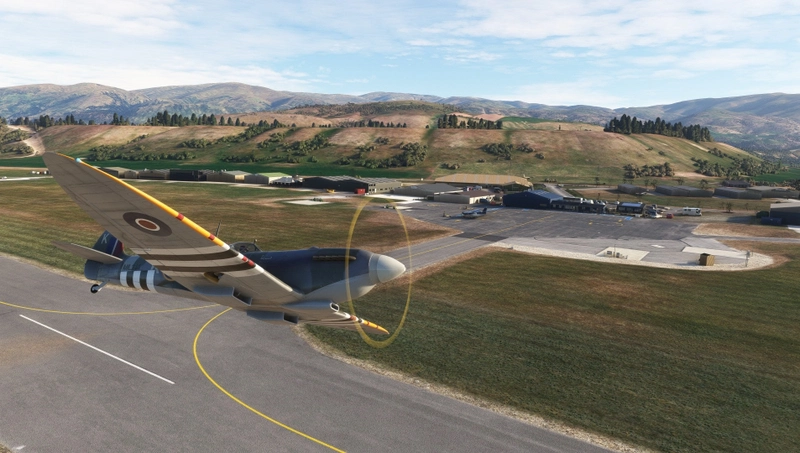
Added the Pacific Aerospace P750 used for skydiving
v1.2
-made compatible with World Update 12 "New Zealand" from February 2023.
--Installation--
Please remove any previous version of this scenery you may have.
Just unzip and drop the "sbworks-airport-nzgy-glenorchy" folder into your "Community" folder of MSFS.
It is strongly recommended to install those libraries:
- BeeKay-Pack1 v5.0 or later (https://flightsim.to/file/8887/beekay-pack1)
- Dave's 3d people v1.0.5 or later (https://flightsim.to/file/5452/dave-s-3d-people-library)
- Dave's Crooked Library v1.0.5 or later (https://flightsim.to/file/4696/dave-s-crooked-library)
- Windy Things (https://flightsim.to/file/14024/windy-things)
--Credits--
All work done by SBWorks (Stéphane Beilliard).
September 2021/February 2023.
Dependencies
Location
Glenorchy Airstrip (NZGY)
Located in the northern arm of Lake Wakatipu, Glenorchy is well known for its landscapes. The Glenorchy Airport, or rather an airstrip, is a grass runway airfield from where you can take scenic flights and enjoy sky jumping. Glenorchy is a great place to start your sightseeing flights in the area, between Queenstown and Milford Sound.

Supporters
User Reviews
4 reviews
Version History
-made compatible with World Update 12 "New Zealand" from February 2023.
Featured in Collections(1)

Related
Picton Airport NZPN
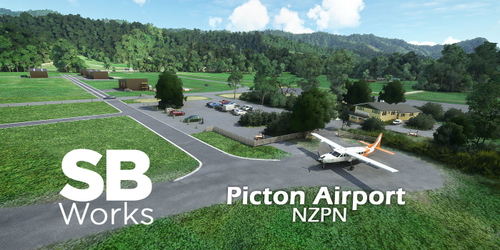
Explore Picton Airport (ICAO code NZPN) in MSFS with this add-on. Located in the Marlborough region of New Zealands South Island, the small private airport is owned by SoundsAir. Fly to destinations like Wellington and Taupo, or admire the Air Park with hangars and houses. Enhance your virtual experience of the area with this detailed scenery, now compatible with World Update 12 "New Zealand".
by SBWorks
Wanaka Airport (NZWF)
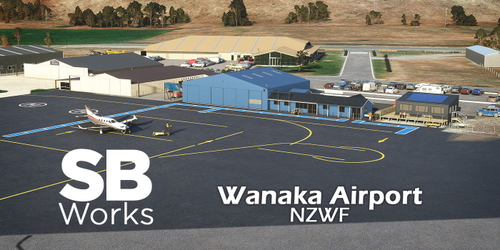
This is a enhanced version of Wanaka Airport (code NZWF) located in Otago, New-Zealand. It features handcrafted buildings with 4K PBR textures, carefully placed fences, terraformed portions and more. Famous for its "Warbird over Wanaka" airshow, the place is a very good starting point to explore the South Island.
by SBWorks
Loburn Abbey airfield (NZLA)
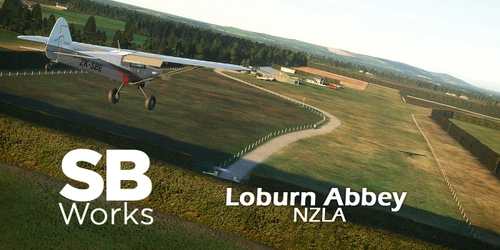
Explore Loburn Abbey Airfield in New Zealand with this MSFS add-on. Experience a real-life airstrip with 2 grass runways and unique features such as a custom hangar and Campbell Aviation workshop. Immerse yourself in the fly-in atmosphere and enjoy a scenic flight around Christchurch and the Southern Alps. Get ready to take off from this picturesque airfield with version 1.1 now compatible with World Update 12.
by SBWorks
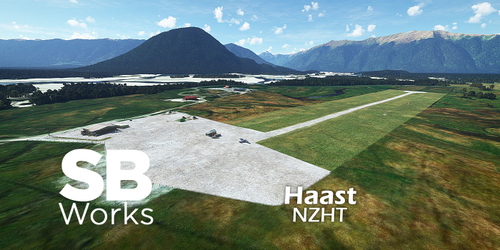
Haast Aerodrome (NZHT)
Explore Haast Aerodrome (NZHT) in Microsoft Flight Simulator, a remote airfield located in a small town on the west coast of South Island, New Zealand. This add-on offers a recreated version of the airfield with custom buildings, perimeter fences, and adjustments to vegetation, enhancing your flying experience in this unique location. Created by SBWorks, this scenery is compatible with Orbx NZ Mesh and features a gravel runway with AVGAS and JetA1 available.
by SBWorks
Log in to join the discussion
Log InComments(20)
over 3 years ago
Thank you!
about 4 years ago
Can you list what models you use from the four libraries you "strongly recommend"? What would be missing if we don't install those libraries?
about 4 years ago
Hi,
Sure:
-Dave3dpeople -> all people
-Dave's Library -> Construction works vehicle and assets
-BeeKay -> runway end markings
-Windy -> windsock
about 4 years ago
I have just finished watching "One Lane Bridge" series in AcornTV and tried finding that bridge over the Dart River, but it seems it is not modelled. Any plans to add it to your scenery?
Anyways, thanks for the airport. It's a great addon.
about 4 years ago
HI, thanks! No, no plan to add the bridge for now, but who knows. ;)
about 4 years ago
Thanks!
over 4 years ago
over 4 years ago
Yes, there seems to be an issue with third party meshes. In particular NZ Mesh from Orbx is completely off... They are aware of the issue and apparently work with Asobo/MS to find a fix.
almost 5 years ago
Thank you for a great airfield! However, I think the guy who moes the runway grass has been on a way to long vacation becasue its very tall :) Anythign that can be done about that?
almost 5 years ago
Hi, I noticed that as well since the release of SU7 January 22. Before that, after the GOTY edition release, it seems to be corrected but for some reason it's back... It something we have little control on unfortunately... Unless we "cut" the grass entirely which is not the way I want to go.
almost 5 years ago
This is one of my favourite airstrip in NZ. Wonderful made. Highly recommended. Thanks !
about 5 years ago
Thank you for this lovely rendition of a small but important airstrip, as it was an accustomed stopover on my beloved Queenstown - Milford Sound tour back in the days of FSX...
about 5 years ago
I can also confirm the problem described by intuitif. In my case it also affected the loading of jetways, all ground service vehicles including their ATC functions, static aircraft, objects and other assets. It took me hours and 50 MSFS restarts to track down the problem to this specific scenery. No one should have to go through that. It is also conceivable other freeware airport developers are being blamed for the incorrect loading of their airports' assets, and likely have no idea it's related to this specific scenery being loaded in the community folder. I would highly recommend this project be either fixed right away, or shelved until a fix is imminent either by the author or Asobo. For whatever reason, at present it produces a loading error condition that affect numerous other airports and is difficult to troubleshoot.
about 5 years ago
Thanks for the feedback!
I'm deeply sorry to hear that you had to go through this kind of troubleshouting.
As a fresh developer (and I do this on my spare time for the benefit of the community, and myself), I try to deliver the best scenery I can. This includes removing stupid marshallers or pushbacks from bush strips, as you may understand that this would alter the immersion otherwise.
I did this following the -little- information we have in the SDK. It is clearly stated that editing AirportServices with the relevant ICAO-named folder is only affecting the said ICAO airport. If I want to change Airport Services in the whole world I have to use a "Shared" named folder. So honestly, I can't be hold accountable for a change of behaviour originating from a change in the sim (or a bug in that sim). With SU5, you certainly noticed that a lot of things got bugged, even within the Asobo own environment (you can't land in Megève without a CTD for instance). Almost all my sceneries suffered from that situation, even if I complied with the SDK.
So for the time being, I can recommend to either remove my scenery from your community folder, especially when you plan to fly to other-than-bush airfields (you can use AddonsLinker to ease this process), or enjoy the service-less strips I propose for dedicated flight sessions. Or you can simply edit the "layout.json" file from my scenery folder, removing the entry specific to AirportServices (should look like this:
{
"path": "AirportServices/NZGY/NZGY-Services.spb",
"size": 552,
"date": 132742801837411404
}
Meanwhile, I will try to provide you with an update, reintroducing the services, as a temporary fix.
Thanks.
about 5 years ago
SB, I enjoy your airfields immensely as I mainly fly NZ and sincerely thank you for all your considerable efforts in producing your selfless gifts for our community. My observations and suggestions must not be construed as blaming you for the mess that Asobo recently (again) created with their half-baked SU5. If I were a suspicious sort I'd even consider the possibility Asobo is purposely breaking freeware to exasperate users into considering payware alternatives and dissuade freeware developers from further projects. 'If they make it...we'll break it." Whatever the situation, it is abundantly clear that with every update Asobo always breaks something that used to work perfectly fine. There's no way a freeware developer can test exhaustively every possible configuration of user setups to see what may or may not work properly on their projects, after each sim update. I absolutely get that. Once such problems are spotted and reported by users it is only then something can hopefully be done. That's all I've attempted to do here...report the problem, a very rare and unusual one at that, for which I believe most users would not readily identify the cause. This isn't your usual 'one mod is breaking another' or a CTD caused by a mod...much easier to get to the bottom of. Here we have a situation of an airport incompletely loading, not crashing completely, caused by another airport halfway around the world that is also being loaded in the community folder.
Your suggestions are good ones and I'll follow them until a more suitable solution is at hand. In the interim enough light and warnings have been shed on the problem here as to identify the issue and possibly help anyone else struggling with the same symptoms.
No doubt there are many other freeware airports out there that will similarly cause these problems...yours was simply the first one I identified. I use Addons Linker and only have 70-100 airports activated at any one time of the 300-400 I've downloaded, so I fully expect that I'll activate another airport soon that will generate the same issues. In the interim, please keep up the good fight. Long live freeware.
about 5 years ago
Thanks for the clarification, mate!
Meanwhile, as there is a relatively easy interim fix, I updated the package that shouldn't now interfere with the Airport Services on other airports. The drawback is that you may see services at NZGY... It's anyway better than having no pushback at all at NZQN with a A320.
Please check changelog.
Cheers!
about 5 years ago
Many thanks for your quick responses SB, I think your update indeed represents the lesser of all evils in this situation and will allow users to continue experiencing your excellent scenery without consequence. Just to be clear, I found that not only airports in the region are affected by this anomaly, but worldwide...but not all of them! This makes it even harder to diagnose the problem. I think it may have something to do with the loading order. It MAY mean that an airport attempting to load AFTER yours (or similarly afflicted airfields) is first loaded, incomplete loading of assets is apparent. IMHO not worth troubleshooting further pending Asobo's possible future fixes.
about 5 years ago
Great work on the scenery - NZGY looks really great now.
FYI - with Sim Update 5 the AirportServices functionality seems to have changed. With this scenery in my Community folder all of the ground service vehicles at all other airports disappear for me. With this scenery removed - they all come back. The issue is referenced here: https://forums.flightsimulator.com/t/msfs-update-5-ground-services-and-jetways-at-airports-gone/429291/29
about 5 years ago
Thanks. Indeed, the more I read the more I'm convinced it's sim-related. But now comes the great question: will I edit and remove the AirportService entry from all my packages/sceneries or will we wait for the next update (that hopefullly will solve this)? I tend to go to the second...
about 5 years ago
Makes sense! Thanks for your efforts