
Description
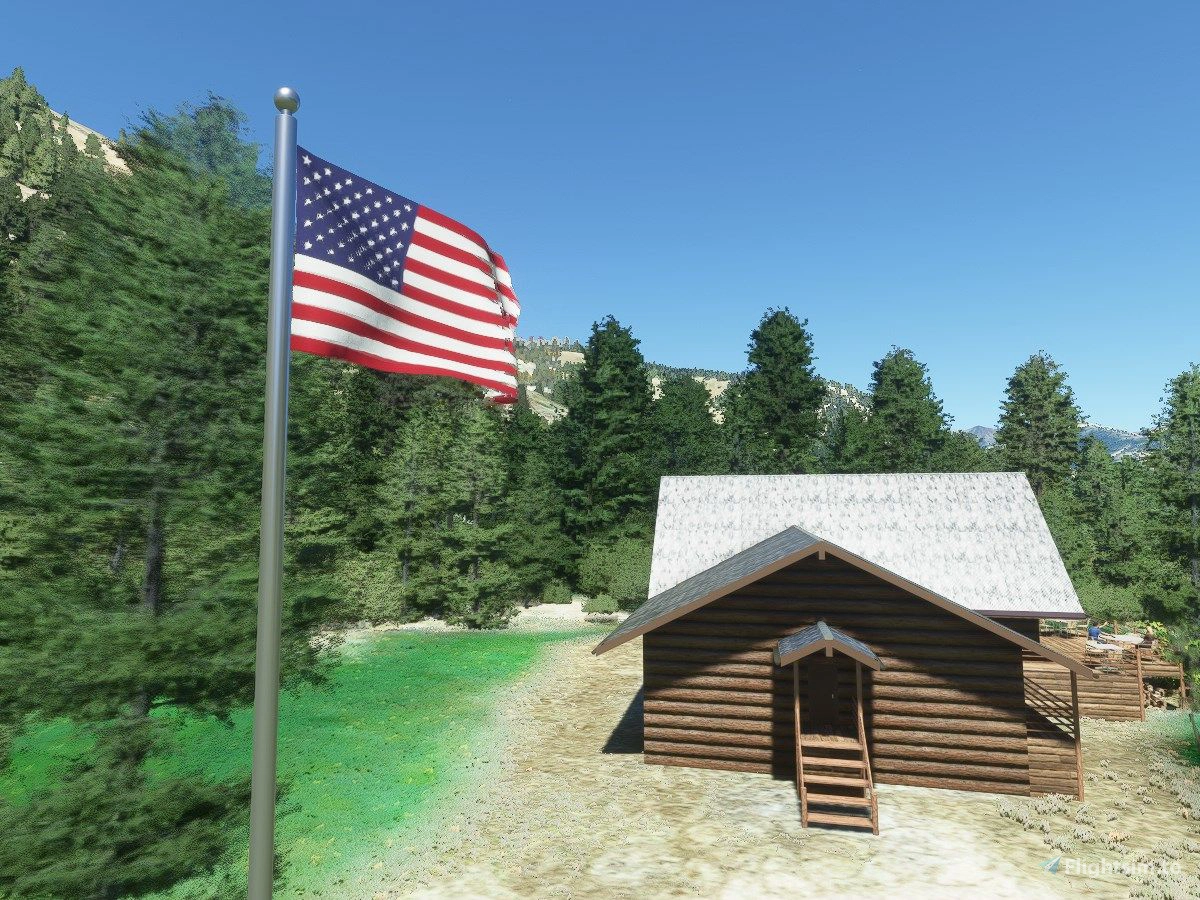
This is a collection of SimObjects designed to respond to both wind speed and direction. The original objects were created for my Pistol Creek Ranch scenery. But rather than include them in that scenery, I decided to package them up as a separate library in case anyone else might want to use them in their scenery. All I ask is acknowledgement of where you got the object. Even better, I would love it if you would take a few minutes to post a screen shot to the User Gallery of how you used the object in your scene.
This library has three basic objects, but with lots of variations:
- 6' (2m) windsock on a 15' (5m) pole, fairly typical of small bush strips. This now comes in five color schemes (white, orange, red, orange/white striped, and red/white striped), and three configurations (with lighting, without lighting, and without a pole).
- 3' (1m) tall flag on a 25' (8m) flag pole. You can now choose from 306 different flags, covering nations of the world and US states, either with or without a flag pole!
- Decorative 6' tall windmill that you might put in a garden or park.
To assist you in locating a particular flag, the download file includes a full list of the object names by location.
The download file also includes a tool that you can use to generate a library of flag repaints from a set of flag images of your own (in case 306 flags is still not enough to choose from). The files generated by this tool rely on the models in this library, but you can distribute your custom flag library and the custom flags in your scenery will work as long as the Windy Things library is also installed. Along with the repainter script are instructions on its use.
Finally, the download file includes instructions on how I created the animated flag in Blender and a link to a great discussion of this topic on fsdeveloper.com.
Important Notes
Unlike the default Asobo windsock, all of the objects in this library have been designed so that they will remain properly oriented to the wind, regardless of how you rotate them in your scene.
I am still interested in creating internal windsock lighting in addition to the external windsock lighting included in this library, but the lighting system in MSFS 2020 does not seem to work well for that application. If anyone has had success in creating a working lighting effect INSIDE an object in MSFS, please PM me here with your ideas.
Credits
Flag images are public domain from commons.wikimedia.org. Custom PBR textures were created using materials released under the CC0 license on cc0textures.com.
Frequently Asked Questions
Windy Things
A collection of SimObjects that respond to wind speed and direction, featuring windsocks, flags from 306 different nations and US states, and decorative windmills. Includes a tool to create custom flag repaints and instructions for Blender animation. Library designed to stay properly oriented to the wind in MSFS 2020.


User Reviews
38 reviews
Version History
* Fixed bug in data file for use with ADE * No changes to library itself
Featured in Collections(7)
Region France Sud-Est
Tou tes les scènes pour améliorer le Sud-est de la France
 magnetic333

Ultimate U.S.A. Bush Trip
All required mods
 ConMan
Yellowstone
A collection of mods and liveries related to the fantastic TV show Yellowstone.
 Fearless_Ambo
vTAC
vTAC Scenery, etc.
 DamaxusAwe

MSFS24 Mods
Michi Mods for MSFS24
 Michi_HMTG
JHC ASSETS
LIST OF JHC SCENERY
Leuchars12
For the boiis
a pack of downloads for my mates to use
JJAndoRelated
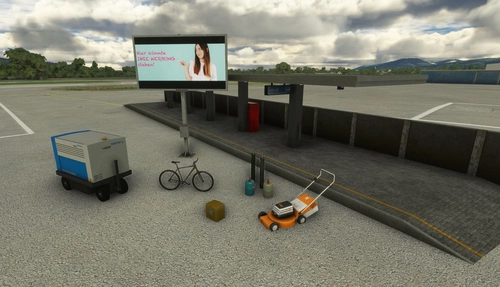
Mikea.at - AssetPack
Discover Mikea.at - AssetPack, a collection of assets for enhancing your scenery projects in Microsoft Flight Simulator. This pack includes a variety of objects like gliders, signs, vehicles, and more, all available for easy access in your community folder. Keep an eye out for regular updates and additions to this growing pack of detailed assets.
by Mikea.at
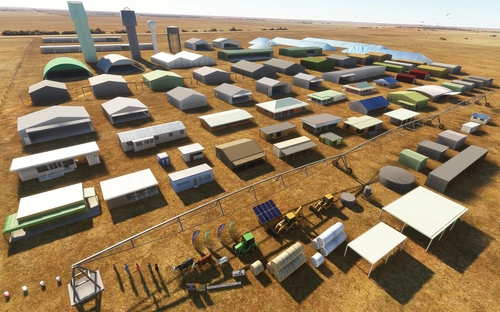
MSFS 2020 object library 200+ models - towers hangars to cones v14-11 UPDATE
Object library with a variety of useful objects designed to be frame rate friendly using LOD (level of detail) so simple models used in longer distances. Smaller objects will not disappear in short distance due to the addition of large triangles underground. Objects are high quality using PBR textures and with some animated.
by colinj
Emerald Object Library
A library for Emerald Scenery Design addons and freeware developers containing over 400 Models, Environmentally-Dynamic SimObjects, Visual Effects, Wwise Sounds, and Materials. Emerald Object Library is now available on the MSFS Marketplace for PC and Xbox!
by Emerald Scenery Design
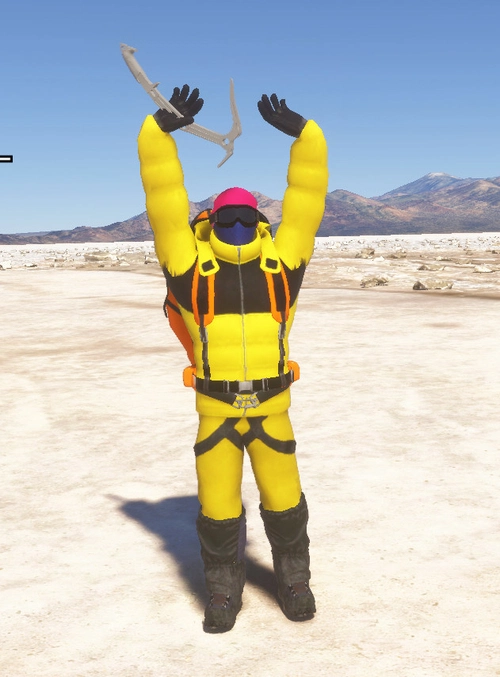
Animated Human 3D Models Library
A library of nearly 300 animated human models and animals for Microsoft Flight Simulator, offering a variety of actions and colors. Models include civilians, business people, airport staff, animals, and more. Includes SDK object search guidelines and a separate section for developers with tutorials on creating custom content. Version 1.3 update brings new models and props like cyclists, wheelchair users, and livestock for enhanced realism.
by superspud
Log in to join the discussion
Log InComments(164)
3 months ago
Let me know if you could update this library with flags that are lit up at night. I think you would have to do something with the emissive texture for the flags. I'm trying to edit that now but I think you should include lit up flags for night use in this library if you could. I do appreciate what you have already done.
Also, if not too much to ask, an update to work with the LOD levels in MSFS2024 would be appreciated. I would help if possible.
4 months ago
I don’t know if the author still pops in here from time to time, but if so, I’d like to know why one of the wind socks from the library is appearing in one of my custom scenes even though I haven’t used it.
All I have to do is load the library and the wind sock appears.
I’m using MSFS2024.
Thank you.
5 months ago
'tsr-windy-things' is in the Community folder.
8 months ago
Thank you.
5 months ago
5 months ago
5 months ago
10 months ago
11 months ago
11 months ago
12 months ago
about 1 year ago
about 1 year ago
about 1 year ago
over 1 year ago
over 1 year ago
over 1 year ago
thank you
so important stuff and gone in ms24:(
almost 2 years ago
over 1 year ago
over 1 year ago