
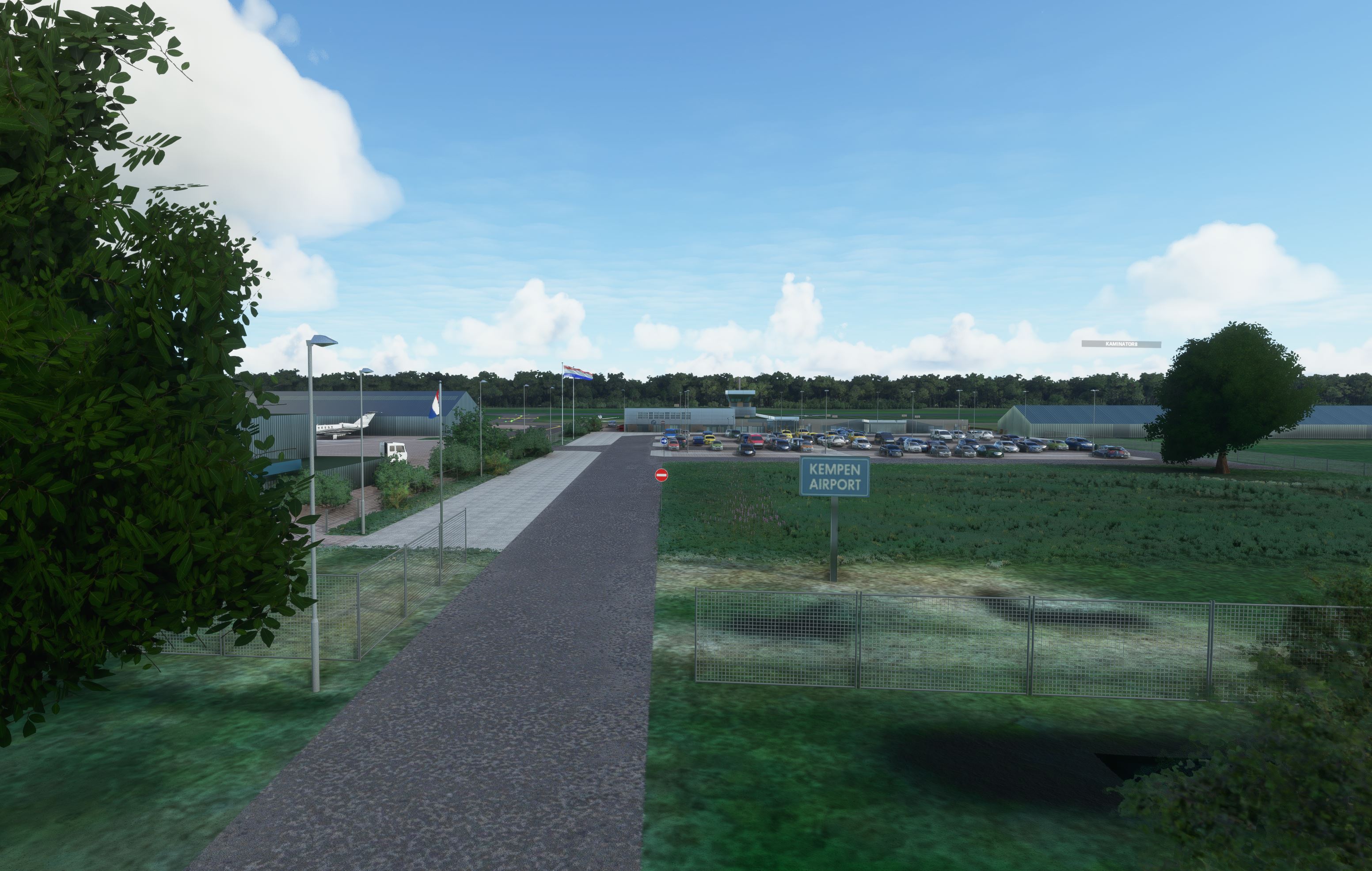
Description
After update sim 5 - everything is working fine accept the Grass is back on the grass runway and grass aprons.
Way to high of-course.... grrrr... I will fix it as soon as Scenery editor form MSFS in DevMode is functional again. At this moment it is very lacking and freeze the functionality, which makes it not useable for me. I hope MSFS will fix this as well.
Update: Version 2.0 - 26th July 2021 - new groundtextures, parking area, Aprons, rwy/taxi corrections, etc.
The Netherlands VFR enhancement - Kempen Airport - Budel [EHBD]
As real as it gets.
Finally!! Kempen Airport arrived at the scene.
Last year I started with creating 2 airports. The first one is Hilversum airport (you can find it in Flightsim.to as well) and the second airport is Budel, Kempen Airport.
However I didn't had time to finish it, after a period of 6 months I picked it up again and finished it. So here it is.
Why Kempen Airport?
Well first of all, it is a nice airport which hide itself between the 2 big brothers: Eindhoven and Beek airport.
And secondly, I had back in 1992 my first (and only) Private pilot lesson in a cessna 172 at this airport.
It was not in my backyard, because in that time I lived in the area Nijmegen, but it was a birthday gift. Still got my memories and photos from this day.
Take some time to watch screenshots and maybe you recognise some details as far as it gets and possible.
Yes, in real life they have many TBM's (or pilatus) so I put them in it as well. And even Jets are dropping in at this small BUSINESS airport.
(Tip: open Google maps and check the photos and you will be convinced)
I even changed the forest site with some other more open trees which you find over there, because in the original scenery from MSFS it shows other trees as forest.
I only changed the first 10 or 20meters.
Also the grass landing stroke was not there, so I included that one, with some dirt, just like the real one.
The windsock is also changed to the smaller one and the working Wind-Tee included as well.
I put many details in it to make it more alive, people, fences, chairs, trashcans, light, Airco, barrels, cones, etc...etc..
Known things which can be improved but will not be done coming time. (too busy) However I don't want to hold back this scenery, that's why it is available by now:
- Delete Taxiway lights
- Changing the runway lights
- Apron groundtextures originally small bricks, but I don't have the right textures yet available in MSFS.
- I created before converting in blender already the 2 flags, so I can't delete them in MSFS scenery editor.
- Buildings blue-ish shadows on the textures, depending on sun light. (this was an convert issue in blender. (see below at the bottom my question about this.)
- The textures are lower resolution on the buildings, but I will not and can not change that.
IMPORTANT!
You must download the libraries which are included as additional requirement. (meaning, when you click download this scenery, you will see during the download automatically the required list with libraries and download buttons. If you have already my airfield Hilversum, it maybe possible that you have already the most of them, However please check this list, because 1 or 2 libraies are extra for this airport.
Note: More and more airports downloadable at Flightsim.to are using also the libraries. So it will be useful to have them. (on my pc I don't experience performance issues.)
After Download unzip the package and drag/drop it in your Community folder (from MSFS). And you are good to go.
If you find some things which are missing (check the screenshost), please let me know and I will try to include the right stuff.
Disclaimer:
With this enhancement package my goal is to make the Dutch Airfields more identical to the real thing.
To make this all possible I use existing objects, addons created for Xplane 11.
By using Import converting tool for objects in Blender in combination with an overlay map from google, it is possible to place each object one by one on the right place with the right scale.
After that exported as MSFS 2020 package to the sim and build the package including extra detailed objects, such as lighting, fences, etc.
A massive THANK YOU is going out to Nils, better known as LPNils in the Xplane.org envrionment, by giving me permission to let me use his objects from Xplane scenery, which I used for convert and blender into MSFS 2020 objects.
Nils is working at a Flight instruction school and is also big fan of the Flightsimulators. Have a look at Xplane.org and search for LPNils.
Thank you Nils.
Note:
I had some issues with converting the buildings in blender from Xplane version to MSFS version (textures), that's why I have the strange shadow issues.
If someone know how this happen and if this was related to converting in blender, please let me know and explain me in a simple way (maybe short video) how to solve that.
Many thanks.
Dependencies
Location
Netherlands - Kempen Airport - Budel (EHBD) Version 2.0 NEW
Enhance your Dutch VFR experience with the Kempen Airport - Budel add-on for Microsoft Flight Simulator. Version 2.0 brings new ground textures, parking areas, aprons, runway/taxi corrections, and more detailed features. Discover this scenic airport nestled between Eindhoven and Beek, reflecting real-life details such as TBM aircraft and small jets. Explore the meticulously crafted scenery, complete with added elements like people, fences, and working windsocks for a more immersive flight simulation experience.
User Reviews
6 reviews
Version History
- New groundtextures Aprons (just like real life) - Parking area terminal for cars, new, including textures. - New taxiways and runway, including the settings for PAPIs, ALS systems. - Deleted taxiway bluelights. - New organised Rampstarting points - new runway hold short starting points - Treeline with high cornivers tress just as at Budel airport real life. - Changed as requested the file MODELIB.BGL into unique name. (this could cause CTDs, thx for advise.) In general it looks now more like the real airport. ;-)
Related
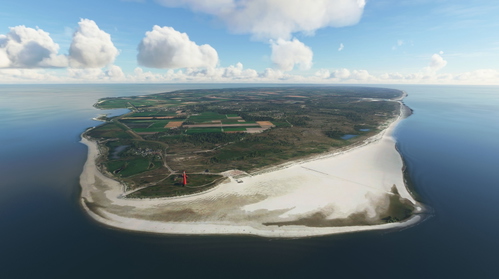
Netherlands - Texel International Airport - EHTX Version 3.1
Netherlands VFR enhancement - Texel International Airport [EHTX]. Experience three airport options in one scenery: a normal busy airport, a bad-weather airport, and a TEXEL AOPA Fly-In event. Explore the historic grass airport, including a custom lighthouse, and enjoy flying in the Dutch skies with added details and realism.
by Geraldar98
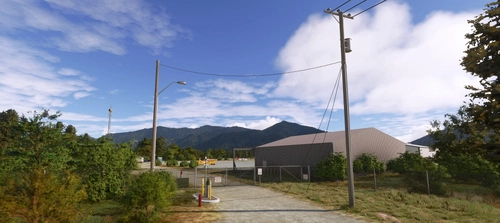
F62 - Hayfork Airport - California, US
Explore the quaint aviation hub of Hayfork Airport in California, nestled in the picturesque Trinity County area. Experience warm hospitality and tranquility as you depart from this charming facility for an adventure in the natural wonders of the region. Discover the harmonious synergy with its neighbor, Trinity Center Airfield, as you enjoy scenic aerial views and immersive details in this meticulously replicated add-on for Microsoft Flight Simulator 2020.
by Geraldar98
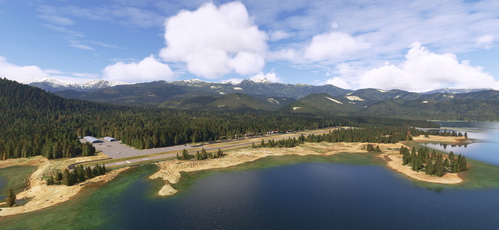
Trinity Center - O86 - California - US
Explore the challenging airfield of Trinity-Center (O86) in the United States, perfect for VFR flying enthusiasts. This revamped add-on offers a realistic and immersive experience, featuring a narrow runway nestled amidst picturesque landscapes. Test your precision and finesse as you navigate this unique airstrip, enhanced with detailed scenery and a touch of fantasy. Master the airfield and enjoy the joy of flight in this exceptional simulation experience.
by Geraldar98
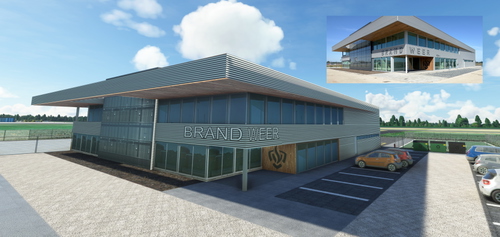
Netherlands - EHRD - Expansion part 1 - New Firestation v1.0
Enhance Rotterdam Airport in Microsoft Flight Simulator with a new, handcrafted firestation modeled after the real-life building that opened in September 2020. This detailed scenery add-on includes custom textures and is designed to seamlessly integrate into the existing MSFS 2020 Rotterdam Airport. Stay tuned for future expansions from the creator, Geraldar98, and show your support for their freeware contributions to the flight simulation community.
by Geraldar98
Log in to join the discussion
Log InComments(29)
almost 3 years ago
Bedankt Gerard, I used to fly to budel from Beek EHBK between 1981 and 1984 and well it is completely something else.it is used to be grass rwy at these times
over 3 years ago
A very nice scenery, I like it. Thank you so much.
over 3 years ago
EHBD is very realistic. I flew there for several years. Tip: Add a Deltaplane (DPM)
about 4 years ago
EHBD, Kempen Airport!
Ik ben hier leerling PPL geweest en heb afgelopen Mei nog gevlogen vanaf Baan 21. En na 20 jaar gewoon nog weten hoe alles werkt. Ik ben dan ook zeer benieuwd ( ik ben nog aan het installeren ) wat je ermee gedaan hebt...
about 4 years ago
Okay, geinstalleerd.
Een paar dingen, maar dat kan door de traffic pack komen. Er staan ATR's op de tarmac en die komen er niet. Ik kan eens kijken naar de Alpha India installer.
Verder klopt het wel zo'n beetje...
about 5 years ago
Zoals gewoonlijk mooi werk en geniet ervan op Hilversum en Budel VFR te vliegen. IK weet dat jij er alles aan doet om het er goed uit te laten zien maar de heren van MSFS begrijpen denk ik nog steeds niet dat een grasbaan altijd redelijk gemaaid is. Heb jij net het gras gemaaid dan komt er weer een update en moeten we weer met onze Cessna door het hoge gras ploegen. En de zweefvliegers kunnen vervolgens hun toestel amper vinden. Kan jij bij gelegenheid het gras weer eens maaien op Hilversum en Budel? Alvast bedank voor het stukje kwaliteit dat je ons brengt. Groet Emile
about 5 years ago
Hoi Emile,
Ja idd ik zag het....Haha..mooi zoals je het omschrijft. :-)
Echter sinds Update sim 5 werkt de scenery editor in DevMode van MSFS niet meer goed. Oftewel zodra ik de editor open in de sim dan wordt het heel traag met stotters en bevriest het beeld. Dit had ik niet voor de update, dus waarschijnlijk moet daar nog een hotfix voor komen? Anders zou ik het niet weten hoe dit op te lossen.
Als kanttekening: ik had sowieso na update 5 veel CTDs, dus was genoodzaakt om wel tot 3x toe MSFS opnieuw clean te installeren. (uiteraard rekening gehouden met geen bestanden in community folder en een deleted rolling cache, etc.. dus alle gebruikelijke stappen waren al voorbij gekomen na update).
Dus zoals gezegd nu moet alleen nog een oplossing komen voor de scenery edito., Erg frustrerend want ik was juist begonnen met EHTX om dat ook wat dichter bij de realiteit te krijgen.
Zodra het probleem opgelost is, ga ik het aanpassen. :-)
groetjes
about 5 years ago
Awesome update, thanks for also renaming the modellib i hope you will update all your other scenery like in scheveningen etc.
about 5 years ago
Causes CTD because of the modellib.bgl , please update and rename the file to something unique this has been a known issue amongst scenery makers.
about 5 years ago
Thank you for the tip.
I will change this and upload it as a new version.
Kind regards,
Gerald
about 5 years ago
awesome thank you
about 5 years ago
Mooi stukje werk, Gerald! Maar ik heb en probleempje: als ik wil vertrekken vanaf Budel wordt het vliegtuig steeds op de grasbaan gezet en moet ik dus eerst een stuk door het gras crossen om op de harde baan te komen. Kiezen voor een Parkeerplek is een optie, maar dan kom je gauw in conflict met wat er al staat.
Doe ik iets verkeerd?
about 5 years ago
Hi Richy,
Zie de nieuwe update versie 2.0
Aantal wijzigingen doorgevoerd, zoals default rwy,taxiways en ramps zijn deleted en zelf opnieuw aangelegd. Groundtextures diverse veranderingen zoals 1 op1 in real life. Rampstarts en rwy starts (hold short locaties) zijn nu op de juiste lege plekken te selecteren.
Hopelijk veel plezier.
Gr. Gerald
about 5 years ago
Perfect nu, gerald, en snel gefixed, hartelijk dank!!
about 5 years ago
Hallo Gerald,
Ik ben ook bezig om een "eigen" vliegveld te creëren. Maar ik loop tegen een paar dingen aan waar ik niet uitkom. Zouden wij hierover kunnen praten? Als je dat wilt stuur dan een email naar degeuspiet@gmail.com
about 5 years ago
Beetje laat reactie, maar zeker dat kan hoor.
Let wel, blender werk heb ik voor het laatst eind vorig jaar gedaan, dus daar zou ik eerst weer moeten induiken.
Echter via Scenery editor in MSFS2020 wel meer gedaan de afgelopen weken.
Maar veel gaat bij mij ook nog via "google" en youtuben..
Maar vraag raak, daar waar ik een antwoord op heb kan ik je helpen.
Gr.
Gerald
about 5 years ago
Thanks, nice, good work.
I have a strange thing, le wind tee points the opposite of the wind direction. Normally, the top of the "T" points in front of wind.
about 5 years ago
Thanks for your kind words.
About the Wind-Tee: This is a simobject provided by Mikea-at airport markings.
A screenshot in his downlaod file on Flightsim-to gives you an example about how it should show in the scenery in relation to the wind direction.
I checked it as well in my sim and it still shows the right directions in all sceneries.
It seems that the functionality is working as it should be.
However:
About the functionality in real life, the wind-tee is never turning together with wind directions constantly. (it is not a weather vane)
Meaning, it only show the best available direction to land for that airport. In this case the ground crew should put it in the direction 03 or 21.
But again that is in real life and is not simulated as functionality in the sim.
Having said that, Mikea-at decided to make it functional by following constantly the wind direction, in this way at least it will show more the right direction.
The point (bottom from the letter) from the "T" is pointing in the direction from where the wind is blowing.
If that functionality is not okay, please contact Mikea-at about this, because I am only using his library objects, but he is the designer(dev) of this simobject.
https://flightsim.to/file/4208/mikea-at-airport-markings
I hope this will answer your question (issue).
Kind regards.
Gerald