
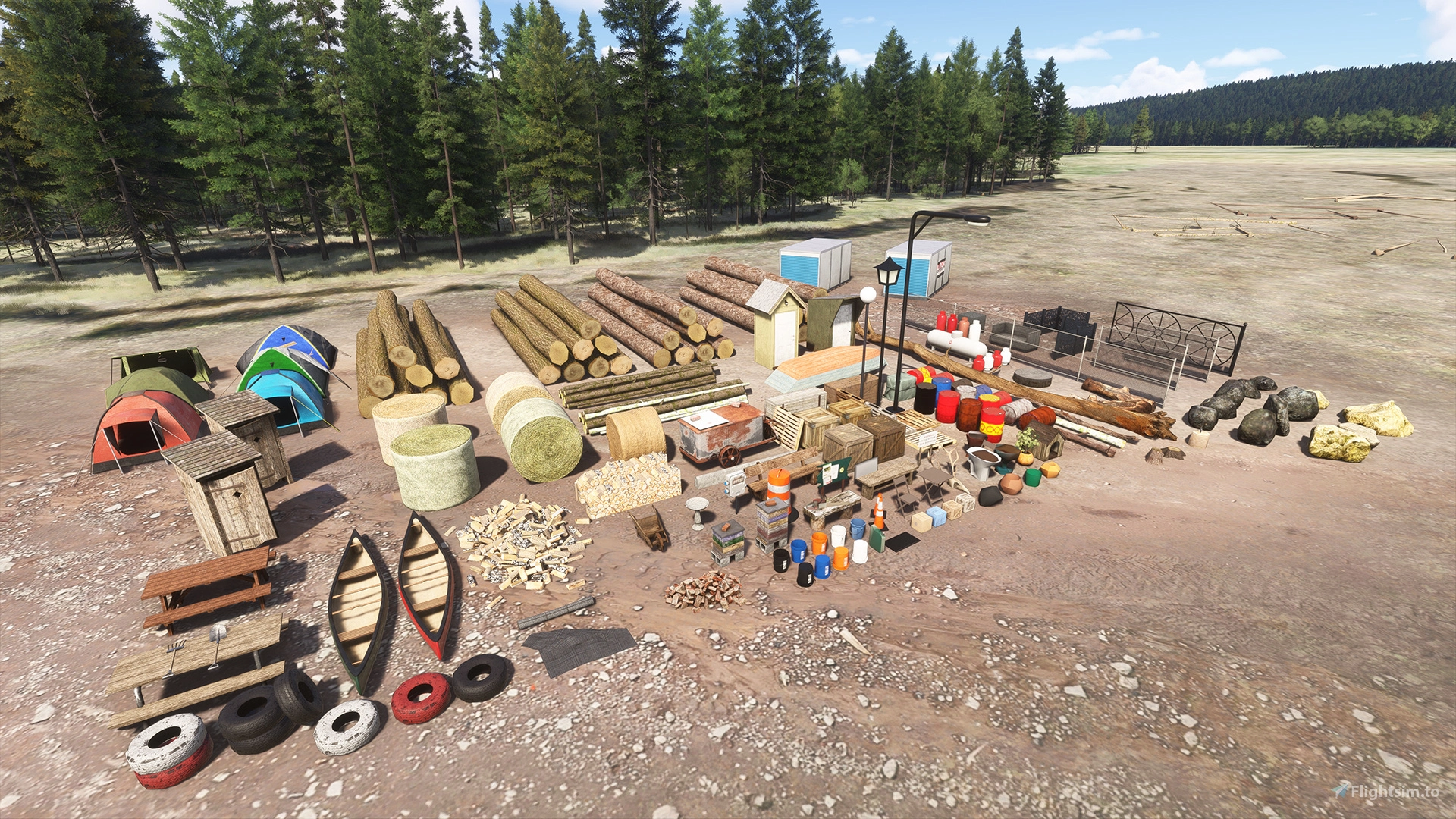
Description
MSFS 2024 Native Version Now Available!
Also available on the MSFS 2020/2024 Marketplace for PC and Xbox!
Developers, please see terms of use!
Emerald Object Library (EOL, for short) is a collection of models produced by Emerald Scenery Design. This library is designed for and primarily intended to be used with Emerald Scenery Design addons!
However, as of June 10, 2021, these libraries may now be used by other developers in their freeware addons!
Developer Terms of Use
1. The end-user must obtain this package from an official download source (Here at flightsim.to, https://emeraldscenerydesign.com/products/eolib-msfs/, or on Marketplace. Please refrain from packaging it with your add-on or de-compiling it to include partial files for any reason, as it can result in outdated, broken, or conflicting add-ons.
2. Please credit Emerald Scenery Design in your description/documentation by either providing a direct link to the libraries on our site or the URL of our homepage (https://emeraldscenerydesign.com/).
Please understand that the Emerald Object Library is primarily built for and intended to be used with Emerald Scenery Design products. I will add models as I create or acquire them for my projects.
Additionally, please be aware that objects may be updated or, in the worst-case scenario, removed altogether. I try to make these changes as seamless as possible by usually replacing objects rather than removing them. However, no notification of these changes will be published, except in the release change log. So, please give it a quick read after each update!
Distribution
Emerald Object Library is only available to download on Marketplace, emeraldscenerydesign.com, ORBX, and flightsim.to. If you find this library uploaded anywhere else other than these three sources, please report it to me via PM or contact me through the following form: https://emeraldscenerydesign.com/support/. Redistribution of Emerald Object Library is forbidden!
Installation
Make sure that Microsoft Flight Simulator is not running! Once unzipped, the included "esd-modellib-eolib" folder should be placed into your MSFS "Packages\Community" folder. The library will load the next time you start MSFS!
Always do a clean install to ensure no old files are left behind after each update!
Support ESD's Freeware!
Emerald Object Library has been an ongoing project since 2014, starting with FSX. Thousands of hours have gone into creating, converting, improving, and maintaining these libraries over the years. I have also spent hundreds of dollars out of my own pocket on paid/licensed models. Some of which, are included in the package now. Many are still to come.
If you enjoy using these libraries and want to support their use in public freeware projects, or if you want to help me maintain and expand this library, consider supporting me via PayPal, Buy me a Coffee (Pizza), or by purchasing one of my payware products.
Have an issue? Need some more info?
Feel free to PM me here on flightsim.to, email me through the website, or post in the Emerald Scenery Design Discord #support forum channel:
Frequently Asked Questions
Emerald Object Library
A library for Emerald Scenery Design addons and freeware developers containing over 400 Models, Environmentally-Dynamic SimObjects, Visual Effects, Wwise Sounds, and Materials. Emerald Object Library is now available on the MSFS Marketplace for PC and Xbox!

Supporters




User Reviews
36 reviews
Version History
Some files have changed. Please remove the old package to ensure there are no leftovers! - Added clutter models: Box3, Engine_Hoist_Blue, Engine_Hoist_Red, Ladder_Green, Ladder_Orange, Oil_Bottle, PartWashStation_Blue, PartWashStation_Red, Shelf_Plastic, Shelf_Plastic_Clutter1, Shelf_Wood2, Shelf_Wood2_Clutter1, Storage_Cabinet1, Storage_Cabinet2, Table_Plastic, Table_Plastic_Clutter1, Tool_Chest_Black, Tool_Chest_Grey, Tool_Chest_Red, Lantern_Large, Stone_Wall_Mossy, Campfire_NoFX, BurnBarrel_NoFX. - Added vegetation models: BasketGrass1-3, Coleus1-3, Lilyturf1-3, PurpleHeart1-5, SpinelessYucca1-4. - Added materials: ESD_Ground_Mulch. - Fixed Fox call exterior sounds too loud. - Fixed missing Trash Can textures. - Reworked all SimObject XMLs using visibility code to no longer call Asobo template (minor code performance improvement). - Tweaked WaterCalm SFX to always play and no longer be controlled by temperature.
Featured in Collections(5)


Must-Have Scenery Enhancements
A curated list of must have add-ons and mods for Micorosft Flight Simulator.
 Flightsim.to

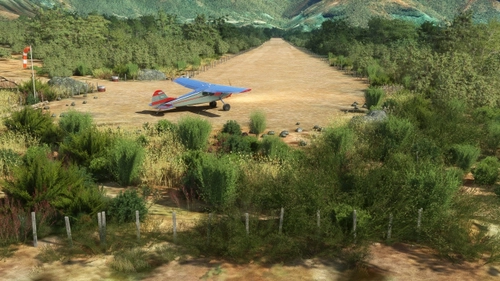
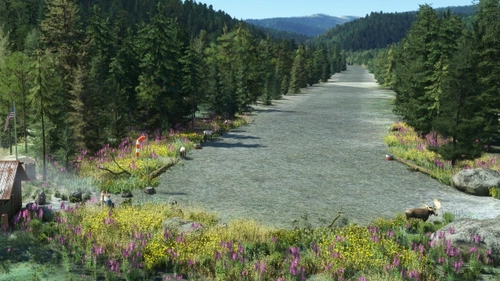
Ultimate U.S.A. Bush Trip
All required mods
 ConMan
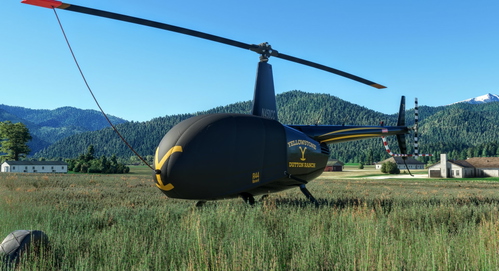
Yellowstone
A collection of mods and liveries related to the fantastic TV show Yellowstone.
 Fearless_Ambo

MSFS24 Mods
Michi Mods for MSFS24
 Michi_HMTG
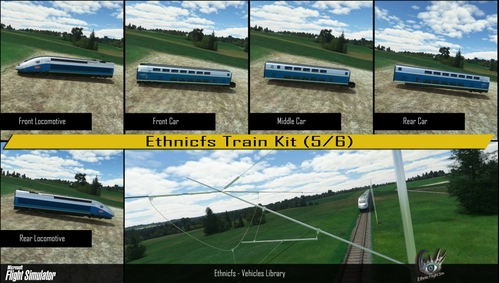
JHC ASSETS
LIST OF JHC SCENERY
Leuchars12Related
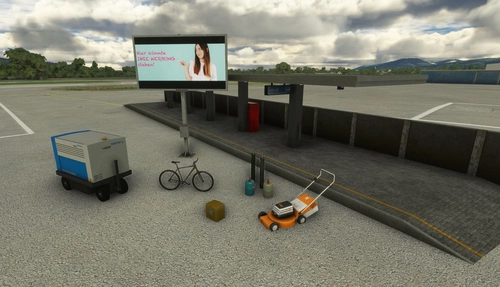
Mikea.at - AssetPack
Discover Mikea.at - AssetPack, a collection of assets for enhancing your scenery projects in Microsoft Flight Simulator. This pack includes a variety of objects like gliders, signs, vehicles, and more, all available for easy access in your community folder. Keep an eye out for regular updates and additions to this growing pack of detailed assets.
by Mikea.at
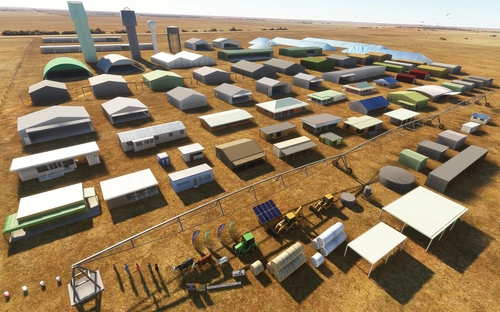
MSFS 2020 object library 200+ models - towers hangars to cones v14-11 UPDATE
Object library with a variety of useful objects designed to be frame rate friendly using LOD (level of detail) so simple models used in longer distances. Smaller objects will not disappear in short distance due to the addition of large triangles underground. Objects are high quality using PBR textures and with some animated.
by colinj
Animated Human 3D Models Library
A library of nearly 300 animated human models and animals for Microsoft Flight Simulator, offering a variety of actions and colors. Models include civilians, business people, airport staff, animals, and more. Includes SDK object search guidelines and a separate section for developers with tutorials on creating custom content. Version 1.3 update brings new models and props like cyclists, wheelchair users, and livestock for enhanced realism.
by superspud
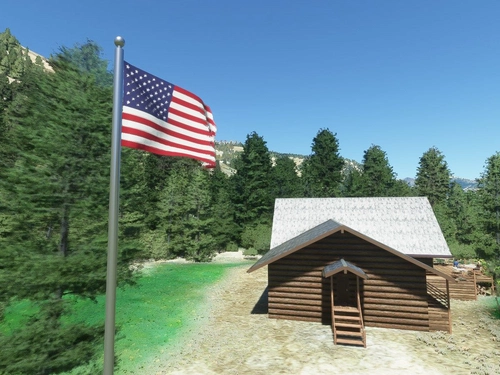
Windy Things
A collection of SimObjects that respond to wind speed and direction, featuring windsocks, flags from 306 different nations and US states, and decorative windmills. Includes a tool to create custom flag repaints and instructions for Blender animation. Library designed to stay properly oriented to the wind in MSFS 2020.
by trfsto
Log in to join the discussion
Log InComments(150)
3 months ago
2 months ago
2 months ago
3 months ago
I am using one community folder for both sims. Can I rename your Library, for Addon Linker not complaing about two same named addons?
Regards, Scott
3 months ago
I just tested this in 2024, and the library still functions as expected (it should be the same in 2020).
The only issue would be the Marketplace UI stating the dependency is missing, even though it is installed. This happens because it expects the exact package name "esd-modellib-eolib".
Currently, Limberlost Ranch is the only add-on affected, but I will be rolling this out to future updates as well. Strictly a Marketplace UI thing for unowned products though.
3 months ago
3 months ago
8 months ago
10 months ago
BIG COMPLIMENTS for this amazing library!
Many sceneries really come alive thanks to these additional elements.
I bought you coffee.
PaulusP
11 months ago
very helpful for those who create scenery.
about 1 year ago
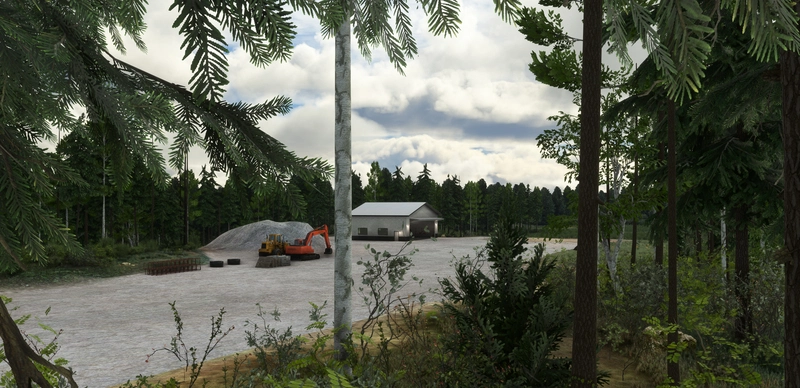
I noticed you mentioned 2020 airport addons used in 2024 should use the 2024 version of the library. I have a 2020 airport enhancement ( https://flightsim.to/file/79911/dnmm-lagos-murtala-mohammed-airport-enhancement ) that used a couple of your excavators to model a construction area but in 2024 they seem to have partially/fully pink textures (see screenshot). Is it a problem with the sim, the library or the enhancement itself?
12 months ago
I'm not seeing this issue on my end with the current library release in SU3. Are you on SU3 or the new SU4 beta branch?
It shouldn't be the addon airport causing it as it will only call the library object for placement. So, either it's a sim fluke causing it to fail to load those textures, or it could be a conflict with another copy of my library. Check inside the Marketplace > My Library section of the sim and search for Emerald Object Library. Make sure only the 2024 copy is shown as active in there.
If it's a sim fluke, it will probably just fix itself next load, but if you can still reproduce it every time after a reload and verifying that only one copy is installed, let me know!
Edit: You can also try clearing your rolling cache and letting it rebuild after the above.
9 months ago
1. Clearing SceneryIndexes.
2. Clearing Rolling Cache.
3. Redownloading the library.
Thanks for the support :)
about 1 year ago
about 1 year ago
about 1 year ago
about 1 year ago
about 1 year ago
about 1 year ago
about 1 year ago
If you don't want to wait, you could always disable the marketplace version in the sim's content manager and drop this version into community.
I have aligned releases in the past, mostly for new releases or major updates where the library needs to be updated at the same time, but that timing is really just luck since MS don't give me guaranteed release dates.
about 1 year ago
This is an amazing library.
For someone like me who only flies low and slow, your work is so special.
Regards.