
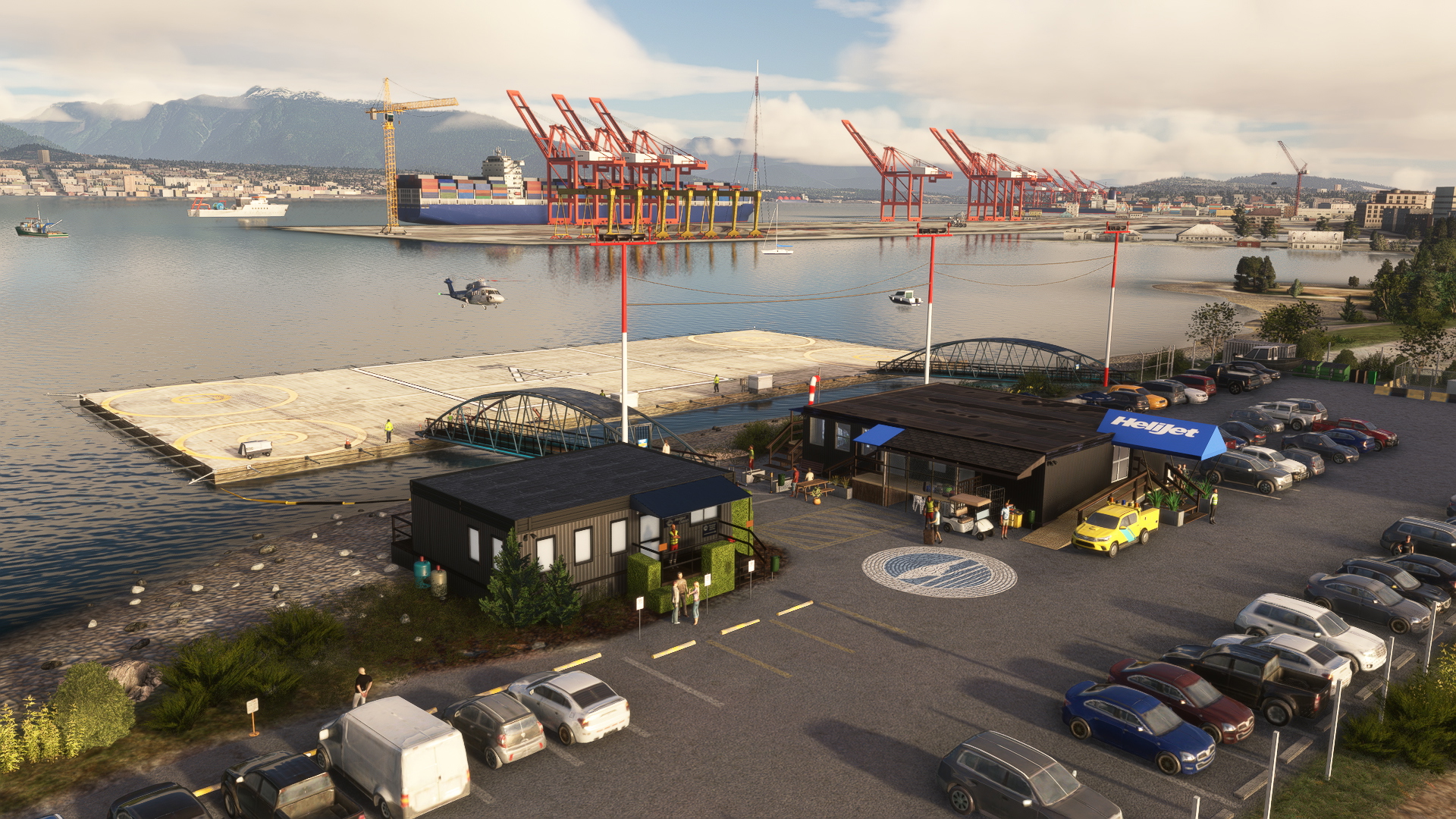
Description
A. PROJECT DESCRIPTION
It's Vancouver Harbour (Public) Heliport, ICAO: CBC7 which is located in Vancouver, British Columbia, Canada. The airport has one helipad for departures/landings and four parking spots as well as fuel one. In real life, the heliport operates only during day hours, the helipad itself is a floatable structure and there's a limited ATC service provided by Harbor Center Tower, the tallest ATC tower in the world. A helicopter company, Helijet, runs scheduled connections from there and provides other services.
Data:
GPS Coords: 49.28689, -123.10611
ICAO code: CBC7
IATA code: CXH (co-located seaplane base)
LOCAL code: none
B. FUTURE PLANS
- none, at this moment
C. KNOWN BUGS / IMPERFECTIONS
- I cannot guarantee that it works in conjuction with 3rd party payware addons. Workaround: go to Options->General Options->Experimental-> and turn ON the Package Reorder Tool. Then, move the nice-airport-cbc7-vancouver-harbour-heliport to the BOTTOM of the list, below any Vancouver scenery you might have. Apply changes, restart your sim, test if it solved a problem.
- You have to choose Parking No.X instead of Helipad No.X for departure to have cold & dark state - all 4 parking helipads have shadowing regular (airplane) parking spots to facilitate it
D. INSTALLATION
The package has size of ~155mb as it's packed with a dozen of custom objects with either 4K or 2K PBR textures.
The package has been scanned with antivirus software in accordance with flightsim.to rules just before I uploaded it, but I can not guarantee that it will not harm your computer in any way. You known the rules! Use at your own risk.
1. Unzip the package to temporary folder.
2. Copy folder named „nice-airport-cbc7-vancouver-harbour-heliport” into your “Community” folder.
3. Enjoy!
Requirements:
- that you have all World Updates installed, including their airports
- UK2000 Common Library, here: https://www.uk2000scenery.com/support.php , also available in a Marketplace for free
- the rest of requirements and recommendations below in dependencies section, with easy links
E. CREDITS & THANKS
- Garfield(Lukas) from BushDivers community for helping me with getting my first custom object in MSFS
- Ricochet83 for testing the addon's compatibility with FS2024
- authors of libraries I used
- Google maps (a picture of helipad, a few textures are based on google maps content)
- Tampajoey for his free collections I use two small objects of (under CC-BY 4.0 licence) - a handrail and a small red sign
F. COPYRIGHT AND LICENCE INFORMATION
This addon includes models and textures of AS/MS SDK libraries under Microsoft's "Game Content Usage Rules". Please note, this project is not endorsed by or affiliated with Microsoft or Asobo. You can read the rules here: https://www.xbox.com/en-US/developers/rules Apart from above mentioned elements, the rest of the project was made under CC BY-NC 4.0 International licence. Feel free to improve my addon or enhance it with your own scenery if you know how-to, no permission needed. Please, note also this project is not endorsed by or affiliated with Vancouver Harbor Authorities nor Helijet International, I have no connections to both parties.
You may use custom objects from this scenery in your own addons as long as they're kept freeware.
G. NOTES
a/ This is my fifth scenery. This time it was an exercise in adding my first custom objects into my sceneries. I made in Blender and added a dozen of them.
b/ This location looks slightly different in real life, as making it 100% digital replica would take weeks (or possibly months) of my work.
c/ Screenshots were taken in MSFS2020, in 1080 res, during the whole WIP phase, they may slightly differ from the released product here and there.
Yours faithfully,
Radek Koterbski (aka NightIntruder)
December 8th, 2025
CHANGELOG:
ver. 1.1.1 - 2025.12.11
- exclusion rectangle has been added in attempt of avoiding any conflicts with 3rd party addons
- a little clean-up in texture folder
- a cruise ship added to the cruise ship dock in the Vancouver Harbour
ver. 1.0:
First release of the addon.
Dependencies
Comments(20)
Log in to join the discussion
Log In6 months ago
6 months ago
6 months ago
6 months ago
6 months ago
Unfortunately, I don't have said scenery and FS2024 to test every possible solutions. I heard it worked in case of the other payware Vancouver scenery.
6 months ago
6 months ago
You can do two last workarounds I know of, that might help you. Obviously, first you need to make sure you actually installed my scenery in your Community folders as prescribed in description.
1. Remove CBC7 scenery folder from your Community folder to a safe place. Start sim, let it to fully load and than exit the sim. Move the scenery back into Community folder. Start sim and check the scenery.
2. In your Community folder, rename CBC7 scenery main folder to have zz_ in front, something like zz_nice-airport-cbc7-vancouver-harbour-heliport. Then start the sim.
6 months ago
1 I removed the ORBX Vancouver airport.While not in the product description, it did have a modest upgrade to CBC7 and float plane docks further north in the harbor. Once the ORBX product was removed, the default for CBC7 was a couple of melted buildings and the dock under water.
2 I reloaded your product and it still did not work. BUT I followed your 2 suggested fix options. Option 2 (adding zz_) to the product name worked! This is good to know if someone else runs into the same upload issue that I did.
3 So now I will be trying to reload the ORBX Vancouver airport and am going to hope that the two products do not conflict.
I will let you know what happens.
Thank you so very much for taking your time to assist me!!
6 months ago
ONLY thing I noticed is in your version of CBC7 there are three red and white flood light poles over the buildings with lights pointing toward the dock area. These poles and lights are missing but the electrical lines that connect the poles are there just floating in the air. Otherwise it appears that both the ORBX and your CBC7 are loaded and apparently working without other conflict.
THANK YOU again.
6 months ago
6 months ago
Thank you for reporting the issue!
Ps. If you do have SamScene3D scenery, what you can do right now is to go to options->experimental->Package reorder tool to ON, and place cbc-7 scenery at the bottom of the list. You still may have structures from both visible. I am defy gonna add the exclusion rectangle to my scenery.
6 months ago
6 months ago
6 months ago
6 months ago
6 months ago
6 months ago
6 months ago
CBC7 Vancouver Harbor (Public) Heliport
This add-on features Vancouver Harbour Heliport (ICAO: CBC7) located in Vancouver, CA. It includes a helipad alongside four parking spots and fuel services. The package incorporates custom objects with high-quality textures and requires a few dependencies, including the UK2000 Common Library and all World Updates. Users should be aware of potential compatibility issues with 3rd party addons.

User Reviews
1 reviews
Location
Version History
- exclusion rectangle has been added in attempt of avoiding any conflicts with 3rd party addons - a little clean-up in texture folder - a cruise ship added to the cruise ship dock in the Vancouver Harbour
Related
PZL An-28 / M28 Bryza
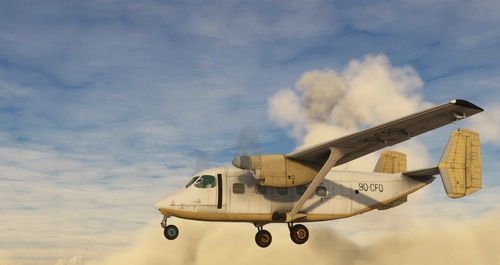
Simple port-over of my FSX addon made in 2011. Model and textures outdated, original cockpit with many gauges and systems working. No clickable cockpit, no PBR. Believable FM built around officiallly published data, with CFD simulation ebabled. Fun to fly but not that easy as others. you better have joystick with HAT assigned as trimmers and rudder pedals.
by NightIntruder
AYRQ Rum airstrip, Highlands, PNG
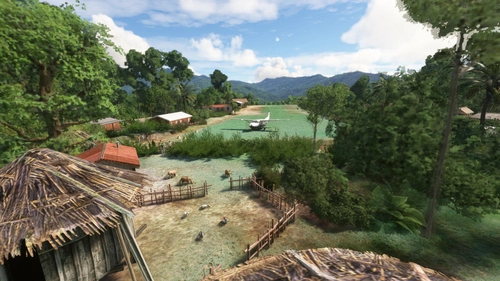
AYRQ Rum airstrip is located in the Highlands region of Papua New Guinea, near Rum and Maramb villages. This add-on features a single grass/dirt runway operating only during daylight hours, with no services available. The airstrip, measuring 1840x130ft and situated at 3855ft elevation, has been recently reopened after several years of disrepair. Users should be cautious of drainage ditches surrounding the runway during takeoff and landing.
by NightIntruder
WAUR Aboyi airport, Highlands, Indonesia
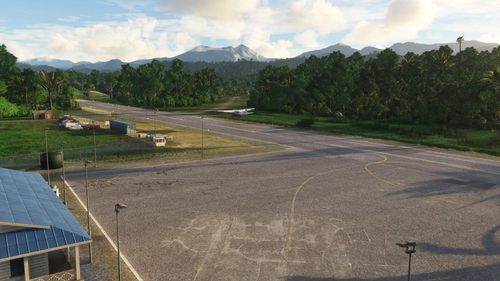
Aboyi Airport (ICAO: WAUR /fict/) is an airport located next to Aboyi village in the Highlands of Papua, Indonesia. It features two runways—one asphalt and lighted, and another of grass/dirt—along with three medium parking spots and a cargo ramp. The add-on includes basic ground services but no control tower, and aims to provide a realistic experience of this remote airstrip with plans for future enhancements.
by NightIntruder
WATI Taria airstrip, Papua, Indonesia
The WATI Taria airstrip add-on introduces airstrip located in Mamberamo Ulu, Papua, Indonesia, featuring a grass/dirt runway and basic infrastructure, partially operated by the Indonesian military. The scenery includes custom satellite imagery where necessary and is designed for daytime operations due to limited lighting. Future enhancements may include additional details in the surrounding village area, while the add-on requires two libraries for optimal functionality.
by NightIntruder
6 months ago