
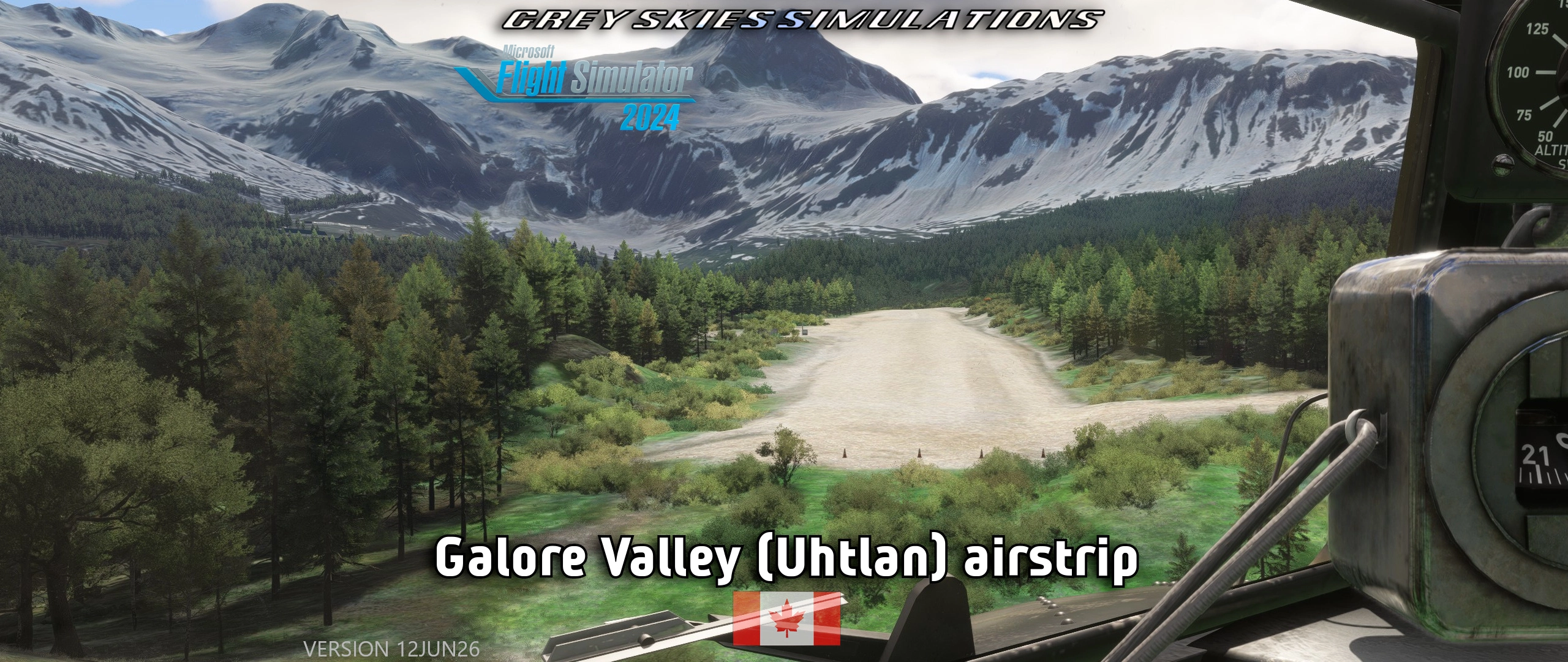
Description
Welcome to the GSS' Tongass Fjords project
The package has its spiritual roots at the legendary Tongass Fjords X (TFX) addon package. My releases currently consist of
- this Galore Valley, Galore Creek package
- Cirque airstrip, Galore Creek. ↑ These strips are visible to each other.
- CBW4 aerodome
- Bronson Creek airstrip
- Johnny Mountain airstrip
- Chachi/Newmont Lake
FEATURES
- This handcrafted airstrip in picturesque surroundings provides a challenge for a exploring wonderer. Sloped runway, recommended landing & take-off into one direction, mountains, and limited go-around possibilities.
- Runway is sided with ditches, drop-offs, mounds and other dangerous countours.
- Aviation supports mining operations in real life.
- Located in Galore Greek of Kitimat-Stikine district, British Columbia, Canada. Water features close by are the Scud and Stikine rivers.
- Designed to work with my Bob Quinn Lake aerodome (CBW4), which is about 41NM to South East as the swan flies.
- Custom aerial image and models.
- Elevation 2,352 feet, gravel runway 1578 x 108 feet (481 x 33 meters)
- 4 helicopter starting locations on wooden pads
The pad on incline can be traversed around in Avatar mode. A starting position is provided, and you can find it at 57.129050,-131.487554
- Easter eggs
- readme
NOTES
- Designed to be used with Bijan Seasons Enhanced 2024 (payware) and default Bing aerials.
Warning: If you don’t have BSE installed, you won’t have the intended experience. However:
- A crude version is available with the v1.1 release, to be used with non-Bijan vegetation. There may be side-effects.
- Back in Tongass Fjords days this strip was called Portal, Galore Creek.
- FS24 seems to have “CIE7G” location, don’t use its spawns. I didn’t spot it time for initial release.
- Sim’s helicopter starting locations’ numbers ordering’s logic is beyond me.
H02 is the pad in the camp in both sims.
- H03 is the main pad on Valley airstrip in FS24.
- Default aerial images have room for improment to put it nicely. I made a custom ZL20 aerial image for airport area, which works in FS20. A bug exists in FS24, where the terrain clips though the background image (SU3 1.5.27 SDK 1.4.5). Flightsim.to limits my upload size to 100 MB, so I’ve had to limit the resolution and coverage area.
Color Matching was done in FS20, differences are likely is FS24.
- Close together objects may clip some times, because they don’t spawn exactly as set in editor.
- FS24 polygons arent exact between editor & sim, so overlap may occur.
- Moving objects sometimes have a mind of their own and they wander off planned course, let me know if something wonky is going on.
- Work on vegeration have been done on the Ultra setting. Default tree models & biomes used in FS24. 75% Accuseason Advanced trees and default biomes used in FS20.
- Supplied details regarding the area may lead to updates.
- In case of discrepancies regarding this document, this site is the primary source.
INSTALLATION INSTRUCTIONS
- check download location for latest recommended prerequisites and instructions
- (always remove old scenery packages from the Community-folder, if installed previously)
- move greyskies-airport-xgs02-galore-valley-airstrip-uhtlan into the Community-folder
- check that greyskies-modellib-gss-common-library-msfs2020/2024 is in the Community-folder as well
Grey Skies Simulations' Common Library version 12JUN26 or newer is required.
- MSFS Addons Linker / ModManFX are recommended in general for managing your mods
RECOMMENDED LIBRARIES FOR DESIGNED FIDELITY (as published on 12JUN26)
- as listed in Dependencies section on the bottom of the page
MY OTHER UPLOADS
https://flightsim.to/profile/GreySkies/uploads
VIDEOS AND LIVE-STREAMING
The YouTube channel has content.
latest revision 02SEP26
Dependencies
Location
Galore Valley (Uhtlan) Airstrip, Galore Creek, British Columbia BC, Canada
The Galore Valley (Uhtlan) Airstrip add-on introduces a handcrafted, challenging airstrip located in Galore Creek, British Columbia. Featuring a sloped gravel runway and limited go-around options, this add-on includes three helicopter starting locations and custom aerial imagery. The airstrip serves as an aviation support hub for local mining operations and is designed to complement the nearby Bob Quinn Lake aerodome (CBW4).

User Reviews
1 reviews
Version History
- Fixed broken vegetation, courtesy of SU6. - Shifted helipad locations a tad. - Parking type set to small GA.
Related
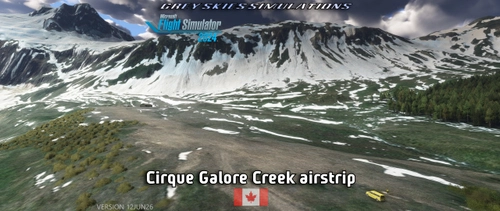
Cirque Airstrip, Galore Creek, British Columbia BC, Canada
Discover the Cirque Airstrip located in Galore Creek, British Columbia, part of the GSS Tongass Fjords project. This handcrafted airstrip features a challenging sloped runway and is surrounded by rugged terrain, making it ideal for adventurous exploration. The package includes custom aerial imagery and models, and is designed for use with the nearby Bob Quinn Lake aerodome. Elevation at the airstrip is 2,962 feet, with a gravel runway measuring 1,732 x 121 feet.
by Grey Skies Simulations
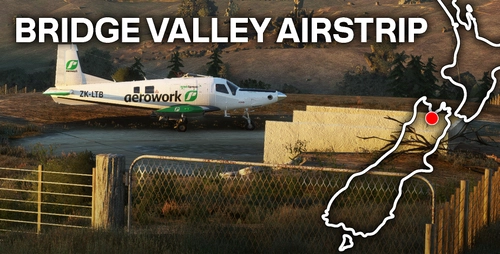
Bridge Valley Airstrip | Nelson, New Zealand (Rural Airfield)
Discover the challenge of Bridge Valley Airstrip in Nelson, New Zealand; perfect for honing agricultural flying and bush strip landing skills. Navigate a steep runway and tree-lined boundaries, testing your precision and nerve in Microsoft Flight Simulator. This scenery add-on utilizes existing 3D models and textures, ensuring a smaller file size without compromising quality. Please note a dependency on the Emerald Object Library and be aware of potential grid line issues on the simulators mesh.
by KiwiFlightSim
Theewaterskloof Farm Strip
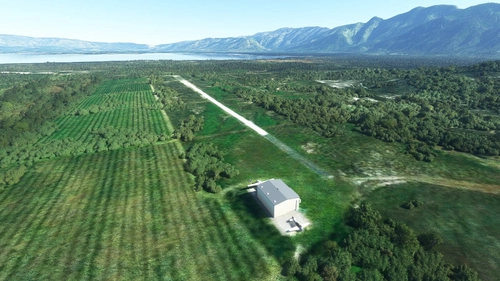
Theewaterskloof Farm Strip is a custom small airstrip located near Cape Town International Airport. While the runway is depicted with clear ground textures, it is identified as a private airstrip without an official ICAO code, assigned a placeholder code of FA12. This add-on enhances the flight simulation experience by providing an additional landing location in the South African landscape.
by kychungdotcom
LF0421 - Clamensane les 3 Fontaines, Alps, France
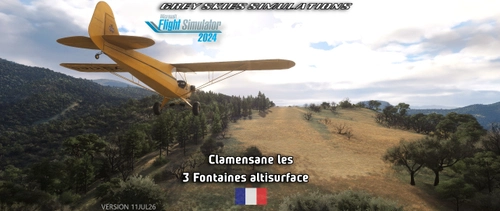
This add-on depicts the Clamensane – Les 3 Fontaines Altisurface, a mountain landing strip located in the French South Alps near Clamensane in Alpes-de-Haute-Provence. The airstrip features a grass and gravel runway with significant gradients, suited for day VFR operations and ultralight activity. The scenery is designed for use with Bijan Seasons Enhanced 2024 but includes a basic alternative for users without it. Photogrammetry and elevation data are blended for improved terrain realism, with attention given to airside and adjacent scenery.
by Grey Skies Simulations
Log in to join the discussion
Log InComments(7)
about 1 year ago
about 1 year ago
I don't use it nor have marked my packages so far to be compatible with the app. Although according to docs, they ought to be (except that I place my readmes techically in non-supported fashion in the zips).
4 months ago
about 1 year ago
about 1 year ago
about 1 year ago
about 1 year ago
The camp's housing buildings are custom, are they all without textures? If not, can you pinpoint the broken ones from the screenshots? Do the common library objects work fine?
I just tested both August 29th versions on current release builds of the sims, OK at my end. Other readers may chime in as well, if you suspect something.