
Description
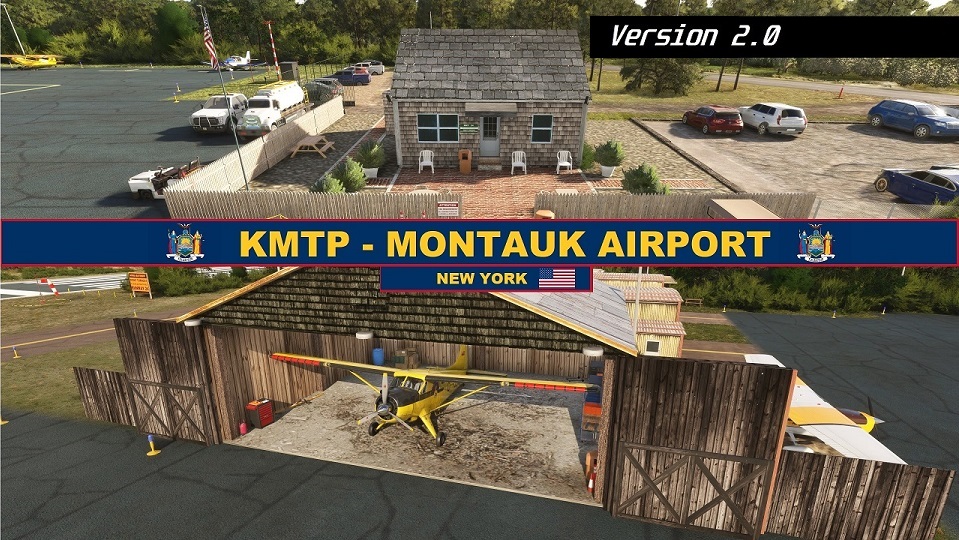
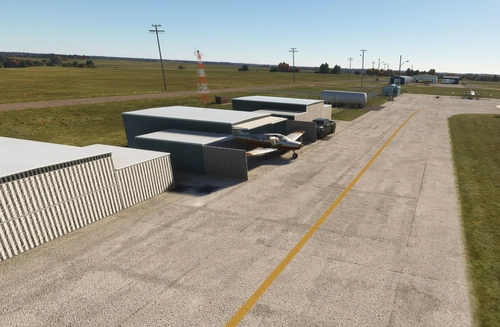
Enhance your Long Island experience with the custom-created Montauk Airport (KMTP). This add-on includes 3D custom buildings and objects, private hangar parking, tiedown and ramp parking spots, as well as reworks and fixes for a more realistic airport environment. Explore this detailed scenery and enjoy a more immersive flight simulation experience.
***If you are looking for the MSFS 2024 Version it can be found here:***
KMTP - Montauk Airport - MSFS 2024 edition
[Version 2] 02/07/2025:
Version 2 makes several major enchancements to the Montauk Airport. 3D Dunes, better runway, ramp and grass textures. Improved FBO & Woodhangar models and much more! Be sure to check out the changelog below so you don't miss out. Thanks again for all the comments, ratings and support! 😎👍
To install: Delete the previous KMTP file and place this new one in the Community folder.
About the Project:
It is my pleasure to introduce my 3rd custom created airport, Montauk Airport (KMTP) located on the eastern tip of Long Island in New York. I have made several modifications to this airport, along with custom buildings, several fixes and added enhancements! Be sure to check out what has changed below. I hope you enjoy this airport as much I did creating it. A comment and rating is always appreciated, Thanks! :)
3D Custom Buildings (Created in Blender) using reference photos:
- FBO - 4 T-Hangers - Wood Hangar
3D Custom Objects (Created in Blender) using reference photos:
-RWY 24 noise abatement sign- Montauk Parking Lot sign - FBO wood fence
Features:
Private Hangar Parking (inside):
T-Hangar #1: select W RAMP 1 ( 44ft Wingspan MAX x 39ft Width x 13ft Tail Height MAX)
T-Hangar #2: select W RAMP 2 (same dimensions)
Wood Hangar: select W RAMP 3 ( 48ft Wingspan MAX x 40ft Width x 16.5ft Tail Height MAX)
3 Tiedown and 6 Ramp Parking spots to select:
**IMPORTANT**: For Larger Jets (i.e Citation Longitude or higher) its recommended to select parking space "RAMP 10" , "RAMP 14" or "RAMP 15". This avoids your aircraft possibly clipping into static planes when parked if you are into immersion.
Ramp 9 Parking: Can accommodate medium sized aircraft (i.e King Air 350) anything higher may clip into nearby static King Air 350
All other Parking Spaces are designed for small aircraft
Reworks and Fixes:
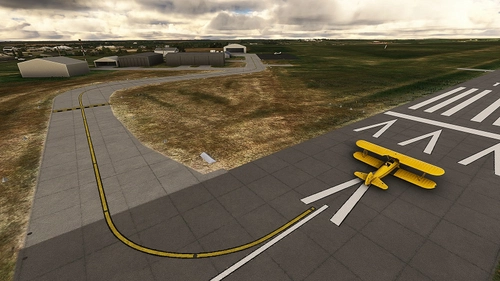
-Added Ramp/Taxiway/Runway markings to match real airport.
-Asphalt Color Correction on all taxiways/ramps/runways to match closer to real airport.
-Changed tree style and with more density around airport to match more accurately the real life surrounding area.
-Massive re-work to dock area at RWY 6 approach end. Added 3d docks and boats to match closely to real life layout. Dock/Boats no longer submerged underwater.
-Ramp & Taxiway lighting added.
-Several adjustments to heavily overexposed white/tan ground textures on airport and in surrounding areas.
-Added Anglers Club, Restaurant and Bungalo buildings with parking lot areas on approach end to RWY 6 (Asobo Assets ONLY)
-Reduced overexposed white sand coastline surrounding the airport area with a more natural color and reduced brightness
-Removed trees that were in water & along beach coastline
-Removed innaccurate airport taxiway signs
-Relocated the windsock to its correct location
-Added dark asphalt road texture on main road along approach to RWY6 (E Lake Dr), replacing the MSFS ugly white road texture
To Install:
Download the file. Unzip the folder and place the "embcreations-airport-kmtp-montauk" folder into your MSFS community folder and enjoy!
Feel free to leave a comment and/or rating. Thanks :)
If you enjoy this airport be sure to check out my other ones:
Montauk Airport (KMTP) - USA (MSFS 2024 edition)
NEPALGUNJ AIRPORT (VNNG) NEPAL
Highland Co. Airport (KHOC) -USA
A special thanks to the following Youtubers for the excellent tutorials I used for help with MSFS SDK or Blender. I once again couldn't have created this scenery without your videos. Check them out:
MSFS SDK Channels:
Patriot Six - Flying Theston - Federico Pinotti -
Blender Channel:
The CG Essentials
Location
KMTP - Montauk Airport - NY - MSFS 2020 edition
Enhance your Long Island experience with the custom-created Montauk Airport (KMTP). This add-on includes 3D custom buildings and objects, private hangar parking, tiedown and ramp parking spots, as well as reworks and fixes for a more realistic airport environment. Explore this detailed scenery and enjoy a more immersive flight simulation experience.

User Reviews
15 reviews
Version History
Why this update? -Asobo recently updated MSFS 2020 satellite imagery for the Montauk area. Unfortunately, this had a major adverse affect on this scenery. Misaligned textures throughout the airport scenery, along with objects no longer being it their proper placements. This update is not a remaster or an overhaul, but makes this airport compatible again with MSFS 2020 by fixing the most blatant immersion breakers. Note: This version is for use with MSFS 2020 only. FIXES: -Re-Aligned ALL Runway, Taxiway and Ramp pavements and markings -Removed vegetation that was appearing inside all the hangars -Minor color corrections with certain ground textures -Noise abatement signs no longer have bush leaves poking thru -Removed Taxiway lighting (does not exist at real airport according to charts) -Restored the hotel and building right over RWY 6 approach end (removed photogrammetry building ) Known Issue: Sometimes cars generate over the bushes in the FBO parking lot. This is due to the sim incorrectly auto generating parked cars and unfortunately this cannot be overridden. Thanks again for the continued support ❤️
Featured in Collections(1)

Related
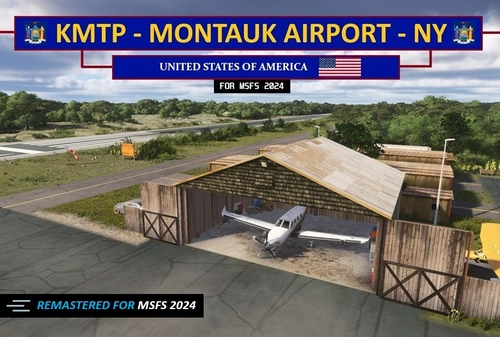
KMTP - Montauk Airport - NY (MSFS 2024 edition) V1.5
A remastered MSFS 2024 version of the MSFS 2020 KMTP airport. Features include everything from the 2020 version plus 3d rocks, new large diversity of plants and trees, 3d weeds in the marshlands, textures etc. Taking full advantage of all the enhancements MSFS 24' brings.
by EMBcreations
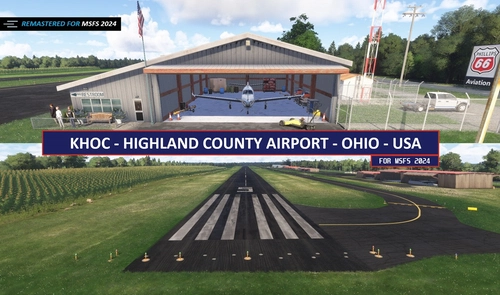
KHOC - Highland Co. Airport - MSFS 2024 edition V1.4
A faithful remaster of my 2020 version for MSFS 2024. Brings in latest graphical enhancements for MSFS 2024. Includes a new 3d cornfield, 3d rocks and vegetation, updated runway textures, fixes to surrounding satellite imagery and much more!
by EMBcreations
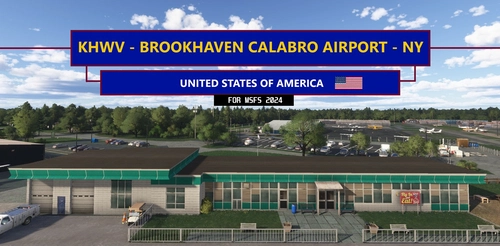
KHWV - Brookhaven Calabro Airport - NY V1.2
Featuring over 30+ Custom Buildings, fixes TWY signage & Designations, enhanced RWY & TWY ground textures, Static Airplanes, Several Tie-Down & Hangars available to select for parking and much more!
by EMBcreations
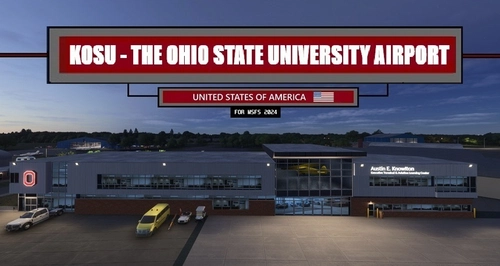
KOSU - The Ohio State University Airport v1.2
Featuring over 30+ Custom Buildings. All updated Runway, Taxiway and Ramp textures, designations and signage. Several inside hangar parking spots available for selection.
by EMBcreations
Log in to join the discussion
Log InComments(58)
7 months ago
FS2020; PC; no other Montauk addons .
7 months ago
Not saying that this is the issue but I know sometimes MSFS will load a terrain tile in just as you are about to go across it it'll detect collision. You mentioned it happened twice so this doesn't seem to be the case. Unfortunately without being able to replicate it my on end I have no way to further isolate the issue and provide a fix. My apologizes.
about 1 year ago
about 1 year ago
about 1 year ago
about 1 year ago
about 1 year ago
about 1 year ago
about 1 year ago
about 1 year ago
If so, I fear Asobo may have recently updated the satellite imagery in MSFS 2020 that is causing this misalignment. This occurred when trying to use this version with MSFS 2024. I will be able to verify this later today.
about 1 year ago
about 1 year ago
First I cannot thank you enough for bringing this to my attention.❤️ I would have never had known since I switched to 2024.
I will push an alignment fix for the essential components such as the runway, taxiway and ramp pavements to be released as soon as possible. So stay tuned!
Other affected areas surrounding the airport may or may not see an update. If it was a quick fix for the entire airport I would be happy to do it but texture and object alignment is a very tedious process and would require to hand move and align over 300+ elements that make up the airport.
I will make sure to make the airport serviceable and more importantly enjoyable again for you and other 2020 users with the update. 😎👍 Thanks again for making me aware and for your understanding with it. Cheers!
about 1 year ago
https://flightsim.to/file/96826/kmtp-montauk-airport-msfs-2024-edition
Thanks again for all the support! ❤️
over 1 year ago
over 1 year ago
over 1 year ago
over 1 year ago