
Description
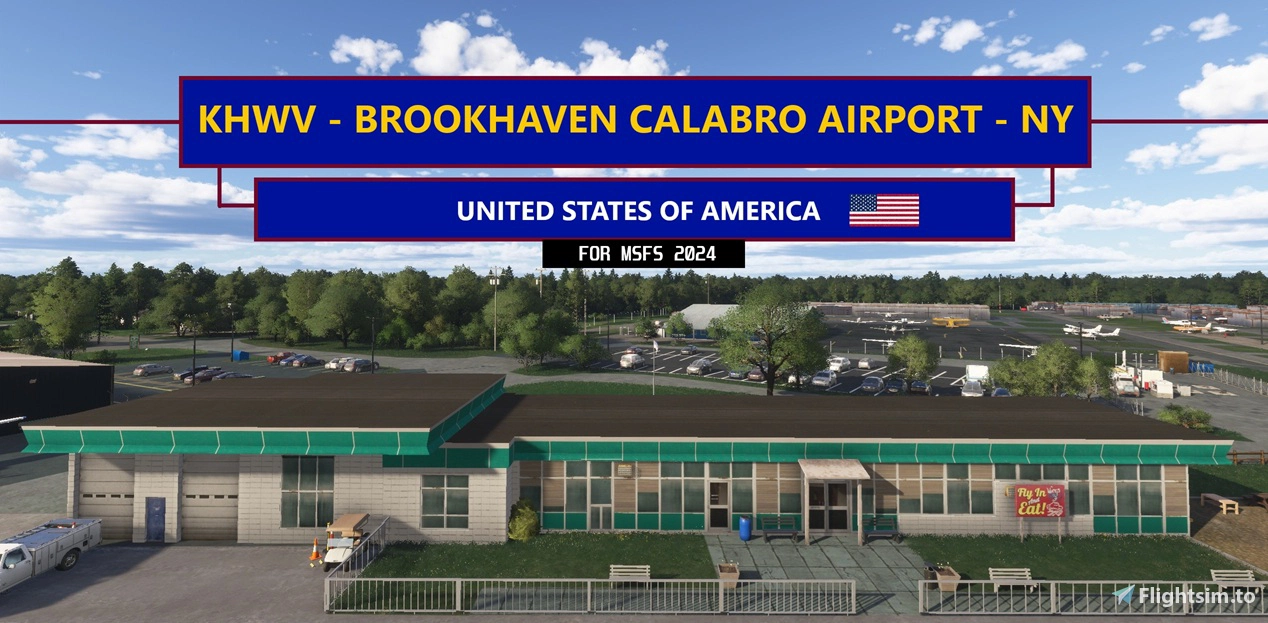
Featuring over 30+ Custom Buildings, fixes TWY signage & Designations, enhanced RWY & TWY ground textures, Static Airplanes, Several Tie-Down & Hangars available to select for parking and much more!
🚨ATTENTION SayIntentions users🚨: I have published a custom AI Traffic profile for this airport:
Open TaxiTuner -> ICAO: KHWV-> Select "KHWV MSFS 2024 by EMBCreations" -> Click "Set my default"
Note: This is a server-side profile and is a WIP.
30+ Custom Buildings (Created in Blender) using reference photos including notable ones:
FBO (along with the Famous Wings Cafe exterior & IRL sign)
Mid-Island Air Service
Long Island Skydive Center (now called GoJump)
Dowling College Aviation Building (now defunct & closed)
Titan Fuel Center/Station
Feature Highlights:
Correct Taxiway designations and Signage
Correct RWY lighting systems
Corrected RWY 15 placement
Accurate Parking Spot# designations
Several Inside Hangar & Outside Start-up Parking selections available
Removed all "baked in" ground imagery of aircraft (Big issue with default)
Hand-placed Static Planes throughout (this is a busy uncontrolled airport!)
...and much more!
*To Install (VERY important): *
3 Options ( Place only ONE into you Community Folder):
Brookhaven Airport in real life is a MASSIVE General Aviation airport with tons of parked aircaft and is reflective in this addon. I did not experience any major performance issues with this airport with all static planes being present (3090 / 9950x3D) using Sim Update 4 beta (also in VR). However, I wanted to provide different options for performance and personal considerations. These files ONLY affect the amount of Static Planes and their associated objects, nothing else is removed from the airport. I recommend trying the MAIN File first,as this is the intended use :)
"MAIN FILE": All Static Planes present at airport (as intended)
"Reduced Static Planes": Static Planes at the airport are reduced by about 50% (compared to Main File)
"NO Static Planes": All Static planes removed
*Note: The Static planes are from the scenery library and not connected to MSFS AI Traffic*
Known Issues beyond my control (If there is a solution found, an update will follow):
Pilots spawn in static planes: To the best of my knowledge there is no way to remove them. I had thoroughly researched to see if there was to but have been unsuccessful.
The US Flag in front of the FBO reacts to wind speed but does not reflect direction correctly. It is placed just merely for effect.
*This airport was built from the ground up in MSFS 2024, therefore I cannot guarantee MSFS 2020 backwards compatibility.
Once again I cannot thank you in the community enough for all your support and kind words regarding my airports. This keeps me motivated to build. Feel free to leave a comment and/or rating. Thanks! :)
Location
KHWV - Brookhaven Calabro Airport - NY V1.2
Featuring over 30+ Custom Buildings, fixes TWY signage & Designations, enhanced RWY & TWY ground textures, Static Airplanes, Several Tie-Down & Hangars available to select for parking and much more!

User Reviews
4 reviews
Version History
Optimization Update V1.2 (Applies to all 3 files): 26 Hangars & Buildings: -Optimized by eliminating unnecessary draw calls which bogs down CPUs -This optimization resulted in the elimination of 88% of the hangar & building draw calls from V1.1 (3333 in V1.1 to just 373 in V1.2) Solar Panels (This was a HUGE performance hog!): -Replaced with custom-created performance-friendly ones. -This optimization resulted in the elimination of 95% of draw calls from V1.1 (1720 in V.1 to just 94 in V1.2) -The new solar panels closely match the height and length of the ones that exist there in real life T-Hangars: -T-Hangars with 3 light fixtures were replaced with 1 light fixture that illuminates just as well. This should slightly aid performance during nighttime operations. -Replaced all T-Hangar lights with a softer light source. This should reduce workload for GPU shader during nighttime operations. No other changes made in this update
Related
KMTP - Montauk Airport - NY (MSFS 2024 edition) V1.5
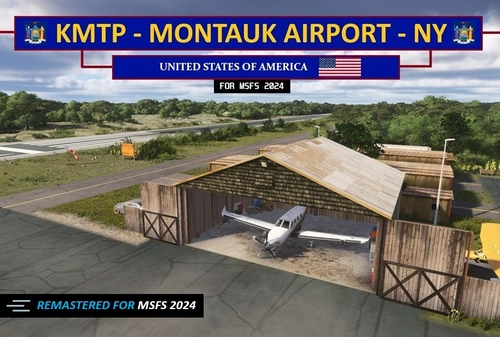
A remastered MSFS 2024 version of the MSFS 2020 KMTP airport. Features include everything from the 2020 version plus 3d rocks, new large diversity of plants and trees, 3d weeds in the marshlands, textures etc. Taking full advantage of all the enhancements MSFS 24' brings.
by EMBcreations
KMTP - Montauk Airport - NY - MSFS 2020 edition
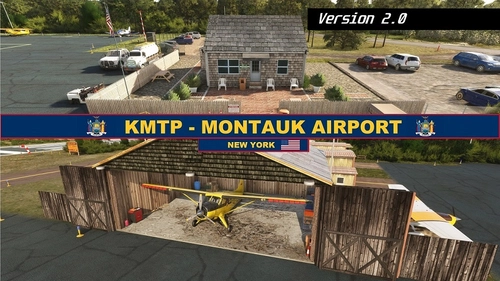
Enhance your Long Island experience with the custom-created Montauk Airport (KMTP). This add-on includes 3D custom buildings and objects, private hangar parking, tiedown and ramp parking spots, as well as reworks and fixes for a more realistic airport environment. Explore this detailed scenery and enjoy a more immersive flight simulation experience.
by EMBcreations
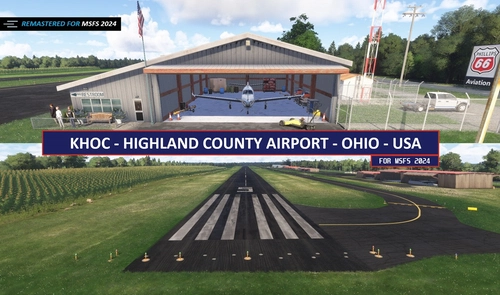
KHOC - Highland Co. Airport - MSFS 2024 edition V1.4
A faithful remaster of my 2020 version for MSFS 2024. Brings in latest graphical enhancements for MSFS 2024. Includes a new 3d cornfield, 3d rocks and vegetation, updated runway textures, fixes to surrounding satellite imagery and much more!
by EMBcreations
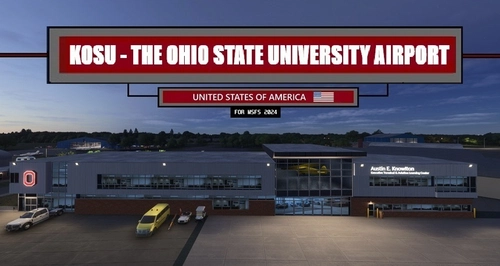
KOSU - The Ohio State University Airport v1.2
Featuring over 30+ Custom Buildings. All updated Runway, Taxiway and Ramp textures, designations and signage. Several inside hangar parking spots available for selection.
by EMBcreations
Log in to join the discussion
Log InComments(21)
3 months ago
3 months ago
3 months ago
26 Hangars & Buildings:
-Optimized by eliminating unnecessary draw calls which bogs down CPUs.
-This optimization resulted in the elimination of 88% of the hangar & building draw calls from V1.1 (3333 in V1.1 to just 373 in V1.2)
Solar Panels (This was a HUGE performance hog! ):
-Replaced with custom-created performance-friendly ones.
-This optimization resulted in the elimination of 95% of draw calls from V1.1 (1720 in V.1 to just 94 in V1.2)
-The new solar panels also closely match the height and length of the ones that exist there in real life
T-Hangars:
-T-Hangars with 3 light fixtures were replaced with 1 light fixture that illuminates just as well. This should slightly aid performance during nighttime operations.
-Replaced all T-Hangar lights with a softer light source. This should reduce workload for GPU shader during nighttime operations.
Thanks again for all the kind words of support! 💖
7 months ago
7 months ago
7 months ago
7 months ago
8 months ago
Open TaxiTuner -> ICAO: KMTP-> Select "KMTP MSFS 2024 by EMBCreations" -> Click "Set my default"
Note: This is a server-side profile and is a WIP. ENJOY!😎👍
10 months ago
9 months ago
10 months ago
10 months ago
10 months ago
One question regarding the cars in the car park: Which library do they belong to? In my sim, all these cars are pink - but it's not your scenery's fault, I have the same problem at some other airports in 2024. I must have disabled a scenery containing these textures - but haven't figured out which one that is. If you know - please let me know - thank you!
10 months ago
If its the lower detailed cars you are having issues with (like the cars parked between the FBO and Mid-Island): those are from the "scenery" library section (Package folder is: fs-base-scenery). A possible solution may be to delete this folder and have MSFS rebuild (repair) it again. No promises but that's my guess on what may fix it.
If its the higher detailed cars (i.e the 3 cars near the hangar with the jet in it) those are in the "SimObject" package folder. Again that folder can be found within your game files if you wanted to try to delete and rebuild it.
I hope this helps, let me know if you need anymore assistance with it. Cheers! 😎👍
10 months ago
10 months ago
10 months ago
So I loaded your main file and saw straight away that you are using simobjects to create your static planes. That is why pilots spawn into them. You can tell because they appear on the map in Little Navmap as aircraft. This is a really bad idea - they use game resources that normal low LOD objects don't and would definitely make a difference to FPS if the scenery is saturated with them. It will be most noticable approaching the airfield to land and cause terrible loading stutters from within the cockpit, even on half-decent rigs.
Basically they are live, flyable game aircraft from the MSFS hangar incorporating instruments and electronics etc. Think of them as your own selectable aircraft with 4K textures on steroids, waiting to be started up. Normally you would just add scenery objects for static AC instead, which are just blender exports.
As for the problems with your RWY starts, make sure you have runway paths within the runways and hold short nodes connecting them with a working taxiway network leading back to parking ramps and gates. If not, your starts won't function, and that is the least of the issues. AI aircraft will not use those runways at all and you will have AI aircraft wandering around trying to enter the runways, then disappear. And they will never land there. Plus, ATC will not work either. Label your taxipaths as per the charts to get correct ground control instructions.
Don't stress, we all learn the hard way. Test everything, always. AI, ATC, parking, jetways, ground handling. Everything. If it doesn't work it is your fault. It is always your fault. Find the issue and correct it or you get poor reviews from users who notice that sh1t.
The scenery itself looks really professional so I for one look forward to a future update to fix it all.
Oh, and one last bit of advice - avoid creating airports from within a beta release, just asking for trouble.
10 months ago
Regarding the Static Planes:
Yes, I'm using SimObjects for Static Planes. However I am NOT using the high fidelity ones you assumed. All Aircraft on the airfield are the "passive aircraft" variants of the high fidelity ones you mention. These contain low-poly interiors (seen at the airport) and no systems integration.
I fully understand that even the "passive aircraft" variants will still use resources which is why I created 3 levels of Static Aircraft count. This was done to make the airport accessible for everyone regardless of PC specs and still provide an elevated experience for those if able. My desire to find a solution for removing the pilots was purely an additional effort to further improve performance and immersion.
Start-up points / AI Traffic / RWY & TWY Paths:
All the requirements for proper AI Traffic flow and start-up RWY positions were implemented in the release and is correct (taxi paths / Hold Short points / etc.) It turns out it the issue was the "ATC enforced Flight Plan" box in the accessibility settings in MSFS not being checked and not related to my development. The Start-up points functioned correctly as intended.
I accept all feedback both positive and negative, helpful and destructive so I take no offense to your "struggling with some basic stuff" assumption.
10 months ago