
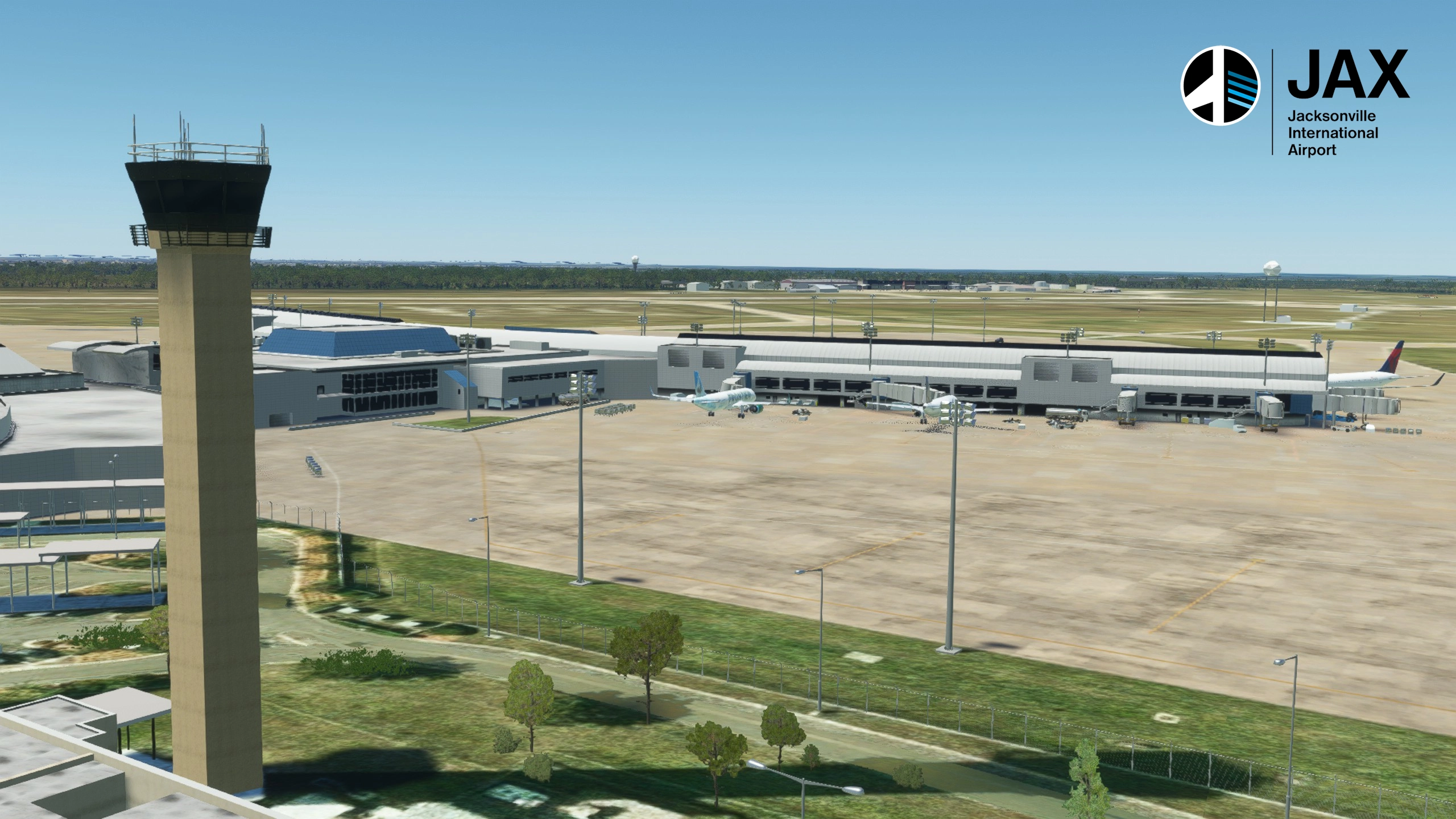
Description
This is a full scenery package for KJAX, with custom buildings and textures. All taxiways, parking spots and taxiway-signs were placed as they are on the real airport. Manually placed Taxiway lights, Runway guard Lights, Leadoff lights, and Ramp lights! As well as hundreds of extra objects to create a more immersive experience.
Version Number Confusion?
For some unknown reason, the version number shown on the webpage is not updating. It still shows V1.2.2 as the current version, but the file shows V 1.3.0. Don't worry, it is the correct file, but the webpage wont change the number and I don't know why. You can download it safely. The file, sim, and readme should all show V1.3.0
For MSFS 2024 Useres
I do not currently have MSFS 2024 and my PC cant run it. So until i can build a new PC I wont be able to make official 2024 versions of any of my sceneries sadly. However you are free to try the 2020 versions in 2024 as they very well may work.
At least 2 users have reported this scenery works in MSFS2024. But since I can't test that myself I wont officially mark it as 2024 compatible.
Custom Buildings
Special thanks to LKPDesigns for providing their custom buildings for Jacksonville International Airport. They were originally from a Xplane Scenery, but they graciously converted them for me and allowed me to use them in MSFS. They even created some new objects to complete the package.
Install/Uninstall
Be sure to install at least the mods listed as required in the dependencies section below! You will need them to see certain objects. I would suggest installing all the dependencies, but you only need the ones labeled required!
- Extract the ZIP file to a temp location (desktop for example)
- Inside the extracted folder, locate the folder "despamods-kjax-customscenery" and place it in your community folder.
- Start the game and select KJAX as a departure airport
To uninstall simply delete the folder named above from your community folder!
Enhancements
Here are some optional enhancements others have made to this package. These are separate downloads and completely optional.
WARNING: These mods have not been updated to support the current version of the scenery. Im leaving them linked here but just know that they will either not work, or not match the current scenery!
GSX Profile made by LKPDesigns (this requieres the payware addon GSX by FSDT)
Static Aircraft made by Savage Sceneries. (This also requieres the FSLTL mod linked below)
Compatibility Warning!
Airport Lights by Andres3D will cause issues with this mod. It does work! However since this mod adds its own lights around the airport; You will see the ones placed by Andres mod in addition to the ones placed by this mod. Unfortunately there's no way to Alter Andres mod to fix that.
If your using the taxiway signs addon from blacksquare, be sure to disable KJAX.
If your using GSX, Its recommended to disable GSX Jetways!
Additionally this mod is not compatible with my KJAX Default Airport Improvements mod. You will need to completely remove it before installing this. This mod completely replaces my previous "Jacksonville International Default Airport Improvements" mod for this airport. Im marking that one as no longer supported. Though your always welcome to try it if you don't want this one. I can't guarantee it works anymore after Sim Update 12.
Dependencies
Location
KJAX - Jacksonville International Airport, Jacksonville Florida.
This is a full scenery package for KJAX. Custom buildings and Ground textures. All taxiways, parking spots and taxiway-signs were hand placed as they are on the real airport. Including the new Taxiway W. Manually placed Taxiway edge lights, and ramp lights! As well as hundreds of extra objects to create a more immersive experience. I also utilized freeware libraries to add more variety to objects and lighting. Terraforming was done so all runways have the correct slopes, and all Ramps are at the correct elevation.



User Reviews
14 reviews
Version History
This is a precursor update to the one that will add the new concourse to the Terminal. Many thanks to b757 for graciously modeling it for me as LKP was unavailable. The objects was sadly not ready for this update, but will be ready in the future. I will release another update to add it just as soon as its ready. Taxiway W has now been added. In real life taxiway V and a portion of P are closed as part of the construction at the terminal ramp. Their markings are also removed. I did not model this as it is a temporary thing. Taxiway V and P are expected to reopen in a month or 2. • Refined the construction area at the terminal to match its current state • Temporarily reduced the size of Gates A1 and C2. Will return to original size after construction is finished! • Closed the city Ramp and portion of Taxiway G south of the Fidelity Hangar. • Added the New taxiway W between taxiways J and P, west of taxiway V
Featured in Collections(1)
Related
Salt Lake City International, Custom Scenery
This add-on provides a comprehensive overhaul of Salt Lake City International Airport (KSLC), featuring an updated terminal layout and all current gates. The scenery includes a complete taxiway network with accurate signs and markings, alongside custom-designed buildings such as the terminal and ATC tower. Additionally, the airport is richly detailed with ramp clutter, weathering effects, and enhanced night lighting for an immersive experience. Replace auto-generated buildings with high-quality models for improved realism.
by Desparoto, & b757
Savannah International Airport Default Scenery Improvements
This scenery package improves the default scenery for KSAV. It uses existing buildings and default generic objects. No custom buildings! All parking spots are renamed/numbered to the correct designators. All taxiways correctly named, and signs placed for them. Airport lights, Improved textures for the pavement, terrain enhancements. And more minor fixes as well.
by Desparoto
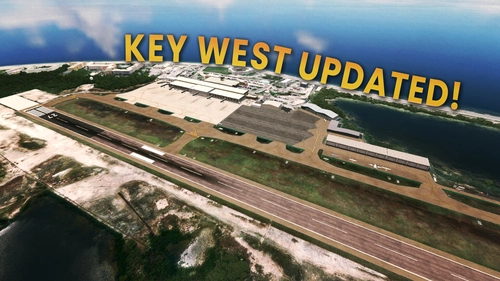
Key West International Updated Layout
The Key West International Updated Layout mod enhances the default airport scenery, reflecting the latest real-world changes including a new terminal and updated commercial ramp. This add-on features seven jetway-equipped gates, updated taxiway designations, custom lighting, and detailed objects to depict a well-used airport environment. Required dependencies and installation instructions are provided, and while compatibility with MSFS2024 is uncertain, prior versions are expected to function properly across different settings.
by Desparoto
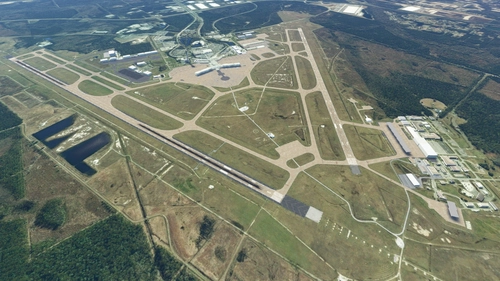
Jacksonville International Default Airport Improvements
This mod will overhaul the Default KJAX airport. All taxiways and parking spots named correctly, Taxiway signs placed, Taxiway lights, Runway Guard Lights, Runway Lead-off Lights, Lots of objects, Custom ground markings, Ramp Lighting, And terrain fixes.
by Desparoto
Log in to join the discussion
Log InComments(41)
5 months ago
7 months ago
Just giving feedback in case anyone gets confused. I will download it anyway as it appears to be the correct file. I understand that fs.to can be "challenging" to deal with. Thanks for the addon update. The Readme.pdf is great btw.
7 months ago
7 months ago
7 months ago
V 1.3.0 is the current version, I downloaded it myself to double check. So thats the one you want to download. I'll see if I can fix this in the mean time
7 months ago
7 months ago
10 months ago
10 months ago
Verify you have no other conflicting scenery for KJAX. even packs like the blacksquare taxiway signs addon. If its not that then I dont know what could cause it. The whole airport is covered by rectangles polygons and a height map, all control the terraforming. So you may just have to taxi carefully across J. I am planning a update next year for this airport so maybe that will fix it.
over 1 year ago
over 1 year ago
over 1 year ago
1) When you go to the MSFS20 map to choose a starting location for your flight, both your gates and the Asobo default gates are shown. For example, your gate A6 and Asobo's gate 20 are both present at the same location. This is the case for all gates. You can reposition to either with GSX, however -
2) Jetways do not work, either with or without the GSX profile linked on this page.
over 1 year ago
over 1 year ago
over 1 year ago
almost 2 years ago
almost 2 years ago
almost 2 years ago