
Description
Due to some chnages in my personal life, I no longer have time to create and maintain my GSX profiles! There will be no more updates for my work.
If you want to update my work, please feel free to do so. I kindly ask that you give me some credit if you upload your iterations of my work. Thank you.
if you have any questions regarding reuploading my profiles, feel free to message me here or on Discord.
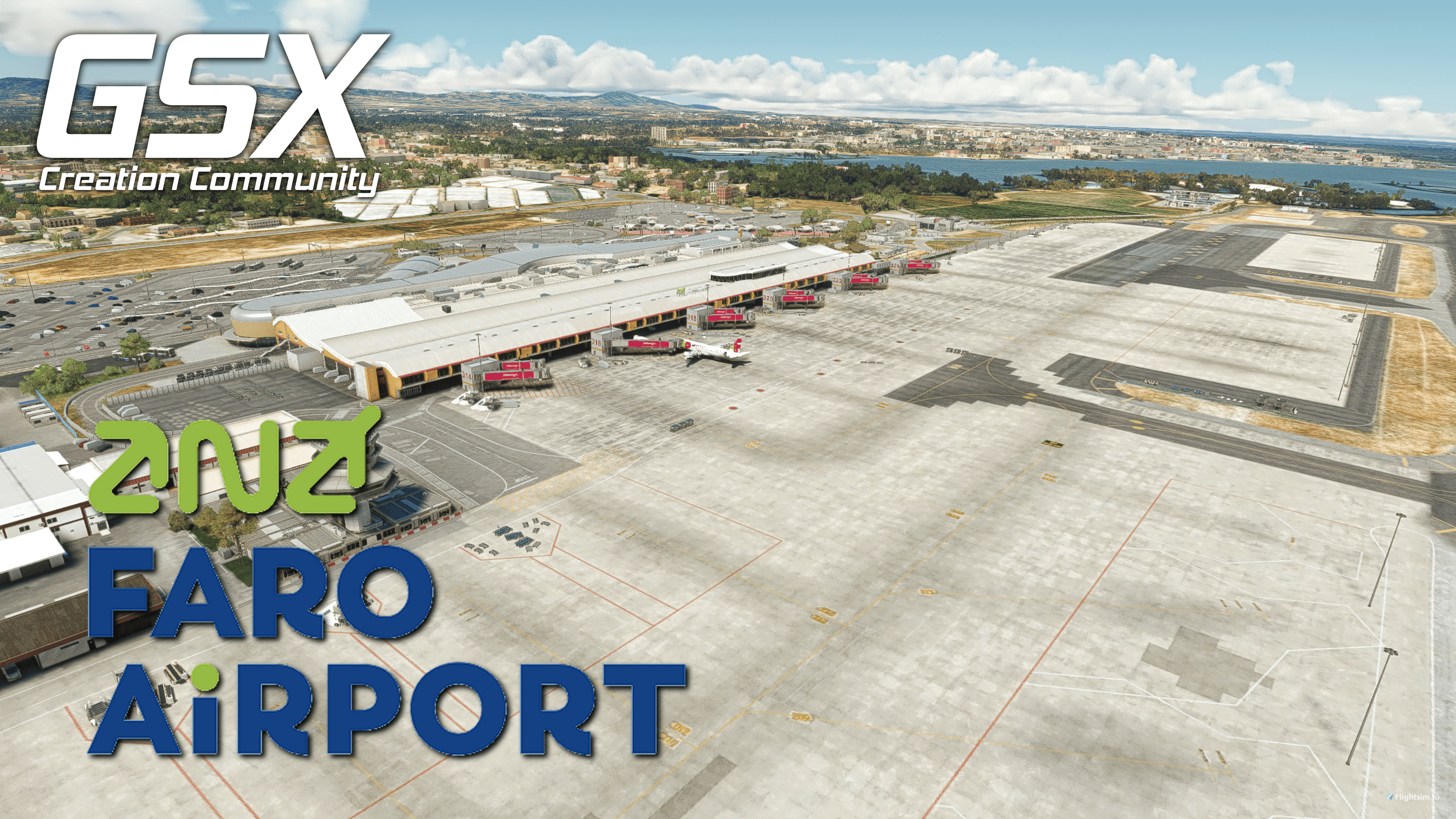
This is my GSX-Profile for Asobos LPFR.
This Profile is built with all possible features included. Unfortunately, there is no way to make PAX walk through the Terminal since the building is solid and I can't access the interior
What’s Included?
- Custom vehicle placement
- Custom pushback positioning and naming
How to install?
Simply place the provided .ini file into %appdata%/virtuali/GSX/MSFS
- If any problems arise have a look at the install guide provided with the profile.
For an easy and convenient alternative, you can use the profile installer by FatGingerHead and smatthew. Found >>>here<<<
How to report a problem?
If you have a problem with the installation or there is something wrong with the profile, please let me know either here or on our Community Discord. I will make sure to help in any way I can.
Improvement?
If you know more about the ground operations, I am trying to replicate, please let me know so I can improve my work and bring you the best possible profile.
Discord:
If you´re a Creator or just a Profile User, feel free to join the GSX Creation Community and chat or discuss with other Users or Creators >>>Click Here<<<
GSX Profile | Asobo LPFR
Enhance your ground handling experience at Asobos LPFR airport with this comprehensive GSX Profile. Enjoy custom vehicle placement, pushback positioning, and more with easy installation instructions provided. Join the GSX Creation Community on Discord to offer feedback and help improve future updates.


User Reviews
3 reviews
Version History
-fixed error in the .py script
Related
Simwings EDDM V2 GSX Profile
Enhance your ground operations at Simwings EDDM V2 airport with this custom GSX profile. Enjoy custom vehicle placement, pushback positioning, terminal walkers, and more. Easily install the provided .ini file for seamless integration or use the drag-and-drop installer for convenience. Join the GSX Creation Community to provide feedback and help improve the experience.
by SimonTricks
Aerosoft EDDK GSX Profile
Customize your ground services experience at Aerosofts EDDK with this GSX Profile. Includes custom vehicle placement, pushback routes, and walk-in paths where needed. Easily install by placing the provided .ini file, or use the profile installer for added convenience. Share feedback and join the GSX Creation Community on Discord for further improvements.
by SimonTricks
MK-Studio LIRF GSX Profile
GSX Creation Community DISCORD >>> https://discord.gg/ubCkJQS6Mj <<< Me and many other Creators are currently building up a Community exclusively for a better Overview of GSX Profiles. There are many duplicates of GSX Profiles and surely much frustration. This Server is FROM Creators FOR Creators. Here you can ask for help or just have a nice Chat with other GSX Users or Creators. We're waiting for you!
by SimonTricks
FlyTampa EKCH GSX Profile
Enhance your ground operations at FlyTampas EKCH with this custom GSX profile featuring accurate vehicle placement, pushback positioning, walk-in routes, and more. Simply install the provided .ini file for an immersive experience. Join the GSX Creation Community for feedback and updates on this detailed airport profile.
by SimonTricks
Log in to join the discussion
Log InComments(24)
9 months ago
Please fix all Facing West / East it is opposite...
about 2 years ago
about 2 years ago
about 2 years ago
about 2 years ago
about 2 years ago
I have no errors so its probably a problem with your installation
over 2 years ago
about 2 years ago
over 2 years ago
over 2 years ago
about 2 years ago
over 2 years ago
over 2 years ago
almost 3 years ago
just for your information. I think the problem with VDGS is, that it collides with the buildings (which have object collision enabled, as all Asobo airports have). Sometimes you can see the VDGS in the correct position, sometimes it vanishes somewerhe above or below. It's a bit random (or maybe depends on the plane you use > what your exact position at the gate is). I think they need to be placed a bit more forward to be on the safe side.
Best wishes
almost 3 years ago
To have them visible and properly placed in the editor would require me to set them removed about 2 meters from the building, floating in mid-air. That just looks incredibly bad, and there would definitely be people asking why the VDGS is not placed properly (kind of like you are doing it in a different way).
The way it currently is, is the best I can do with what Asobo provides here, so it will probably stay the way it is until either asobo fixes their ridiculous hitboxes, or GSX includes a way for me to set them up properly regardless of the hitbox
almost 3 years ago
Nevermind :-)
and best wishes.
about 3 years ago
about 3 years ago
I just checked with the latest version and all APIS systems are visible on my side