
Description
DEPRECATED NOW - OTHER ALTERNATIVES ARE MORE SUITABLE NOW. CHECK DAVES GSX MANAGER - Link here
Introducing the Drag&Drop Installer for GSX Pro Profiles: Elevate Your Flight Simulation Experience with Ease!
Key Features of the GSX Pro Profile Installer:
- *NEW IN V2.0 - Install aircraft profiles with just a Drag&Drop!
- *NEW IN V2.0 - Install multiple profiles at a time, just Drag&Drop as many as you want to install and follow the on screen instructions.
- Streamlined Installation: Say goodbye to complex manual installations. The Drag&Drop Installer automates the process, ensuring that GSX Pro Profiles are seamlessly integrated into your simulator, saving you time and effort!
- User-Friendly: The intuitive installer is designed with simplicity in mind. No complex install process or 3rd party apps to download, just a simple .exe.
- No More Duplicates: The Drag&Drop Installer will scan your airport profiles for profiles of the same ICAO and remove them, ensuring you always have the correct airport profile and no more searching for duplicates.
- Community Driven: Made by community members, the installer is designed to be used with any creators profiles. Compatible with the majority of airport profiles uploaded on flightsim.to! Check out our 'Fully Supported Creators' below whose airport profiles are 100% guaranteed to work with the installer.
- Extensive support: Join our Discord or Visit our site for full instructions for users and creators of GSX Pro Airport Profiles.
Fully Supported Creators:
Instructions for use:
Simply extract the installer to a convenient place on your computer then drag&drop downloaded profile archives (.zip, .rar etc) onto the .exe.
Full documentation, including planned features and an update log can be found here.
For profile creators:
Please do not distribute the installer yourself, but we are more than happy for you to link to this in your descriptions or manuals to direct people to be able to install your profiles with much more ease, and we will include you as a 'Fully Supported Creator' here and on the docs website if you do. We are also happy to assist if you wish to make sure your profiles are compatible and there is extensive documentation for users and creators linked above.
Created by Elevate Solutions, a collaboration between FatGingerHead and smatthew.
If you like the installer and would like to contribute you can Buy Us a Coffee >>HERE<<.
THANK YOU FOR 11K+ DOWNLOADS AND COUNTING. WE ARE VERY PLEASED WITH ALL THE FEEDBACK AND CAN'T WAIT TO SHARE MORE UPDATES WITH YOU ALL!
Drag&Drop Installer for GSX Pro Profiles
DEPRECATED NOW - OTHER ALTERNATIVES ARE MORE SUITABLE NOW. CHECK DAVES GSX PROFILE MANAGER OR GSX ITSELF. THANK YOU FOR ALL THE SUPPORT AND DOWNLOADS.
Downloads Stopped
The creator has temporarily stopped downloads for this addon. Please check back later.


Contributors


User Reviews
11 reviews
Version History
- fixed version number
Featured in Collections(2)



Related
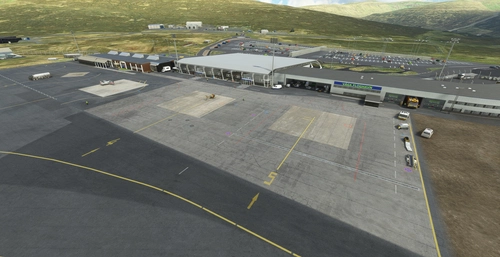
EKVG - Vagar Airport - Faroe Islands - Upgrade
Enhance your Faroe Islands experience with an upgraded EKVG - Vagar Airport add-on. Enjoy new ground textures, markings, and added details throughout the airport. Featuring a new taxi system, helicopter parking spots, and custom buildings courtesy of Simon Nordendal. Explore the Faroe Islands with improved ground textures, markings, and door openings for GSX profile.
by superspud
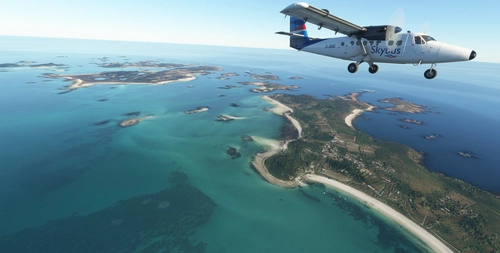
EGHE - St Mary's Airport & Isles of Scilly Scenery UK - Upgrade
Upgrade your experience with an enhanced version of EGHE St Marys Airport & Isles of Scilly scenery in the UK. This add-on features improved ground textures, added parking spots, spruced-up surroundings with road surfaces and foliage, and embedded rocks in runway approaches. Additionally, the scenery file includes boats, quays, lighthouses, helipads, and more, providing a realistic and immersive environment for flight simulation enthusiasts.
by superspud
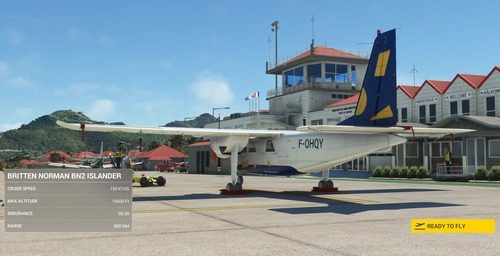
TFFJ - St Barthelemy/ Gustaf III Airport - Upgrade
Enhance your flying experience at St Barthelemy Airport with this upgrade, featuring improvements to ground textures, markings, and the terminal interior. Choose from multiple packages including a tree-fix for smoother landings, boat-populated harbors and static planes for added realism. Version 1.6 includes fixes for boat burns, taxi signage, broken flags, and tweaks to the seaplane base.
by superspud
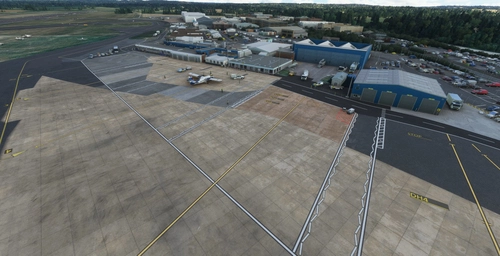
EGTE - Exeter Airport UK - Upgrade
EGTE - Exeter Airport UK - Upgrade is a comprehensive overhaul of Exeter Airport in Microsoft Flight Simulator. The add-on includes rebuilt taxi systems, new ground markings, custom textures, and additional details like car parks and industrial estate lighting. Version 2.4 introduces terminal enhancements, updated signage, improved heliport, ground markings, and hangar paint jobs.
by superspud
Log in to join the discussion
Log InComments(66)
5 months ago
5 months ago
6 months ago
6 months ago
6 months ago
7 months ago
10 months ago
Found a "Bug" (or "feature" ;-)) with the installer-routine when it comes to deleting the "old" or "duplicate" profiles. It seems, that the "Cleaning" run, searches with Wildcards for the ICAO of the installed airport/profile, and removes EVERY Profile and Python File that matches the ICAO Code. The problem in my opinion is, that it searches the complete filenames and NOT ONLY FILES that start (first 4 characters) with the ICAO-Code. So it can happen, that one installs a new GSX Profile for the Airport "TIrana Intl." in Albania (ICAO=LATI) and the cleanup will not only remove the old LAT-Profile. It will also remove ALL Profiles with "lati" in the filenames, like "lemd_latinvfr-xxx.ini/py" (and all others Latinvfr Profiles. Please take care, that only files with will be removed, when ONLY the first 4 characters match the search.
Thanks Frank
10 months ago
Just installed a new GSX Profile for Airport EDDB (Berlin). It removes perfectly the old Profiles but unfortunatly also a profile for LIML(Milano-Linate). Following the output from the installer:
Profile(s) installed:
C:\Users\Nutzer\AppData\Roaming\Virtuali\GSX\MSFS\eddb-tdatbs.ini
Profile(s) overwritten:
C:\Users\Nutzer\AppData\Roaming\Virtuali\GSX\MSFS\EDDB-Aerosoft-2020.py
C:\Users\Nutzer\AppData\Roaming\Virtuali\GSX\MSFS\EDDB-Aerosoft-GSX-2020.ini
C:\Users\Nutzer\AppData\Roaming\Virtuali\GSX\MSFS\liml-fqeddb.ini
Any chance to fix this in the next version?
11 months ago
11 months ago
11 months ago
about 1 year ago
and closed what should ı do
over 1 year ago
over 1 year ago
over 1 year ago
over 1 year ago
over 1 year ago
The domain has changed and we will have that amended in the readme (already done), but those domain for sale pages have been a thing for decades at this point. Be careful out there.
over 1 year ago
over 1 year ago