
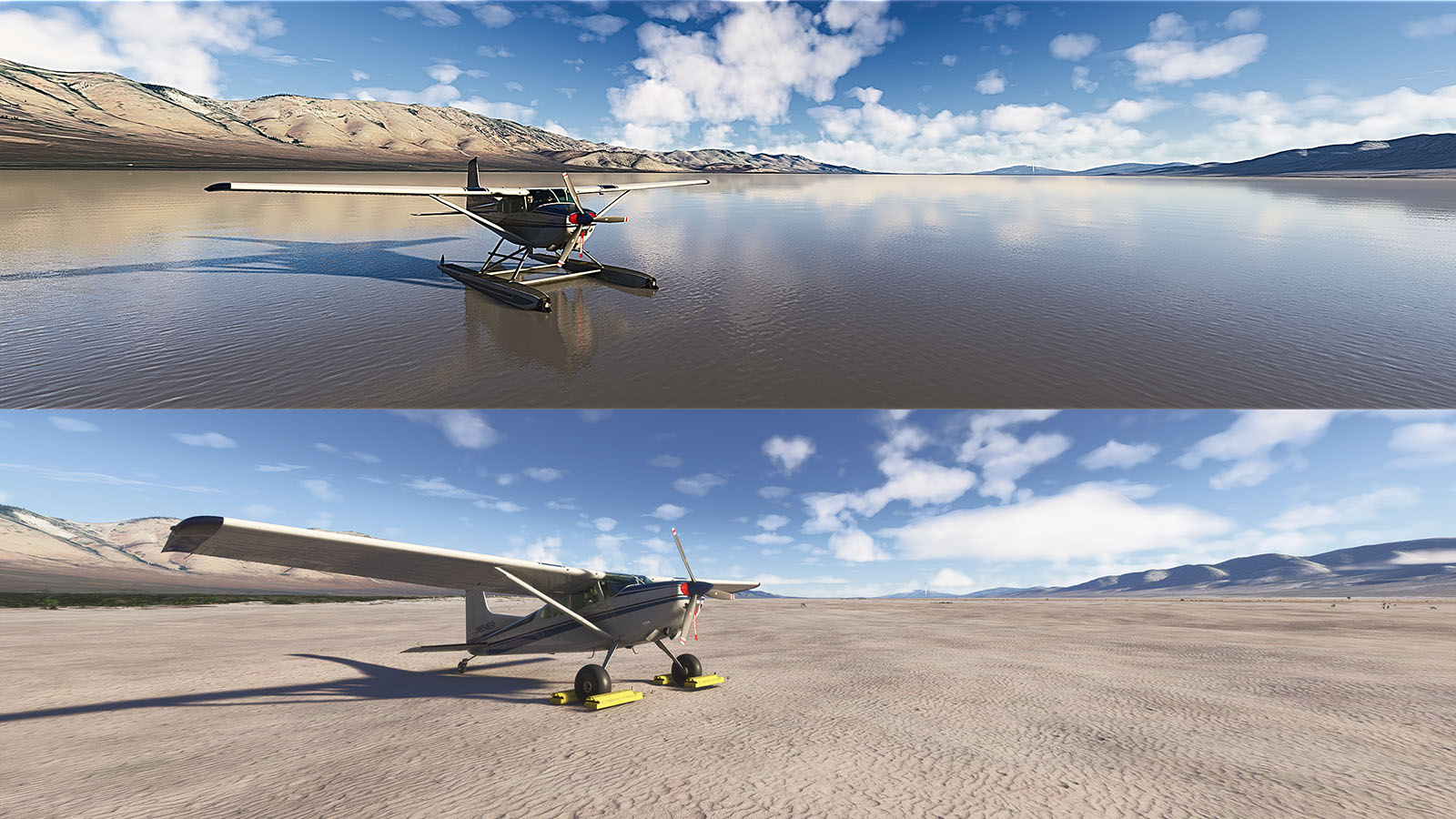
Description
If you are keen on Microsoft fixing this issue at their end, please vote here:
https://forums.flightsimulator.com/t/water-in-dry-salt-lakes/736413
SU16 UPDATE
Well, SU16 definitely broke this one! Not only did they:
A. Add literally hundreds of new water masks to previously “dry” water bodies. Why, Asobo? It’s not that hard, really! You are using the OSM data set? I know you are. So why don’t you use all the tags in the data? If it says “intermittent” or “salt”, don’t draw it! Simple. 98% of these wet dry lakes will be gone.
They also:
B. More annoyingly, shuffled the “water types” for previously corrected masks. MSFS has 6 different water types: RIVER, WASTE_WATER, WATER, POND, LAKE and OCEAN. There’s no documentation on these, at least I never found any, so what the difference is, is anyone’s guess, but OCEAN seems to allow bigger waves and seems to be set to what the sim thinks MSL is. The others? Pretty random. I’ve seen lakes typed as POND, tiny dams as LAKE, heaps of things simply as WATER. The problem is that you can exclude only ONE type at a time. If that type changes in the sim, the exclusion becomes useless. I had to look and fix hundreds of the exclusions I’ve created previously.
GREAT SALT LAKE
This add-on previously came as two variants: one that eliminated the water mask off the Great Salt Lake, a second one that left it intact. The reason for this is that the mask in the sim extends to the maximum possible extent of the lake, which makes it look like an ocean. Unfortunately, removing the mask leaves ugly textures, and obviously no water. I believe I found a compromise this time around, by manually redrawing the shoreline of the lake based on the underlying aerial texture. This leaves the lake much smaller (realistic), but still with water. Unfortunately, still just that deep-sea blue (at least in 2020) but less jarring, especially on the approach to KSLC over Farmington Bay.
MSFS 2024 Notes
2024 uses the same hydrology data as 2020 (or maybe the other way around). 2024 however is more nuanced with the water colouring. It’s not just that deep-sea blue you get even for a pond in 2020. However, that’s still water there in your dry lakes, and you’ll need floats if you want to land on them rather than wheels! It’s up to you though, the add-on works just as well in 2024 as it does in 2020.
Anyway, I spent way much more time on this fix than ought to be necessary. Hope you enjoy it, so I didn’t totally waste my time.
WARNING! THIS MOD REMOVES A LOT OF WATER MASKS FROM THE AREAS MENTIONED BELOW, EVEN FROM LAKES THAT DO CONTAIN SOME WATER VISIBLE IN THE AERIAL IMAGERY. YOU MAY NOT LIKE THE RESULT. BUT TRY IT BY ALL MEANS. IF YOU DON'T LIKE IT, SIMPLY DELETE THE sltcreations-sw-us-salt-lakes-fix FOLDER FROM YOUR COMMUNITY FOLDER TO REVERT TO THE DEFAULT WATER MASKING.
Ah well, here we go again. This was meant to be just a little project because a few people requested a couple of wet spots in the U.S. to be added to my Mexico project. But then I got carried away and pretty much did the entire Southwestern U.S. Seeing that's no longer Mexico, I split the projects in two.
Coverage, as mentioned, is the Southwestern United States, whatever that means. But basically, I've looked at all of NM, AZ, UT and NV, as well as CA east of the Sierras. But I also went a bit further north into N-CA and OR, because that's where the Basin and Range (and a lot of dry lakes) extends to. There's probably a few spots of TX, CO and ID in there too.
My methodology was as follows:
- I've excluded all water masking from areas that are obviously dry, duh.
- I've also excluded water masking from some very shallow water bodies to allow the underlying textures to become visible.
- I've excluded water masks in some cases where those masks simply don't match the water body's outline. MSFS is unfortunately replete with these. Microsoft/Asobo seriously need better hydrology data!
- I've deliberately left some water masking, even though the water body is actually dry (or almost dry), where the underlying textures are hideous (there were only a couple of cases, e.g., Goose Lake in N-CA/OR)
- Lastly, I've excluded the water mask for the Great Salt Lake. Underlying textures are definitely not great, but the default implementation (a bland lake full of water, with grossly incorrect shorelines) brings tears to my eyes...
Enjoy!
Comments(26)
Log in to join the discussion
Log In4 months ago
10 months ago
Do you plan to update the Mexican and South American Salt Lake fixes too?
Best regards
10 months ago
10 months ago
Unfortunately, Update 16 brought a lot of unpleasant changes to the simulator. I'm all the more pleased that add-ons like yours are fixing some of these issues. Thanks again!
10 months ago
10 months ago
10 months ago
10 months ago
11 months ago
11 months ago
Also, I don't know whether or not this add-on works with MSFS24. The upcoming 2020 SU16 may also break it.
about 4 years ago
The last update broke it. Was flying over Salt Lake and there were multiple squares that were different and water in places there shouldn't be. Is there going to be a fix? Love the add-on!
over 4 years ago
I was flying around the Phoenix valley the other day and saw the water.... thinking No, this is desert. Well done, and thanks.
over 4 years ago
Awesome, I love it!
over 4 years ago
Good fix, thank you.
Southwestern U.S. Salt Lakes Fix
Improve the water masking in the Southwestern U.S. with this fix, which enhances realism and accuracy of dry and shallow water bodies in states like NM, AZ, UT, NV, and parts of CA, OR, and N-CA. Eliminate incorrect water outlines and maintain texture visibility with this mod, which offers a separate file preserving the default appearance of the Great Salt Lake. Try it out and easily revert to the original water masking if desired.

User Reviews
9 reviews
More Information
Version History
Small update to clean up the Tucson, AZ area.
Related
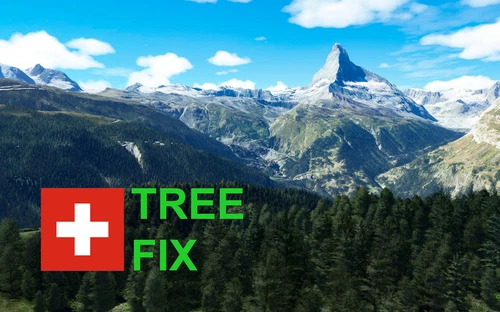
Swiss mountains tree fix (trees on mountains removed)
A comprehensive mod fixing tree placement on Swiss mountains, particularly removing inaccurately placed trees on mountain peaks. The update includes a shift to more realistic conifer trees in the Alps and an expansion to border areas of France, Italy, and Austria. From Alpstein Säntis to Stockhorn, numerous locations across Switzerland have been meticulously corrected for a more authentic flight experience.
by THEOLI4D
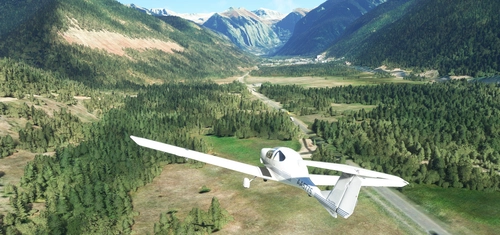
Shorter Trees / Tree Height Modification VERSION 4.0 for MFS2020 (shorter, realistic trees)
Experience realistic and shorter trees in Microsoft Flight Simulator with the Shorter Trees / Tree Height Modification VERSION 4.0 add-on. Compatible with the latest version of MSFS, this mod provides adjusted tree heights for a more authentic flying experience. Update includes enhanced tree coloration blending seamlessly with photogrammetry trees. Installation is simple - just copy the folder into your community folder and enjoy a new perspective from the skies.
by ARIF STUDIOS - Adnan Arif
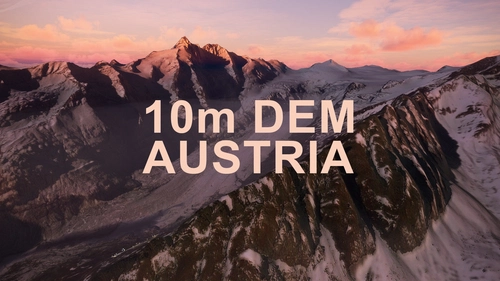
AUSTRIA 10m DEM - High Resolution Terrain Elevation Data from LIDAR Imaging
Explore the stunning terrain of Austria with this mod featuring high-resolution LIDAR data, offering a mesh resolution of 10m for a more realistic flight experience. Flatten lakes, rivers, and eliminate any terrain artifacts as you soar over the Austrian landscape. Divided into regions for convenience and performance optimization, this mod enhances the mountain shapes to mirror reality and provides a smoother flying experience. Experience Austria like never before with enhanced elevation data and realistic terrains.
by Troglodytus
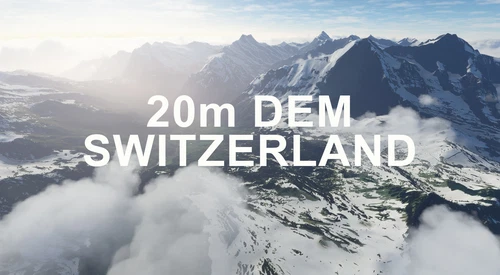
SWITZERLAND 20m DEM - High Resolution Terrain Elevation Data from LIDAR Imaging
Explore the beauty of Switzerland with this mod offering high resolution terrain elevation data using LIDAR imaging. The mesh resolution is 20m, providing exceptional detail with a height resolution of 0.1m. Update includes extreme LIDAR meshes for specific regions. Please note potential performance impacts and report any bugs for further improvements. Fly VFR over Switzerland with enhanced realism and accuracy.
by Troglodytus
4 months ago