
Description
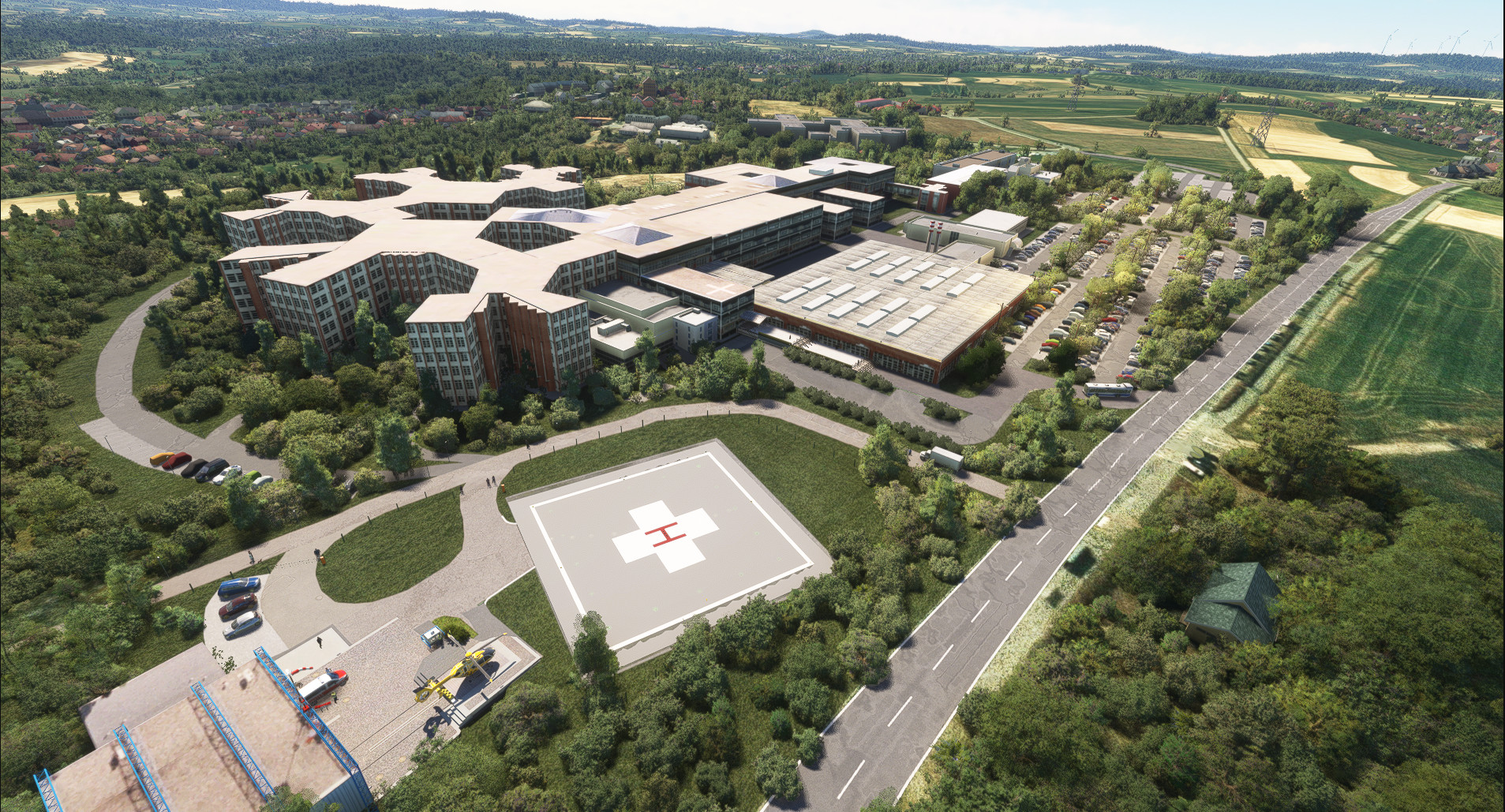
Helipads around northern bavaria.
I decided to build helipads around their hospitals as well as emergency scenarios to fly to so you can pretend to be a virtual HEMS pilot.
You can choose if you wanna start cold-and-dark by selecting the parking spot, or with engines already running by chosing a runway start. No matter what you choose you'll always spawn on the helipad
Changelog V2.3
- MSFS froze my whole PC while I was working on the scenery. And I kid you not, after rebooting the PC the working file for this scenery was corrupted and can no longer be used. So there ultimately won't be any update for this scenery anymore. ALWAYS make BACKUPS, people. I've learned that the hard way.
- All the helipads I could "rescue" from the hideous mess (aka World Update 18) are now compatible
- Kronach (XKKCH) and Pegnitz (XKPEG) are gone for good. There was no success in trying to conceal the horrible terrain glitches that WO 18 brought with it. Blame ASOBO for it. I tried to fix it for a few days straight without any success.
- Marktredwitz (XKMAK) is useable but looks stupid (once again terrain glitch)
- You can no longer spawn at Kulmbach (XKKUL). I don't know why but you simply can't. However hospital and helipad can still be flown to.
-XKHOF was rebuilt from the ground up and looks better than before.
-XKBTH some improvements to the surroundings of the helipad
- All other not mentioned helipads are fine and compatible with WO18.
Changelog V2.2
- Hospital Bamberg XKBAM totally remodelled to make it look more like the real hospital
- Rooftop helipad at hospital Bamberg added
Changelog V2.1
Rooftop helipad texture at Lichtenfels hospital has been changed to a more common one.
Some improvements here and there (Burgebrach for example)
Changelog V2.0:
- 2 new hospital helipads (Selb and Burgebrach)
- All helipads got new ICAO codes. Read the description for it
- General overhaul of almost every helipad site with proper ground textures and partially completely new surrounding buildings.
- Minor improvements/adjustments
If you wanna visit more than one site during your flight I'd recommend to create a flightplan in world map and add every single POI you wanna fly to to your flight plan in order to show up on your GPS during flight!
_______________________________________________________
Included Helipads
Airport Code: XKBTH Hospital in Bayreuth where you can either choose the Dolly where the rescue helo Christoph 20 is taking off from (Parking Spot 20), Parking spot 0 on the main heli pad, runway starts in 2 directions from main helipad, Parking spot 5 at the childrens hospital area and spot 3 for the Bezirkskrankenhaus.
Airport Code: XKHWB Hospital Hohe Warte. One parking spot for cold-and-dark, 2 runway starts for engines running
Airport Code: XKKUL Hospital in Kulmbach. Same options as above
Airport Code: XSWBT Bayreuth Fire Department. Same options as above.
Airtport Code: BPOLB German federal police (Bundespolizei) base in Bayreuth. Two runway starts for engines running and several parking spots for cold-and-dark
Airport Code: XKSEL Hospital in Selb (one parking for cold-and-dark, 1 runway starts for engines already running
Airport Code: XKBAM Hospital in Bamberg (one parking spot on ground, one on the rooftop helipad). Runway start for engines already running on ground, helipad start on rooftop.
Airport Code: XKLIF hospital in Lichtenfels. 1 runway-start and 2 cold-and-dark parking spots facing in different directions.
Airport Code: XKHOF Hospital in Hof. 1 runway-start and 2 cold-and-dark parking spots facing in different directions.
Airport Code: XKMAK Hospital in Marktredwitz not too far away from the czech border. 1 runway-start and 2 cold-and-dark parking spots facing in different directions.
Airport Code: XKFOR Hospital in Forchheim. 1 runway-start and 2 cold-and-dark parking spots facing in different directions
Airport Code: MUEB Hospital in Münchberg. Landing spot is on a soccer field a few blocks away. 1 runway-start and 2 cold-and-dark parking spots facing in different directions
Airport Code: XKNAI Hospital in Naila. 1 runway-start and 2 cold-and-dark parking spots facing in different directions. It's located on a field in the city and not at the hospital itself. Will be illuminated at night by the local fire department.
Airport Code: XKBE Hospital in Burgebrach. 1 runway-start ond for cold-and-dark.
Airport Code: XKCOB Hospital in Coburg. Spots for runway start and cold-and-dark.
Airport Code: K153 The home of the Helicopter "Kater Oberfranken 15/3" of the "Luftrettungsstaffel Bayern" which is used for e.g. wild fire prevention/spotting flights as well as other emergencies. In real life this is done by a red Robinson R66.
Most of the helipads have proper night lighting. The hospitals have rotating beacons just like in real life so you can find it easily. Of course you'll find wind socks also.
Known issues:
Default light spots at night at some hospitals and helipads (no way to fix that for now)
In order to show the scenery properly you'll need the following addons:
https://de.flightsim.to/file/21769/pbk-effects-library
https://de.flightsim.to/file/16930/pascal-s-library
https://www.flightsim.to/file/4696/dave-s-crooked-library
https://www.flightsim.to/file/5452/dave-s-3d-people-library
https://www.flightsim.to/file/2549/edhk-lights-pack
https://www.flightsim.to/file/1923/mikea-at-assetpack
https://www.flightsim.to/file/6841/dave-s-3d-animals-library
https://de.flightsim.to/file/12208/wombiiactual-enxx-asset-pack
https://www.flightsim.to/file/8887/beekay-pack1
https://de.flightsim.to/file/14024/windy-things
http://www.jpfil.com/quebec-fs2020/collections.htm
Installation:
Simply unzip the downloaded file and move the folder chrispiaviation_helipads into your community folder. Overwrite older files (if existant).
Dependencies
Frequently Asked Questions
Helipads in Northern Bavaria + Emergency scenarios 2.3
Add-on featuring helipads around hospitals in Northern Bavaria, allowing for immersive emergency scenarios and HEMS pilot roleplay. Recent updates include realistic hospital remodels and helipad additions. Night lighting and proper wind socks enhance the experience.


User Reviews
55 reviews
Version History
- MSFS froze my whole PC while I was working on the scenery. And I kid you not, after rebooting the PC the working file for this scenery was corrupted and can no longer be used. So there ultimately won't be any update for this scenery anymore. ALWAYS make BACKUPS, people. I've learned that the hard way. - All the helipads I could "rescue" from the hideous mess (aka World Update 18) are now compatible - Kronach (XKKCH) and Pegnitz (XKPEG) are gone for good. There was no success in trying to conceal the horrible terrain glitches that WO 18 brought with it. Blame ASOBO for it. I tried to fix it for a few days straight without any success. - Marktredwitz (XKMAK) is useable but looks stupid (once again terrain glitch) - You can no longer spawn at Kulmbach (XKKUL). I don't know why but you simply can't. However hospital and helipad can still be flown to. All other not mentioned helipads are fine and compatible with WO18.
Featured in Collections(1)

Related
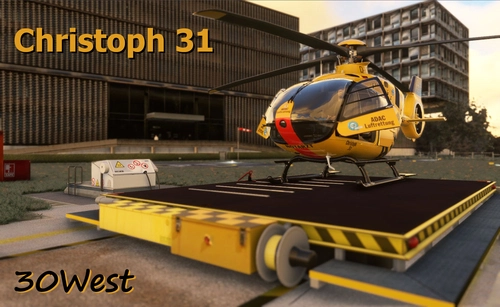
Christoph 31
Experience lifelike rescue missions in Berlin with the Christoph 31/Berlin add-on. This scenery package features custom-made helipads, hospitals, and mission locations across the city. Embark on primary rescue missions with Christoph 31 or perform intensive care patient transfers with Christoph Berlin. Explore various hospitals and landmarks while navigating through realistic scenarios.
by 30West
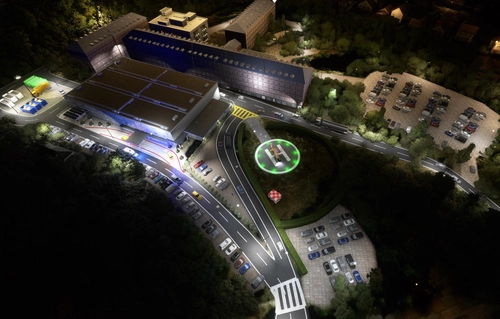
Krankenhaus- & Einsatzpaket NDS
An extensive add-on package featuring 67 missions and 34 hospitals in Niedersachsen and surroundings, all navigable via ICAO codes. Regular updates with improvements and new content are provided. External dependencies are required for full functionality. Experience diverse rescue scenarios in Microsoft Flight Simulator.
by Airforce81 // AcMcFat
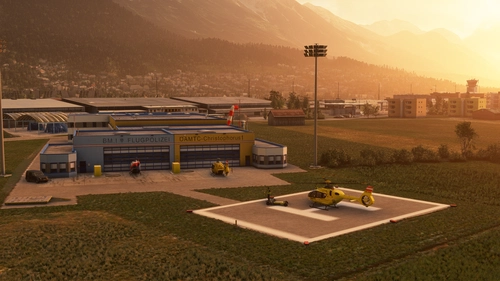
Innsbruck Region Helipads + Emergency Scenery
Explore a collection of new helipads in the Innsbruck region, including Christophorus 1 base station and various hospitals. Additionally, discover emergency scenery for a more immersive flight experience. Simply install the desired packages in your community folder and restart the sim to begin your helicopter adventures in this picturesque area.
by Lukeeep
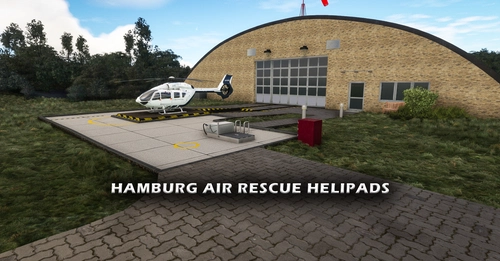
12 Hamburg Air Rescue Helipads + Charts for 2 Helipads!
Experience a variety of Hamburg Air Rescue Helipads and charts with this add-on, featuring recreated important helipads for air rescue use. Includes custom 3D models and POIs for several hospitals in the area. Check out the roadmap for upcoming additions and improvements while reporting any bugs to the creator for a smoother simulating experience.
by SoldOut
Log in to join the discussion
Log InComments(181)
2 months ago
Gruß aus Nermberch
3 months ago
7 months ago
almost 2 years ago
Auch werden mir die blauen Farben an der Fassade und viele andere Details erst angezeigt, wenn ich beim Anflug ca. 200-300m entfernt bin. Ich habe OLOD 200 und TLOD 150 im Sim und fast alles auf Ultra... 🤷🏽♂️🤔
almost 2 years ago
about 2 years ago
Vielen Dank für die tolle Arbeit!
www.virtualairrescue.com
about 2 years ago
einfach nur super ! Ich fliege mit dem Proflight trainer , was noch eine Steigerung wäre die Notfallscenarien mit z.B. NFBTH01 etc zu kennzeichnen, dann könnte man im Hubi den GPS Kurs direkt ins FMS eintippen......Danke und weiterhin viele neue Ideen !
about 2 years ago
over 2 years ago
Die im .to fehlenden Dateien sind übrigens alle anderweitig im Netz abrufbar.
over 2 years ago
over 3 years ago
Great work, but is the CSV still available somewhere? The link in the comments is dead..
about 4 years ago
Absolut TOP.
Ist es auch möglich dynamisch wechselnde Scenarien für den H145 zu machen.
Der H145 hat ja eine Script Editor und man kann auch Scripte programmieren.
Das wäre dann der absolut Hammer.
Evtl könntest du auch deine Fahrzeuge der Hype Performance Group zur Verfügung stellen, damit endlich auch deutsche Fahrzeuge genutzt werden können !!
about 4 years ago
Sehr gut gemacht! Könntest du vielleicht so ein Addon für Graz machen? LG
over 4 years ago
Very nice, any way to have waypoint on the map?
over 4 years ago
Nice add on!