
Description
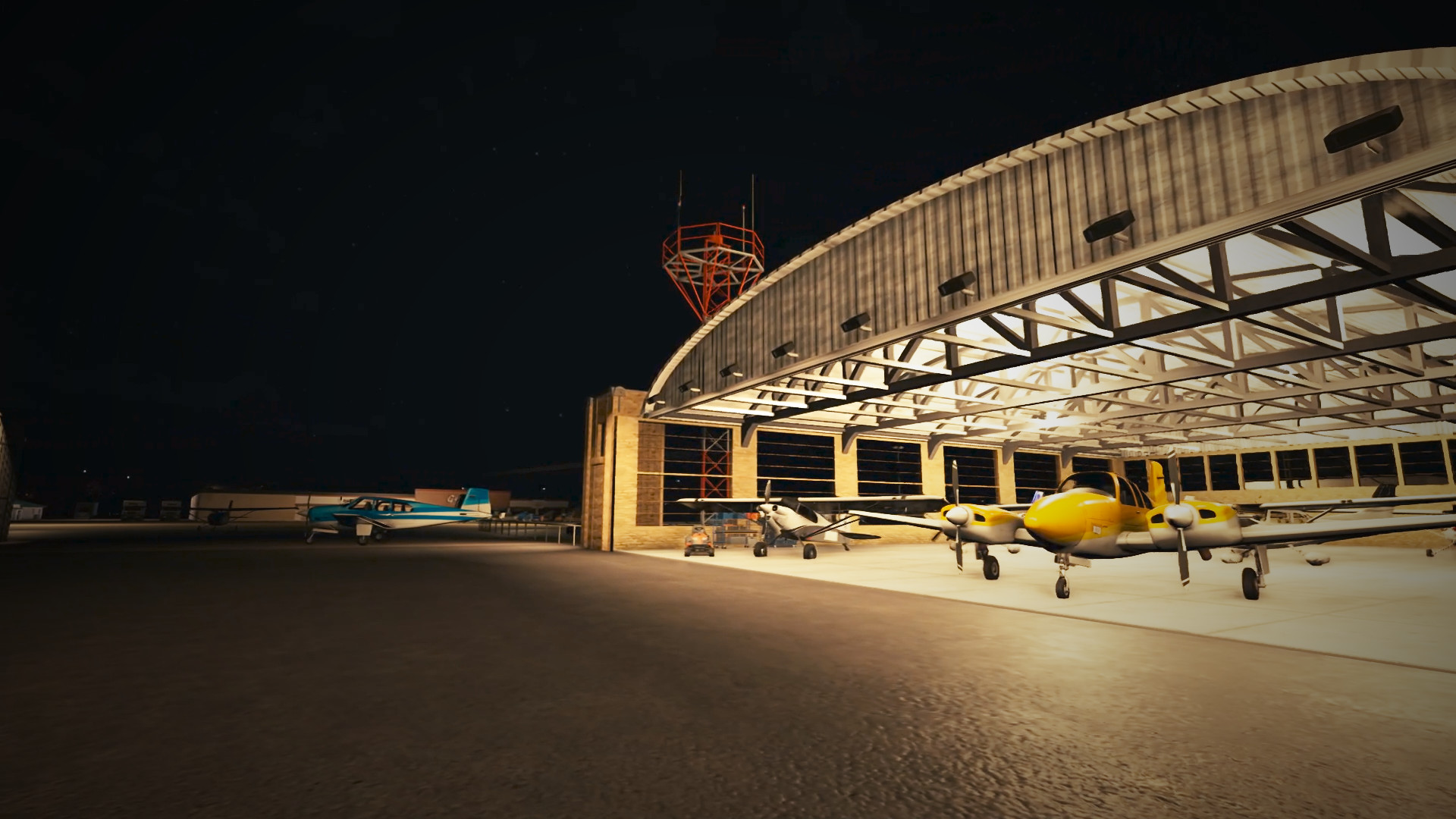
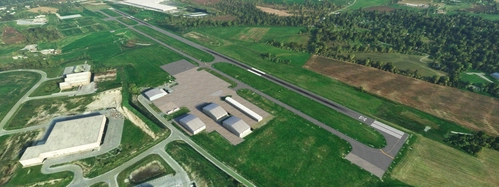
KWBW Wilkes-Barre Wyoming Valley is a public non-towered airport established in 1929 in Forty-Fort, Pennsylvania. It's home to Valley Aviation flight school, which is where I did my flight training. The airport has a 3375 foot asphalt runway and 2191 foot grass strip, with the field adjacent to the Susquehanna River. Just six miles away is a Class Delta regional airport, KAVP WIlkes-Barre/Scranton, and flight students often visit it as their first towered field. The entire area is underneath KAVP's TRSA, which offers radar services such as flight following to participating aircraft.
I created custom Blender models for the main hangar, rental hangars, fuel station, ground school building, bus transit building, Gerrity's supermarket, and the ubiquitous flower tent that is always camped in the airport's parking lot. There are objects from several freeware libraries. See the list below for the downloads (I've listed which objects will be missing if you are missing the library. Some are just for flavor, while others are required):
Required:
- CBJ Library (open rental hangar)
- EDHK Lights (all of the night lighting)
- Windy Things (flags and windsocks)
- JHD Library (fences)
Recommended:
- Ethnicfs Misc Object Library (bus stop)
- Domtom69 Library Balisage (white grass strip cones)
- Mike's Asset Pack (dumpster)
- Dave's 3D People (people)
- Dave's Crooked Library (misc clutter)
- Dave's Hires Crooked Library (vending machine)
I also used EDHK lights to significantly upgrade the surrounding area's street lighting, including the local bridges.
I regularly fly out of KWBW in MSFS on my YouTube channel, so check it for some flight videos featuring this field.
Location
KWBW Wilkes-Barre Wyoming Valley Airport
Explore the KWBW Wilkes-Barre Wyoming Valley Airport, a public non-towered airport in Pennsylvania with a rich history dating back to 1929. This add-on includes custom Blender models for key airport buildings and various objects to enhance your aviation experience. Discover a unique blend of realism and detail, from hangars to windsocks, creating a more immersive simulation environment for flight enthusiasts. Elevate your flights in Microsoft Flight Simulator with this meticulously crafted scenery add-on.
User Reviews
5 reviews
Version History
Updated for MSFS2024. Zip file contains both MSFS2020 and MSFS2024 versions. Unzip and copy the appropriate version to you Community folder.
Featured in Collections(1)

Related
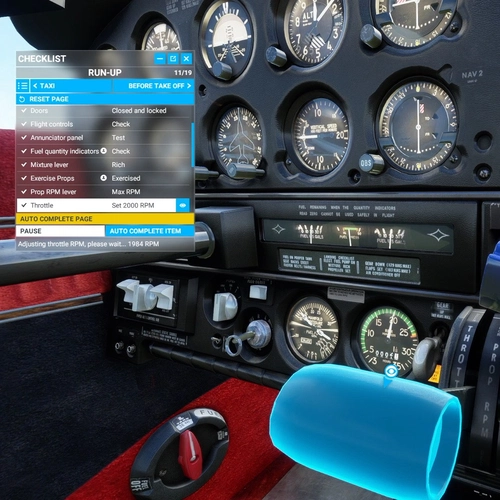
JustFlight Piper Arrow III In-Game Checklists
Enhance your Piper Arrow III experience with in-game checklists that guide you through essential tasks seamlessly. This addon features integrated camera views for checklist items, ensuring smoother execution of procedures. Simply install by dragging and dropping the folder into your Community folder for easy access.
by kabobby98
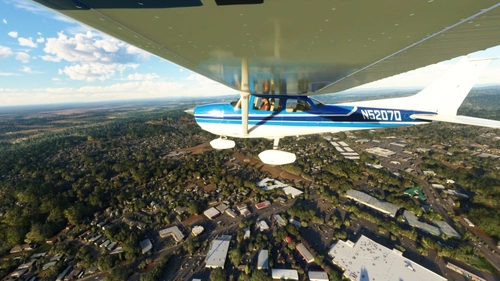
Cessna Skyhawk 172 N5207Q Classic and WB-Sim
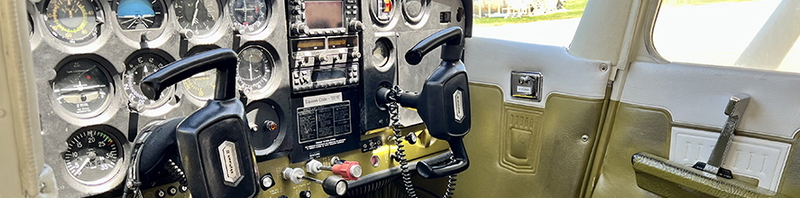
The real-world N5207Q is a 1973 Cessna Skyhawk M used by Valley Aviation in Pennsylvania for flight instruction. It's the aircraft I've logged the most flight hours in during my student pilot training. This livery package includes both the exterior livery and interior blue seats/black panel.
by kabobby98
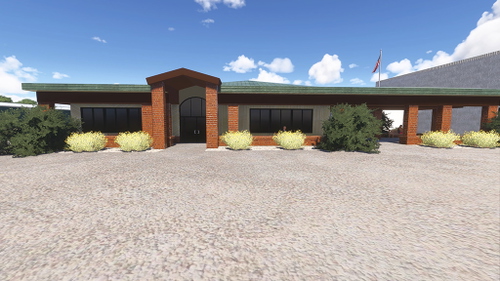
KSEG Penn Valley Airport
KSEG Penn Valley is a detailed add-on for Microsoft Flight Simulator 2024, featuring the Selinsgrove, Pennsylvania airport, known for its single 4,760 ft asphalt runway. The scenery includes custom-modeled buildings, and all runways, taxiways, and lighting have been reworked for a realistic flying experience. It is popular among student pilots, located 51 nautical miles from Wyoming Valley, accommodating around 28,000 aircraft operations annually. This add-on is not compatible with MSFS2020.
by kabobby98
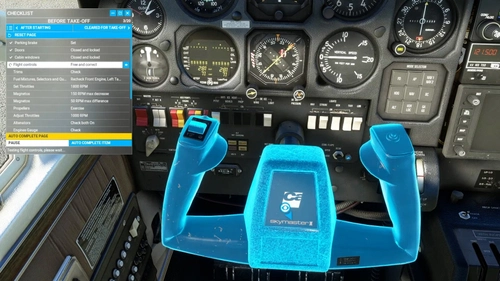
Carenado C337 Skymaster In-Game Checklists
Enhance your cockpit experience with the Carenado C337 Skymaster In-Game Checklists mod. This add-on provides detailed checklists for the C337 Skymaster within MSFSs in-game checklist menu, complete with camera views and control highlights. Experience the convenience of interactive checklists and new instrument camera views, making your virtual flights more immersive and realistic. Simply unzip and install into your Community folder to start using these features.
by kabobby98
Log in to join the discussion
Log InComments(19)
3 months ago
3 months ago
3 months ago
over 1 year ago
over 1 year ago
over 1 year ago
almost 2 years ago
Also Daves 3d people can not be downloaded at all, can they be found elsewhere?
almost 2 years ago
almost 2 years ago
almost 2 years ago
almost 2 years ago
almost 2 years ago
almost 2 years ago
over 2 years ago
over 2 years ago
over 2 years ago
over 2 years ago
Now i have a nice place and flights to do in the sim.
over 2 years ago
over 2 years ago