
Description
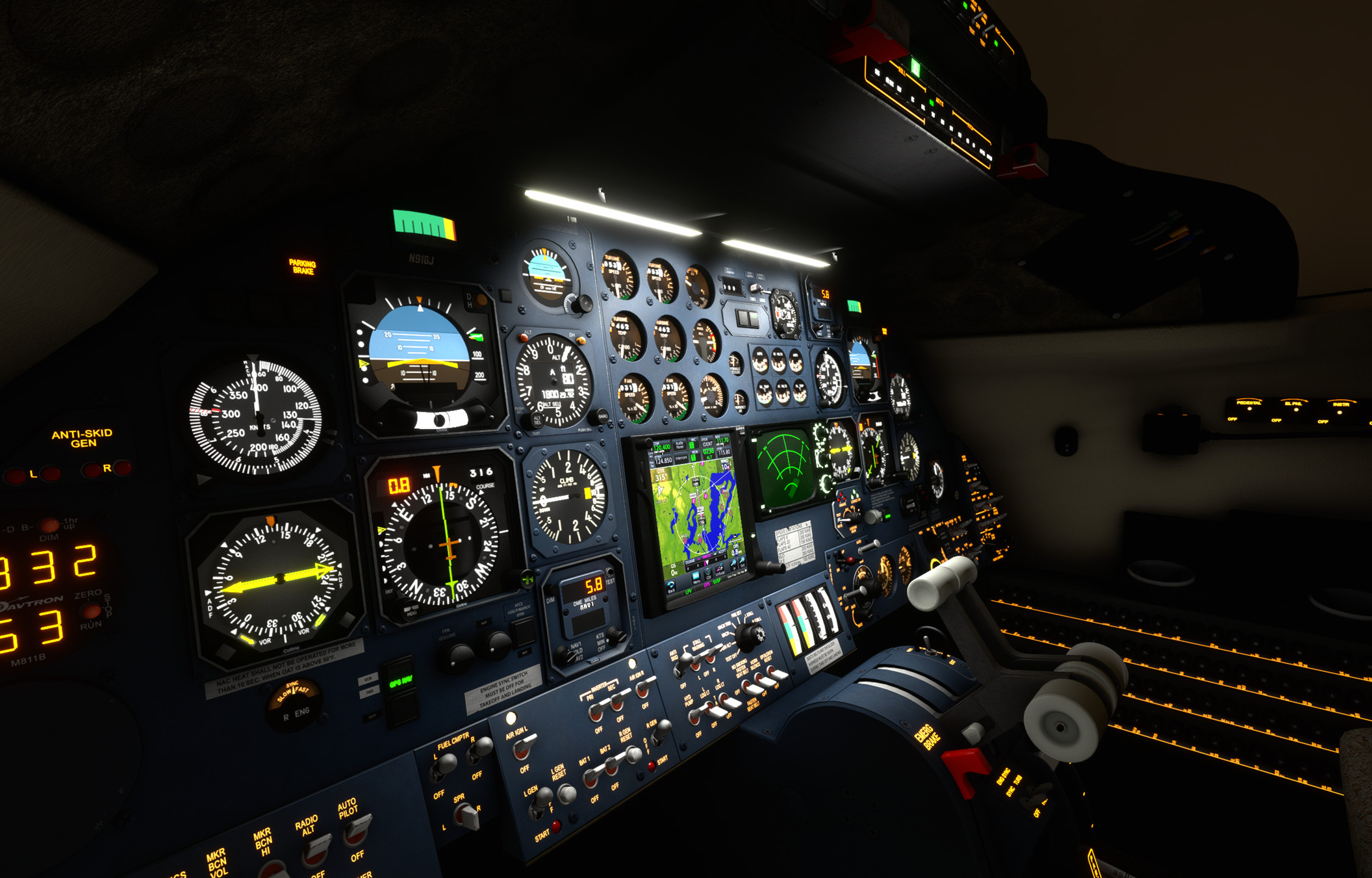
Flysimware MSFS Lear 35A Lighting Mod (Learjet 35A V1.8.0)
v3.0
1) compatible with v1.8.0
2) tweaked rotating beacons
3) strobes improved
V2.95
1) compatible with v1.4.0
V2.2
1) compatible with v1.07
2) compass light dimming with left instrument light knob (should be right-side knob real life but...)
3) fixed under glareshield light bounce, a bit more brighter effects
4) EL light ambient effect color matches EL color (amber)
5) center console amber light bounce added
6) restored custom flood light from v1.0 to reduce light cone overly lighting up the throttle quadrant
V2.1
1) compatible with v1.05
2) compass light dimming with left instrument light knob
V2.0
Since most items have been fixed with release v1.01, just minor tweaks:
1) retain light bounce under glareshield
2) min. ambient light range reduced to prevent center post from getting illuminated
3) rotating beacon bit narrower to prevent nacelles from getting lit and little more longer and brighter beam
V1.1
1) Light bounce under glareshield responsive to instrument light brightness
V1.0
1) Fixed rotating beacon beam height and angles to prevent light bleeding through wings, fuselage, and VC
2) Increased reach of the beacon
3) VC flood light is white to match source (fluorescent tube)
3) Flood light throw pattern adjusted
4) Light bounce added to surfaces
Install:
Place in the MSFS2020\Community folder.
Flysimware MSFS Lear 35A Lighting Mod
This add-on for the MSFS Lear 35A enhances the aircrafts lighting systems, including improvements to rotating beacons and strobes. Various versions include fixes for light bounces, adjustments to ambient effects, and compatibility with multiple updates of the aircraft model. Notable features involve dimming adjustments and refined flood light dynamics to create a more realistic visual experience in the cockpit and exterior. Installation is straightforward, requiring placement in the Community folder of MSFS 2020.


User Reviews
3 reviews
Version History
1) compatible with v1.8.0 2) tweaked rotating beacons 3) strobes improved
Related
Inibuilds A350 Aircraft Light Mod
The Inibuilds A350 Aircraft Light Mod enhances both virtual cockpit and external lighting for the ini A350 aircraft, compatible with MFS2020 and MFS2024. This add-on includes a series of updates that improve light visibility, adjust light intensities, and ensure compatibility with various aircraft versions. Key features include refined internal ambient lighting and external light effects, aimed at providing a more realistic flying experience. Installation is straightforward, requiring placement of the mod into the appropriate Community folder for each simulator version.
by kdfw
Fenix A319-A320-A321 Cockpit Light Mod
Fenix A319-A320-A321 Cockpit Light Mod, provides improved surface illumination through light projection and reflection in the cockpit. This mod includes subtle lighting cues to create a better sense of space and immersion, particularly beneficial for VR users flying at night. Simply place it in your MSFS2020Community folder for installation.
by kdfw
Aerosoft/Toliss A346 Light Mod
This add-on enhances the lighting for the Aerosoft and Toliss A340-600, improving both virtual cockpit and external lights. It introduces projector-style front panel flood lights and reworks key elements such as strobes, landing lights, and navigation lights. The mod addresses visibility issues with beacons by adding custom effects. Some limitations exist, such as static LCD brightness and light knob controls due to model constraints.
by kdfw
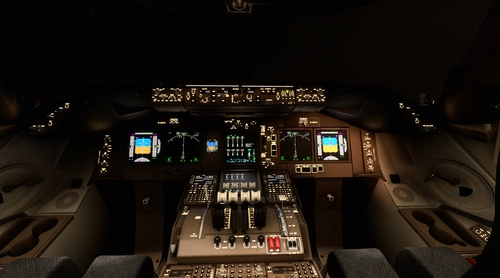
Asobo Aircraft Dimmable VC flood light mod 6 pack
Enhance the cockpit lighting in Microsoft Flight Simulator with the Asobo Aircraft Dimmable VC flood light mod 6 pack V6.0. This mod features improvements for various aircraft including the Boeing 747-8i, Boeing 787-10, and Citation Longitude, with updated light reflections and effects. Easily install this mod to elevate your flying experience by adjusting flood lights, strobes, and more. Explore the enhanced virtual cockpit lighting and make night flights more immersive.
by kdfw
Log in to join the discussion
Log InComments(10)
about 3 hours ago
11 months ago
11 months ago
over 1 year ago
over 1 year ago
almost 2 years ago
over 2 years ago
almost 3 years ago
almost 3 years ago
almost 3 years ago