
Description
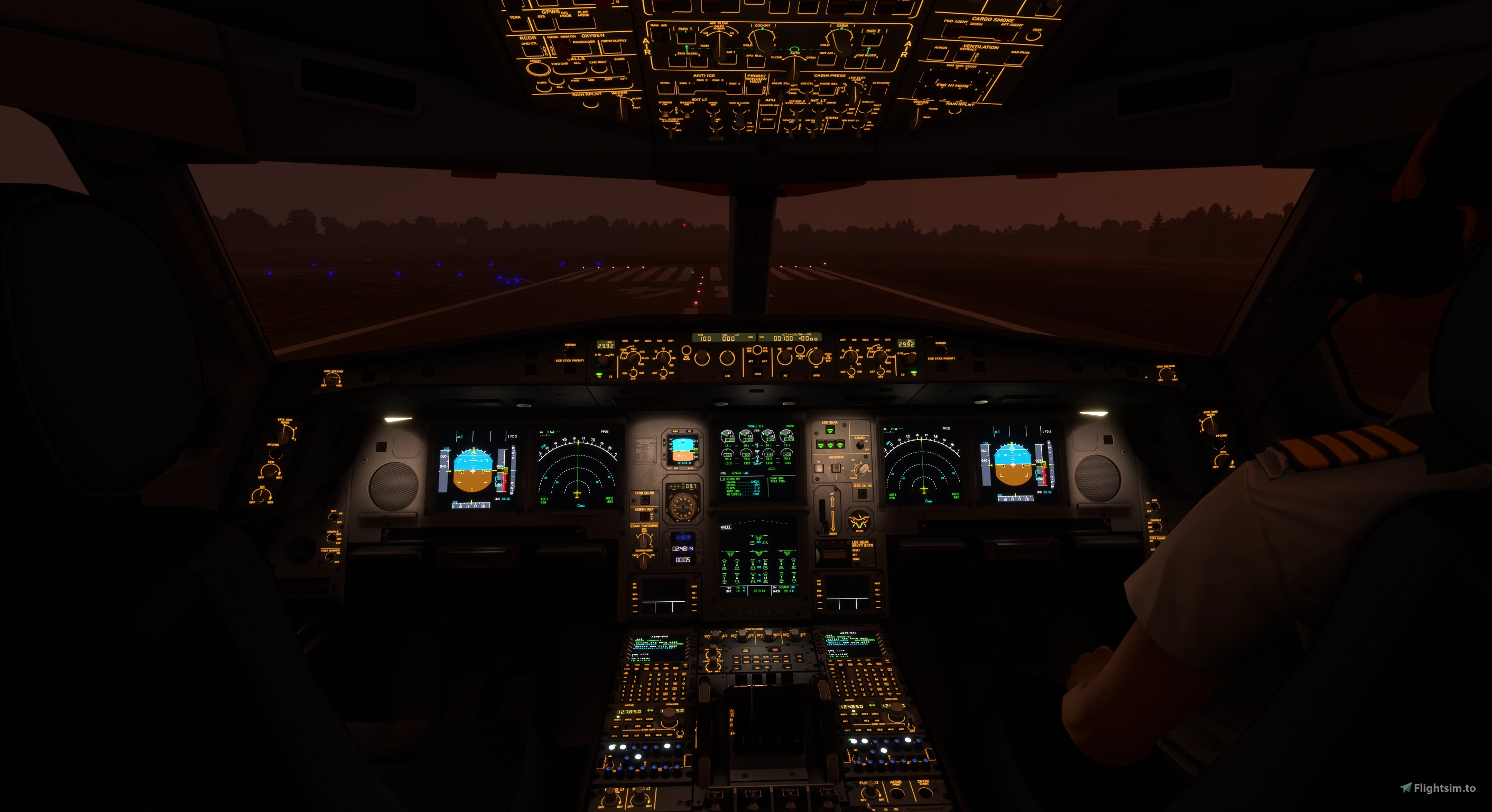
Aerosoft/Toliss A346 Light Mod
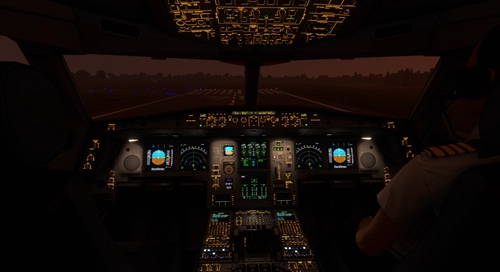
VC and external light mod for the a346, now with realistic projector-style front panel flood lights. unfortunately, LCD brightness and integral light knobs are not mapped to light potentiometers in the model so cannot modulate brightness with the knob. Beacon effect is also baked
into the model which is affected by distance (LOD) but this mod adds normal .fx beacons to overcome the issue (will see out of sync/overlapping beacons when up close to the model).
v2.4
1) compatibility with release v1.0.3 (FS20, FS24)
2) FS24 light intensity readjustment
v2.3
1) softened projector flood light intensity transition
v2.2
1) tweak center floods (L & R same size)
2) add flood light bounce near the sources
v2.0
1) projector-style front panel flood lights
v1.1
1) interior light tweaks (integral light illumination around the vc, etc.)
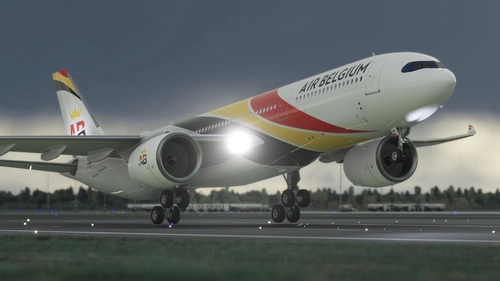
2) brighter landing lights
3) taxi light cone adjusted
4) strobes reworked
5) smaller white nav lights
6) fix ghost beacons for fs24
v1.0
1) flood light throw pattern and color fixed
2) LCD panel light emission under and around the glareshield for the volumetric effect (cannot be made responsive to panel brightness knob setting)
3) flood/integral light bounce to overhead, pedestal, etc.
4) tweak nav lights
5) reworked cockpit reading/map/flood lights
6) beacons are now visible from far distance/zoom out view, light bounce on wings added
the ambient light levels in this mod were set using the Pimax Crystal Super QLED (local dimming=on) and a Samsung 4k monitor in full screen mode in a dark room.
To install, place "za340-600_light_mod_fs20" folder in the /MSFS2020/Community folder.
To install, place "za340-600_light_mod_fs24" folder in the /MSFS2024/Community folder.
Aerosoft/Toliss A346 Light Mod
This add-on enhances the lighting for the Aerosoft and Toliss A340-600, improving both virtual cockpit and external lights. It introduces projector-style front panel flood lights and reworks key elements such as strobes, landing lights, and navigation lights. The mod addresses visibility issues with beacons by adding custom effects. Some limitations exist, such as static LCD brightness and light knob controls due to model constraints.


User Reviews
9 reviews
Version History
1) compatibility with release v1.0.3 (FS20, FS24) 2) FS24 light intensity readjustment
Featured in Collections(2)




Related
Inibuilds A350 Aircraft Light Mod
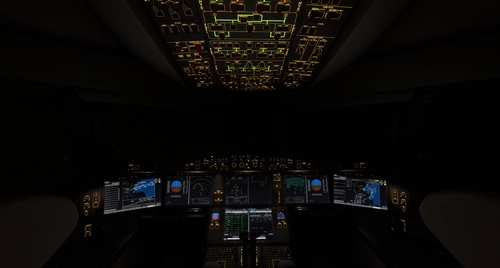
The Inibuilds A350 Aircraft Light Mod enhances both virtual cockpit and external lighting for the ini A350 aircraft, compatible with MFS2020 and MFS2024. This add-on includes a series of updates that improve light visibility, adjust light intensities, and ensure compatibility with various aircraft versions. Key features include refined internal ambient lighting and external light effects, aimed at providing a more realistic flying experience. Installation is straightforward, requiring placement of the mod into the appropriate Community folder for each simulator version.
by kdfw
Fenix A319-A320-A321 Cockpit Light Mod
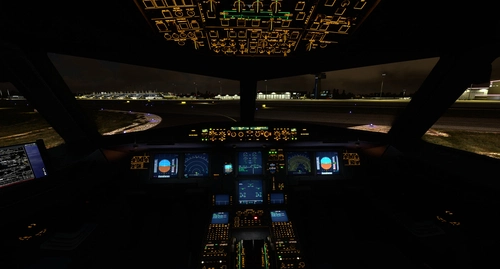
Fenix A319-A320-A321 Cockpit Light Mod, provides improved surface illumination through light projection and reflection in the cockpit. This mod includes subtle lighting cues to create a better sense of space and immersion, particularly beneficial for VR users flying at night. Simply place it in your MSFS2020Community folder for installation.
by kdfw
Asobo Aircraft Dimmable VC flood light mod 6 pack
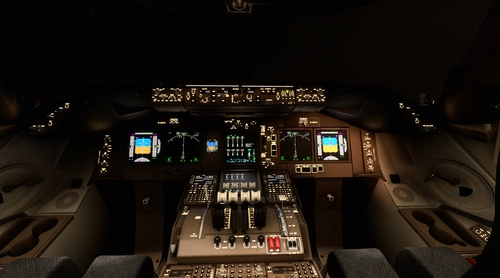
Enhance the cockpit lighting in Microsoft Flight Simulator with the Asobo Aircraft Dimmable VC flood light mod 6 pack V6.0. This mod features improvements for various aircraft including the Boeing 747-8i, Boeing 787-10, and Citation Longitude, with updated light reflections and effects. Easily install this mod to elevate your flying experience by adjusting flood lights, strobes, and more. Explore the enhanced virtual cockpit lighting and make night flights more immersive.
by kdfw
FSS ERJ-170/175 /190/195 VC Light Fixes
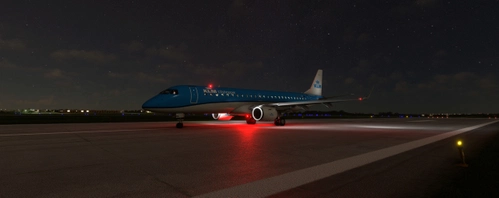
This add-on provides light fixes for the FSS EJet series (ERJ-170/175/190/195) in Microsoft Flight Simulator, enhancing virtual cockpit lighting effects. It includes various updates such as improved beacon and strobe effects, adjustments to ambient light intensity, and fixes for light initialization issues. The mod is compatible with MSFS2024 and includes support for both passenger and freighter versions of the aircraft. Regular updates ensure compatibility with the latest aircraft configurations.
by eatpizza2
Log in to join the discussion
Log InComments(50)
26 days ago
about 2 months ago
about 2 months ago
about 2 months ago
about 2 months ago
about 2 months ago
about 2 months ago
about 1 month ago
22 days ago
about 2 months ago
about 2 months ago
about 2 months ago
about 2 months ago
4 months ago
4 months ago
4 months ago
Chris
4 months ago