
Description
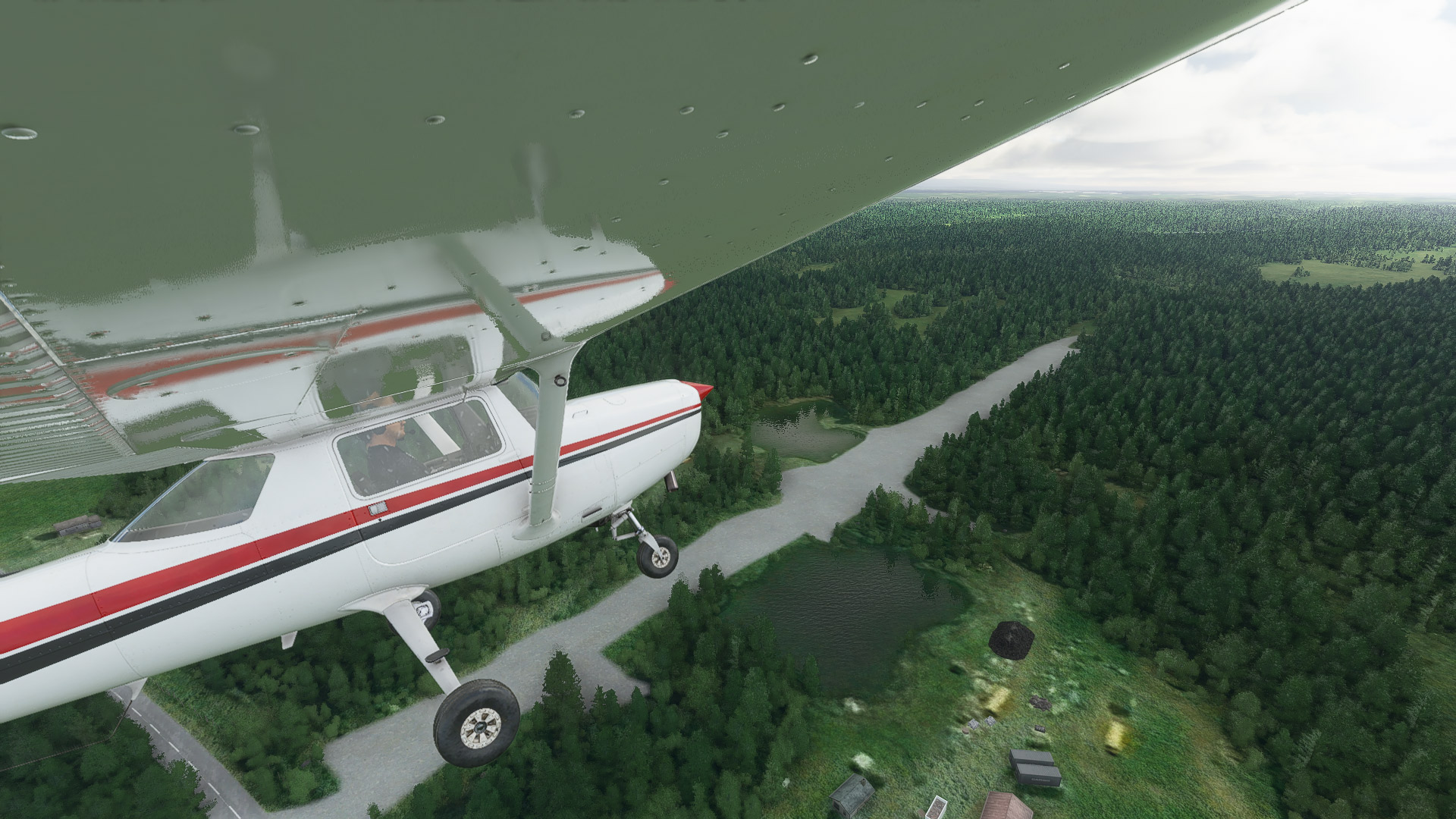
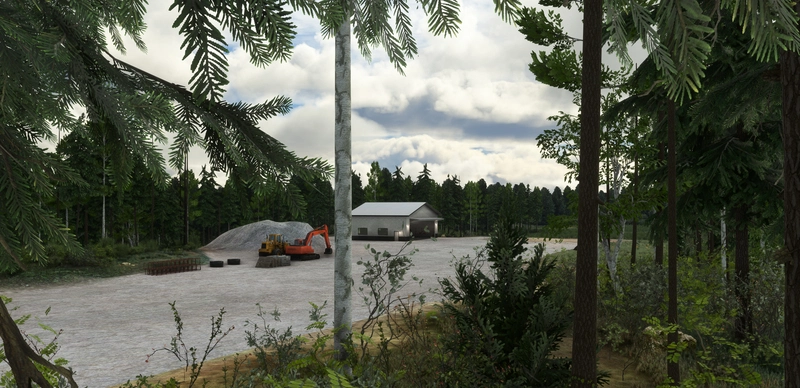
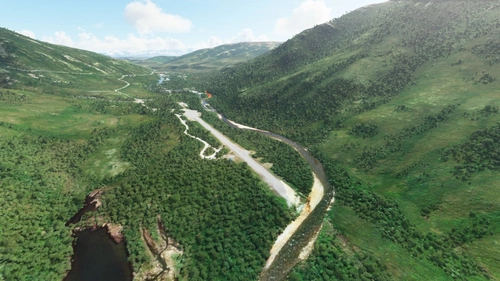
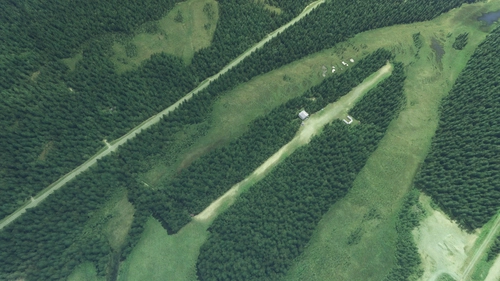
Rangeview airstrip has been rebuilt from the ground up. The scenery features custom gravel textures, overhauled tree placement and roads in the vicinity of the airstrip. Several nearby lakes have also been overhauled, adding water to and flattening their surface. A nearby unlisted airstrip has also been included in this package!
Full features include:
- Custom gravel textures.
- Overhauled tree placement in the vicinity of the airstrip.
- Reworked road placement around the airstrip.
- Adds water to and flattens several lakes in the area.
- Adds a handful of clutter models and vegetation around the area.
- Includes the challenging, unlisted airstrip on Scotty Lake.
Requirements
Installation
The included "esd-airport-0aa5-rangeview" folder should be placed into your MSFS "Packages\Community" folder. The scenery will load the next time you start Microsoft Flight Simulator.
Want more? Check out my other Alaska addons:
- Alaska Lakes: Matanuska-Susitna Valley
- Davidson Strip, Alaska (45AA)
- Kantishna Airport, Alaska (5Z5)
- Snowflake Lake & Airstrip, Alaska
- Montana Creek, Alaska (21AK)
- Talkeetna Airport, Alaska (PATK)
- Stampede Airport, Alaska (Z90)
- Chunilna Cabin Strip, Alaska [Payware]
Looking for the latest news on projects, updates, and releases? Consider joining the Emerald Scenery Design Discord:
Dependencies
Location
Rangeview Airstrip, Alaska (0AA5)
Experience the enhanced Rangeview Airstrip in Alaska with custom textures, tree placements, and roads, alongside overhauled lakes and an additional airstrip. This add-on requires the Emerald Object Library for full functionality. Explore more Alaska addons by Emerald Scenery Design for a complete flight sim adventure. Join the community on Discord for updates and discussions.

Supporters

User Reviews
3 reviews
Version History
- Added and repositioned parking spawns. - Added animated Bear and Moose paths around the coverage area. - Added some new vegetation and clutter around both airstrips. - Adjusted autogen vegetation to better align with updated aerial imagery. - Adjusted position of multiple models. - Adjusted position of road to better align with updated aerial imagery. - Adjusted tiling of gravel texture for better scale in 2024. - Fixed exclude for road overlays causing missing autogen trees in 2024. - Replaced default runway cones with ESD version (Improves view distance). - Removed some new road overlays introduced in SU16. - Reworked and added multiple new water polygons. - Reworked gravel apron layout of both Rangeview and the unlisted airstrip to match updated aerial imagery. - Reworked terraforming for runway extension at Rangeview (still roughly same length since start moved IRL). - Tweaked position and orientation of runway.
Featured in Collections(1)

Related
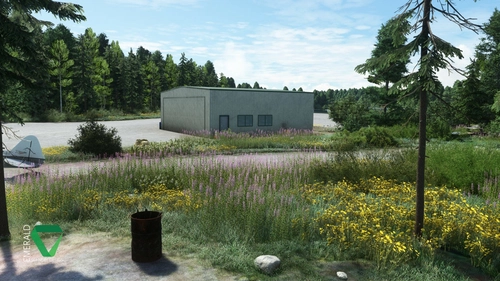
Davidson Strip, Alaska (45AA)
Explore the picturesque Davidson Strip in Alaska, revamped with custom 3D elements and revamped terrain. Featuring custom ground materials, dynamic environmental effects, and unique wildlife encounters. Immerse yourself in this detailed scenery with AI-enhanced aerial imagery and interactive features like bears, butterflies, and rain puddles. Experience the beauty of Alaska with this addon, requiring the Emerald Object Library for a complete experience.
by Emerald Scenery Design
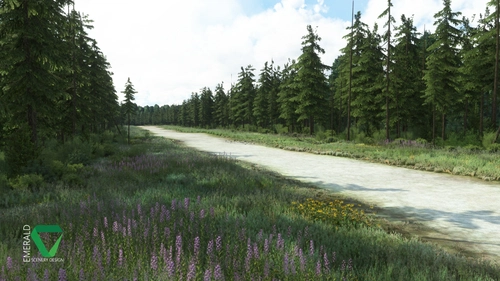
Snowflake Lake Airstrip, Alaska
Fly to the stunning Snowflake Lake Airstrip in Alaska, featuring a 1500 FT gravel runway and detailed scenery with custom environmental elements like butterflies and rain puddles. Experience an authentic backcountry feel with uneven terrain and hand-placed vegetation, ensuring a realistic flight experience. Dont miss out on this immersive addon that brings the beauty of Alaska to Microsoft Flight Simulator.
by Emerald Scenery Design
Kantishna Airport, Alaska (5Z5)
Experience a revamped Kantishna Airport in Alaska with this enhanced scenery add-on. Corrected airport elevations, custom gravel textures, and fixed river areas provide a more realistic flight environment. Ensure compatibility with the latest Alaska Water Height fix version for optimal performance. Explore more Alaskan destinations with other add-ons by Emerald Scenery Design.
by Emerald Scenery Design
Montana Creek, Alaska (21AK)
Explore the reworked private airstrip of Montana Creek, Alaska (21AK) with corrected runway elevations and improved tree placement. This add-on also enhances water features in the surrounding area and includes clutter models for added realism. Make sure to have the Emerald Object Library installed before enjoying this scenery in Microsoft Flight Simulator.
by Emerald Scenery Design
Log in to join the discussion
Log InComments(14)
11 months ago
11 months ago
about 1 year ago
about 1 year ago
about 1 year ago
over 1 year ago
Only major issue is the pond around mid-field, otherwise this scenery works well!
about 3 years ago
about 3 years ago
I'm not sure if that's still the case as I haven't tested it since. All the other packages should be fine though, unless there was a regression.
over 4 years ago
Either the AirportServices folder or the LivingWorld_Config folders are causing mod add-ons such as FBWA320 and the PMDG B737 to not have service vehicles appear. It will also cause entire airports to no longer have tugs available when the AI calls for them. I have found several sceneries with these folders and when they are removed, all airport services for these mods return and AI aircraf5t are again able to call for pushback. Not sure if anything can be done about this besides removing the scenery. I'll try removing only the particular folders mentioned next and see if that helps.
(I am posting this under any sceneries I find that have these folders. Several of yours have them.)
over 4 years ago
Hello,
LivingWorld configs would likely be what causes this issue. LivingWorld affects an entire region. AirportServices only affect a single airport if done properly, using the ICAO for the sub folder. If one uses "AirportServices\Shared" for the directory, then that likely will cause conflicts.
https://docs.flightsimulator.com/html/Content_Configuration/Environment/Living_World/Airport_Services/Airport_Services.htm#basics
over 4 years ago
Nicely done. This is literally where I live. The runway in real life is in a lot worse shape. It's not maintained at all, it has pot holes that will send your plane up about 5-10 feet, and it's owned by the biggest lunatic ever. Here's a request, could you do Keyes Point (QQB)? It has two runways, one small strip at the end of the point, and a larger one to the more northern part. It's where I grew up and the base game did a terrible job representing it.
over 4 years ago
Completely missed this, sorry! Didn't the airport just get a bunch of work done to it in the last couple years? Some more recent aerials showed a new parking area and what looked like a graded runway. Not sure when they were taken though..
about 4 years ago
The runway is graded in the summers usually around late May. It's known by everyone in Trapper Creek as an "emergency runway."
The last plane that has landed on this strip was a piper PA-22 about 2 years ago.
almost 6 years ago