
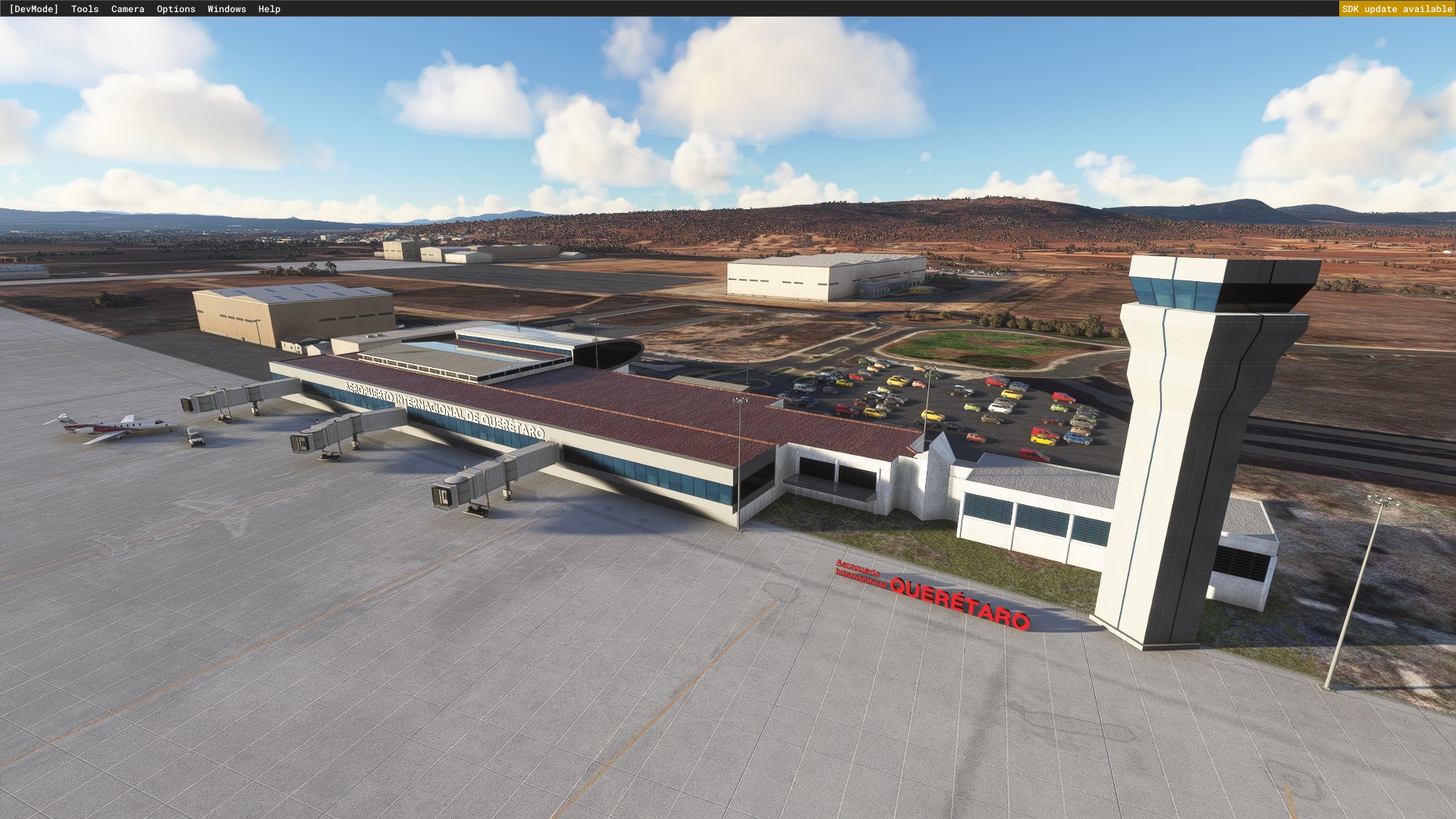
Description
Intercontinental de Querétaro (MMQT)
This early release package includes:
- Custom Terminal mode
- Custom control tower model
- Cosmetic jetways (until I find a way to make them ALWAYS work)
Install by dragging the "continuo-airport-mmqt-queretaro" folder inside the .zip file to your Community folder. You may locate that folder using this guide: https://www.flightsim.com/vbfs/content.php?21235-Finding-The-MSFS-2020-Community-Folder.
Location
Querétaro Intercontinental (MMQT)
Experience Querétaro Intercontinental Airport (MMQT) with this early release add-on featuring custom terminal, control tower model, and cosmetic jetways. Simply drag and drop the contents to your Community folder for easy installation.

User Reviews
2 reviews
Version History
No version history available.
Related
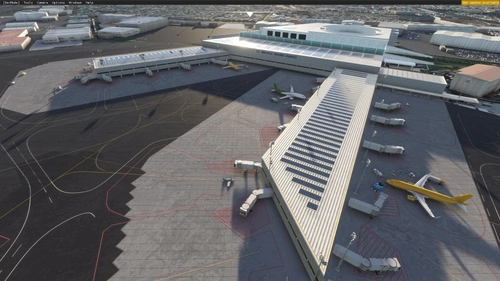
Mexico City Intl. MMMX Benito Juárez
Enhance your flight simulation experience with the Mexico City International Airport (Benito Juárez) add-on for Microsoft Flight Simulator. This early release features custom models for Terminal 1, Terminal 2, and the control tower, with future updates planned to include a redesigned taxiway network, additional details, and new scenery objects. Simply drag the installation folder into your Community folder to enjoy this detailed recreation of MMMX.
by edu0811
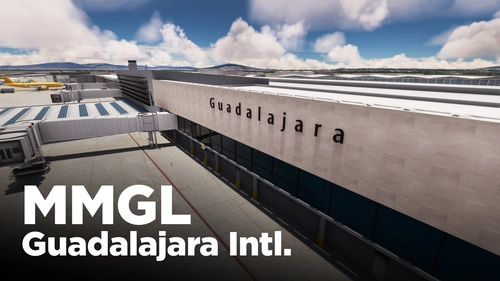
MMGL - Guadalajara International Airport
Enhance your sim experience with the Guadalajara International Airport add-on featuring redesigned runways, recent aerial imagery, and new GA apron. This beta release includes added jetways and a future update will bring custom terminal buildings and more detailed ground markings. Discover the latest nav-data for take-offs from runway 11L-29R in this evolving airport scenery.
by edu0811
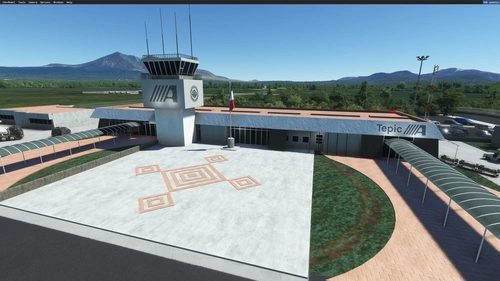
Tepic Intl. Airport MMEP
Enhance Amado Nervo International Airport in Tepic, Mexico with this add-on. Enjoy a custom terminal building, redesigned runway and taxiway network, and accurate ground markings. Explore detailed simobjects, parking lots, and ponds surrounding the airport, while experiencing improved vegetation and removed forest areas. Please note that this release has not been tested with ATC and may have limited nighttime lighting effects.
by edu0811
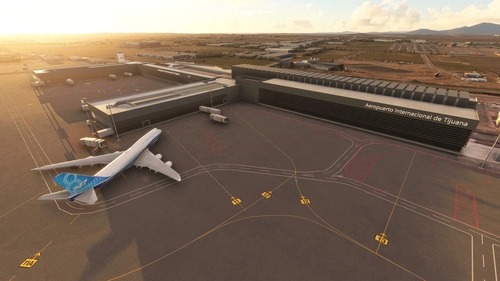
Tijuana Intl. Airport MMTJ
Explore Tijuana International Airport with this add-on, featuring custom terminal and tower buildings, jetways, night lighting, and a revamped runway and taxiway network. The package also includes generic general aviation areas and ongoing updates to enhance your flight simulation experience.
by edu0811
Log in to join the discussion
Log InComments(4)
over 2 years ago
about 3 years ago
almost 4 years ago
Todo bien pero podrías actualizar los lugares de estacionamientos para que correspondan con los jetways y en general vendría bien una actualización, aun se siente muy desolado el aeropuerto y en la realidad no se ve asi. Gracias
almost 5 years ago
No sé si sólo fui yo, pero te dejo saber que despegando de Celaya para ir a Qro. el simulador me daba unos 35 fps, lo que es extraño por mi equipo (Ryzen 5800, 3080), llegué a Querétaro también a razón de 30 fps a 40. Cuando quise volar de CDMX a Qro fue cuando denoté que en el AICM, el que magistralmente hiciste, me daban 2 fps en cabina mirando de frente, 42 (normal) en otra visión. Chequé drivers y NVIDIA Experience y nada estaba mal. Reinicié la PC y simulador y siguió igual de 2 a 7 fps, CDMX involable. ¿Qué hice? Borré Qro de carpeta y todo a la normalidad. Ojalá sea sólo yo. Saludos y gracias por todos tus esfuerzos.