
Description
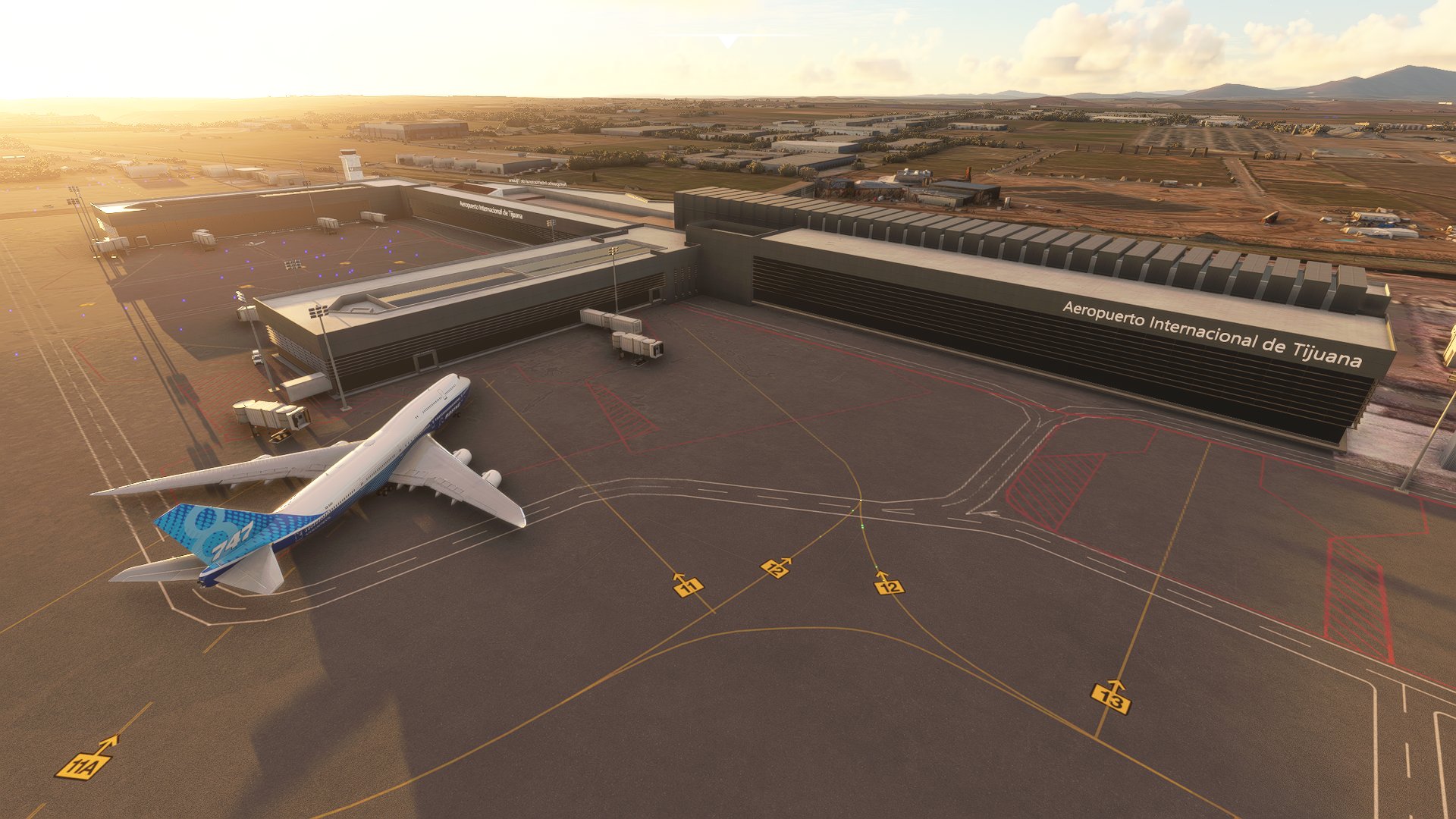
Gral. Abelardo L.Rodriguez International Airport (Tijuana, B.C., México) MMTJ
This package includes:
- Custom terminal building, along with tower and misc. building.
- Custom buildings: fire station, fuel tanks and related infr., "Avolar" hangar.
- Jetways and parking positions (WIP)
- Generic general aviation area.
- Night lighting.
- Runway and taxiway network redone from scratch.
Install by dragging the "continuo-airport-mmtj-tijuana" folder inside the .zip file to your Community folder. You may locate that folder using this guide: https://www.flightsim.com/vbfs/content.php?21235-Finding-The-MSFS-2020-Community-Folder
Note: This is still a work in progress, there are buildings to model and texture, and the south part of the airport is not modeled. If you find any issues please leave a comment. This 1.0 release has not been tested with ATC but it should have the taxiway designations correct.
Location
Tijuana Intl. Airport MMTJ
Explore Tijuana International Airport with this add-on, featuring custom terminal and tower buildings, jetways, night lighting, and a revamped runway and taxiway network. The package also includes generic general aviation areas and ongoing updates to enhance your flight simulation experience.

User Reviews
4 reviews
Version History
Modeling south of the airport: apron and closed runway, apron starts.
Related
Mexico City Intl. MMMX Benito Juárez
Enhance your flight simulation experience with the Mexico City International Airport (Benito Juárez) add-on for Microsoft Flight Simulator. This early release features custom models for Terminal 1, Terminal 2, and the control tower, with future updates planned to include a redesigned taxiway network, additional details, and new scenery objects. Simply drag the installation folder into your Community folder to enjoy this detailed recreation of MMMX.
by edu0811
MMGL - Guadalajara International Airport
Enhance your sim experience with the Guadalajara International Airport add-on featuring redesigned runways, recent aerial imagery, and new GA apron. This beta release includes added jetways and a future update will bring custom terminal buildings and more detailed ground markings. Discover the latest nav-data for take-offs from runway 11L-29R in this evolving airport scenery.
by edu0811
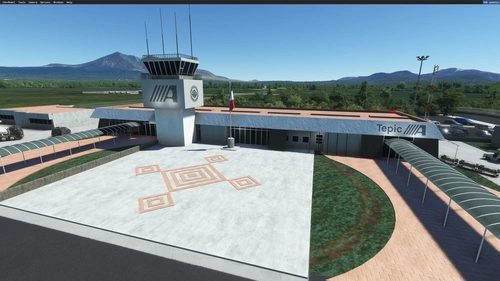
Tepic Intl. Airport MMEP
Enhance Amado Nervo International Airport in Tepic, Mexico with this add-on. Enjoy a custom terminal building, redesigned runway and taxiway network, and accurate ground markings. Explore detailed simobjects, parking lots, and ponds surrounding the airport, while experiencing improved vegetation and removed forest areas. Please note that this release has not been tested with ATC and may have limited nighttime lighting effects.
by edu0811
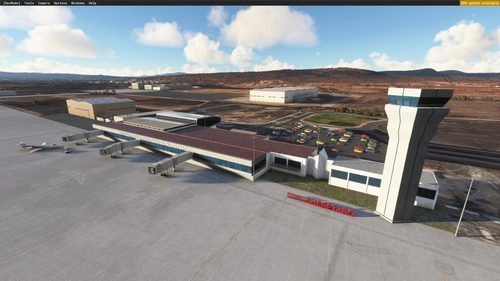
Querétaro Intercontinental (MMQT)
Experience Querétaro Intercontinental Airport (MMQT) with this early release add-on featuring custom terminal, control tower model, and cosmetic jetways. Simply drag and drop the contents to your Community folder for easy installation.
by edu0811
Log in to join the discussion
Log InComments(9)
over 3 years ago
Hi, are you still working on this? This is still the only MMTJ so far and it looks great, but I think some bugs (like missing jetway sections) could be fixed just by rebuilding on the latest SDK.
about 5 years ago
nice scenery :)
can you include the CBX terminal and as well the bridge which connect between Tijuana Mexico and San Diego California
about 5 years ago
I would need to gather reference material, but it surely is planned.
over 3 years ago
can you paint cbx like the real life
about 5 years ago
I am glad you posted this file. Thank you. And I'm looking forward to your additions. But please update the name of the modellib.BGL file to reflect MS/Asobo guidelines to give it a unique name, such as adding the ICAO code to the file: Example (mmtj-modellib.BGL) and then update the layout.json file to reflect the new name. MSFS only reads the first file in the Community folder named modellib.BGL and then uses that file for all others. Renaming it avoids conflicts with any other scenery in the Community folder and gives your scenery the proper appearance with fewer problems. I just changed mine manually. Again, thank you.
about 5 years ago
I will look into it, thanks!
almost 5 years ago
Hi friend,
Would you mind giving step by step instructions (or screenshots) on how to do this? Thank you! :-)
about 5 years ago
Thanks for this!
about 5 years ago
Excellent work! Loved your MMEP update as well. Thanks for sharing your time and talent with us. Looking forward to your future projects!