
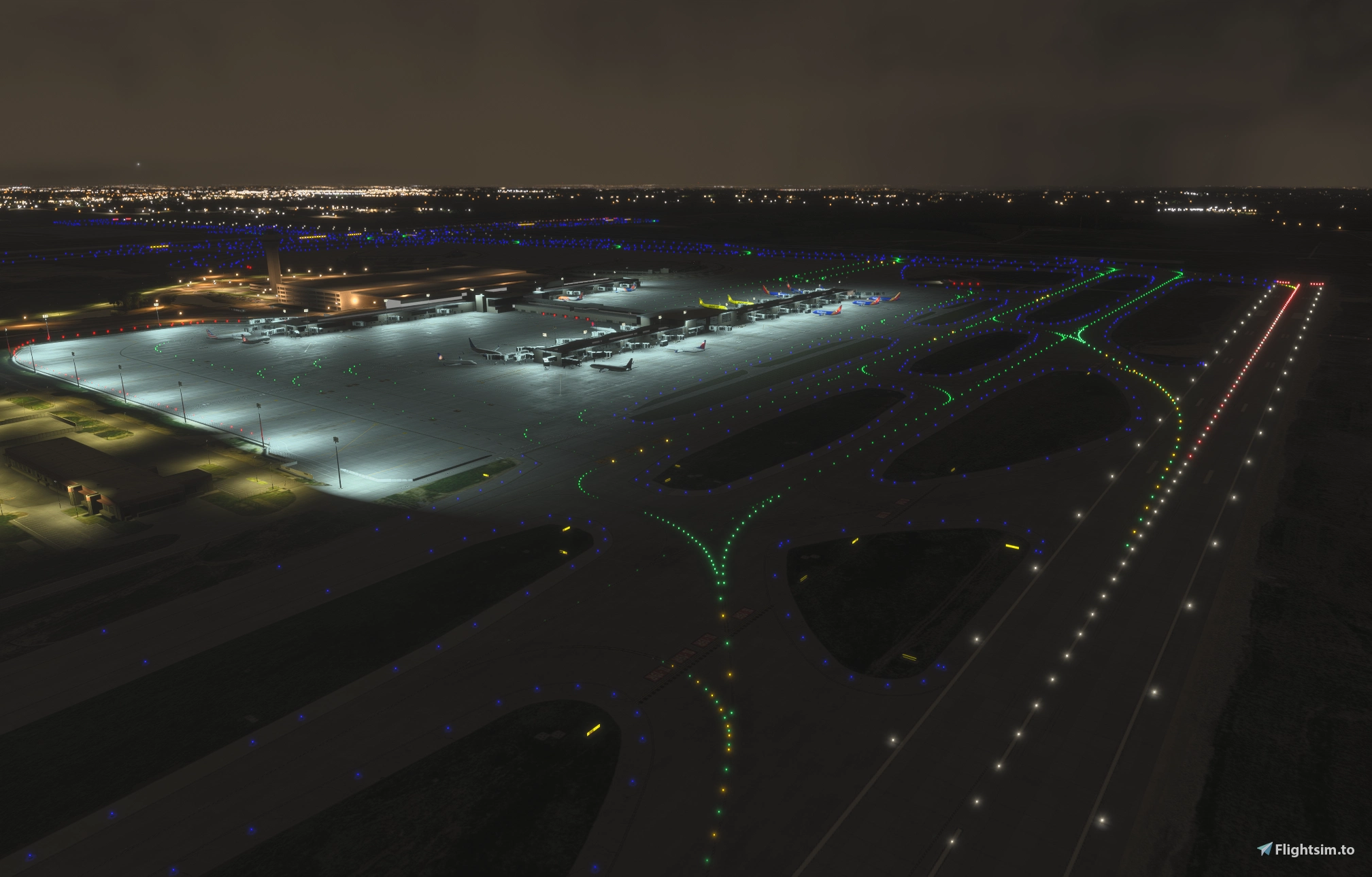
Description
We’ve (@AvEngineer22 and @yxflyer74) been working on this since the 2020 SDK was released, and we finally decided to polish it up with more detail for release here (way more effort than we realized).
GSX Profile Link: GSX Profile - KMCI (gregmason) - Miscellaneous for MSFS | Flightsim.to
Primary Goals:
- Airside detail/accuracy (taxiway layout and naming)
- New terminal and gates
- Airfield markings (as good as we can do with the default SDK markings)
- Airfield lighting (all taxiway edge lights, centerline lights, lead on/off lights, high speed lead off lights and animated in-paved runway guard lights (elevated guard lights WIP) have been placed to real world locations. Runway lighting was left to default.
- Airfield signs minus limitations within the SDK signs are accurate.
- Other parking locations (cargo/GA).
Sorry, we’re not going to be populating the terminal interior with much more detail. The airside components are what we know, so we’re sticking to that.
Installation: Unzip the download and place the gregmason-airport-kmci-kansas-city folder into your community folder.
Notes Regarding MARS Gates, Widebody Gates, and GSX Usage:
- Available widebody gates from World Map:
A14A
- A20A
- B40
- Available widebody gates via GSX Profile:
B43A
- B49A
- In my testing, the MARS functionality within the GSX profile will auto-select the correct gate or sub-position based on your aircraft’s wingspan when loading into the airport from the World Map.
Roadmap:
- Update 1L-19R complex with recent taxiway updates
- Add all deicing locations (and to GSX profile)
- Add aircraft-specific stop positions to the gates within the GSX profile
- Additional custom buildings and objects to be less reliant on dependencies and/or sim-generated buildings
- General pavement accuracy updates
We know this isn’t perfect, and we will continue to tweak and update this in our free time. We’re learning the SDK and Blender along the way! We appreciate you checking out the scenery and hope that it improves your experience of MCI from the default in the base game.
Dependency Background:
See the list below. None of the dependencies are required for the basic experience because most of the airport is made up of the default SDK scenery items (pavements, markings, lights, etc. Dependencies were mostly used to add finer detail.
- List of FlightSim.to dependency information:
MSFS 2020 Object Library: library 2v14 for tractor-farm-cbj
- Mikea.at - AssetPack: Manhole, ARFF Grill, FedEx Trucks
- PANC: FedEx Trailers
- EDHK Lights & Objects Developers Pack: Red Obstruction Lights
- Airport - Paderborn / Lippstadt: Most of the glideslope and FAA equipment
- List of Asobo/Microsoft/Marketplace packages to confirm are enabled/streamed (all world/city updates):
Landmarks of Germany Library
- seafront-sightseeing-vessels-core
- uk2000scenery-airport-commonlibrary
- Asobo-Airport-KSEZ-Sedona
- asobo-airport-ksea-seattle-tacoma
- asobo-airport-knkx-miramar-mcas
- microsoft-airport-sbfn-fernandodenoronha
- Microsoft-airport-tffs-les-saintes
- microsoft-airport-lowk-flughafen-klagenfurt
- Microsoft-airport-lsa-lugano
- microsoft-airport-edny-friedrichshafen
- Microsoft Points of Interest (Italy, UK-Ireland, USA)
- Other:
ICAO font used courtesy of Thorsten Reichert for Runway Distance Remaining signs
Dependencies
Location
KMCI - Kansas City International Airport
This add-on provides a detailed and accurate rendition of Kansas City International Airport for Microsoft Flight Simulator, focusing on realistic taxiway layouts, new terminal structures, and authentic airfield markings and lighting. The package includes carefully placed airport signage and supports cargo and general aviation parking locations, with dependencies optional for enhanced detailing. Main terminal interiors are limited, prioritizing airside accuracy. Future updates are planned to further improve taxiway details and add features based on user feedback.
Contributors

User Reviews
4 reviews
Version History
Added a 3D model for the VOR/DME KANSAS CITY in the southwest portion of the airfield. Stop bar aircraft markings (all but B41/B41A - still working on confirming those details). Updated gates shown on the World Map as needed to utilize GSX MARS functionality. Updated most surface painted signs with TextMarking object instead of polygons/aprons. Corrected runway hold signs on Taxiways C & D east of Runway 1R-19L Added missing pushback/tow stop positions on D/N taxilanes. Update General Aviation-Signature apron parking labels and numbering. Added Gate 43A J-Line and stop bars. Added Gate 49A J-Line and stop bars. Updated marking envelope at B51/B51A. Replaced the stock building at Fleet/Post 2 (north of the terminal) with a model a bit more accurate.
Related
Kansas City International Airport (KMCI)
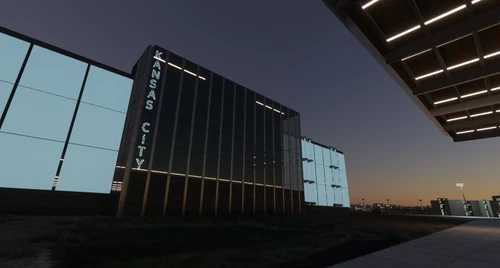
Explore the newly updated Kansas City International Airport (KMCI) in Missouri, featuring a modern terminal complex completed in 2023, serving as the primary hub for western Missouri and eastern Kansas. With three runways and a spacious 10,680-acre facility, enjoy improved parking areas, updated airline codes, and a realistic airport layout. Join the community in providing feedback for further enhancements.
by b757
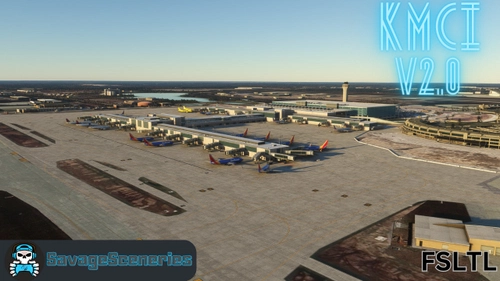
KMCI FSLTL Static Aircraft V2.0
Enhance your KMCI experience with the KMCI FSLTL Static Aircraft V2.0 add-on by SavageSceneries. This scenery add-on includes static aircraft and works with the TropicalSim payware airport. Requires the FBW FSLTL base package. Switch to FSLTL models for improved visuals without FPS impact. Enjoy a more immersive airport environment with this enhanced add-on.
by SavageSceneries
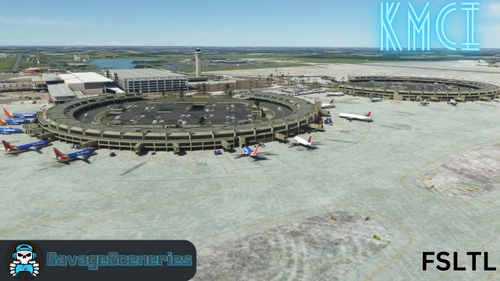
KMCI FSLTL Static Aircraft
Enhance your KMCI experience with this FS2020 add-on featuring static aircraft and extras for TropicalSim payware airport. Requires FBW FSLTL base package. Switching to FSLTL models offers improved visuals without FPS impact. Ensure to delete LatinVFR Static Aircraft ADD-ON for optimal performance. Simply drag and drop the file into your community folder to enjoy the new scenery.
by SavageSceneries
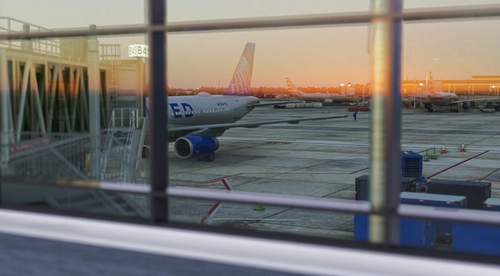
KMCI AIG Static Aircraft (TaiModels)
This add-on introduces static aircraft to KMCI in Microsoft Flight Simulator 2024 using AIG models. It enhances airport scenery by populating gates with non-moving planes for a more realistic apron environment. Installation requires the AIG AI Manager models to be present. No FSLTL models are used in this package.
by octopushadow
Log in to join the discussion
Log InComments(25)
about 1 month ago
2 months ago
2 months ago
2 months ago
I'm sure there will be some compatibility issues, since most of the content is the built in SDK objects, textures, markings, etc. So if there are differences in those objects from the 2020 to 2024 SDK, that is probably going to be the most significant compatibility issue.
3 months ago
I'm just comparing Taxi2Gates v2 KMCI with the fresh released airport made by TaiModels - both for MSFS 2024.
While researching I found your freeware: IMHO your work is (minimum) eye to eye to both paywares. And in some kinds even better as you're using "real" G/S antennas and did not forgot the localizers.
Would it be possible to insert a 3D model for the DVOR/DME KANSAS CITY near the crossing of the 1L and the 9? Microsoft/Asobo has put in a kind of nasty Pyramide there :-(
Thanks - have a good time!
Bert
FS Reviews
3 months ago
2 months ago
2 months ago
Bert
FS r´Reviews
3 months ago
3 months ago
4 months ago
4 months ago
4 months ago
4 months ago
4 months ago
4 months ago
4 months ago
4 months ago