
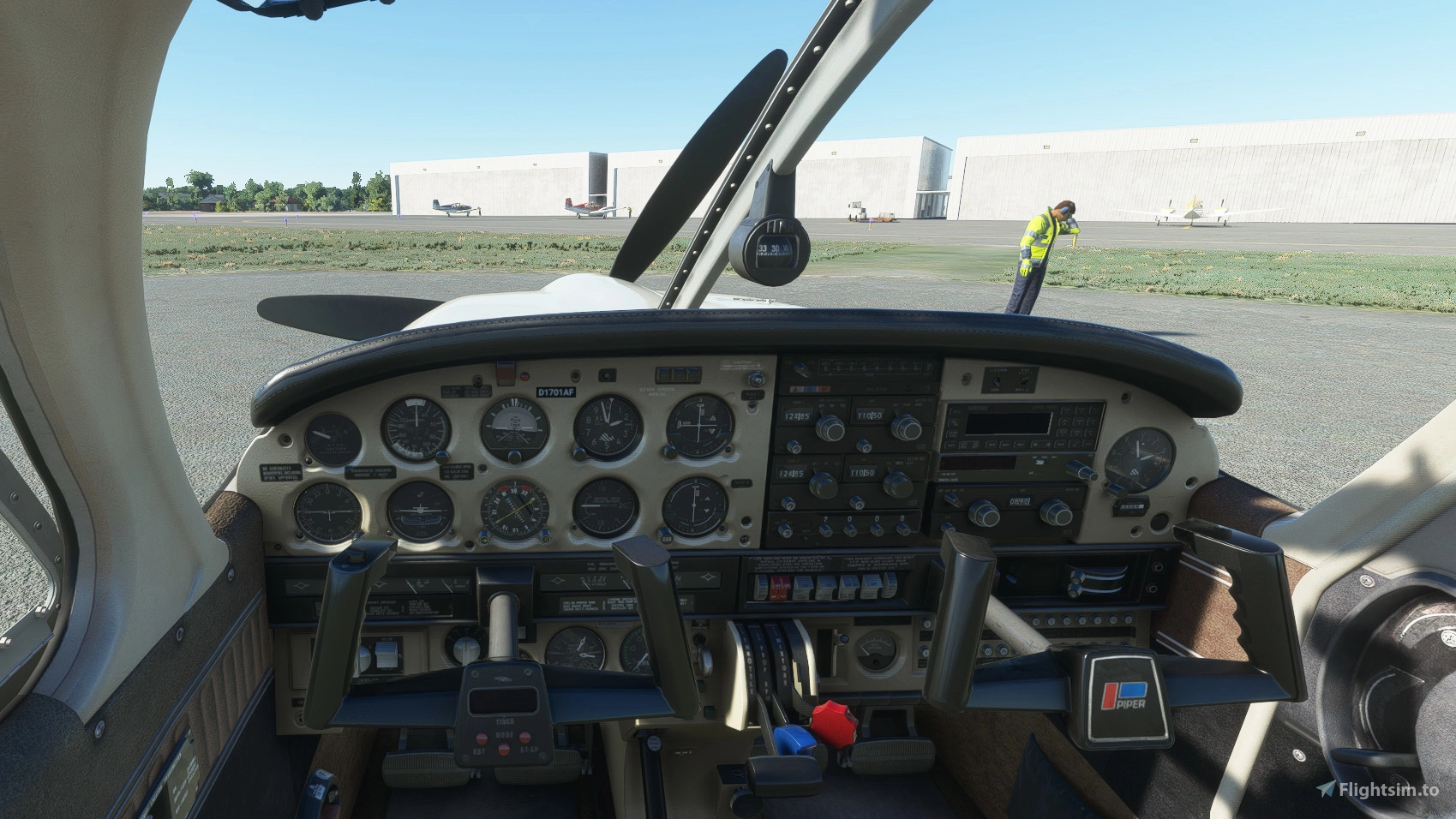
Description
Like before with the red and grey interiors, I created a beige clean interior as well.
This will complement the beige interior by "Berinchtein", who chose to leave the used and dirty look of the original.
Installation:
Completely remove previous versions!
Then just drop into your Community folder
This version comes with a choice of tablet colours. In the standard package I have changed the tablet to black.
However, if you prefer the white tablet you can reinstall it:
- Look for the folder "tablet". In it you will find one folder called "black" and one folder called "white".
- Each of those folders contains a file called: "EFB_ALBEDO.PNG.DDS"
- copy the file with the desired colour into "Community/justflight-aircraft-pa28-arrow-iii_beigeinterior/SimObjects/Airplanes/JF_PA28_Arrow/TEXTURE.VC" and restart MSFS
In addition I changed the colour of the instrument panel to beige as well. In case you don't like it, you can change it to black and back at any time. The files can be found in the folder "Dashboard/black"
Installation works like with the tablet:
- Look for the folder "Dashboard" and in it for the folder "black".
- you will find two folder "TEXTURE" and "TEXTURE.VC" simply copy the three files "ARROW_EXT03_ALBEDO.PNG.DDS", ARROWVC_01_ALBEDO.PNG.DDS and ARROWVC_02_ALBEDO.PNG.DDS contained in their respective folders under "Community/justflight-aircraft-pa28-arrow-iii_beigeinterior/SimObjects/Airplanes/JF_PA28_Arrow"
- if you want to revert to the beige panel again simply copy the respective files from the "Dashboard/beige" folder over
Do not rename the folder or you might get problems with other mods like the "Just Flight PA28 Lighting Improvement" by WeptBurrito2749
Have fun
Best wishes
Archer374
JustFlight Piper PA28R Arrow III - Clean Beige Interior
Enhance your JustFlight Piper PA28R Arrow III with a new clean beige interior mod by Archer374. This add-on includes a choice of tablet colors and a beige instrument panel option. Installation is simple - just drop the files into your Community folder and enjoy the updated look. Choose between black and beige designs to customize your flying experience.
User Reviews
2 reviews
Version History
reduced file size by 50%
Related
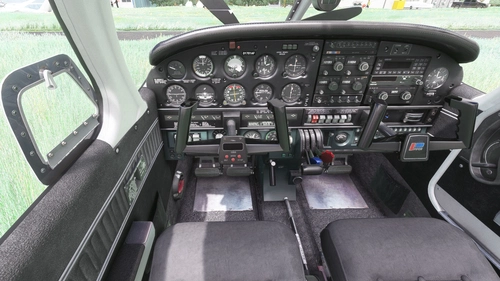
JustFlight Piper PA28R Arrow III - Clean Grey Interior
Enhance your Piper PA28R Arrow III experience with this mod offering a clean grey interior option. Customize your tablet color and instrument panel with ease to suit your preferences. Simple installation process by dropping the mod folder into your Community folder. Enjoy a fresh look for your virtual cockpit with this modification from Archer374.
by Archer374 - Idea for the panel: icemany
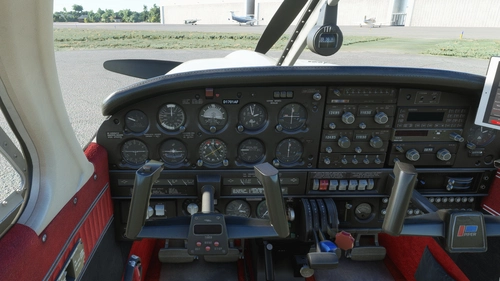
Just Flight Piper PA28R Arrow III - Clean Interior
Clean up the interior of your Just Flight Piper PA28R Arrow III with this mod. Includes a refreshed look with updated paint and a choice of tablet colors. Easily install by dropping it into your Community folder. Enjoy the revamped black/red instrument panel option as a bonus feature.
by Archer374
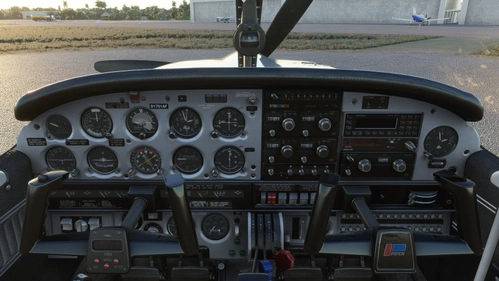
JustFlight Piper PA28R Arrow III - Clean Blue Interior
JustFlight Piper PA28R Arrow III with Clean Blue Interior modification, offering a fresh look for your virtual cockpit. This addon includes a choice of tablet colors and a blue/grey instrument panel option. Install by dropping into your Community folder and customize to your preference. Enjoy the updated visual experience in Microsoft Flight Simulator.
by Archer374 & ANN0V (& icemany)
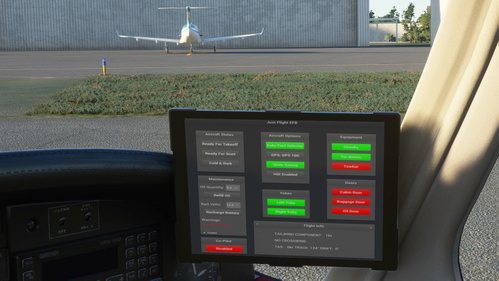
Just Flight Piper PA28R Arrow III - Interior MEGA PACK
Enhance the interior of your Just Flight Piper PA28R Arrow III with this MEGA PACK featuring four different color options: Red, Blue, Grey, and Beige. Change the tablet and instrument panel colors to match the interior with simple installation instructions provided. Enjoy a refreshed look for your aircraft without neglecting the details.
by Archer374
Log in to join the discussion
Log InComments(23)
about 1 year ago
almost 4 years ago
Hello Archer and thank you!
There is something that escapes me, I installed the file in my community but I do not see the change at the level of the interior or the panel what would I have omitted to do? Thanks ! for your help.
almost 4 years ago
The mod has to be loaded AFTER the aircraft itself. Normally I name my mods so that it works with the original folder name installed. So in case you changed the folder name of the plane, the folders might not be loaded in the correct order.
Also make sure you get the correct version. This is for the Arrow III, NOT the Turbo Arrow III.
In case you can't get it to work simply add a "z" to the beginning of the folder name of my mod. Then it has to work.
about 5 years ago
Hello, great work!
Do you think you could do the same beige texture with the future Warrior II coming out?
about 5 years ago
Thanks.
Haven't decided whether I will buy the Warrior. Doesn't hold much appeal to me I'm afraid.
over 5 years ago
I love this look! Is there any chance you'll do something similar for the Turbo Arrow?
over 5 years ago
Thanks.
Jup. Working on it.
over 5 years ago
https://flightsim.to/file/10930/jf-piper-arrow-panel-lights
over 5 years ago
The first solution would be the easier one, but I'd need permission from WeptBurrito AND I'd need to understand what exactly he did change to make it work. Also: everytime there's a new version for the Lights Mod I'd probably need to change mine as well.
There's a compromise I can offer: With my next version I'll take out one file: "ARROWVC_01_LM.PNG.DDS" The changes I made there are negligible and I guess this will have the most impact on the Lights Mod. Also I will increase the contrast on the instruments of the "ARROWVC_01_ALBEDO.PNG.DDS". That should make them more compatible, however I cannot guarantee anything here.
The only thing left would be loading the mods in the right order. I'll do some work on the yoke today as well, so maybe I'll have something ready by the evening.
over 5 years ago
over 5 years ago
over 5 years ago
over 5 years ago
But amazing work, it's very nice.
Bests,
brynair
over 5 years ago
Thanks :-)
They are not supposed to be. Just checked the texture file to make sure. They are quite crips and when I tested them they were ok as well. Can you send me a screenshot?
over 5 years ago
I picked the grey interior as I prefer the clean look over the original and also fly it IRL :-) I will check this one out too.
One request, if possible: Could you remove also the red-ish tint of the metal plate below the rudder pedals?
Thanks for considering.
over 5 years ago
I left the tint on purpose. Thought it looks more real that way. Will try it out. No promises, though
over 5 years ago
over 5 years ago
over 5 years ago