
Description
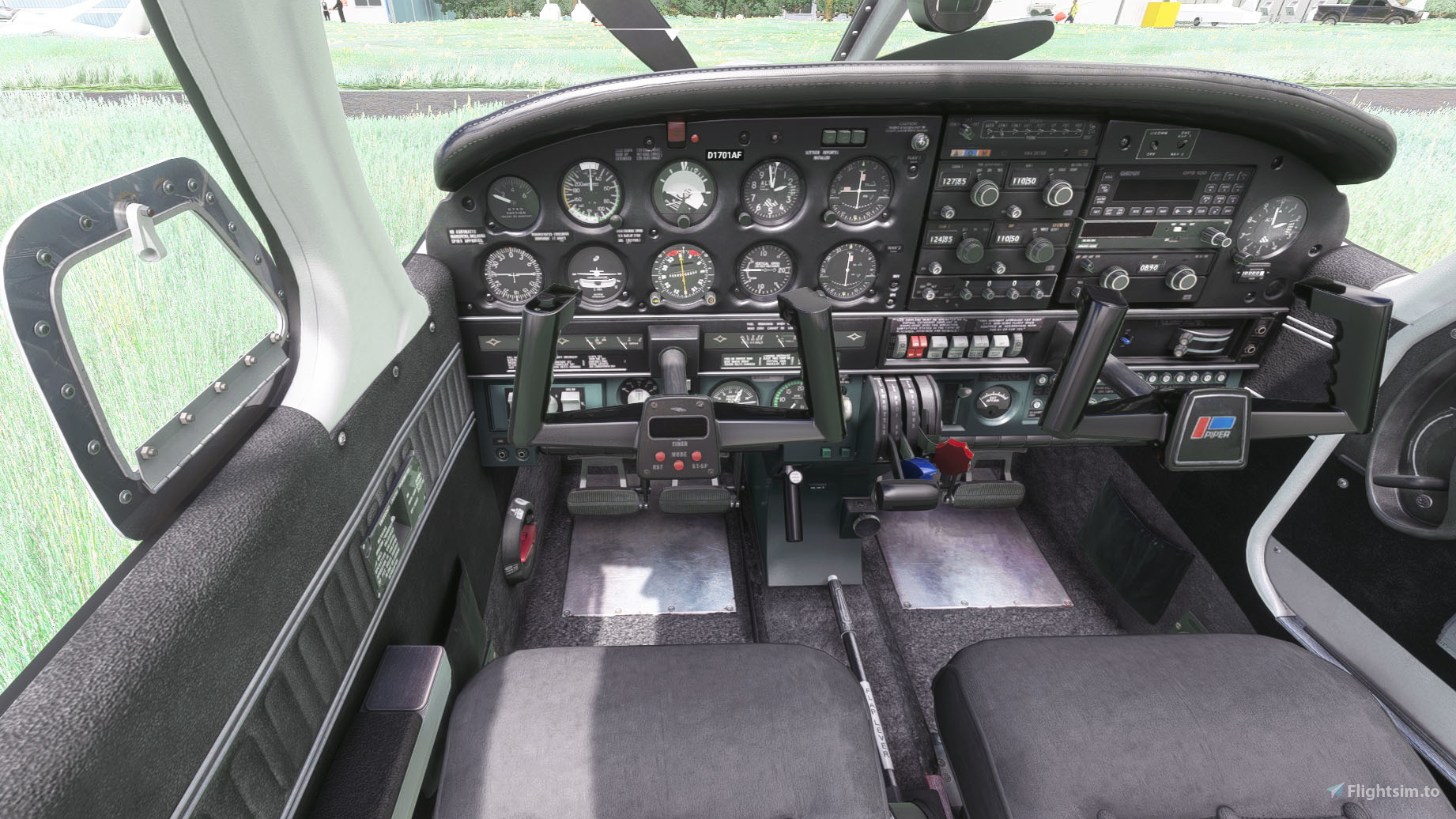
Like before with the original red interior, I created a grey clean interior as well.
Installation:
Completely remove previous versions!
Then just drop my mod folder into your Community folder
This version comes with a choice of tablet colours. In the standard package I have changed the tablet to black.
However, if you prefer the white tablet you can reinstall it:
- Look for the folder "tablet". In it you will find one folder called "black" and one folder called "white".
- Each of those folders contains a file called: "EFB_ALBEDO.PNG.DDS"
- copy the file with the desired colour into "Community/justflight-aircraft-pa28-arrow-iii_beigeinterior/SimObjects/Airplanes/JF_PA28_Arrow/TEXTURE.VC" and restart MSFS
In addition I changed the colour of the instrument panel to grey as well and provided a second black and grey panel, as well as a third black panel with a dark grey bottom. In case you don't like it, you can change it to black and back at any time. The files can be found in the folder "Dashboard/black"
Installation works like with the tablet:
- Look for the folder "Dashboard" and in it for the folder "black".
- you will find two folder "TEXTURE" and "TEXTURE.VC" simply copy the three files "ARROW_EXT03_ALBEDO.PNG.DDS", ARROWVC_01_ALBEDO.PNG.DDS and ARROWVC_02_ALBEDO.PNG.DDS contained in their respective folders under "Community/justflight-aircraft-pa28-arrow-iii_greyinterior/SimObjects/Airplanes/JF_PA28_Arrow"
- if you want to revert to the grey panel again simply copy the respective files from the "Dashboard/grey" folder over
Do not rename the folder or you might get problems with other mods like the "Just Flight PA28 Lighting Improvement" by WeptBurrito2749
Have fun
Best wishes
Archer374
JustFlight Piper PA28R Arrow III - Clean Grey Interior
Enhance your Piper PA28R Arrow III experience with this mod offering a clean grey interior option. Customize your tablet color and instrument panel with ease to suit your preferences. Simple installation process by dropping the mod folder into your Community folder. Enjoy a fresh look for your virtual cockpit with this modification from Archer374.
User Reviews
9 reviews
Version History
reduced file size by 50%
Related
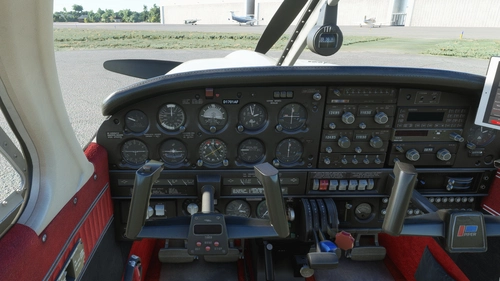
Just Flight Piper PA28R Arrow III - Clean Interior
Clean up the interior of your Just Flight Piper PA28R Arrow III with this mod. Includes a refreshed look with updated paint and a choice of tablet colors. Easily install by dropping it into your Community folder. Enjoy the revamped black/red instrument panel option as a bonus feature.
by Archer374
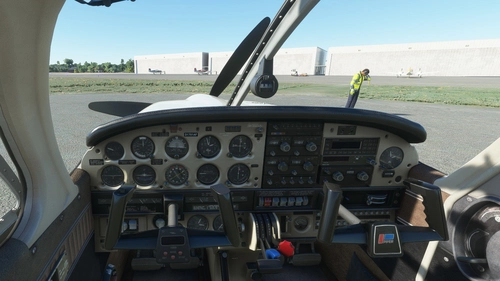
JustFlight Piper PA28R Arrow III - Clean Beige Interior
Enhance your JustFlight Piper PA28R Arrow III with a new clean beige interior mod by Archer374. This add-on includes a choice of tablet colors and a beige instrument panel option. Installation is simple - just drop the files into your Community folder and enjoy the updated look. Choose between black and beige designs to customize your flying experience.
by Archer374
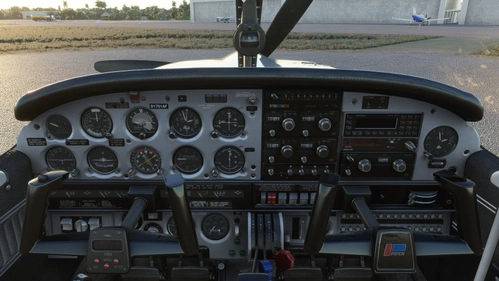
JustFlight Piper PA28R Arrow III - Clean Blue Interior
JustFlight Piper PA28R Arrow III with Clean Blue Interior modification, offering a fresh look for your virtual cockpit. This addon includes a choice of tablet colors and a blue/grey instrument panel option. Install by dropping into your Community folder and customize to your preference. Enjoy the updated visual experience in Microsoft Flight Simulator.
by Archer374 & ANN0V (& icemany)
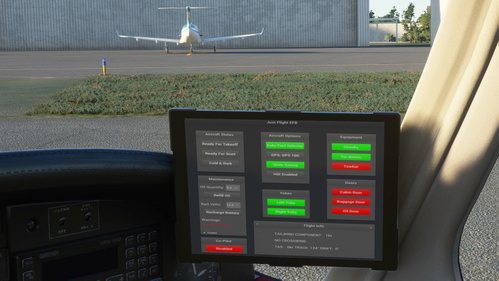
Just Flight Piper PA28R Arrow III - Interior MEGA PACK
Enhance the interior of your Just Flight Piper PA28R Arrow III with this MEGA PACK featuring four different color options: Red, Blue, Grey, and Beige. Change the tablet and instrument panel colors to match the interior with simple installation instructions provided. Enjoy a refreshed look for your aircraft without neglecting the details.
by Archer374
Log in to join the discussion
Log InComments(68)
8 months ago
over 2 years ago
over 2 years ago
1. You download my mod and put in the main folder in the ZIP into your Community folder.
2. that should already work.
3. The rest is just important, if you wish to change the tablet colours or panel colours.
over 3 years ago
Confirming this works with 0.10.6 update.
about 5 years ago
Sorry to trouble you, my good man, but there seems to be an issue with the very latest new updates to the JF Pipers using your custom interiors.
In the default VC, they look just fine - https://imgur.com/9FiPUzK
In the exterior camera views, they are showing missing texture errors - https://imgur.com/KFPoVZJ
After removing the mods, the plane renders properly again on exterior views - https://imgur.com/M2TErJa
about 5 years ago
Can confirm this issue after the recent updates on all 3 pipers from JF
about 5 years ago
Thanks to both of you. I have already identified the problem and will publish a revised version shortly.
about 5 years ago
Thank you, sir! I can't stand flying these without your custom interiors!
about 5 years ago
Thanks very much. :-)
about 5 years ago
Can you upload a picture of the new black panel with a dark grey bottom?
about 5 years ago
I did. The first two pictures. Doesn't come out very well
about 5 years ago
Is it possible to get this interior inside the un-official-transportes-coyote liverie? not sure how or if it can be done :)
about 5 years ago
Can be done of course. My interior should appear for all custom liveries that use the original interior. If the livery has custom interior files, just look for files with the same file names and replace them with the ones from my package. Always keep a backup.
over 5 years ago
Where can one find the spot to change N-number label on the panel? It's associated with each livery, but I can't figure out where and how to change it, as I've made a new customer livery. Thanks!
Thanks!
over 5 years ago
over 5 years ago
over 5 years ago
over 5 years ago