
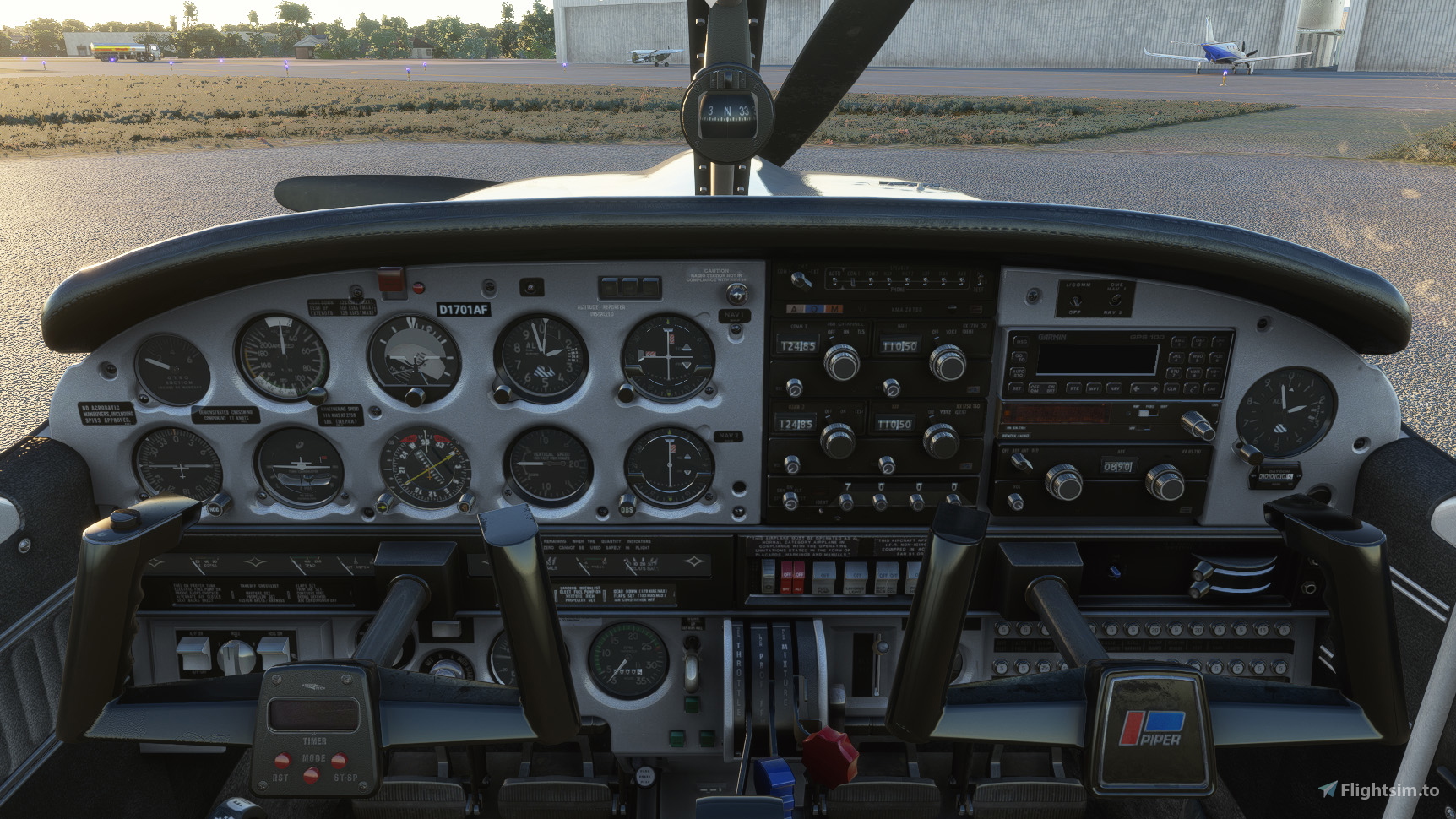
Description
Like before with the red, beige and grey interiors, I created a beige clean interior as well. However this time I wasn't alone and had much help from ANN0V who came up with the idea and started the process with the first textures and also chose the colour. Thanks again!
Installation:
Completely remove previous versions!
Then just drop into your Community folder
This version comes with a choice of tablet colours. In the standard package I have changed the tablet to black.
However, if you prefer the white tablet you can reinstall it:
- Look for the folder "tablet". In it you will find one folder called "black" and one folder called "white".
- Each of those folders contains a file called: "EFB_ALBEDO.PNG.DDS"
- copy the file with the desired colour into "Community/justflight-aircraft-pa28-arrow-iii_beigeinterior/SimObjects/Airplanes/JF_PA28_Arrow/TEXTURE.VC" and restart MSFS
In addition I changed the colour of the instrument panel to a blue/grey as well. In case you don't like it, you can change it to black and back at any time. The files can be found in the folder "Dashboard/black"
Installation works like with the tablet:
- Look for the folder "Dashboard" and in it for the folder "black".
- you will find two folder "TEXTURE" and "TEXTURE.VC" simply copy the three files "ARROW_EXT03_ALBEDO.PNG.DDS", ARROWVC_01_ALBEDO.PNG.DDS and ARROWVC_02_ALBEDO.PNG.DDS contained in their respective folders under "Community/justflight-aircraft-pa28-arrow-iii_blueinterior/SimObjects/Airplanes/JF_PA28_Arrow"
- if you want to revert to the blue panel again simply copy the respective files from the "Dashboard/grey" folder over
Do not rename the folder or you might get problems with other mods like the "Just Flight PA28 Lighting Improvement" by WeptBurrito2749
Have fun
Best wishes
Archer374
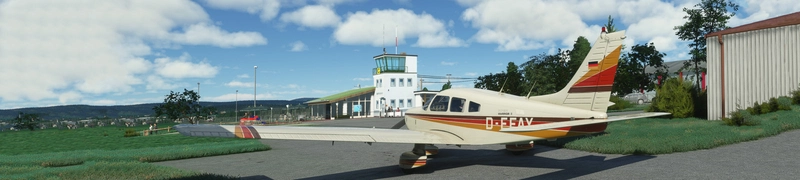
JustFlight Piper PA28R Arrow III - Clean Blue Interior
JustFlight Piper PA28R Arrow III with Clean Blue Interior modification, offering a fresh look for your virtual cockpit. This addon includes a choice of tablet colors and a blue/grey instrument panel option. Install by dropping into your Community folder and customize to your preference. Enjoy the updated visual experience in Microsoft Flight Simulator.
Supporters

User Reviews
4 reviews
Version History
reduced file size by 50%
Related
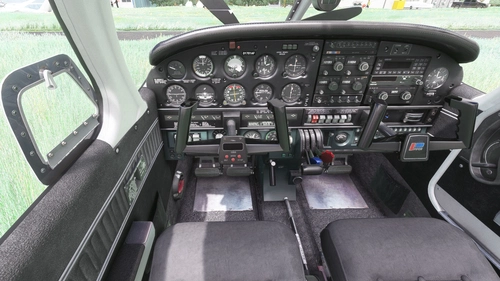
JustFlight Piper PA28R Arrow III - Clean Grey Interior
Enhance your Piper PA28R Arrow III experience with this mod offering a clean grey interior option. Customize your tablet color and instrument panel with ease to suit your preferences. Simple installation process by dropping the mod folder into your Community folder. Enjoy a fresh look for your virtual cockpit with this modification from Archer374.
by Archer374 - Idea for the panel: icemany
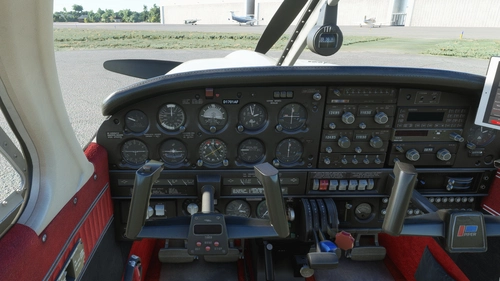
Just Flight Piper PA28R Arrow III - Clean Interior
Clean up the interior of your Just Flight Piper PA28R Arrow III with this mod. Includes a refreshed look with updated paint and a choice of tablet colors. Easily install by dropping it into your Community folder. Enjoy the revamped black/red instrument panel option as a bonus feature.
by Archer374
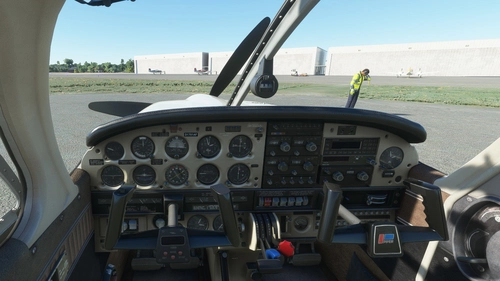
JustFlight Piper PA28R Arrow III - Clean Beige Interior
Enhance your JustFlight Piper PA28R Arrow III with a new clean beige interior mod by Archer374. This add-on includes a choice of tablet colors and a beige instrument panel option. Installation is simple - just drop the files into your Community folder and enjoy the updated look. Choose between black and beige designs to customize your flying experience.
by Archer374
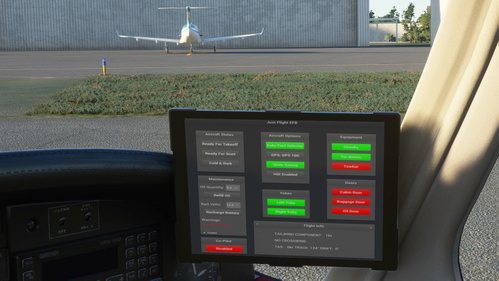
Just Flight Piper PA28R Arrow III - Interior MEGA PACK
Enhance the interior of your Just Flight Piper PA28R Arrow III with this MEGA PACK featuring four different color options: Red, Blue, Grey, and Beige. Change the tablet and instrument panel colors to match the interior with simple installation instructions provided. Enjoy a refreshed look for your aircraft without neglecting the details.
by Archer374
Log in to join the discussion
Log InComments(38)
almost 5 years ago
Seems to be uncompatible with SU7. The MSFS Addons Linker says 'could not read the manifest.json file'.
Great, you would fix this.
almost 5 years ago
Hi. The MSFS Addons Linker isn't optimised for SU7, so it wouldn't detect an incompatibility. Also the manifest.json file is purely informative and has no impact on whether a mod works or not.
I just downloaded the mod from here and activated in MSFS Addons Linker. Worked perfectly.
Have you tried reinstalling the mod? Maybe something went wrong while unpacking it. Also did you check whether the manifest.json file is actually present and whether you can open it with a text editor?
almost 5 years ago
Hi.
I did exactly all the things, you proposed. Deleted the 'old' mod-dir, downloaded the actual one, looked inside the manifest-file with an editor. No abnormalities from my side. Don't know, why it doesn't work. I never had any problems with it.
Oh, maybe it's a problem with Windows 11 ?
Correction again:
I shortened the directory-name a little bit and the problem was gone. What the hell ...?
almost 5 years ago
Glad it works now
about 5 years ago
Thanks so much for creating and maintaining these very pleasing interiors for all the JF MSFS PA28 aircraft.
about 5 years ago
Thank you too. My pleasure :-)
about 5 years ago
Are you planning on a similar interior for the Just Flight PA28 Warrior II because I hate that default red.
about 5 years ago
Sorry. Not planning on buying that one. But there already is a conversion available here.
about 5 years ago
Found it here in Aircraft Additions after it was pointed out in a MSFS forum. Thanks for the heads up.
about 5 years ago
I'd like to report some missing DDS files from TEXTURE causing the seats to appear white from external view
about 5 years ago
Really? Will check that as soon as I'm back home next week
about 5 years ago
Thanks for the heads-up. Added the files.
about 5 years ago
Thank you :)
over 5 years ago
over 5 years ago
- added NAV/GPS labels next to the NAV2 instrument
- changed color of the frame around the Garmin 100 back to black
- several small improvements
over 5 years ago
over 5 years ago
over 5 years ago
over 5 years ago
The guys from JF are correct. They included the cover panel in the textures recently and I will have to adapt all my mods