
Description
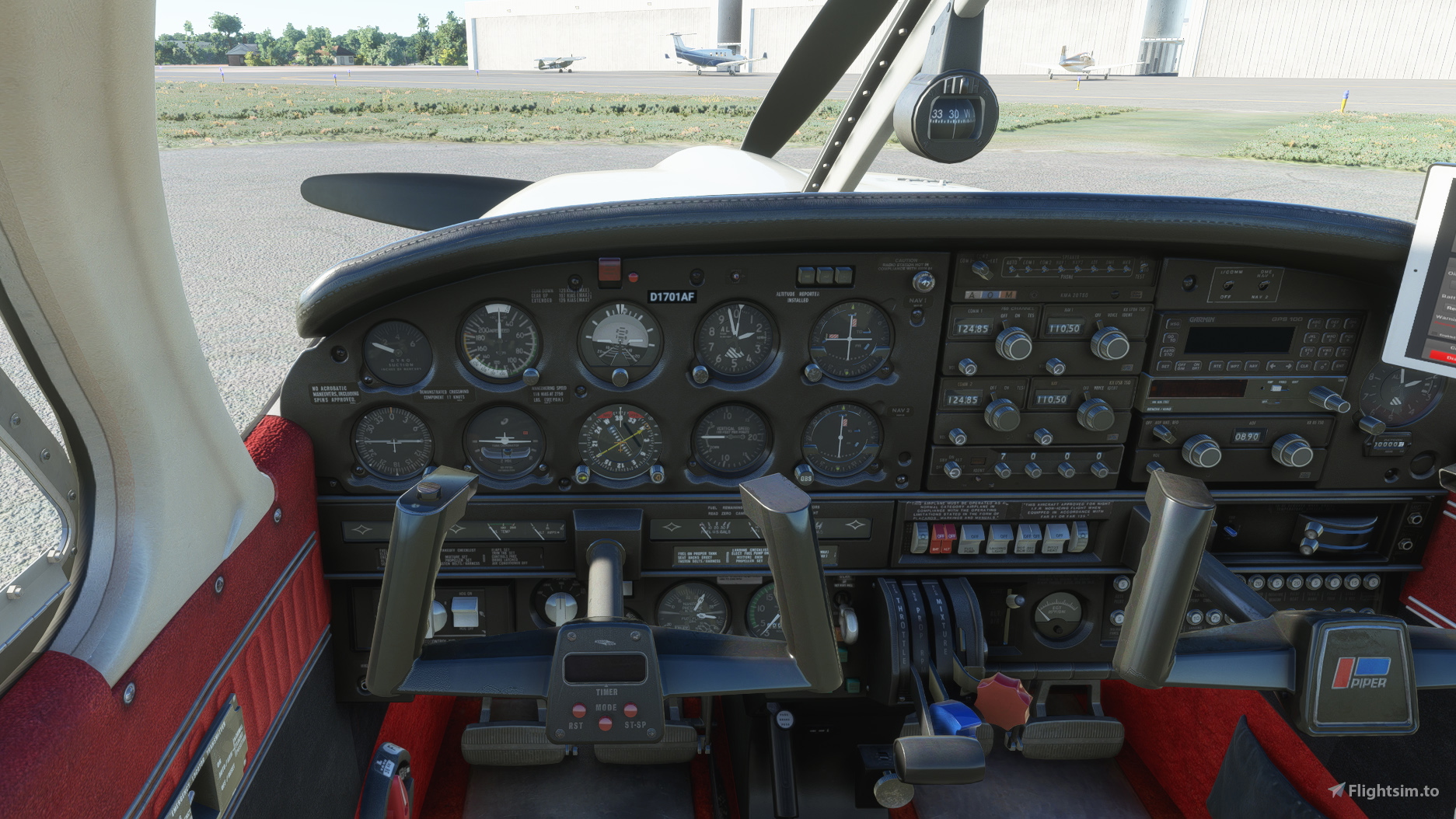
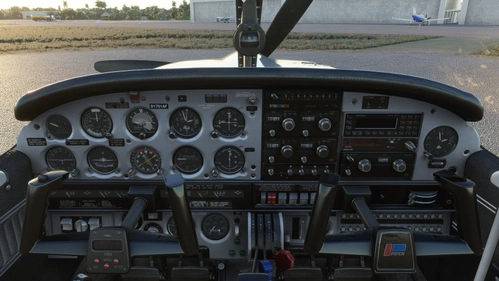
Although Just Flight did a tremendous job with the realistic looking interior of the Arrow III, I prefer my planes to look a little less neglected and therefore cleaned it up and touched up the paint a litte. Here's the result
Installation:
Completely remove previous versions!
Then just drop into your Community folder
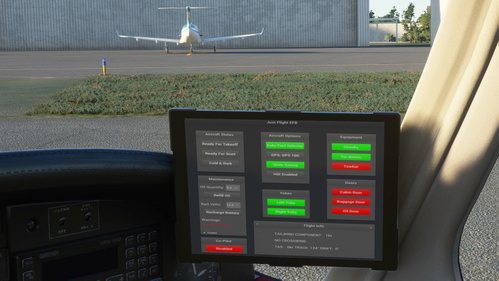
This version comes with a choice of tablet colours. In the standard package I have changed the tablet to black.
However, if you prefer the white tablet you can reinstall it:
- Look for the folder "tablet". In it you will find one folder called "black" and one folder called "white".
- Each of those folders contains a file called: "EFB_ALBEDO.PNG.DDS"
- copy the file with the desired colour into "Community/justflight-aircraft-pa28-arrow-iii_beigeinterior/SimObjects/Airplanes/JF_PA28_Arrow/TEXTURE.VC" and restart MSFS
In addition I provided a a second instrument panel in black/red as well. In case you don't like the black one, you can change it to red and back at any time. The files can be found in the folder "Dashboard/red"
Installation works like with the tablet:
- Look for the folder "Dashboard" and in it for the folder "black".
- you will find two folder "TEXTURE" and "TEXTURE.VC" simply copy the three files "ARROW_EXT03_ALBEDO.PNG.DDS", ARROWVC_01_ALBEDO.PNG.DDS and ARROWVC_02_ALBEDO.PNG.DDS contained in their respective folders under "Community/justflight-aircraft-pa28-arrow-iii_newcleaninterior/SimObjects/Airplanes/JF_PA28_Arrow"
- if you want to revert to the black panel again simply copy the respective files from the "Dashboard/black" folder over
Do not rename the folder or you might get problems with other mods like the "Just Flight PA28 Lighting Improvement" by WeptBurrito2749
Have fun
Best wishes
Archer374
Just Flight Piper PA28R Arrow III - Clean Interior
Clean up the interior of your Just Flight Piper PA28R Arrow III with this mod. Includes a refreshed look with updated paint and a choice of tablet colors. Easily install by dropping it into your Community folder. Enjoy the revamped black/red instrument panel option as a bonus feature.

Supporters

User Reviews
7 reviews
Version History
reduced file size by 50%
Related
JustFlight Piper PA28R Arrow III - Clean Grey Interior
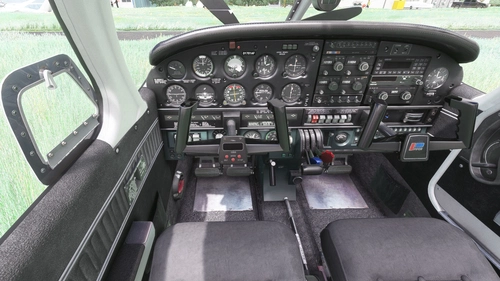
Enhance your Piper PA28R Arrow III experience with this mod offering a clean grey interior option. Customize your tablet color and instrument panel with ease to suit your preferences. Simple installation process by dropping the mod folder into your Community folder. Enjoy a fresh look for your virtual cockpit with this modification from Archer374.
by Archer374 - Idea for the panel: icemany
JustFlight Piper PA28R Arrow III - Clean Beige Interior
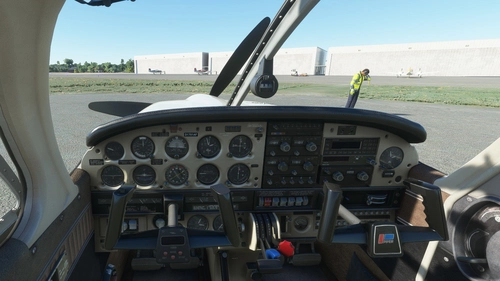
Enhance your JustFlight Piper PA28R Arrow III with a new clean beige interior mod by Archer374. This add-on includes a choice of tablet colors and a beige instrument panel option. Installation is simple - just drop the files into your Community folder and enjoy the updated look. Choose between black and beige designs to customize your flying experience.
by Archer374
JustFlight Piper PA28R Arrow III - Clean Blue Interior
JustFlight Piper PA28R Arrow III with Clean Blue Interior modification, offering a fresh look for your virtual cockpit. This addon includes a choice of tablet colors and a blue/grey instrument panel option. Install by dropping into your Community folder and customize to your preference. Enjoy the updated visual experience in Microsoft Flight Simulator.
by Archer374 & ANN0V (& icemany)
Just Flight Piper PA28R Arrow III - Interior MEGA PACK
Enhance the interior of your Just Flight Piper PA28R Arrow III with this MEGA PACK featuring four different color options: Red, Blue, Grey, and Beige. Change the tablet and instrument panel colors to match the interior with simple installation instructions provided. Enjoy a refreshed look for your aircraft without neglecting the details.
by Archer374
Log in to join the discussion
Log InComments(86)
over 1 year ago
over 1 year ago
I'm currently very busy in real life. Haven't even have had time to try out the 2024 version yet.
about 5 years ago
This looks awsome, pitty that it is not for the Arrow III turbo.
about 5 years ago
Did that one too, as well as the Warrior
almost 5 years ago
Yes, I found it after posting, just awsome work, many thanks!!
almost 5 years ago
Thanks!
about 5 years ago
Not Compatible with WU5 and Version 0.9.0 from JF can you please fix it ? Thank you
about 5 years ago
Found the culprit.
Fixing won't be a problem. Uploading all the different versions will take some time, though. Will upload as fast as I can. :-)
about 5 years ago
Love it, I hope you will make a clean version for the new Warrior II also.
about 5 years ago
Uploading later today. Hadn't planned to buy the plane but had so many requests that I couldn't say no any longer :-)
about 5 years ago
Ha ha ha, thanks, btw, you gonna love the Warrior 😄
over 5 years ago
Love it! thanks a bunch
about 5 years ago
Glad you like it. Thanks
over 5 years ago
Is version 5.2 compatible with Arrow v0.6.0?
Are there plans to release a version for the new Turbo Arrow?
over 5 years ago
I haven't seen any problems with 0.6.0 so far.
The new mods for the Turbo Arrow are already online. If you like just click the "Follow" button on my profile and you'll get a message for each update.
https://flightsim.to/file/15399/just-flight-piper-pa28r-turbo-arrow-iv-clean-interior-mega-pack
https://flightsim.to/file/15398/just-flight-piper-pa28r-turbo-arrow-iii-clean-interior-mega-pack