
Description
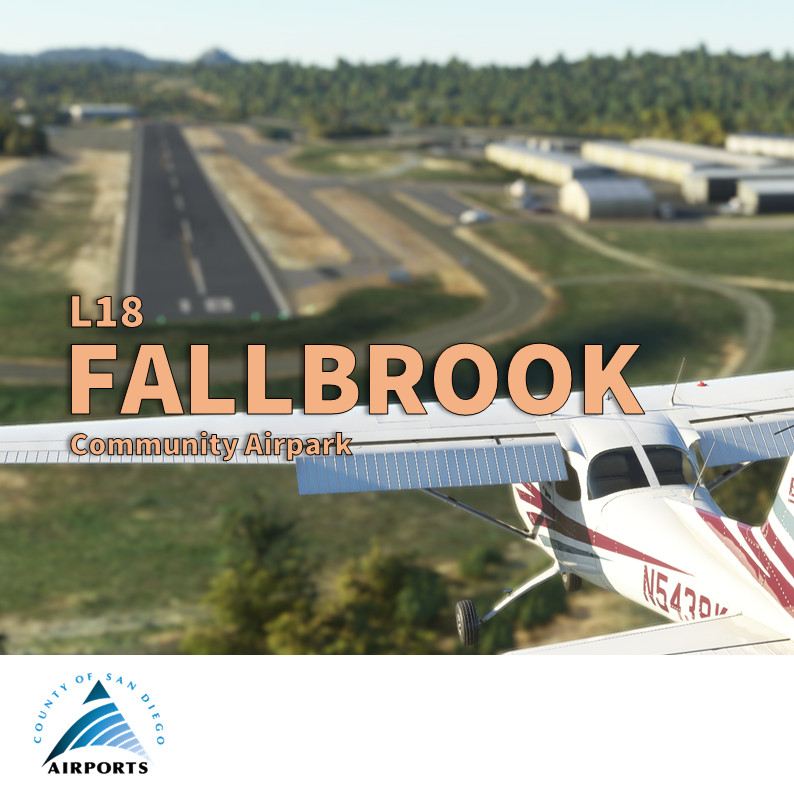
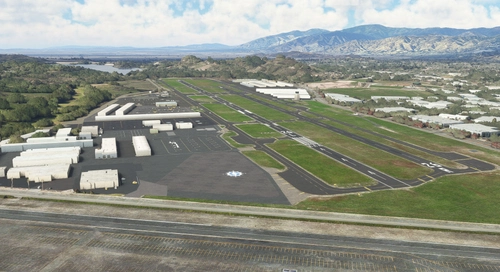
Fallbrook is a small general aviation airport and uniquely located. Few miles between San Diego, Los Angeles and Palm Springs, it’s unique, sited on a lone mesa a few hundred feet above the city. "Its spectacular runway views include Mt. Palomar, home to the world-famous 200-inch reflecting telescope, to the east. To the west is the Marine’s Camp Pendleton, to the south is the San Luis Rey Valley, and to the north sits the largely agricultural community of Fallbrook, most famous for its avocados, and a handful of celebrities who mostly want to remain anonymous" (source AirportJournal).
Fallbrook is part of County of San Diego airports and one my freeware covering GA airports (see my flightsim.to Collection). Its challenging for the GA pilot because of its relatively short runway of 2160 feet (658 meters). The airport remarks of the chart supplement says "No safety area available due to abrupt drop–off each end of runway"
IMPORTANT: please note that my skill in terraforming were highly challenged and that I'm not fully satisfied with the result but so far it's the best I can do. For example, the taxiway going uphill are far from perfect and should be taken at slow speed and with maximum caution.
Features
- Add the pulsating VASI (Pulsating white – Too high // Steady white – On glide path // Steady red – Too low // Pulsating red – Dangerously low)
- Add several building's signs of local business (if you know more, let me know!)
- Add specific taxiway signs (warning, do not enter, runway direction...)
- Add the water tower and solar farm (POI) indicating the downwind
- Add hundreds of detail: static aircrafts, opened hangars, small objects spread all around the airfield, ground markings...
- Special attention to blend all apron with the underlying satellite image
- Replace the windsock with a handcrafted all orange animated windsock
- Replace all AI generated hangars by more appropriate object (opened hangars and shade shelters)
- Enhance the Sheriff's helipads and add the one at transient apron (start position capable)
- Clean of AI generated taxiway signs, replace blue poles by passive reflector blue one as in real life
More info for pilots
- Skyvector: https://skyvector.com/airport/L18/Fallbrook-Community-Airpark-Airport
- Airnav: https://www.airnav.com/airport/L18
- Airport Journal: http://airportjournals.com/returning-fallbrook-airport-to-former-glory/
If you love the San Diego area, you should also consider my other sceneries (in this collection:https://flightsim.to/collection/35/san-diego-general-aviation-airports)
- KMYF Montgomery Field: https://flightsim.to/file/5856/montgomery-gibbs-exec-airport-taxiway-fix-and-many-more
- KRNM Ramona: https://flightsim.to/file/25710/ramona-krnm
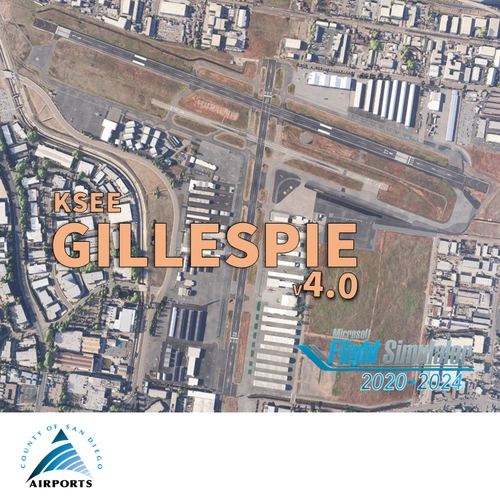
- KSEE Gillespie: https://flightsim.to/file/36679/gillespie-field-ksee
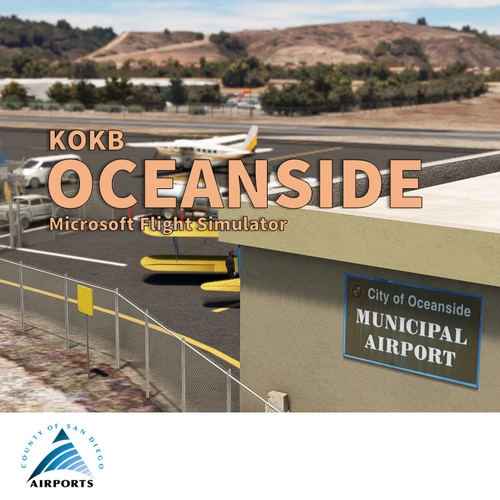
- KOKB Oceanside: https://flightsim.to/file/37328/oceanside-box-maxwell-memorial-airfield-kokb
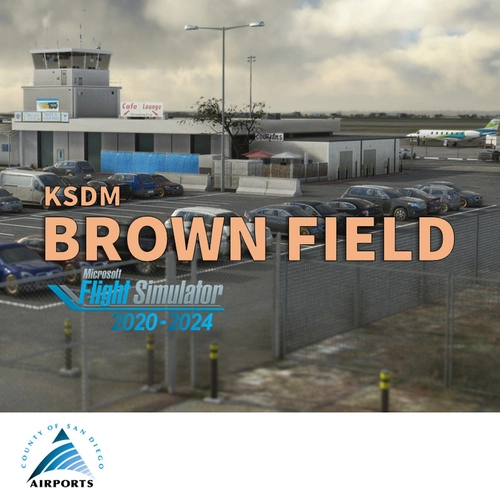
- KSDM Brown Field Muni : https://flightsim.to/file/38035/brown-field-muni-kdsm
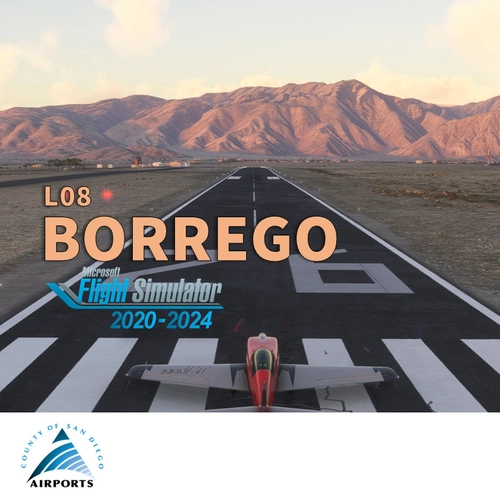
- L08 Borrego Valley: https://flightsim.to/file/38247/san-diego-borrego-valley-l08
- L18 Fallbrook Airpark Community: https://flightsim.to/file/63441/fallbrook-community-airpark-l18
- L54 Agua Caliente: https://flightsim.to/file/66221/agua-caliente-springs-l54
The Bush Trip "San Diego VFR Transition": https://flightsim.to/file/6276/vfr-transitions-at-san-diego
Remarks
I noticed that on my configuration REX Accuseason create artefact on ground sand textures but also add too many palm trees.
Requirements (MSFS2020)
- This scenery doesn't required any extra library. It's only made with stocked MSFS object from the integrated library, except the open Windhover hangars and some handmade very small object like taxiway signs.
- Sedona scenery (free included in standard MSFS)
- World Update II (USA) + World Update X (USA)
Thanks to
This scenery uses Windhover "Open Hangar Library" (https://flightsim.to/profile/Windhover) but no need to install anything extra. Just a BIG THANK YOU : https://flightsim.to/file/26325/open-hangar-library
Author's final note
As for all of my MSFS mod, this small scenery is made from a pilot-eyes perspective. The scenery is inspired by aerial views from Bing and Google maps. It's a mix between the satellite imagery displayed from MSFS and more accurate data found on Internet. I did my best, based on online videos and pictures freely available. If you have local pictures to help being more accurate, please let me know!
Location
Fallbrook Community Airpark (L18)
Experience the charm of Fallbrook Community Airpark with this detailed add-on. Situated atop a mesa, the airport offers stunning views of Mt. Palomar and Camp Pendleton. Explore the challenging 2160-foot runway and enjoy enhanced features like pulsating VASI lights and unique building signs. Discover the beauty of this GA airport between San Diego and Los Angeles.



User Reviews
10 reviews
Version History
After Sim Update 4, several default object have been removed or replaced by Microsoft/Asobo. This v3.0 replaces all missing objects (mainly buildings and hangars). - MSFS2024 users: starting with this v3.0.0 the .ZIP contains now 2 folders. You need to activate these 2 folders in your Community. Keep the name zzz- - MSFS2020 user only: you can ignore the zzz- folder. The whole airport has been (re)aligned with Bing Maps data (ground imagery from Microsoft Flight Simulator 2024) - Update runway (color, width) and all markings - Enhance runway texture (MSFS2024 only) - Replace Simobject airplane with low poly static - Fix missing hangars and building (MSFS2024 only) - Caution: There're still some elevation issue - Fix and update taxiway lines on runway - Fix some textures transparency - Update fuel price! :)
Featured in Collections(4)
San Diego General Aviation enhancement
This is the flightsim.to collection including all enhancement mod for General Aviation in the San Diego area
 vbazillio
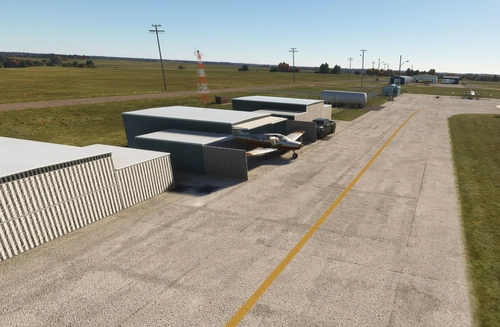
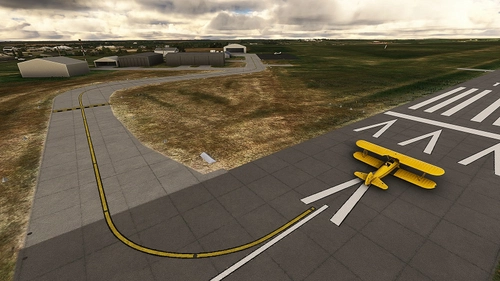
US Highly recommended
Sceneries that bring the US to life
 PieFly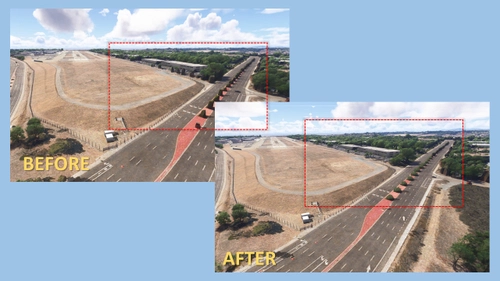
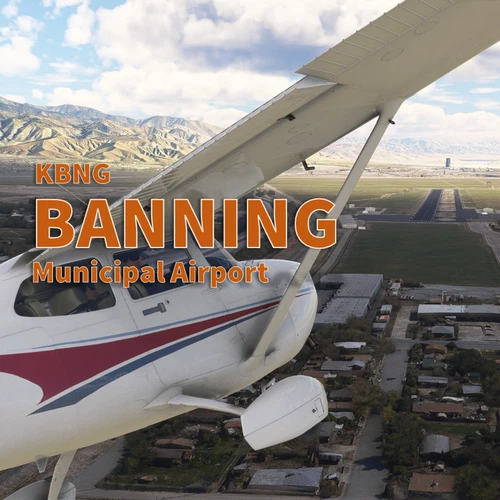
SoCal Flying
A list of my favorite mods for flying in Southern CA
 taius
taius
So. California GA Airports - MSFS 2024
A collection of GA airports scattered across Southern California. Will be updated as more airports become available.
 ChillMays
Related
San Diego Montgomery - Gibbs Exec Airport (KMYF)
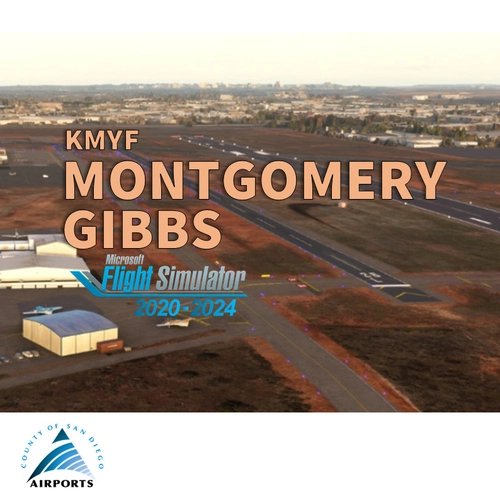
Enhance your Montgomery Field experience with this updated airport scenery for Microsoft Flight Simulator. Features include corrected taxiway names, new taxiway signs, added buildings, custom windsocks, and more small details to improve immersion. Explore the bustling airport located six miles north of downtown San Diego and enjoy a more realistic flying experience.
by Vincent BAZILLIO
San Diego Gillespie Field (KSEE)
Experience San Diegos Gillespie Field with this detailed MSFS add-on featuring 1800+ objects, corrected taxiways, all airport buildings, fences, apron extension, ground markings, windsocks, and more. Inspired by real-life aerial views and personal footage, this scenery adds a touch of realism to the bustling general aviation hub. Install easily in your Community folder and explore this vibrant airport in the heart of California.
by Vincent Bazillio
San Diego Ramona (KRNM)
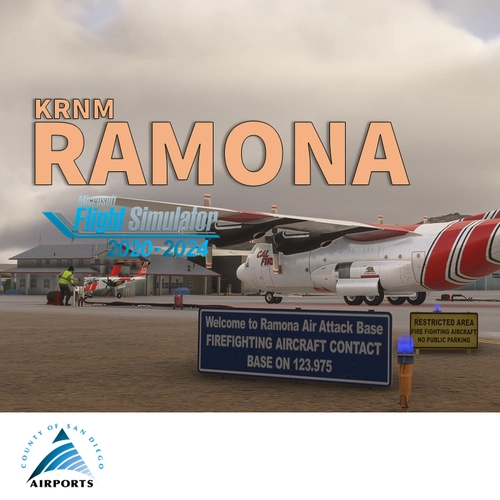
Experience the detailed charm of Ramona Airport (ICAO:KRNM) with this small scenery add-on, featuring over 600 objects added to the default scenery. Explore the recreated airport buildings, taxiway signs, and specialized features. Immerse yourself in the history and significance of this public airport located near downtown San Diego.
by Vincent Bazillio
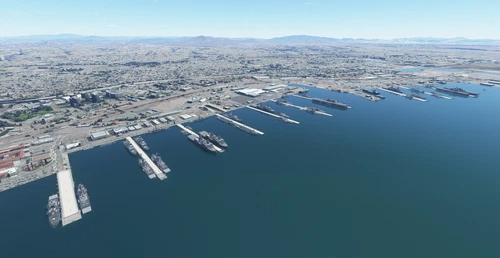
US Navy - San Diego V3.0.1
The US Navy - San Diego V3.0.1 add-on enhances the naval scenery around San Diego in Microsoft Flight Simulator. It includes a variety of updated ship models and improved textures, ensuring compatibility with both MSFS2020 and MSFS2024. Key features include detailed representations of the Rosecrans Submarine Base, multiple naval shipyards, and various classes of ships, including attack submarines and aircraft carriers. Recent updates have focused on model clean-up and the addition of interactive landing pads for helicopters.
by FreakyD
Log in to join the discussion
Log InComments(33)
4 months ago
merci Vincent
Fly safe
4 months ago
4 months ago
7 months ago
4 months ago
about 1 year ago
about 1 year ago
over 1 year ago
over 1 year ago
over 1 year ago
about 2 years ago
over 2 years ago
over 2 years ago
over 2 years ago
over 2 years ago
almost 3 years ago
almost 3 years ago
Could you maybe consider to make KTOA (Torrance) and San Carlos (KSQL)
would be great :-)
almost 3 years ago