
Description
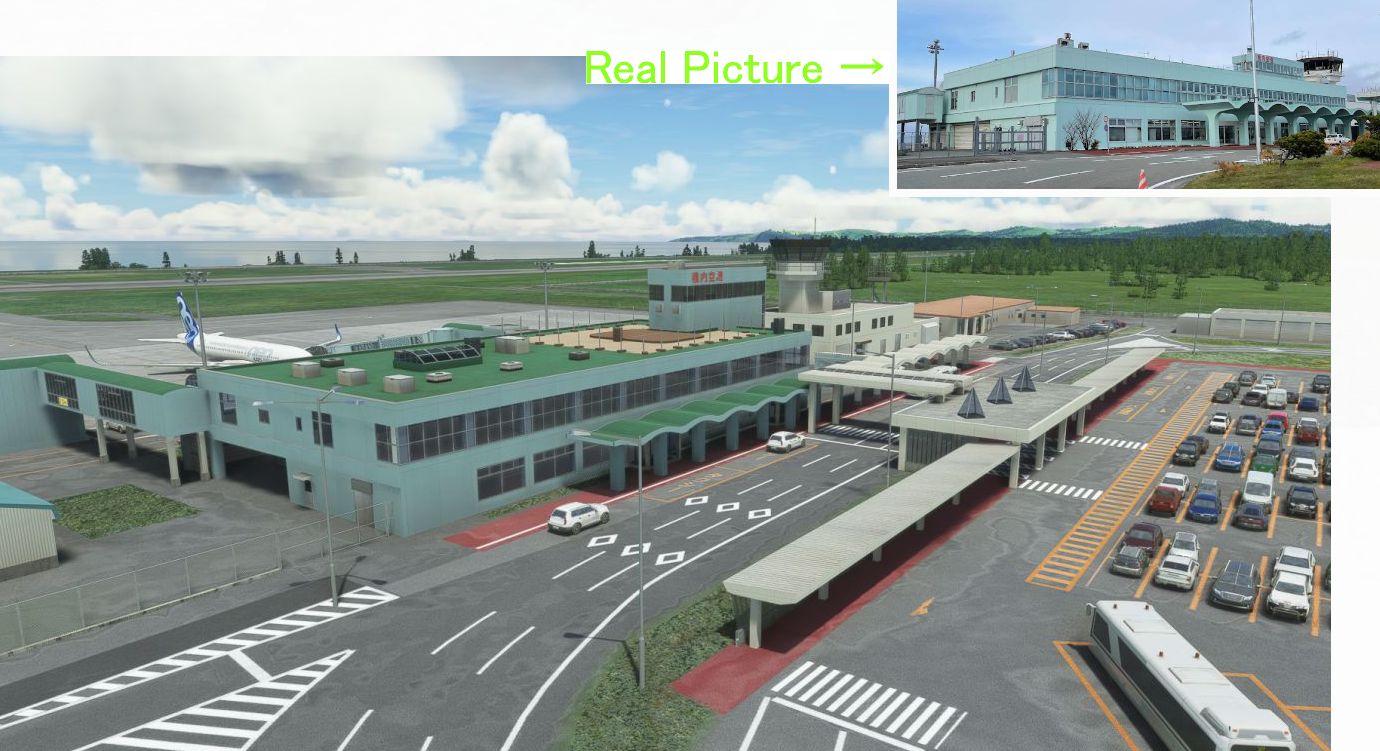
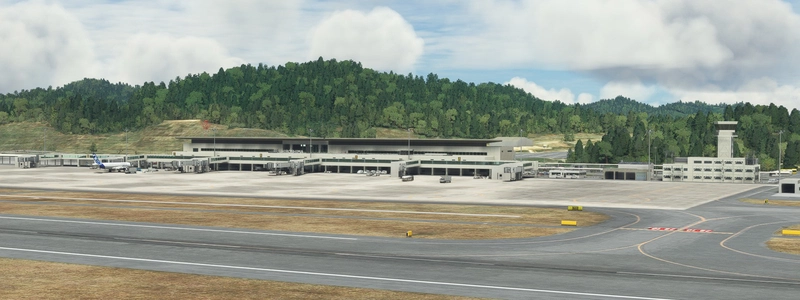
Wakkanai Airport is the northernmost airport in Japan. There are two jet planes from Tokyo and two planes from Sapporo.
I started making Wakkanai Airport two years ago.After that, paid scenery was released.
However, looking at his photo posted, his scenery has the wrong color of the runway (orange instead of yellow is correct), so I completed my own scenery.
I'll post a comparison photo at the end.
V1.1 にバージョンup
3点直しました。
Ver1.1
1 先日 高知空港に行きましてJETWAYの窓から謎の物体を 望遠で撮影しましたところ 松本と同タイプの物体がついていました。 (最後の写真)
ということで この稚内も 松本と同タイプの物体がついている確率が高いとみて それに変えました。(笑)
この物体は20年くらい前には日本の全部の空港に付いていたようなのですが、 最近改築時に撤去されていっているようです。
今でも20年前の古い空港= 宮古 高知 松本 稚内 広島 にはついていまして
新しい空港= 宮崎 高松 松山 仙台 函館 には ついていません。
広島は 松本とは別メーカーの物体がついている感じですが、中の構造まで見えませんでした。
その他
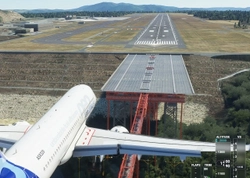
2 RWY08 ILS(111.1) のグライドスロープのアンテナを 反対のRW27に付けるというミスをやらかしていたので修正しました。
3 ATCで TAXI TO THE GATE と コネクト ジェットウエイ 画面が出ないので出すようにしました。
今回の修正ぶんは 最後に3枚追加しました。
今回 VDGSを撤去した分 サイズが 減りました。 V1.0=6.35MB → V1.1=6.29MB
ファイル名が h182_wakkanai_rjcw から kaze-airport-rjcw-wakkanai に変わっているので必ず古いファイルを削除してください。
Location
RJCW Wakkanai Airport
Discover the northernmost airport in Japan with RJCW Wakkanai Airport. This add-on features corrected runway colors, updated scenery details, and improved ATC functionalities for a more immersive flight experience. Download now and explore this unique airport in Japans scenic landscape.
User Reviews
8 reviews
Version History
v1.1(V1.0=6.35MB → V1.1=6.29MB) 1. I made a VDGS by mistake, but it was actually a different device, so I changed it. 2. I attached the glide slope antenna to RWY26 by mistake, so I attached it correctly to RWY08. (ILS 08 111.1) 3 At ATC, the TAXI TO THE GATE and jetway connect screens did not appear, so I put them out. The file name has changed from" h182_wakkanai_rjcw" to "kaze-airport-rjcw-wakkanai", so be sure to delete the old file.
Related
(RJBE) Kobe Airport
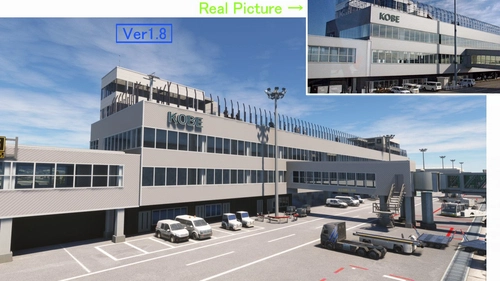
Experience the challenge of landing at Kobe Airport in Microsoft Flight Simulator with this add-on. Located 8 km south of Kobe city, the airport features a unique approach over the sea and through the Akashi Big Bridge. Version 1.8 includes enhancements like realistic tire marks, improved textures, and added details for a more immersive flying experience.
by KAZE
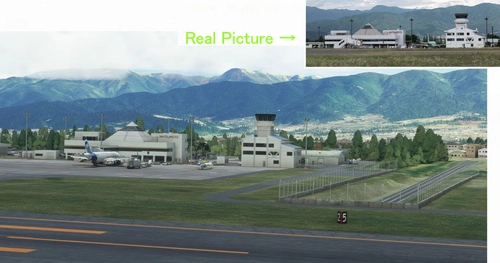
(RJAF) MATSUMOTO Airport
Experience the challenge of landing at Japans most difficult airport, Matsumoto Airport. Navigate high mountains and a mountain valley approach before landing at 2100FT. Ver1.5.1 update includes fixes for parking lot elevation, taxiway slope, and enhanced terminal visuals. Ensure to delete old files and replace them with the updated kaze-airport-rjaf-matumoto version for a seamless experience.
by KAZE
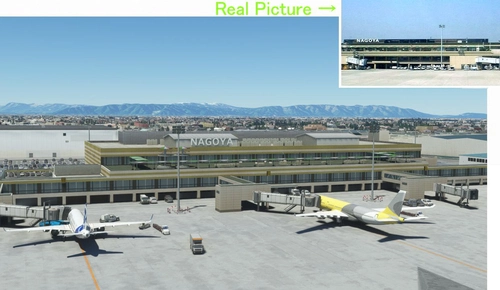
(RJNA) NAGOYA Airport 2004
(RJNA) NAGOYA Airport 2004 add-on offers a nostalgic recreation of the bustling Nagoya Airport from the early 2000s in Microsoft Flight Simulator. This scenery adds a passenger terminal to the default Nagoya Airport, addressing some of the default bugs present. Version 1.3 includes enhancements such as a realistic observation deck, custom Jetway models, and corrected taxiway lines for a more immersive experience.
by KAZE
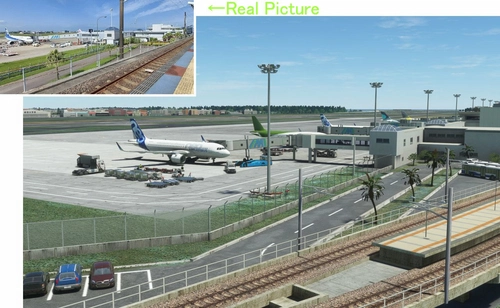
(RJFM) Miyazaki Airport
Enhance your Japan flying experience with the RJFM Miyazaki Airport add-on. This local airport in the south of Japan features 15 custom buildings and realistic enhancements, making it a convenient gateway to the picturesque town of Miyazaki. Stay tuned for upcoming updates as the creator works towards achieving version 1.0 for an even more immersive experience.
by KAZE
Log in to join the discussion
Log InComments(13)
over 1 year ago
風さん、誠にありがとうございました。
over 1 year ago
almost 2 years ago
about 2 years ago
over 2 years ago
almost 3 years ago
almost 3 years ago
almost 3 years ago
ただ感謝します。
over 3 years ago
Kazeさん
いつも素敵なシーナリーをありがとう。
他にもたくさん使わさせていただいてます。
over 3 years ago
Went there this morning, RNP/26. challenging approach but spectacular views on the L/H lead in approach over the trees. Great job, thanks for sharing
over 3 years ago
my friend I think there is a mistake. the door when connected with the fenix a320 is very low..
over 3 years ago
great airpórt congratulations
over 3 years ago
いつもいいsceneryを運んでくれてありがとうKazeさん