
Description
Ver1.8
Kobe Airport is a convenient airport located 8 km south of the center of Kobe city.
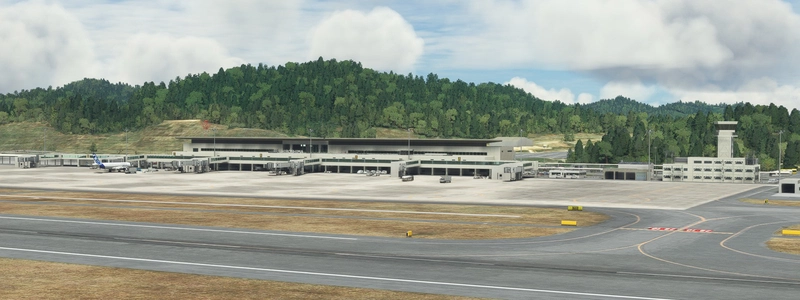
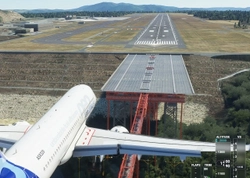
Because RJOO and RJBB are nearby, there is a limit to the number of planes taking off and landing, and to prevent noise, all planes taking off and landing pass through the Akashi Big Bridge.
The RWY27 landing involves a 180-degree turn on the sea in strong winds. This is a difficult landing.
I changed the file name. Please delete old files.
(Old) h053_kobe
(New) KAZE-airport-RJBE-kobe
I added 9 photos of Ver1.8.
(Ver1.8 Japanese)
1 コメントで重くて使えないって書かれているので、対策を立てました(これによりリアルに作ったテトラポッドなどが 簡素化されました ・・・3枚目の写真中右)
2 神戸の滑走路は60Mなので両端にある横断歩道(似)が16本であるのに対し 12本で作るというミスをやらかしていたので12→16本に修正しました・・・4枚目の写真右
3 滑走路の中央線を MSFS内臓の中央線「有」で表示させていましたが、この線がバグ?により「細い」ので 自作の「太い」線 にかえました。その際に MSFS2020において 最高難易度の大ワザ = 「中央線汚し」 をやってみました.笑(4枚目の写真中)
4 仙台で好評!?であった滑走路のギザギザを施しました。(5枚目の写真)
5 エプロン内にタイヤ痕などのリアルな エフェクトを挿入しました。 (4枚目の左)
6 神戸空港09に着陸した飛行機はT5の誘導路に入ることが多く このカーブ部分だけ 真っ黒いタイヤの汚れが付いているので、これを表現しました。(5枚目の写真のとおり)。
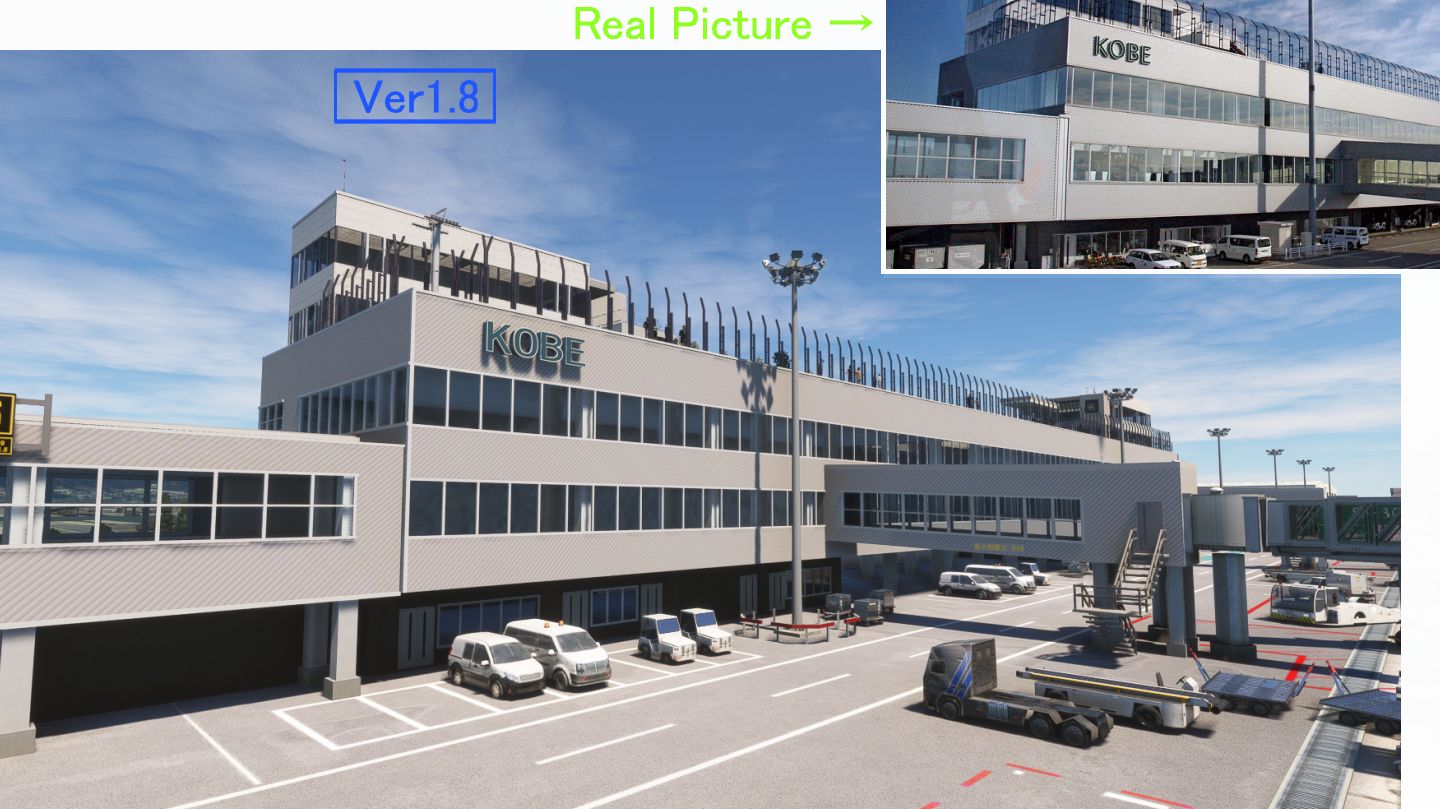
7 先月神戸空港を利用した際に ターミナルの斜線の入った壁 を じっくり観察したところ この模様は 5cmx5cmの高価なステンレスの棒を斜めにくっつけるという かなり芸術的な模様? であることがわかったので、 これを再現したく この斜線マテリアルの解像度を4倍に上げ 影などもつけました。(3枚目の写真左)
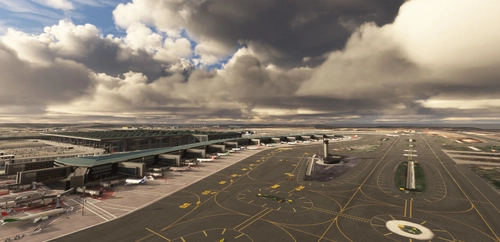
8 ターミナルの白い窓枠が 実際の写真と見比べると 太くて似ていなかったので 全部修正していきました。 (完成後1枚目の写真)
9 簡単ですが夜間 ターミナルの内部照明をつけました。
10 実際は着陸時機内から大きなクレーン群が見えるので、簡単ですがクレーンを作って追加しました。(6枚目の写真)
11 サークリングアプローチガイダンスライト(ダウンウインド中に滑走路ENDを表示するライト)とファイナルにあるビーコン2個と 奥にある 青白に光る飛行灯台(ABN)を 図面どおりの位置に追加しました。(7枚目の写真)
Ver1.8の写真9枚を追加しました、
ファイル名を変更しましたから 古いファイルを削除してから新しいファイルを入れてください
(Old) h053_kobe
(New) KAZE-airport-RJBE-kobe
Location
(RJBE) Kobe Airport
Experience the challenge of landing at Kobe Airport in Microsoft Flight Simulator with this add-on. Located 8 km south of Kobe city, the airport features a unique approach over the sea and through the Akashi Big Bridge. Version 1.8 includes enhancements like realistic tire marks, improved textures, and added details for a more immersive flying experience.
User Reviews
32 reviews
Version History
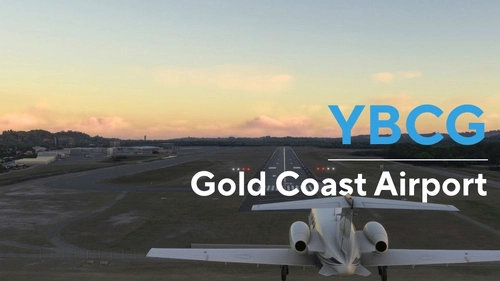
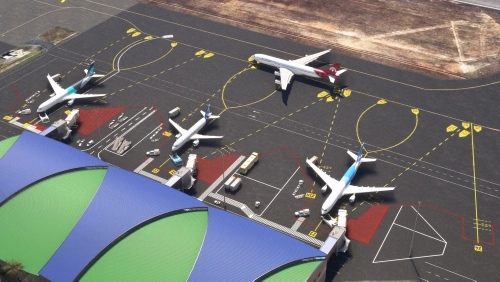
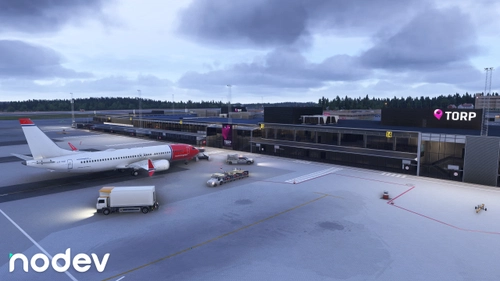
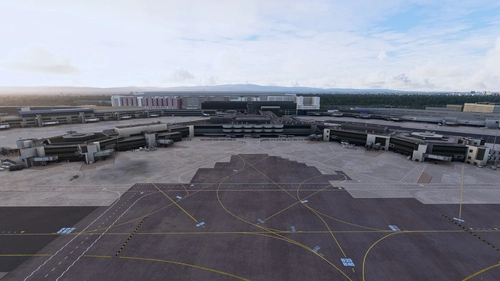
1. I have received comments from users that it is "too heavy to use," so I created a countermeasure. 2 I corrected the runway markings.(Fig 4 5 8 9) 3 I corrected the Terminal.(fig1 3 6) 4 I added the Circling Apuchi guidance light and his beacon installed at Kobe Airport.(FIG7) I changed the file name. Please delete old files. (Old) h053_kobe (New) KAZE-airport-RJBE-kobe I added 9 photos of Ver1.8.
Featured in Collections(2)



Related
(RJAF) MATSUMOTO Airport
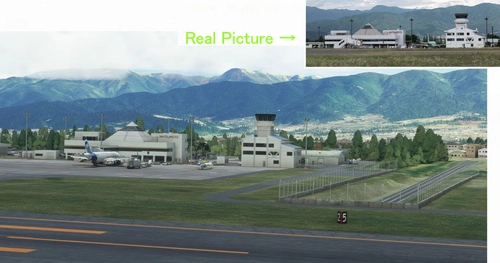
Experience the challenge of landing at Japans most difficult airport, Matsumoto Airport. Navigate high mountains and a mountain valley approach before landing at 2100FT. Ver1.5.1 update includes fixes for parking lot elevation, taxiway slope, and enhanced terminal visuals. Ensure to delete old files and replace them with the updated kaze-airport-rjaf-matumoto version for a seamless experience.
by KAZE
(RJNA) NAGOYA Airport 2004
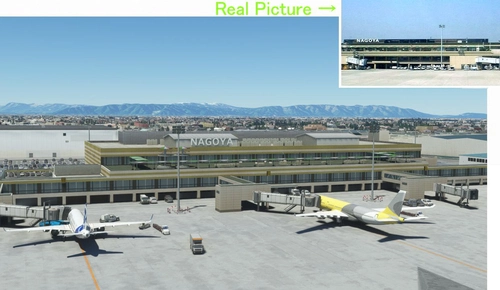
(RJNA) NAGOYA Airport 2004 add-on offers a nostalgic recreation of the bustling Nagoya Airport from the early 2000s in Microsoft Flight Simulator. This scenery adds a passenger terminal to the default Nagoya Airport, addressing some of the default bugs present. Version 1.3 includes enhancements such as a realistic observation deck, custom Jetway models, and corrected taxiway lines for a more immersive experience.
by KAZE
(RJFM) Miyazaki Airport
Enhance your Japan flying experience with the RJFM Miyazaki Airport add-on. This local airport in the south of Japan features 15 custom buildings and realistic enhancements, making it a convenient gateway to the picturesque town of Miyazaki. Stay tuned for upcoming updates as the creator works towards achieving version 1.0 for an even more immersive experience.
by KAZE
(ROMY) MIYAKO Airport /MSFS2020 宮古空港
Experience the beauty of Miyako Airport in Japan with this highly detailed add-on for Microsoft Flight Simulator 2020. Explore a resort area with unique airport operations, including flights to Tokyo and Naha. Created with precision, this scenery upgrade accurately depicts the terminal and surrounding buildings, capturing the airports authentic atmosphere.
by KAZE
Log in to join the discussion
Log InComments(109)
about 1 year ago
about 1 year ago
over 1 year ago
神戸はまだ行ったことがないのでDLさせて頂きました。
almost 2 years ago
感謝感謝感謝 by Goro-san-
about 2 years ago
Only small issue is with terrain close to the airport buildings (screenshots attached).
over 2 years ago
I do really like your works , if that's possible made osaka-airport-rw34-scenery V3.0 separated from Osaka City?
coz I have SamScene3D - Osaka City Wow, and I hope and use your
rw34-scenery to enhanced approaching views of RJOO of Osaka city,
Even could compatible your v3.0 with Osaka WOW together is better, if you will,
If you need something to check of reference for fixing, plz me me know,
much appreciated
over 2 years ago
over 2 years ago
A short presentation here:
https://flightnews24.de/2024/03/12/freiflug-nach-kobe-rjbe-in-japan/
over 2 years ago
over 2 years ago
over 2 years ago
over 2 years ago
da molto tempo tutte le tue incredibili e bellissime creazioni sono installate nel mio sim...io le vedo perfette uguali alle foto reali, dovresti farti pagare per quello che fai, ma tu hai un cuore grande e condividi con noi gratuitamente. GRAZIE!!!
over 2 years ago
over 2 years ago
almost 3 years ago
almost 3 years ago