
Description
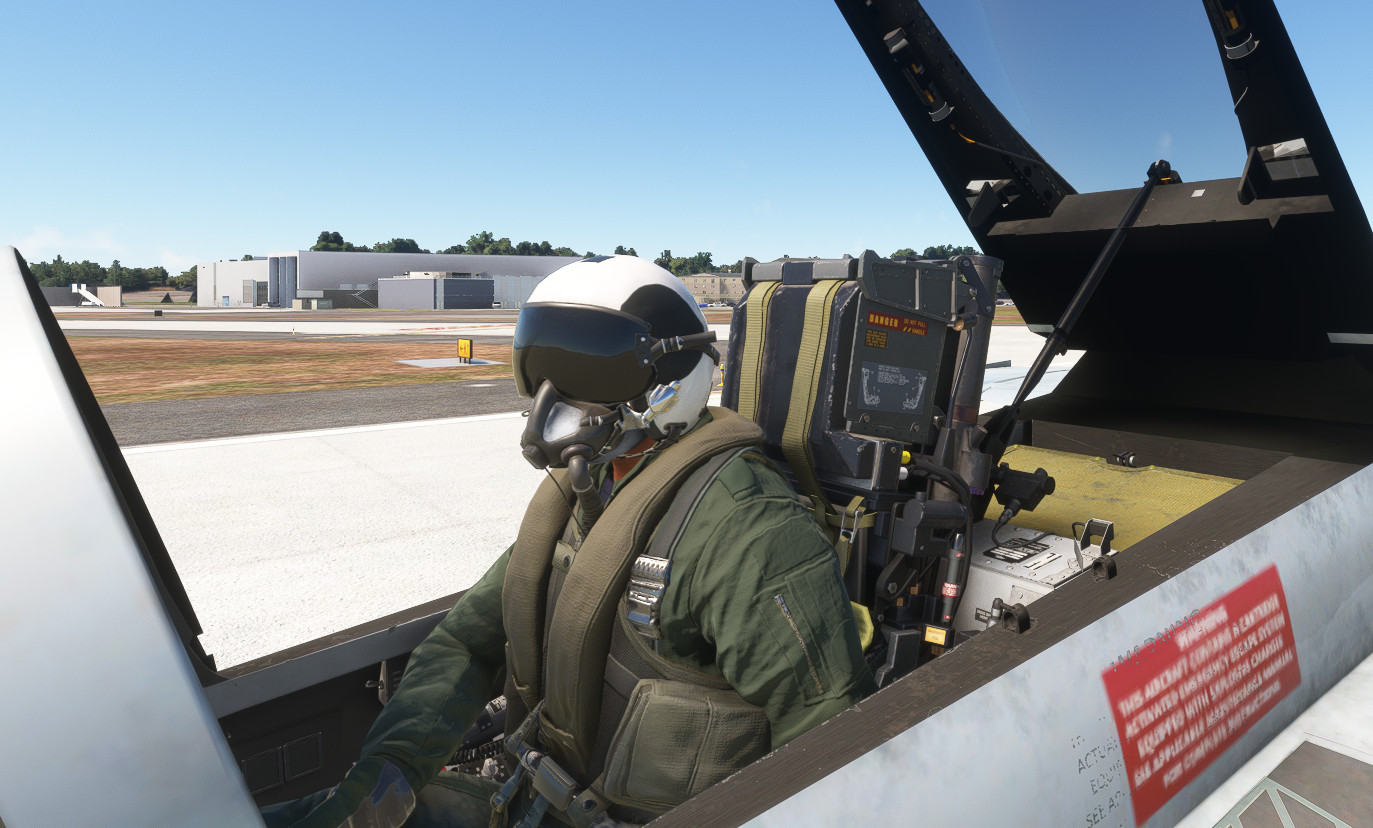
Asobo military pilot helmet texture mod
v3.0
1)added USAF color scheme
Installation
ONLY ONE of the two mods can be used at a time.
1)if previously installed, remove the original mod "HGU68_helmet" from /community folder
2)install either "xHGU68_USAF_helmet" OR "xHGU68_USN_helmet" in the /community folder, NOT BOTH
Military Pilot Helmet Mod HGU-68
This add-on provides a texture mod for the Asobo HGU-68 military pilot helmet. Version 3.0 includes an added USAF color scheme. Users can choose between two helmet options: the USAF or the USN variant, with only one being installable at a time. Installation instructions are included for proper setup within the community folder.


User Reviews
1 reviews
Version History
1)added USAF color scheme
Related
Inibuilds A350 Aircraft Light Mod
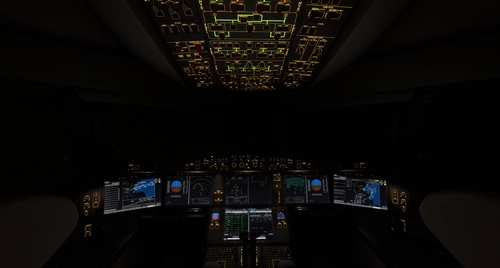
The Inibuilds A350 Aircraft Light Mod enhances both virtual cockpit and external lighting for the ini A350 aircraft, compatible with MFS2020 and MFS2024. This add-on includes a series of updates that improve light visibility, adjust light intensities, and ensure compatibility with various aircraft versions. Key features include refined internal ambient lighting and external light effects, aimed at providing a more realistic flying experience. Installation is straightforward, requiring placement of the mod into the appropriate Community folder for each simulator version.
by kdfw
Fenix A319-A320-A321 Cockpit Light Mod
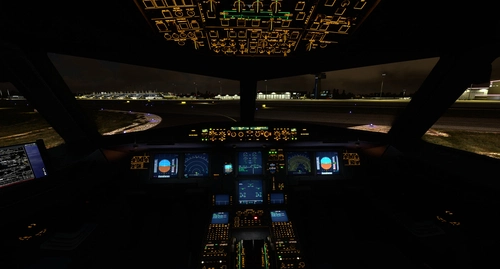
Fenix A319-A320-A321 Cockpit Light Mod, provides improved surface illumination through light projection and reflection in the cockpit. This mod includes subtle lighting cues to create a better sense of space and immersion, particularly beneficial for VR users flying at night. Simply place it in your MSFS2020Community folder for installation.
by kdfw
Aerosoft/Toliss A346 Light Mod
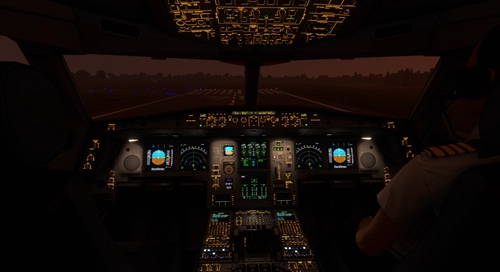
This add-on enhances the lighting for the Aerosoft and Toliss A340-600, improving both virtual cockpit and external lights. It introduces projector-style front panel flood lights and reworks key elements such as strobes, landing lights, and navigation lights. The mod addresses visibility issues with beacons by adding custom effects. Some limitations exist, such as static LCD brightness and light knob controls due to model constraints.
by kdfw
Asobo Aircraft Dimmable VC flood light mod 6 pack
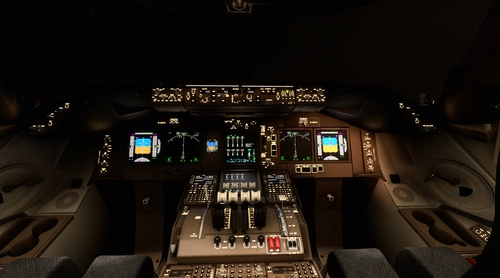
Enhance the cockpit lighting in Microsoft Flight Simulator with the Asobo Aircraft Dimmable VC flood light mod 6 pack V6.0. This mod features improvements for various aircraft including the Boeing 747-8i, Boeing 787-10, and Citation Longitude, with updated light reflections and effects. Easily install this mod to elevate your flying experience by adjusting flood lights, strobes, and more. Explore the enhanced virtual cockpit lighting and make night flights more immersive.
by kdfw
Log in to join the discussion
Log InComments(10)
about 2 years ago
about 2 years ago
almost 3 years ago
almost 3 years ago
over 3 years ago
love it!! could you do some JHMCSII helmets too?
over 3 years ago
can't really do that with a texture mod.
over 3 years ago
Nice work! Any chance you can do a USAF gray version?
over 3 years ago
on my list.
10 months ago
over 3 years ago
excellent ! thank you !