
Description
Please note that those RNAV procedures for Paro Airport have been officially DROPPED since 2025 (according to AIRAC AIP AMENDMENT 01/2025 in Bhutan AIP), and they have also been removed from stock navdata. Although I've implemented them again in this addon, they are unusable for the MCDU of Airbus (confirmed from real world sources). Those RNAV procedures are not really "approach" procedures, as they are runway independent.
Please DELETE the previous version before installing a new version to avoid problems due to BREAKING CHANGES. Please also note that the package name of this addon have been changed from "kychungdotcom-sightseeing-paro-pois" to "kychungdotcom-airport-paro-mods". Both the important POIs and Landing Tutorial have been moved to another addon "Paro Airport (VQPR) Circuit Training - Visualized"
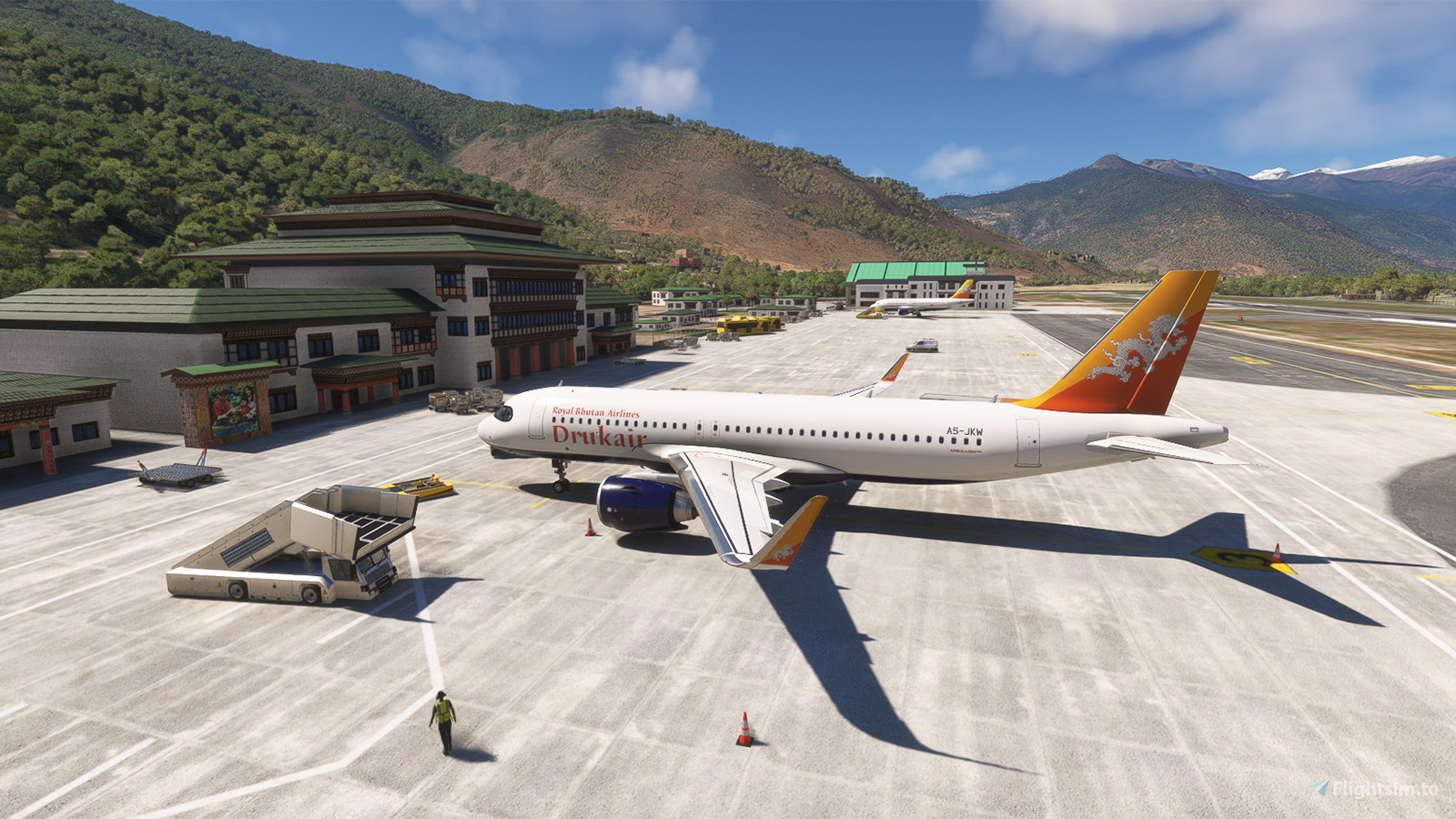
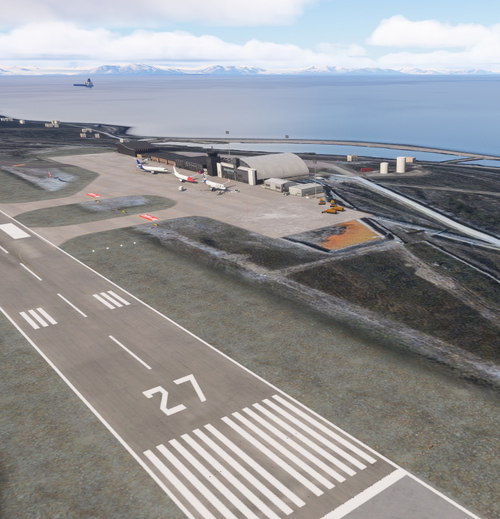
The stock Paro Airport in FS2020 is nicely crafted, but the apron layout is not update, and the parking bays are classified as RAMP_GA_MEDIUM, which means that certain types of ground handling vehicles needed for jetliners are missing. On the other hand, the stock Paro Airport in FS2024 did made significant updates, but the "new " airport buildings looks pretty disappointed in my opinion, and the ground markings and taxiway layouts are also quite wrong. I feel no good after I've completed the "flying an Airbus like a bush pilot" landing.
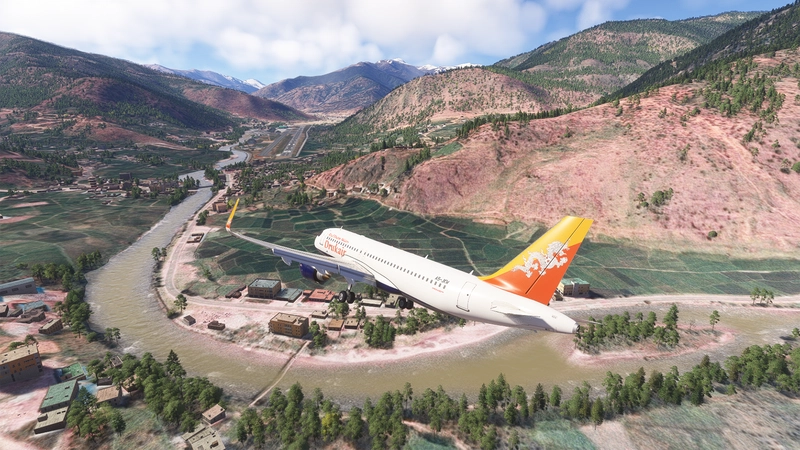
With this addon, the runway, apron and taxiway layout of Paro Airport has been revised to be up-to-date. Taxiway names are assigned according to information from Bhutan AIP, and most of the parking bays have been changed to RAMP_GA_LARGE so now you can call for Boarding Ramp and Large Pushback there. You can now taxi on the parallel taxiway (Taxiway T) safely with an A320. The runway IRL is sloped with gradient as much as 0.8%, while runway 15 is sloped downward and runway 33 is sloped upward, resulting in height difference as much as 16M between the thresholds. The portrait of the Royal Family of Bhutan at the apron has also been replaced with the current one. For the FS2024 version, I bring the airport buildings in FS2020 back as they looks better.
A detailed tutorial about the full procedures have been put into a new addon "Paro Airport (VQPR) Circuit Training - Visualized", which also make the special traffic pattern of the airport being "visualized" for practice:
https://flightsim.to/file/69288/paro-airport-vqpr-circuit-training-visualized
Have a look on the video from Just Planes for the complete procedure:
https://www.youtube.com/watch?v=jLITsoyPBjk
There is another channel on YouTube with plenty of real world cockpit videos for operating in or out of Paro, by a Captain at Bhutan Airlines:
https://www.youtube.com/@WingsOverParo
https://www.youtube.com/watch?v=fj7pL-Zngt0
If you have bought the GSX Pro payware addon, you may also want to download the corresponding Profile
For the flags array of Bhutan to be shown at the apron, please also download the Windy Things library if you don't have it
My Bhutan scenery series:
--
Welcome to subscribe my channels for MSFS live game-play:
https://www.youtube.com/channel/UC21efZOlIujoYpzzCGoiYfQ
https://www.twitch.tv/kychungdotcom
This is the dedicated playlist for the past MSFS live game-play sessions into Paro Airport:
https://www.youtube.com/playlist?list=PLcMXnlY1eyJpRuvwQsk9r9Ls0DoVI3i-V
Dependencies
Location
Paro Airport (VQPR) Remake with Restored RNAV Procedures
Discover the enhanced Paro Airport (VQPR) and nearby landmarks with this addon. Experience updated runway, apron, and taxiway layouts, as well as revised parkings for improved realism. Enjoy a detailed tutorial and separate navdata and scenery files for enhancing your flight simulation experience

Supporters

User Reviews
37 reviews
Version History
1. Package folder name changed (IMPORTANT) 2. Bug fix for the historical RNAV STARs 3. Updated pavement on the new apron (parking bays will be added once I know the details from online satellite imagery) 4. Landing Tutorial and associated POIs have been moved to another addon
Featured in Collections(3)





Related
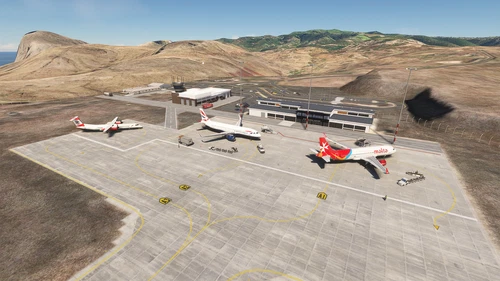
FHSH - St. Helena Airport
St. Helena Airport (FHSH) offers a detailed representation of this unique airport, known for its challenging approaches and distinct geographical features. The add-on includes handcrafted terminal and tower buildings, as well as three documented approaches.
by kychungdotcom
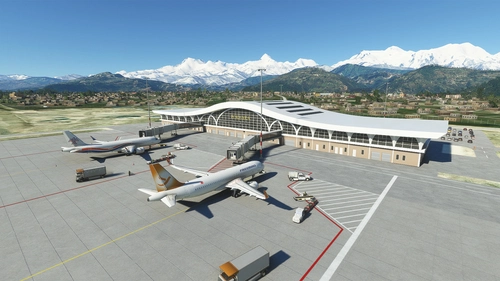
Pokhara Intl. Airport (VNPR)
Explore Pokhara International Airport with this handcrafted scenery mod, featuring a custom terminal building.
by kychungdotcom
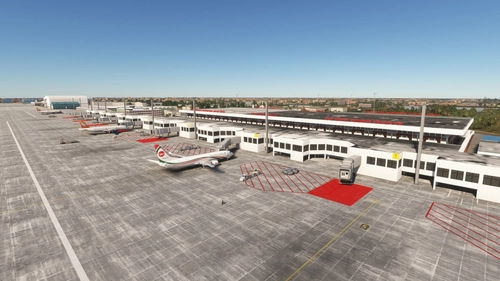
VGHS - Dhaka (Hazrat Shahjalal) Intl. Airport
Hazrat Shahjalal Intl. Airport add-on for Microsoft Flight Simulator offers handcrafted buildings, precise runway placement with ILS localizers, and revamped taxiway system with corrected names. This enhancement includes detailed elements like airport gardens and car parkings, taxiway signs, and custom paint elements for a more realistic airport experience. Regular updates are expected as the airport progresses, making it a must-have for virtual pilots.
by kychungdotcom
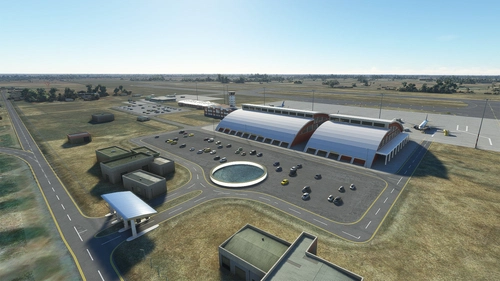
VNBW - Bhairahawa (Gautam Buddha) Intl. Airport
Upgrade Bhairahawa (Gautam Buddha) Intl. Airport in Nepal to an international hub with a new runway and apron. Enhance your Buddhist pilgrimage experience with improved facilities and ILS features for your home simulation. Note: Ramp limitations and update instructions apply for seamless performance.
by kychungdotcom
Log in to join the discussion
Log InComments(199)
30 days ago
Thanks for any help.
30 days ago
about 2 months ago
about 2 months ago
6 months ago
7 months ago
7 months ago
7 months ago
7 months ago
7 months ago
7 months ago
7 months ago
10 months ago
OBS. RESOLVED! The issue was on my end — I just had to disable the default Asobo VQPR and the problem was fixed. Sorry about that! Your work is great, keep it up! Merry Christmas 🎄
10 months ago
9 months ago
9 months ago
9 months ago
6 months ago
10 months ago
1st i want to thank you for the great work. To use it with as much fun as it is possible i am missing something. Since a few month there isn´t a Navigraph Approach Chart available for this Airport. Do you have one to share with the community?
10 months ago