
Description
The navdata and the scenery have been separated. Just delete the file "navdata-vnpr.bgl" if you have subscribed 3rd party global navdata from vendors like Navigraph. Also check here if you experience the very common "double runway" issue:
https://www.youtube.com/watch?v=JzOTMAh7wIw
https://forum.navigraph.com/t/vnpr-duplicate-runway/11466
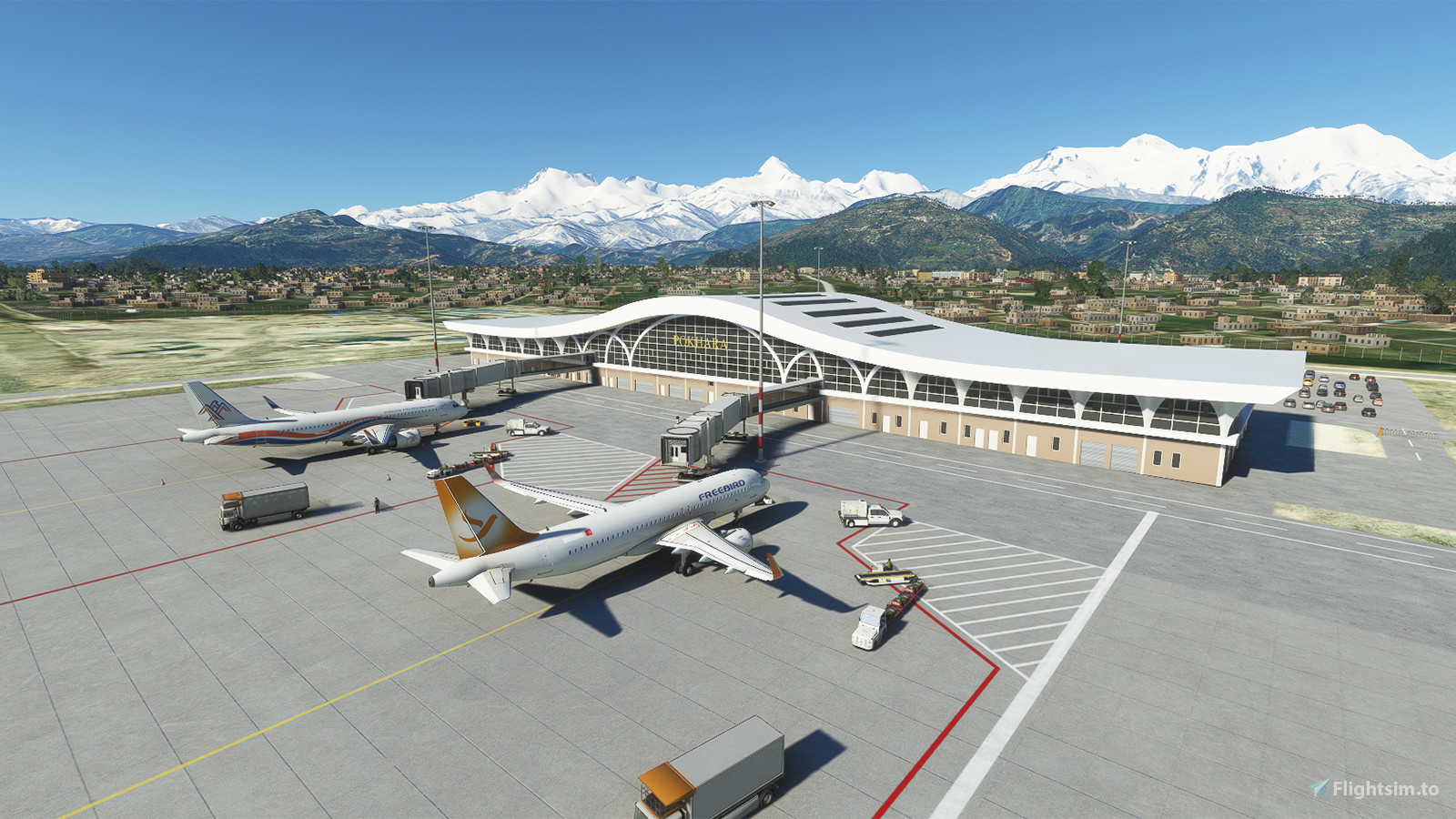
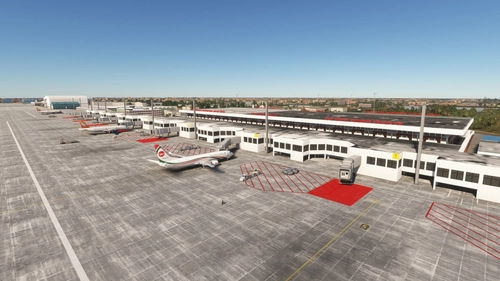
This is my first airport mod with handcrafted terminal building, although I've been regularly using Blender from 2.4x.
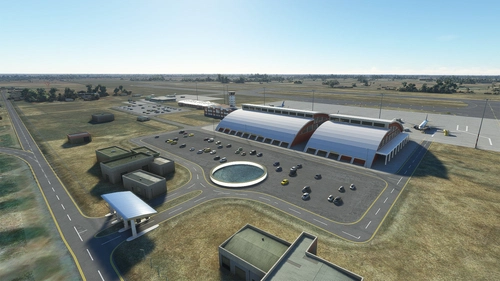
Pokhara International Airport is the third airport in Nepal which is capable of accommodating commercial jetliners. A hangar for Buddha Air is built which can fit an A319 (although it is unlikely that the airline would still give a go for jetliners).
Instrument departures only available for Runway 12, while instrument approaches are only available for Runway 30. Although ILS has been installed for Runway 30, you are recommended not to use autoland if not necessary, as the glideslope is slightly more than 3 degrees, while Runway 30 is pretty sloped upward. The MAPt is at D2.6 from the DME of glideslope instead of the runway threshold.
If you are looking for the existing Pokhara Domestic Airport, you may have a look at the one made by EMBcreations.
There may be BREAKING CHANGES in file structure for each update, PLEASE DELETE the old one from your community mod folder before installing the new version. Also, the package name has been changed to "kychungdotcom-airport-vnpr-pokhara" as the new airport use a new ident "VNPR" instead of keeping the existing "VNPK"
You may also have interest on my other Nepal Airport addons:
- Bhairahawa (Gautam Buddha) Intl. Airport (VNBW)
- Tribhuvan Intl. Airport (VNKT) - Runway Profile Hacks
- Nepal Bushstrip Upgrade Pack
--
Welcome to subscribe my channels for MSFS live game-play:
https://www.youtube.com/channel/UC21efZOlIujoYpzzCGoiYfQ
https://www.twitch.tv/kychungdotcom
Location
Pokhara Intl. Airport (VNPR)
Explore Pokhara International Airport with this handcrafted scenery mod, featuring a custom terminal building.

User Reviews
14 reviews
Version History
1. Removed localizations as it seems that it does not work 2. Custom ground imagery is added (again) for a more recent look of the airport area
Featured in Collections(1)

Related
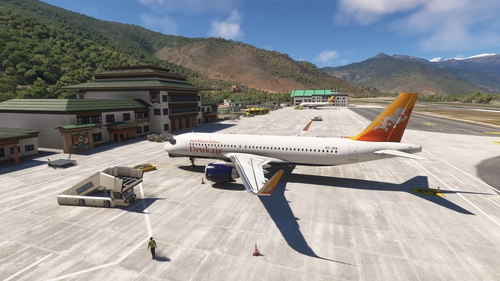
Paro Airport (VQPR) Remake with Restored RNAV Procedures
Discover the enhanced Paro Airport (VQPR) and nearby landmarks with this addon. Experience updated runway, apron, and taxiway layouts, as well as revised parkings for improved realism. Enjoy a detailed tutorial and separate navdata and scenery files for enhancing your flight simulation experience
by kychungdotcom
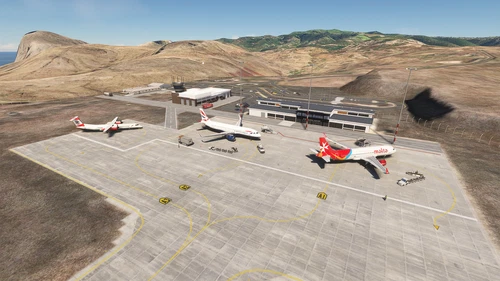
FHSH - St. Helena Airport
St. Helena Airport (FHSH) offers a detailed representation of this unique airport, known for its challenging approaches and distinct geographical features. The add-on includes handcrafted terminal and tower buildings, as well as three documented approaches.
by kychungdotcom
VGHS - Dhaka (Hazrat Shahjalal) Intl. Airport
Hazrat Shahjalal Intl. Airport add-on for Microsoft Flight Simulator offers handcrafted buildings, precise runway placement with ILS localizers, and revamped taxiway system with corrected names. This enhancement includes detailed elements like airport gardens and car parkings, taxiway signs, and custom paint elements for a more realistic airport experience. Regular updates are expected as the airport progresses, making it a must-have for virtual pilots.
by kychungdotcom
VNBW - Bhairahawa (Gautam Buddha) Intl. Airport
Upgrade Bhairahawa (Gautam Buddha) Intl. Airport in Nepal to an international hub with a new runway and apron. Enhance your Buddhist pilgrimage experience with improved facilities and ILS features for your home simulation. Note: Ramp limitations and update instructions apply for seamless performance.
by kychungdotcom
Log in to join the discussion
Log InComments(48)
7 months ago
that's because I can have a beautiful Annapurna massif view
almost 2 years ago
almost 2 years ago
almost 2 years ago
about 2 years ago
over 2 years ago
Yes technical it makes sense to install them both (nearby).
And its now more independent, as requested :-)
Best Regards
over 2 years ago
Can you please create a libary for your generic Scenery Ojcects instead proposing Dependency usage of VNPK Pokhara? If you are using objects from there, then they may disappear at VNPR, if VNPK would be delayed later again (..remaining VNPK standallone). If you are not using objects from VNPK, then its not helpfull to propose its parallel installation. (Then it would be much clearer & better, to offer VNPK - or further Scenerys - simply by seperate linking them w/o Dependency, as e.g. "See also my Airport: XYZ.."..).
Anyhow, Thanks from Warstein in Germany and allways have happy Landings :-)
over 2 years ago
almost 3 years ago
"navigraph-navdata" priority="3"
"kychungdotcom-airport-vnpr-pokhara" priority="2"
"navigraph-navdata-base" priority="1"
almost 3 years ago
about 2 years ago
I was facing the same issue and fixed by your suggestion. However you can do the same under General Options - > Experimental -> Package Reorder Tool - ON.
No need to enter in DEV mode.
Thank you!
about 3 years ago
But could you please give it the yellow star symbol for the world map? Otherwise it does not show as a mod airport and is easely missed.
Please give it the yellow star symbol. Thanks a lot!
about 3 years ago
about 3 years ago
nevertheless brand new aioport so use your imagination.
over 3 years ago
Love it!
over 3 years ago
Very Nice. Will the gates work with GSX pro automatically? or are you planning anything like that in the future ? Plus wish you made VNKT (Kathmandu Airport too) as you regularly update your creation. Thanks
over 3 years ago
I didn't purchased GSX Pro as I'm only a "low cost player", but I will be grateful if someone would like to create the GSX profile for this airport.
over 3 years ago
Greate!!!!! Can you share the principal build?
over 3 years ago
Do you mean you want the source code?
over 3 years ago
Great Work! Looks good. Thank you!