
Description
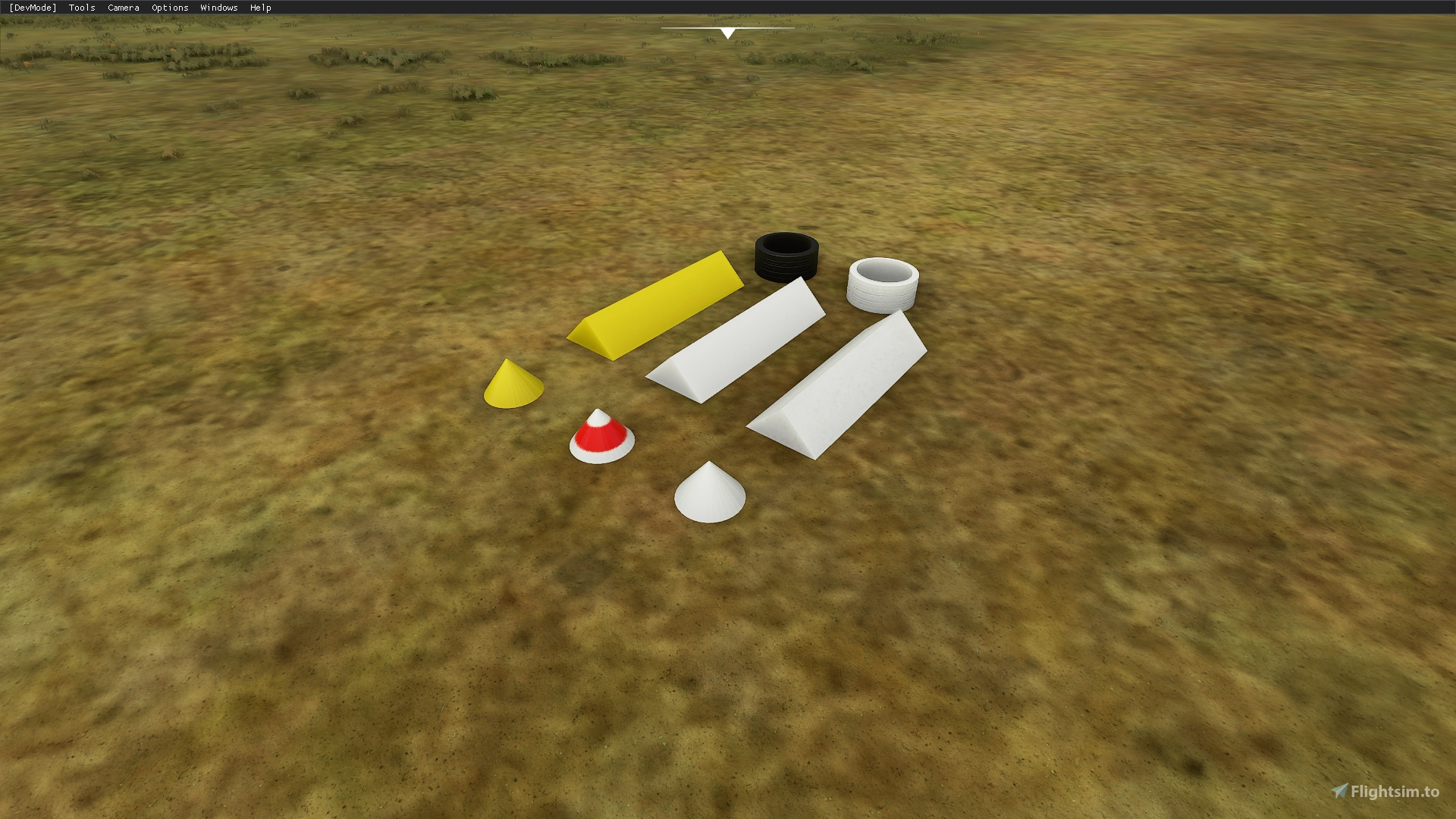
Please enjoy these basic models to use around your airports.
Included are:
Gable Markers (both Cone and triangular prism
Parking Markers (both Cone and triangular prism)
Cone with Red Stripe
Tyre both black and painted white
Please link: https://flightsim.to/profile/Hoynedawg if you wish to use these objects and release them in your own freeware scenery
----Note This is not a scenery please do not try and drag and drop this into your Comunity folder nothing will happen----
If your Package is following the SDK samples and documention you can set up an artproj (either added through the project editor and inspector or added by editing the XML) as a part of your package, what ever you have your ASSDIR assigned as for the artproj thats where these folders need to go. once you add these to the correct area, build your package, save the package then close the project. close the sim place the built package into your comunity folder and repoen the sim, open the project and the objects will be selectable in the objects menu.
Common Airport Objects
This add-on offers a collection of basic airport objects for use in your flight simulator. Included are various markers, cones, parking markers, and tires. You can find these objects at the provided link for use in your own freeware scenery projects following the SDK guidelines. Note that this is not a scenery package and should be integrated following specific instructions provided.


User Reviews
5 reviews
Version History
No version history available.
Related
Mikea.at - AssetPack
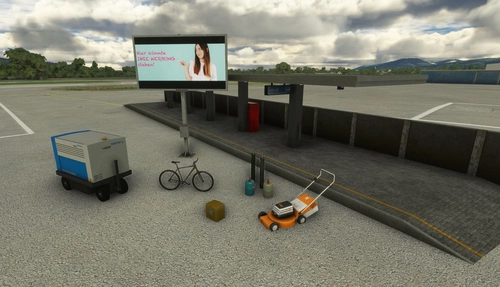
Discover Mikea.at - AssetPack, a collection of assets for enhancing your scenery projects in Microsoft Flight Simulator. This pack includes a variety of objects like gliders, signs, vehicles, and more, all available for easy access in your community folder. Keep an eye out for regular updates and additions to this growing pack of detailed assets.
by Mikea.at
MSFS 2020 object library 200+ models - towers hangars to cones v14-11 UPDATE
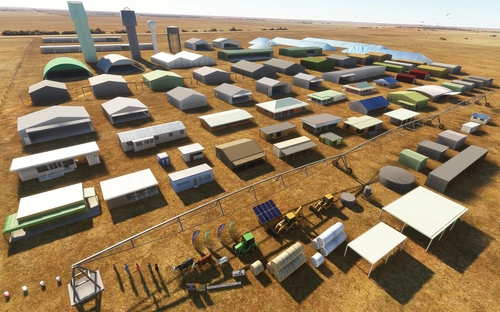
Object library with a variety of useful objects designed to be frame rate friendly using LOD (level of detail) so simple models used in longer distances. Smaller objects will not disappear in short distance due to the addition of large triangles underground. Objects are high quality using PBR textures and with some animated.
by colinj
Emerald Object Library
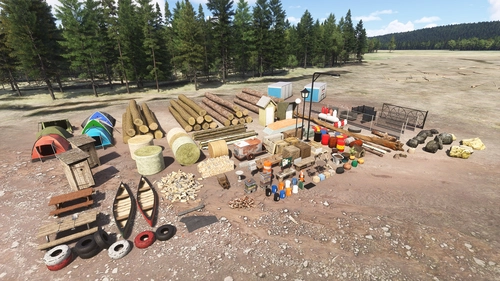
A library for Emerald Scenery Design addons and freeware developers containing over 400 Models, Environmentally-Dynamic SimObjects, Visual Effects, Wwise Sounds, and Materials. Emerald Object Library is now available on the MSFS Marketplace for PC and Xbox!
by Emerald Scenery Design
Animated Human 3D Models Library
A library of nearly 300 animated human models and animals for Microsoft Flight Simulator, offering a variety of actions and colors. Models include civilians, business people, airport staff, animals, and more. Includes SDK object search guidelines and a separate section for developers with tutorials on creating custom content. Version 1.3 update brings new models and props like cyclists, wheelchair users, and livestock for enhanced realism.
by superspud
Log in to join the discussion
Log InComments(10)
almost 4 years ago
Hi
could you let me know what 'Title' and 'Developer' you have used in the creation of this mod, as MFS Addon Collector sorts like this and Hoynedawg and Common Airport Objects do not show up?
Thanks
Peter
over 5 years ago
over 5 years ago
this mod is in the "Libraries" category and some scenery authors say that this is REQUIRED .
Can we put this in the community folder like other libraries?
Thanks
almost 6 years ago
almost 6 years ago
https://flightsim.to/file/2064/babb-49s
almost 6 years ago
I've added you in the version notes - so it'll never get deleted. :)
about 6 years ago
I get the idea I have to place something in my project but is not very clear exactly what folder and exactly where. I tried copying them almost everywhere in the end and still it didn't worked I couldn't find them in the objects panel.
Is there any other info I am missing?
about 6 years ago
about 6 years ago
Congratulations and thank you very much.
The dream
Christophe
about 6 years ago