
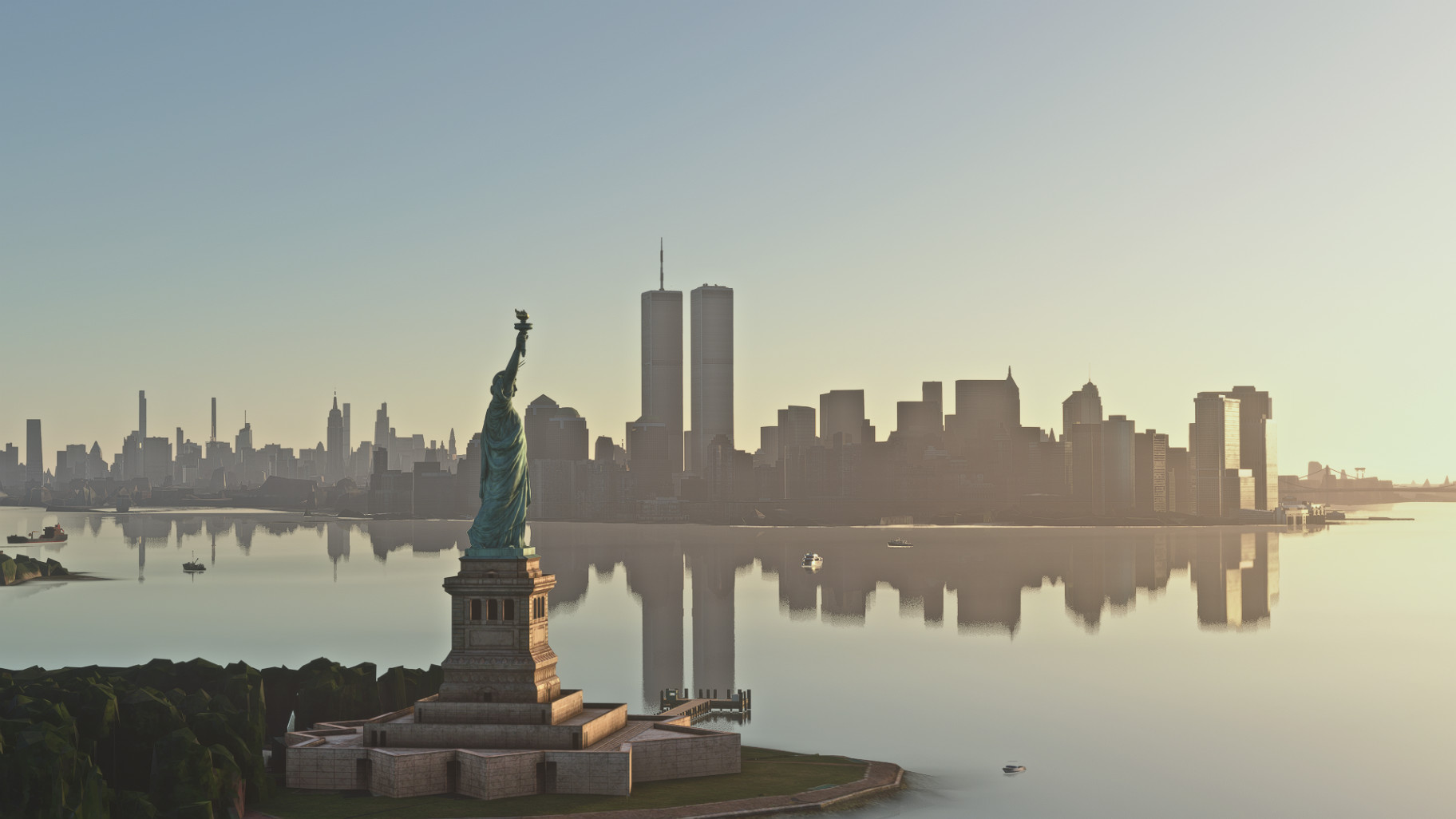
Description
Hey there! This enhancement removes the Freedom Tower from SamScene's NYC Times, to be compatible with Arkid77's Twin Towers Enhancement: https://flightsim.to/file/81453/the-original-world-trade-center-complex-2001-twin-towers
This download ONLY contains a folder which consists of an exclusion file for the entire WTC plaza in SamScene NYC. You NEED to have the above file to see the WTC plaza as it was from 1973-2001.
HOW TO INSTALL: First, open the downloaded ZIP folder. Then drag and drop the folder within it named "xxx_NYC-WTC-Removal" into your Community folder, then you must RENAME the Arkid folder to "zzz-arkid77-scenery-world-trade-center". This ensures that the sim (which loads addons in alphabetical order) will load the exclusion file first and only then the scenery file. Leave the SamScene folder's name as it is.
Feel free to let me know if there are any issues or if there's anything I can do to make this scenery better and I will be happy to help.
I will not tolerate any jokes in the comments relating to the tragedy of September 11th.
SamScene NYC Freedom Tower Removal for Arkid77's Twin Towers
This add-on removes the Freedom Tower from SamScenes NYC scenery to enhance compatibility with Arkid77s Twin Towers Enhancement. It includes an exclusion file for the WTC plaza, allowing users to recreate the appearance of the World Trade Center as it was from 1973 to 2001. Proper installation requires specific renaming of folders to ensure correct loading order within Microsoft Flight Simulator.


User Reviews
5 reviews
Version History
No version history available.
Related
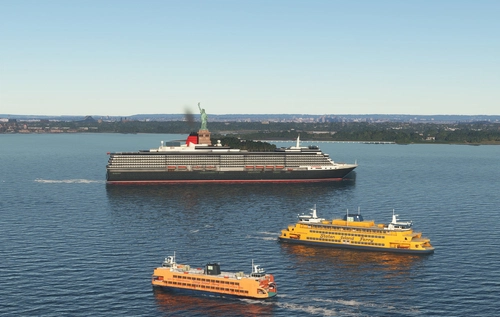
Global AI Ship Traffic Version 7.
Global AI Ship Traffic Version 7 enhances Microsoft Flight Simulator with over 1,000 unique ship models and more than 2,400 liveries, alongside 80,000 programmed ship movements. Compatible with both MSFS 2020 and MSFS 2024, this add-on includes a wide variety of vessels, ranging from cargo ships and fishing boats to luxury cruise liners and military ships. Users can experience a realistic global shipping simulation by utilizing preprogrammed traffic or real-time AIS data in MSFS 2024. The project is the result of collaboration among international developers and enthusiasts, providing an immersive maritime experience.
by Henrik Nielsen, KL791
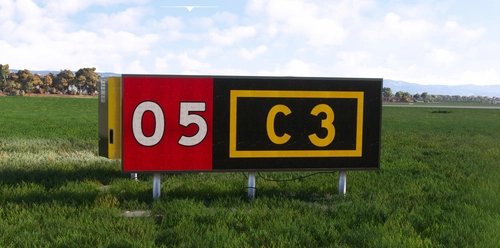
Realistic Taxi Signs Texture Pack
Enhance your taxiing experience with this Realistic Taxi Signs Texture Pack. This add-on provides higher resolution and realistic textures for taxiway signs in Microsoft Flight Simulator. Replace the original files in your Community folder for an improved visual experience. Remember to remove any other mods for taxi signs before installing this pack. Created by Pretzed, this pack aims to enhance the realism of your taxiing operations in the sim.
by PretZed

AirHispania - Libraries
Essential libraries containing objects necessary for displaying AirHispania sceneries. Required for enhancing the overall visual experience of AirSpain scenery addons.
by AirHispania
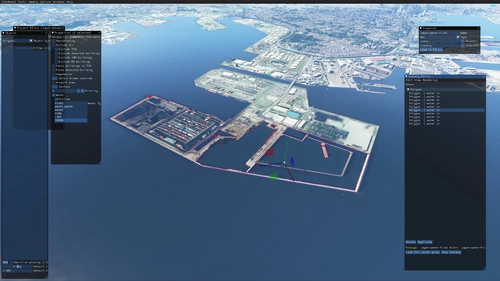
Japan world update scenery enhancement (no google imagery and no performance impact)
Enhance your Japan flying experience with this ongoing scenery update, featuring fixes for dark lines on river entrances, addition of cargo ships, and uncovering hidden features underwater. With no reported impact on performance, this add-on brings a more detailed and realistic landscape to explore in Microsoft Flight Simulator.
by DOR RAGER
Log in to join the discussion
Log InComments(34)
4 days ago
that isn't apart of the WTC please fix that
28 days ago
28 days ago
30 days ago
30 days ago
28 days ago
28 days ago
2 months ago
2 months ago
2 months ago
i renamed the folder; zzz-arkid77-scenery-world-trade-center, and the for the removal of the One WTC;
xxx_NYC-WTC-Removal
2 months ago
2 months ago
This comment has been deleted
about 1 month ago
28 days ago
8 months ago
over 1 year ago
over 1 year ago
about 2 years ago