
Description
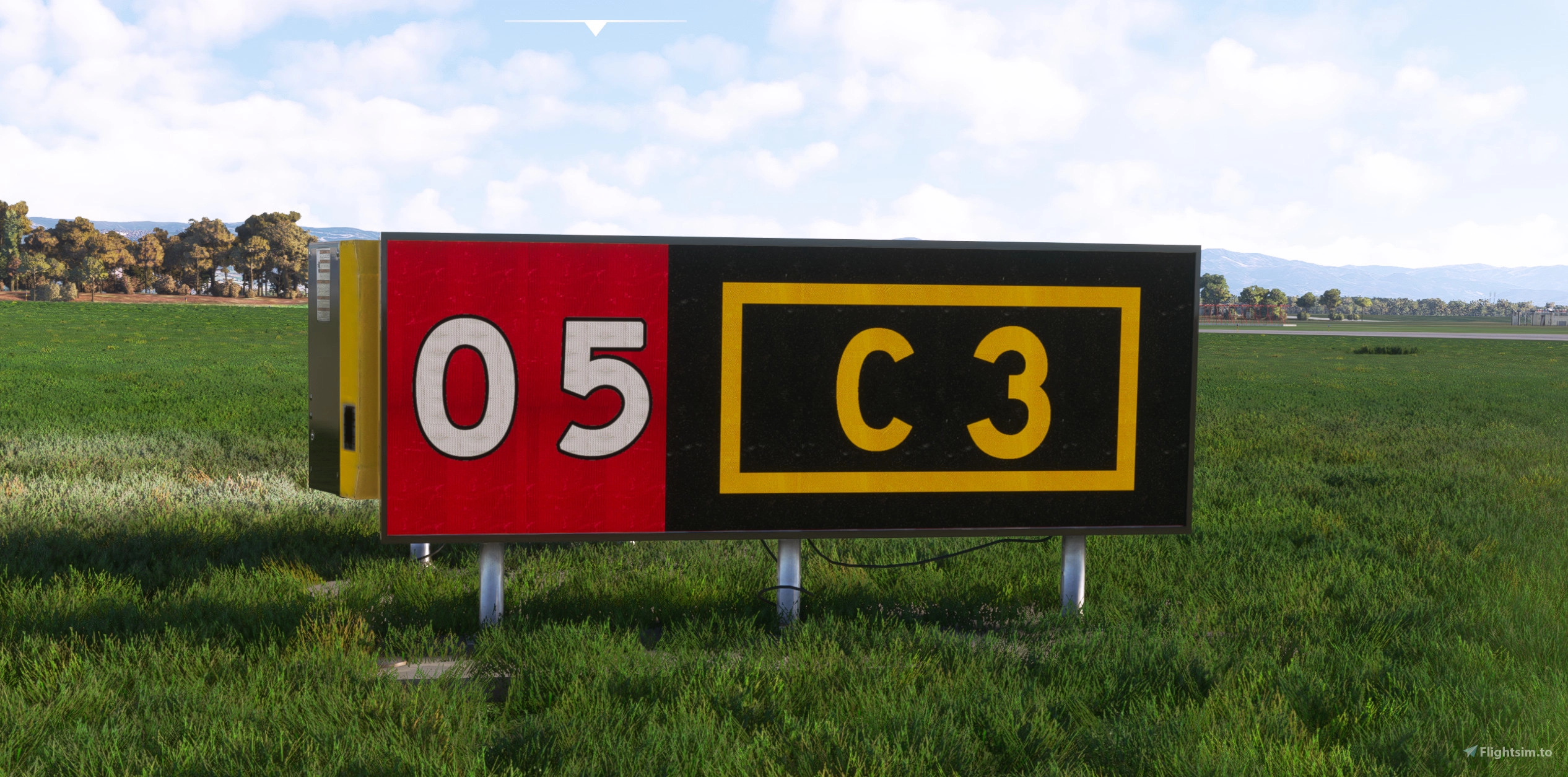
This a replacement for the Taxiway Signs with Higher resolution and Realistic Textures.
Installation:
Unzip the file and Put the folder "Taxiway-Signs-Realistic-textures" inside MSFS Community folder.
** If the community folder does not change them you have to do it manually as follow:
MS Store version
*--:\MSFS Package\Official\OneStore\fs-base\scenery\Global\Asobo_Props\TEXTURE*
Steam version
*--\fs-base\scenery\Global\Asobo_Props\TEXTURE*
Back up originals and replace with the following files:
-TAXI_SIGN_BACK_ALBEDO.PNG.DDS
-TAXI_SIGN_SYMBOL.PNG.DDS
-TAXISIGN_ALBEDO.PNG.DDS
NOTE:
Any other Mod for Taxisigns must be removed.
If you like the work, would appreciate buy me a coffee Buy me a Coffee
** Any distribution without my conscent is absolutely prohibited. **
Enjoy!
Pretzed
Realistic Taxi Signs Texture Pack
Enhance your taxiing experience with this Realistic Taxi Signs Texture Pack. This add-on provides higher resolution and realistic textures for taxiway signs in Microsoft Flight Simulator. Replace the original files in your Community folder for an improved visual experience. Remember to remove any other mods for taxi signs before installing this pack. Created by Pretzed, this pack aims to enhance the realism of your taxiing operations in the sim.


User Reviews
7 reviews
Version History
-Increased the resolution. -A complete rework of the Fonts, changed to ICAO/FAA Fonts, looks more realistic.
Featured in Collections(1)

Related
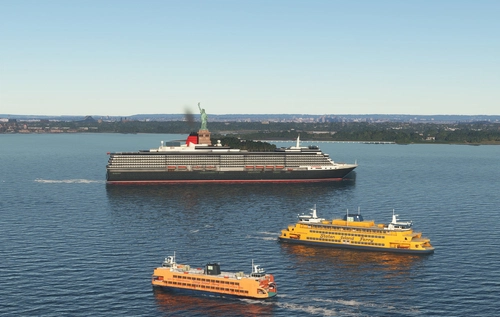
Global AI Ship Traffic Version 7.
Global AI Ship Traffic Version 7 enhances Microsoft Flight Simulator with over 1,000 unique ship models and more than 2,400 liveries, alongside 80,000 programmed ship movements. Compatible with both MSFS 2020 and MSFS 2024, this add-on includes a wide variety of vessels, ranging from cargo ships and fishing boats to luxury cruise liners and military ships. Users can experience a realistic global shipping simulation by utilizing preprogrammed traffic or real-time AIS data in MSFS 2024. The project is the result of collaboration among international developers and enthusiasts, providing an immersive maritime experience.
by Henrik Nielsen, KL791

AirHispania - Libraries
Essential libraries containing objects necessary for displaying AirHispania sceneries. Required for enhancing the overall visual experience of AirSpain scenery addons.
by AirHispania
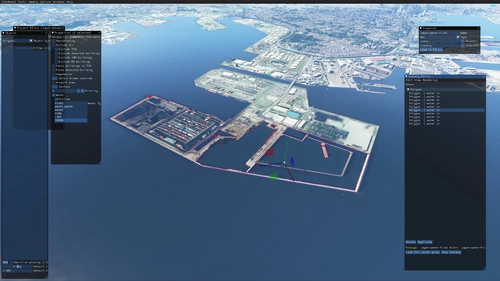
Japan world update scenery enhancement (no google imagery and no performance impact)
Enhance your Japan flying experience with this ongoing scenery update, featuring fixes for dark lines on river entrances, addition of cargo ships, and uncovering hidden features underwater. With no reported impact on performance, this add-on brings a more detailed and realistic landscape to explore in Microsoft Flight Simulator.
by DOR RAGER
Airpower Airshow for Microsoft Flight Simulator
Experience the largest airshow in Europe with "AIRPOWER for Microsoft Flight Simulator 2020." Join military and civil aviation demonstrations at Zeltweg Air Base, featuring realistic crowd depictions and 43 handcrafted aircraft on display. Dont miss out on this immersive airshow experience with static displays and dynamic elements!
by Troglodytus, Littlekrg, Mikea.at, AnelToro089, LeRoi
Log in to join the discussion
Log InComments(41)
almost 2 years ago
about 2 years ago
THank's
about 2 years ago
https://flightsim.to/file/30487/too-bright-taxiway-sign-fix
Like should I use it or remove when using your mod?
about 2 years ago
about 2 years ago
about 2 years ago
about 2 years ago
about 2 years ago
about 2 years ago
over 2 years ago
over 2 years ago
over 2 years ago
over 2 years ago
Can t find the global or scenery/Asobo_Props...
Wher should I put the files to work.
Thanks,
Luka
over 2 years ago
:\MSFS Package\Official\OneStore\fs-base\scenery\Global\Asobo_Props\TEXTURE
I rectified it. Let me know if you were able to find it.
over 2 years ago
over 2 years ago
over 2 years ago
over 2 years ago
over 2 years ago