
Description
IMPORTANT!! Check install instructions.
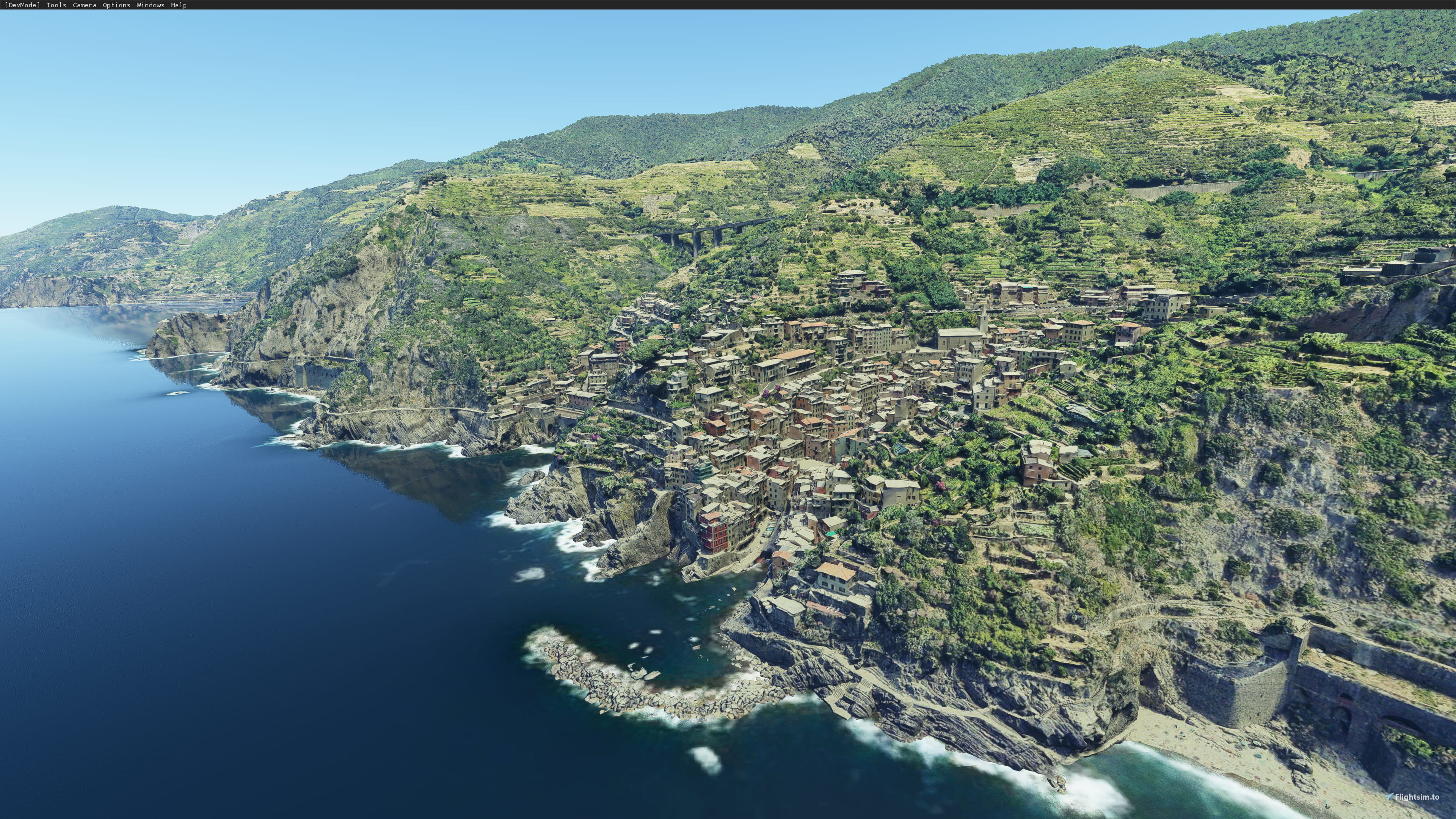
The Cinque Terre (Italian pronunciation: [ˈtʃiŋkwe ˈtɛrre]; Ligurian: Çinque Tære, meaning "Five Lands") is a coastal area within Liguria, in the northwest of Italy. It lies in the west of La Spezia Province, and comprises five villages: Monterosso al Mare, Vernazza, Corniglia, Manarola, and Riomaggiore. The coastline, the five villages, and the surrounding hillsides are all part of the Cinque Terre National Park, a UNESCO World Heritage Site.
The Cinque Terre area is a popular tourist destination. Over the centuries, people have built terraces on the rugged, steep landscape right up to the cliffs that overlook the Ligurian Sea. Paths, trains and boats connect the villages as cars can reach them from the outside only via narrow and precarious mountain roads with great difficulty.
Scenery
Covers the full area from Monterrosso al Mare to Riomaggiore. Includes the five villages and the surrounding hillsides and cliffs.
Installation
This scenery has two versions, you have to choose one:
- Full (High Detail): Download full version files (two files, scenery + textures) and unzip both on same folder (use "Extract here" on 7-zip). Second zip has the textures, so if you don't do this right the scenery will look pink or white.
- Lite (Low Detail): Download main file and unzip on community folder
Lite version has less detail so it takes less disk space. It is suitable for less powerful machines. It's also useful if you are not planning to fly at less than 1500-2000ft over the scenery, you won't notice much difference with the full version.
Credits
Jonahex111 (Goolge Earth Decoder)
thalixte (Optimization tool for Google Earth Decoder)
Google Maps
Location
Cinque Terre, Liguria, Italy
Explore the stunning coastal area of Cinque Terre in Liguria, Italy, featuring five charming villages and scenic hillsides. This add-on covers Monterosso al Mare to Riomaggiore, offering a detailed recreation of the UNESCO World Heritage Site. Choose between a high-detail version or a lighter version for optimal performance based on your preferences and hardware specifications.

User Reviews
15 reviews
Version History
Remove previous version before installing. - Improved scenery lightning on dawn and dusk.
Related
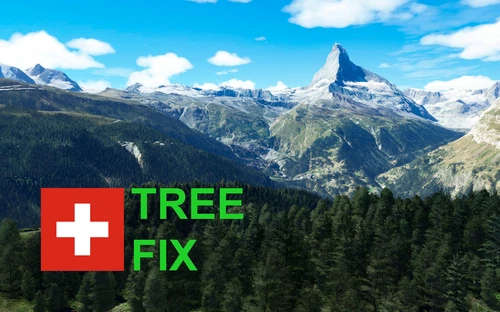
Swiss mountains tree fix (trees on mountains removed)
A comprehensive mod fixing tree placement on Swiss mountains, particularly removing inaccurately placed trees on mountain peaks. The update includes a shift to more realistic conifer trees in the Alps and an expansion to border areas of France, Italy, and Austria. From Alpstein Säntis to Stockhorn, numerous locations across Switzerland have been meticulously corrected for a more authentic flight experience.
by THEOLI4D
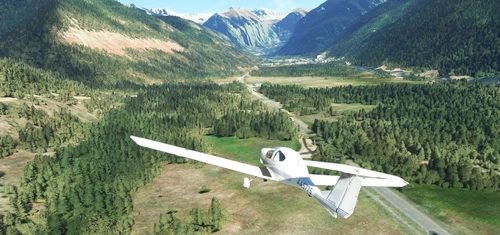
Shorter Trees / Tree Height Modification VERSION 4.0 for MFS2020 (shorter, realistic trees)
Experience realistic and shorter trees in Microsoft Flight Simulator with the Shorter Trees / Tree Height Modification VERSION 4.0 add-on. Compatible with the latest version of MSFS, this mod provides adjusted tree heights for a more authentic flying experience. Update includes enhanced tree coloration blending seamlessly with photogrammetry trees. Installation is simple - just copy the folder into your community folder and enjoy a new perspective from the skies.
by ARIF STUDIOS - Adnan Arif

Port of Hamburg (hand crafted)
The Port of Hamburg add-on for Microsoft Flight Simulator features a meticulously handcrafted recreation of the port area along the north bank of the Elbe River, spanning 5 km. It includes realistic representations of key buildings and facilities, such as the Stage Musical Theater and the German Port Museum, as well as major infrastructure like the Köhlbrand Bridge and cruise terminal. The scenery is compatible with Global AI Ship Traffic (GAIST) for enhanced marine activity and includes over 20,000 individual objects for a detailed simulation experience.
by Manfred Siedler / SimDocks Hamburg

Scenery Glitch Fixes for Update 1.12.13.0
Resolve lingering scenery glitches with this mod designed to fix issues that persist after the 1.12.13.0 update. Simply remove mappamundi-glitchfix from your community folder after the latest update. If problems remain unresolved, provide details for further fixes.
by mappamundi
Log in to join the discussion
Log InComments(41)
about 3 years ago
almost 4 years ago
almost 5 years ago
So WHERE do we find this damn scenery? SOMEWHERE in Italy? What is the ICAO??
over 4 years ago
Cinque Terre isn't an airport, so it doesn't have an ICAO, it's a scenery in north of Italy, Liguria region on westside, check out on google maps
over 4 years ago
why would you even download things which you don't what they are? But looking at the title screenshot just for a splitsecond could have gauged, that this is an italian coastal village on a cliff and not an airport.
over 5 years ago
Problem Solved ! I did the part1 and part2 pairing by hand instead of through 7ZIP.
Method. 1. Unzipped both files to desktop. 2. Then expanded each of the folders to see ezro-cinque-terra in each. 3. Then copy contents of part2 into part1. Hope this helps. PS. Beautiful work Ezro.
over 5 years ago
I too have tried to install the Cinque Terra full version and get what looks to be snow all over the mountains and not much else. Has the Author or any others found a work around or a step by step install method for this magnificent looking piece of work. Many Thanks
over 5 years ago
Problem: after trying both the light and the heavy versions, the Cinque Terre area remains white. All other mindblowingly beautiful sceneries run just fine. Any idea for a possible cause?
over 5 years ago
over 5 years ago
over 5 years ago
over 5 years ago
over 5 years ago
over 5 years ago
over 5 years ago
over 5 years ago
over 5 years ago
The file names in the popup box are
- Main File (1.2 March 14, 2021 - 717.70 MB) This file has the star and green download arrow.
- Full Version 1.2 Part 2 - March 14, 2021 - 1.82 GB
- Full Version 1.2 Part 1 - March 14, 2021 - 1.25 GB
Please confirm the "Main File" is the Lite version, and the two "Full Version 1.2" files are both needed for the Full High Detail Version
EDIT: Yes, the actual file names of the files being downloaded are as listed above. "Main"= Lite and "Full Version"= High detail full version.
over 5 years ago
It says word by word (Main File) is the Lite version.
Sigh.
over 5 years ago
over 5 years ago