
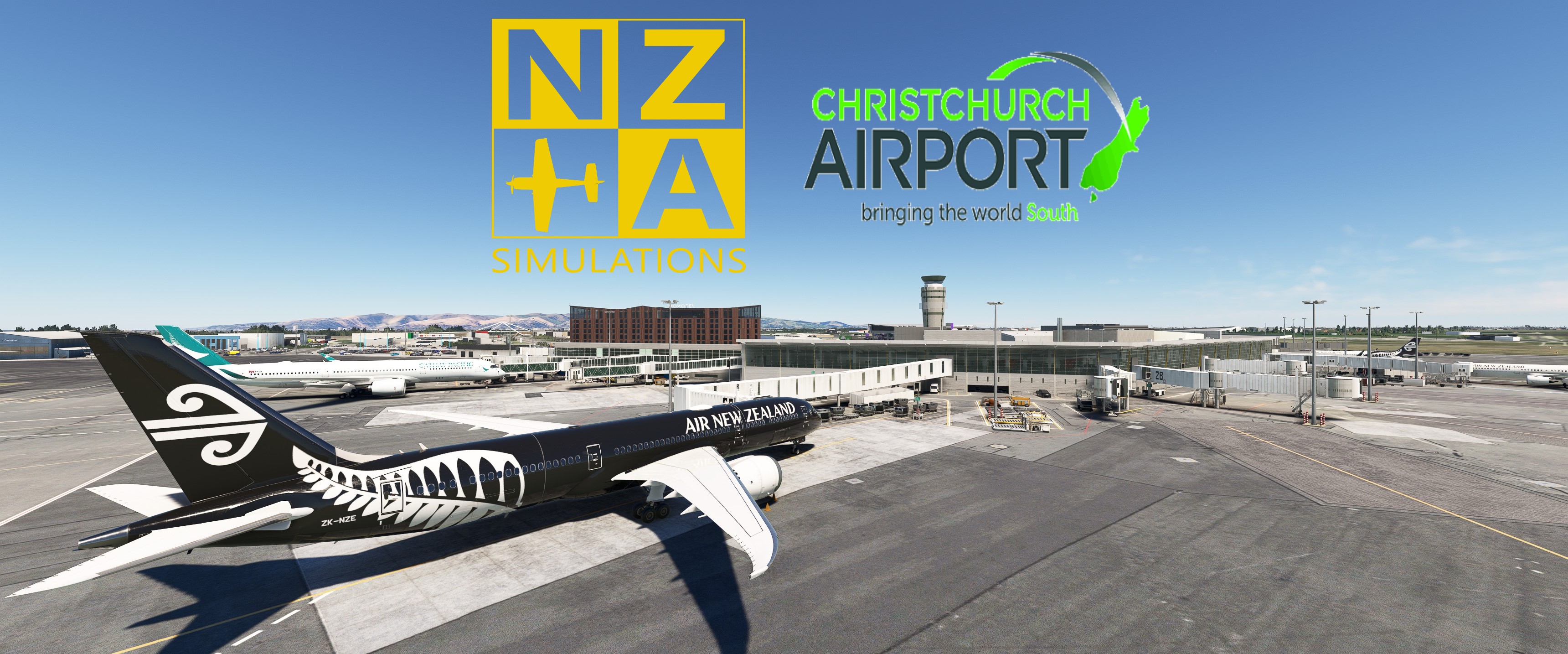
Description
Did my own config for this one. The major improvements are in the ATR walk in gates over the official NZA config.
Custom pushbacks. ATR gates with disabled pushback.
Custom vehicle placements
GSX VDGS replacement screens
Handling: Air New Zealand and Swissport
Catering LSG
Python file to better sort the different aprons. (See picture)
Heavy Gates edited with 787 : 28,29,30,32,34
Medium Gates edited with 320: 16-27, 31, 35 (35 is Walkin).
Small gates edited with ATR42 : 3-4 (Walkin)
Small gates edited with ATR72 : 5-15 (Walkin)
Cargo Apron: D1-D2-D4 (737F), D5 (ATR)
Antarctic Apron: Z1-Z3 (737F), Z7 (747F)
______________________________________________________________________________________________________________________________________________________________
MSFS 2024 VERSION- Added custom stop positions.
- Added delayed engine start
- Multiple fixes all over the airport
- Added rear stair/jetway boarding on gates 18,21,22
Known issues:
- Gate 29 has a fixed jetway so stop positions are a little off on some heavy aircraft to allow docking.
- Gates 34,35 are not really useable. To close together for GSX to properly distinguish between them.
AS ALWAYS REMEMBER TO TICK AUTOMATIC REPOSITION IN GSX SETTINGS
INSTRUCTIONS:
Place the files in : \Users\\AppData\Roaming\virtuali\GSX\MSFS
Remember to delete or disable other ini files starting with nzch.
If you have any suggestions to make or errors to report give a comment or send me a pm.
Regards
GSX Profile - NZA Christchurch Airport NZCH
Enhance your ground handling experience at NZA Christchurch Airport with this custom GSX Profile. Features include ATR walk-in gates, custom pushbacks, catering by LSG, and edited gate configurations for various aircraft types. Simply place the provided files in the correct directory and enjoy improved apron organization and realistic airport operations.
User Reviews
1 reviews
Version History
MAIN DOWNLOAD FILE NOT EDITED. ONLY MSFS 2024 FILE ARE NEW AND EDITED IN MSFS24. Read in description about changes. I believe this will also work in 2020 but i could be wrong.
Related
GSX Profile - MKStudios Montréal–Trudeau Airport (CYUL)
Custom GSX profile for MKStudios Montréal–Trudeau Airport (CYUL) featuring edited gates, adjusted jetway heights, and realistic parking options. Includes custom pushbacks, catering services, and de-icing pads for a more immersive airport experience. Organized gate sections and precise stop positions enhance taxiing and aircraft alignment. Fellow simmers are welcomed to provide feedback or suggestions for further improvements.
by mortysimmer
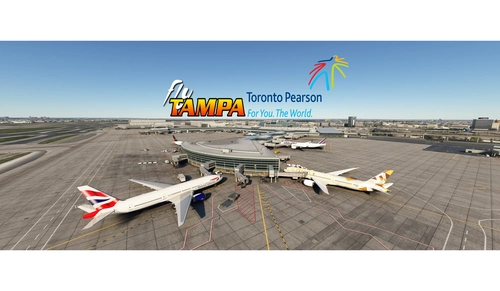
GSX config for FlyTampa Lester B. Pearson Intl. CYYZ
Custom GSX configuration for FlyTampa Lester B. Pearson Intl. enhances main gates and stands with tailored vehicle placements. Gates adjusted for specific aircraft sizes and custom pushbacks, alongside correct handling and catering choices. Includes de-icing pads, jetway height adjustments, and VDGS systems, with detailed instructions for installation and file organization. For precise gate positioning, refer to Navigraph charts 10-9B, 10-9C, 10-9D. Improve your ground operations at CYYZ with this comprehensive GSX enhancement.
by mortysimmer
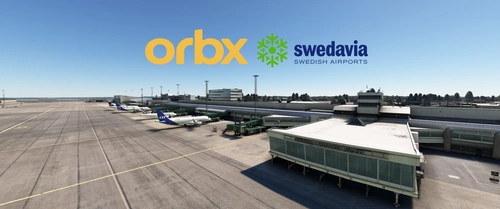
GSX Profile - ORBX ESGG Gøteborg Landvetter
Enhance your airport experience at ORBX ESGG Gøteborg Landvetter with this GSX Profile add-on. This profile includes custom gate editing for various aircraft types, real-world catering and handling services, adjusted jetways, and more. Choose between two versions with different Visual Docking Guidance Systems. Please note that some gates require manual aircraft alignment upon spawning. Install and enjoy a realistic airport environment in Microsoft Flight Simulator.
by mortysimmer
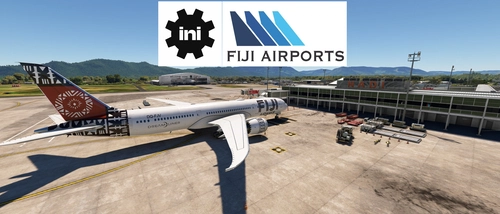
GSX Profile - IniBuilds Nadi International Airport (NFFN)
Enhance your ground handling experience at Nadi International Airport with this GSX Profile by IniBuilds, featuring custom pushbacks, passengers walking to jetways, and adjusted jetway heights. Organized into 3 sections with gates accommodating different aircraft sizes, this add-on also includes custom vehicle placements and a marshaller for added realism. Enjoy a seamless experience with ATS FIJI handling and catering ATS services, along with a Python file for improved apron sorting and custom stop positions.
by mortysimmer
Log in to join the discussion
Log InComments(5)
6 months ago
6 months ago
almost 2 years ago
over 2 years ago
over 2 years ago