
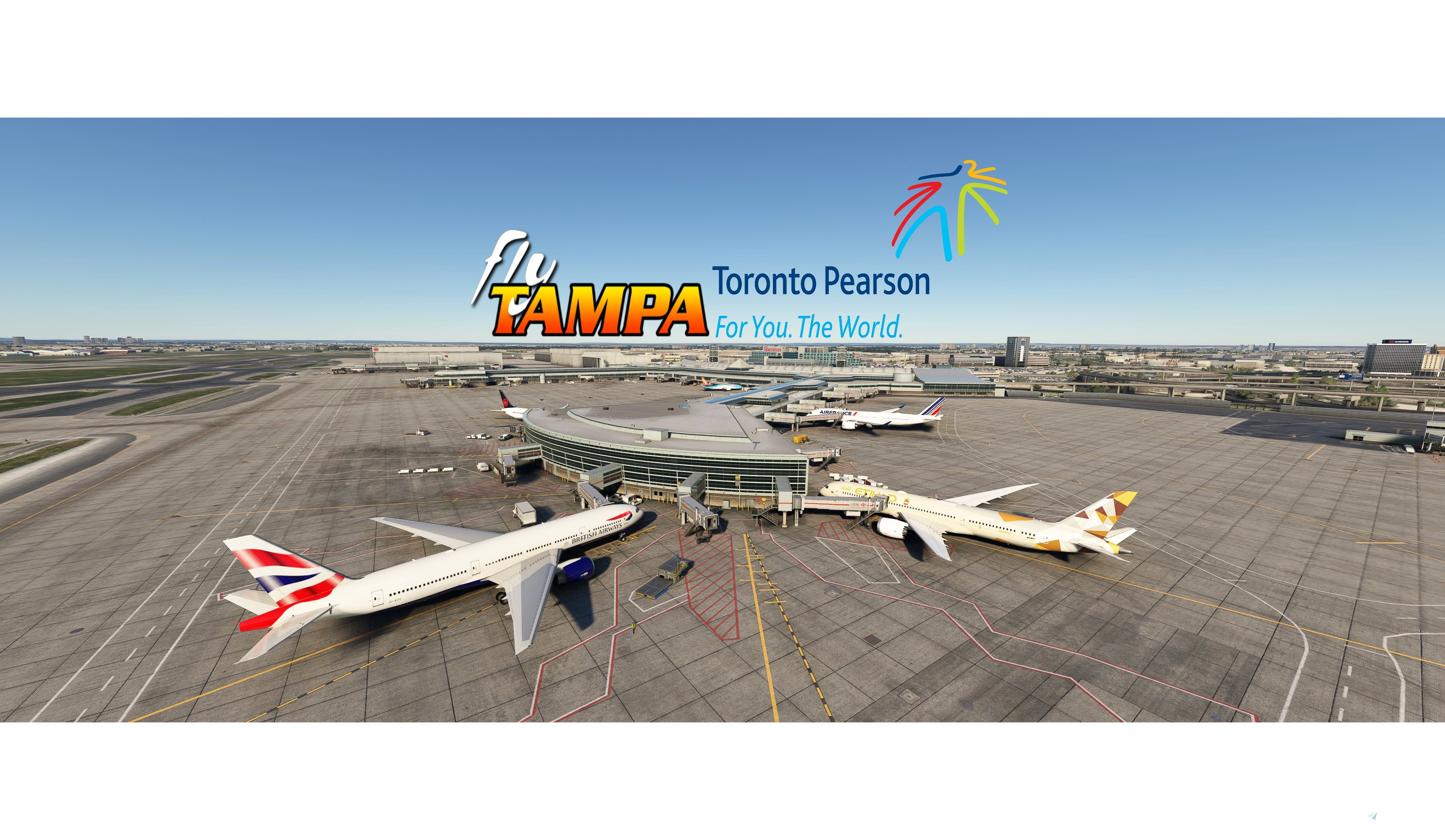
Description
- All main gates and stands edited with custom vehicle placements.
- H-Stands not edited
- Large gates edited with B789/B748. Medium gates with A320. Small gates (30m) with CRJ900. Small gates (26m) edited with ATR72/CRJ700. Small gates also checked with E-Jets. Hard to get one gate to accomodate 3 different aircraft. FYI :)
- All have custom pushbacks with direction and NR/NL (Nose right/left designation). Used hold points in Navigraph charts for reference.
- Correct handling & catering choices.
- All gates have T1-42 VDGS. Will make one with marshaller if enough people request it.
- Jetway heights adjusted
- De icing pads 1-6. It says in the charts that they enter from taxiway taxiway T and V. So i made them facing west. Exit is via F as a user commented to me below. If GSX had the ability to make different folders for the de-icing i would make more but now its all inside one folder. It would then be 36 pads instead of the 18 there are now.
- The N/S pads are modelled different in the scenery so N is S and S is N. Se picture for direction and stop points. 1-4 are identical to 5-6.
N/S are for small/medium jets. C pads for all aircraft. See Navigraph chart 10-9K for a map of the facility. - Last but not least they have VDGS systems showing stop point. See the arrows next to the pad for direction. On the C pads they are to the left.
- Charts where you find the gates position in Navigraph: 10-9B, 10-9C, 10-9D. Fedex and Cargo Northeast shown i pictures.
- Gates 258-270 are in the Construction area on terminal 1.
- Excel file in the zip file shows all edited gates with Max wingspan and if it's walk-in/jetway gate.
- CYYZ.py file sorts all edited gates into more managable folders instead of sorting through
gate/ramp/parking to find your gate. See picture.
As always you should reposition at the current gate when spawning into the scenery.
INSTRUCTIONS:
Place the .INI file in : \Users\\AppData\Roaming\virtuali\GSX\MSFS
Remember to delete or disable other ini files starting with cyyz. If you wish copy the cyyz.py into the same folder.
If you have any suggestions to make or errors to report give a comment or send me a pm.
Regards
GSX config for FlyTampa Lester B. Pearson Intl. CYYZ
Custom GSX configuration for FlyTampa Lester B. Pearson Intl. enhances main gates and stands with tailored vehicle placements. Gates adjusted for specific aircraft sizes and custom pushbacks, alongside correct handling and catering choices. Includes de-icing pads, jetway height adjustments, and VDGS systems, with detailed instructions for installation and file organization. For precise gate positioning, refer to Navigraph charts 10-9B, 10-9C, 10-9D. Improve your ground operations at CYYZ with this comprehensive GSX enhancement.
User Reviews
5 reviews
Version History
Redid some of the pushbacks after the GSX update. Push/pull on the gates it seemed appropriate. Some minor fixes.
Related
GSX Profile - MKStudios Montréal–Trudeau Airport (CYUL)
Custom GSX profile for MKStudios Montréal–Trudeau Airport (CYUL) featuring edited gates, adjusted jetway heights, and realistic parking options. Includes custom pushbacks, catering services, and de-icing pads for a more immersive airport experience. Organized gate sections and precise stop positions enhance taxiing and aircraft alignment. Fellow simmers are welcomed to provide feedback or suggestions for further improvements.
by mortysimmer
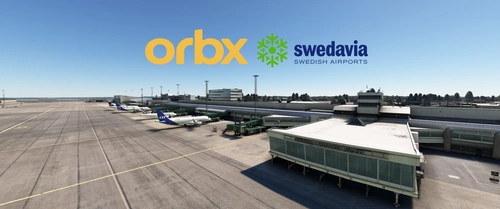
GSX Profile - ORBX ESGG Gøteborg Landvetter
Enhance your airport experience at ORBX ESGG Gøteborg Landvetter with this GSX Profile add-on. This profile includes custom gate editing for various aircraft types, real-world catering and handling services, adjusted jetways, and more. Choose between two versions with different Visual Docking Guidance Systems. Please note that some gates require manual aircraft alignment upon spawning. Install and enjoy a realistic airport environment in Microsoft Flight Simulator.
by mortysimmer
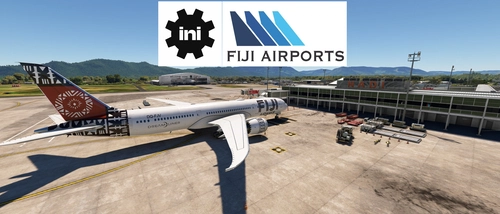
GSX Profile - IniBuilds Nadi International Airport (NFFN)
Enhance your ground handling experience at Nadi International Airport with this GSX Profile by IniBuilds, featuring custom pushbacks, passengers walking to jetways, and adjusted jetway heights. Organized into 3 sections with gates accommodating different aircraft sizes, this add-on also includes custom vehicle placements and a marshaller for added realism. Enjoy a seamless experience with ATS FIJI handling and catering ATS services, along with a Python file for improved apron sorting and custom stop positions.
by mortysimmer
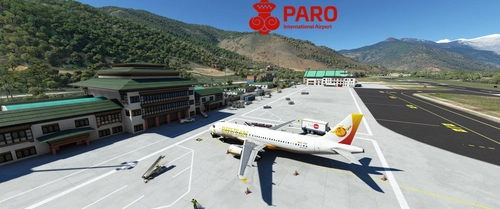
GSX Profile - Asobo Paro Airport (VQPR)
GSX Profile created specifically for Asobos Paro Airport (VQPR) with edited gates, custom pushbacks, and underground refuelling. Gates sorted into Main Terminal and Cargo Apron, with a Python file for custom stop position. Note: Some scenery limitations may affect aesthetics. Installation instructions provided.
by mortysimmer
Log in to join the discussion
Log InComments(31)
2 months ago
2 months ago
2 months ago
2 months ago
9 months ago
9 months ago
9 months ago
10 months ago
9 months ago
9 months ago
over 1 year ago
over 1 year ago
over 1 year ago
almost 2 years ago
over 1 year ago
about 2 years ago
over 1 year ago
Regards
about 2 years ago
over 2 years ago
over 2 years ago