
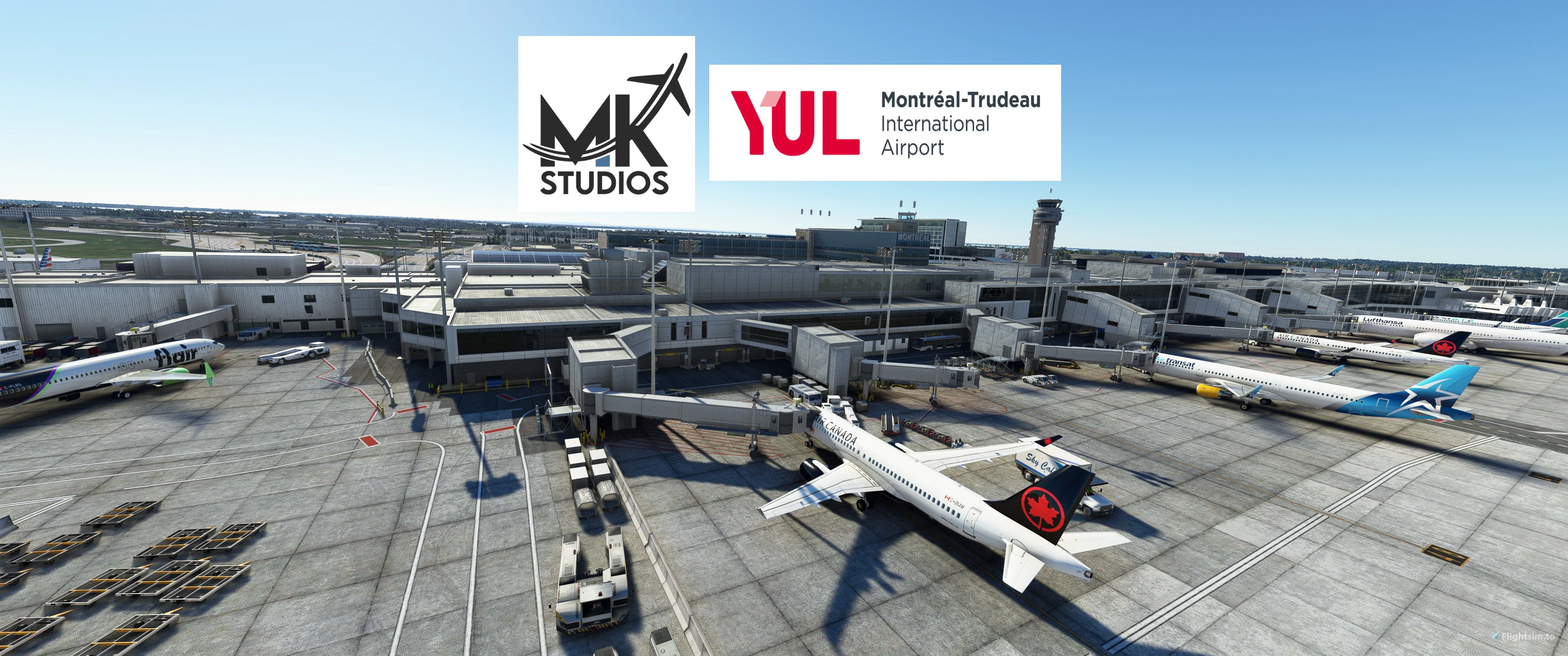
Description
GSX config for MK-Studios Montreal.
A lot to read and absorb on this one!
All the gates at the main terminal and the Aeroquay satellite has been edited. Did not edit any of the N,W or E stands.
MSFS 2024 USERS! SEE EXTRA INFO ON THE BOTTOM!
GATES:
Edited vehicle placement
Custom pushbacks
Underground refuelling
Correct handling and catering options. (I researched a little bit).
Because the walkins are edited with both CRJ, ATR (and the E-Jets a little bit) some of the paths look a little strange if you use the CRJ.
This is because the pax have to clear the loader/stairs of the ATR/E-Jets.
All jetway heights adjusted. No heads sticking out!
Aeroquay satelite terminal:
Gate 17 & 21 are walk-in gates for 737 size jets. Gates have jetways but i disabled it so we have a couple of walkins for medium jets.
19, 19A, 19B, 21A, 21B, 23-34 are walk-in gates edited with CRJ/ATR
Terminal East:
1-7, 9, 11, 15 are jetway gates edited with 320/737
8-10-12 are small walk in gates edited with CRJ/ATR
Terminal North:
47-49, 56, 64, 66, 67, 68 are medium jetway gates edited with 320/737
50-55, 57-63, 65 are Heavy gates edited with 787-9 and checked against 747 as well.
Terminal South:
Gates 73-86 are medium jetway gates edited with 320/737
Gates 87-89 are small walk in gates edited with CRJ/ATR
Gates S1-S2-S3-S4 are Heavy cargo gates edited with 737 Cargo and 747 for size reference
Also made 7 de-icing pads on the real life de-icing center.
Lanes 2-4-5-9 are suitable for Heavy jets. 6-7-8 are small/medium.
VDGS:
I prefer GSX VDGS so this one is made primarily using GSX. I started placing them over the NOOL's but because of how these are placed both far from the aircraft and in some cases in the scenery itself, i instead removed it completely. Instructions for doing this below. I highly recommend it!
I made a extra file where i removed parking system on the default NOOL gates and kept GSX options for the rest :)
GATE ORGANIZING & CUSTOM STOP POSITION:
Finally i noticed the way MK-Studios sectioned the gates made it difficult when choosing one on arrival. Terminal gates was in 3 sections. Gate, parking and ramp. I used the python editing available in GSX. The gates i have edited are now in 4 different sections by gate number and location. Much easier to find gate when taxiing. This function also allowes us to set a more precise stop position so that all aircraft types stops at a defined mark on the tarmac.
If you don't want to use this just don't copy the cyul.py file into the gsx folder.
AS ALWAYS REMEMBER TO TICK THE AUTOMATED REPOSITION SETTING IN GSX SETTINGS
INSTRUCTIONS:
Place ONE of the .INI files in \Users\\AppData\Roaming\virtuali\GSX\MSFS
Remember to delete or disable other ini files starting with cyul. If you wish copy the cyul.py into the same folder.
To remove NOOL VDGS go to MicrosoftFlightSimulator\Packages\Community\mkstudios-airport-cyul-montreal\SimObjects\Landmarks
or where you have CYUL installed or just search for "noolaero VDGS CYUL". Delete or remove/backup the entire "noolaero VDGS CYUL" folder.
MSFS 2024:
- Added pushback options to the start boxes that are in CYUL. MK-Studios has not updated the airport in a while so i used the positions in the scenery. Box 3 is in the wrong position per Navigraph chart. So the aircraft will pushback to where MK- Studios placed it. To the left of where it is in Navigraph. A lot of the other boxes that are in The charts is not even present in the scenery. Here i pushback to roughly where they should be in the scenery. I have sent an email to MK-Studios. Not heard anything but they are hard at work with Porto and other updates so maybe CYUL will get some TLC soon.
- Where i felt the pushbacks got to long i added short PB options. The long ones has Long PB in the name.
- Also added delayed engine start call from ground crew to where i felt was correct.
- Added E1N, E2N and E3 stands. Did not do the others. E1N and E2N are for large aircraft. E3 for medium. Taxi in direction is NE.
- Edited the jetway heights.
- Edited the stop positions in the PY file.
- Small fixes all around.
- Added jetway walkers where you would see them from cockpit.
- Added dual boarding (both jetway and rear stairs) on the 2 gates i found it to make sense. Gates 80 & 84. GSX update required.
- This version has no separate file for NOOL. So do the remove NOOL steps mentioned above.
- It is recommended to tick the automated reposition setting in GSX settings.
- Lastly i would think this file works in 2020 as it looks like MK did not alter anything to the 2024 version. Just made it compatible. I might be wrong here.
__________________________________________________________________________________________________________________________________________________________
If you have any suggestions to make or errors to report give a comment.
Regards
GSX Profile - MKStudios Montréal–Trudeau Airport (CYUL)
Custom GSX profile for MKStudios Montréal–Trudeau Airport (CYUL) featuring edited gates, adjusted jetway heights, and realistic parking options. Includes custom pushbacks, catering services, and de-icing pads for a more immersive airport experience. Organized gate sections and precise stop positions enhance taxiing and aircraft alignment. Fellow simmers are welcomed to provide feedback or suggestions for further improvements.
User Reviews
5 reviews
Version History
Added a 2024 version! Made in 2024 but i would think it works in 2020 as well. See info at the bottom of the page. Original main file is not updated.
Featured in Collections(1)

Related
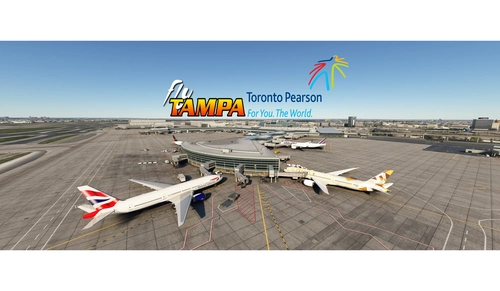
GSX config for FlyTampa Lester B. Pearson Intl. CYYZ
Custom GSX configuration for FlyTampa Lester B. Pearson Intl. enhances main gates and stands with tailored vehicle placements. Gates adjusted for specific aircraft sizes and custom pushbacks, alongside correct handling and catering choices. Includes de-icing pads, jetway height adjustments, and VDGS systems, with detailed instructions for installation and file organization. For precise gate positioning, refer to Navigraph charts 10-9B, 10-9C, 10-9D. Improve your ground operations at CYYZ with this comprehensive GSX enhancement.
by mortysimmer
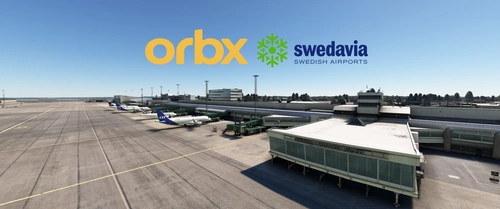
GSX Profile - ORBX ESGG Gøteborg Landvetter
Enhance your airport experience at ORBX ESGG Gøteborg Landvetter with this GSX Profile add-on. This profile includes custom gate editing for various aircraft types, real-world catering and handling services, adjusted jetways, and more. Choose between two versions with different Visual Docking Guidance Systems. Please note that some gates require manual aircraft alignment upon spawning. Install and enjoy a realistic airport environment in Microsoft Flight Simulator.
by mortysimmer
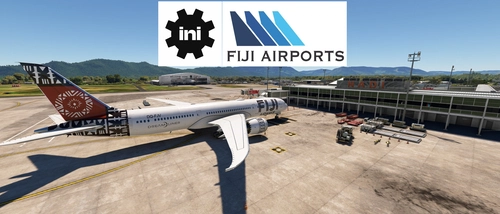
GSX Profile - IniBuilds Nadi International Airport (NFFN)
Enhance your ground handling experience at Nadi International Airport with this GSX Profile by IniBuilds, featuring custom pushbacks, passengers walking to jetways, and adjusted jetway heights. Organized into 3 sections with gates accommodating different aircraft sizes, this add-on also includes custom vehicle placements and a marshaller for added realism. Enjoy a seamless experience with ATS FIJI handling and catering ATS services, along with a Python file for improved apron sorting and custom stop positions.
by mortysimmer
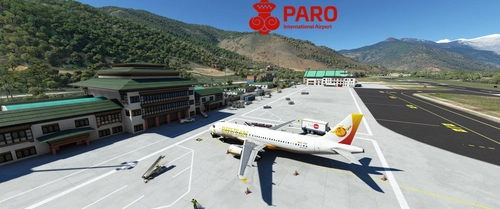
GSX Profile - Asobo Paro Airport (VQPR)
GSX Profile created specifically for Asobos Paro Airport (VQPR) with edited gates, custom pushbacks, and underground refuelling. Gates sorted into Main Terminal and Cargo Apron, with a Python file for custom stop position. Note: Some scenery limitations may affect aesthetics. Installation instructions provided.
by mortysimmer
Log in to join the discussion
Log InComments(56)
2 months ago
3 months ago
3 months ago
7 months ago
7 months ago