
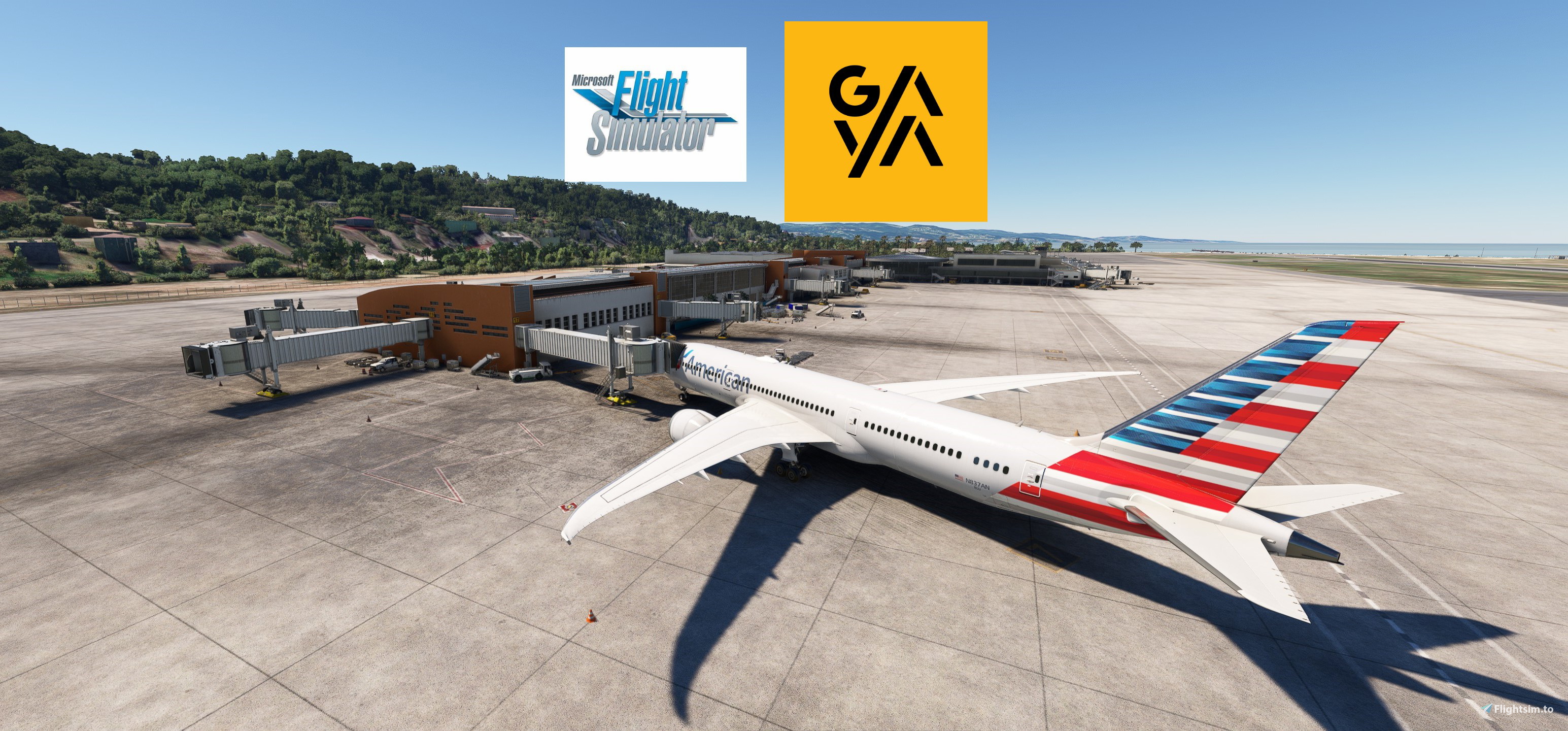
Description
There are issues with jetways and parking positions at MDPP and MKJS. At MKJS it's on gates 1-6. Made a ticket at MSFS about it so we will see if somthing is done with it. On gates 1-6 the stop position is close to wall to make the jetway connect. A lot of clutter made vehicle placements difficult as well.
MDPP has the worst jetway and ground markings i have ever seen in MSFS i think. Reported it on the MSFS forums as well because they have to redo this. Gate A4 jetway does not move at all. Gate 5 stop position is way back to allow for the jetway to connect. The only other jetway that connects is A7 and that stop position is also not realistic.
I will redo these when they are updated. Heard they had heard about the parking size issue so hopefully they will fix all this as well.
TTCP - A.N.R. Robinson International Airport
Ramp 1 - 737 Cargo
Ramp 2,3 - 320/ATR72
Ramp 4,7 - 787
Ramp 5-6 - E175/ATR72
MYEH - North Eleuthera Airport
Ramp 1 - E175/ATR72 (No pushback)
MKJS - Sangster International Airport
Python file to sort the gates better
Jetway height adjusted
Gates 13,14,15B,17,18,19B - 787 size
Gates 1-7, 8,9,10,12,16 - 320 size
Gates 1A-F - Cargo stands up to A310
MUCL - Vilo Acuña Airport
Ramp 1-3 - 320 size
Ramp 2-4 - E175 size
1-4 are walk ins.
See picture for parking positions. Different than Navigraph.
MDPP - Puerto Plata Airport
Jetways roots and height adjusted
A2-3 - 737 Cargo
A4-7-9 - A320
A5-6-10-10 - B787
AS ALWAYS REMEMBER TO REPOSITION AT CURRENT GATE WHEN SPAWNING
ESPECIALLY IN MDPP/MKJS
INSTRUCTIONS:
Place the .INI files in : \Users\\AppData\Roaming\virtuali\GSX\MSFS
Remember to delete or disable other ini files starting with ttcp,myeh,mkjs,mucl,mdpp.
If you wish copy the mkjs.py into the same folder.
If you have any suggestions to make or errors to report give a comment or send me a pm.
Regards
GSX Profiles - WU16 GAYA AIRPORTS MDPP/MKJS/MUCL/MYEH/TTCP
Enhance your airport experience with GSX Profiles for WU16 GAYA AIRPORTS MDPP/MKJS/MUCL/MYEH/TTCP. This mod addresses issues with jetways, parking positions, and ground markings at various airports. Detailed ramp information is provided for TTCP, MYEH, MKJS, MUCL, and MDPP. Remember to reposition at the correct gate when spawning, especially at MDPP and MKJS. Instructions for installation and feedback submission are included.
User Reviews
3 reviews
Version History
NO CHANGES MADE TO MAIN FILE! ONLY THE NEW MSFS2024 FILE. MDPP-Some of the jetways still don't connect properly to all aircraft. Stop positions edited on some aircraft to allow them to dock. MKJS-A lot of the things that were wrong in 2020 is fixed so a lot better here in 2024. MUCL-If you spawn in here you have to manually reposition. I have edited the parking the opposite direction. Only 1 option for handling/catering so have the "auto-select when single operator" ticked in options. (Version 4.0.2) Also have the "automated reposition" option ticked. Also delete the old files. Some of these have new names.
Related
GSX Profile - MKStudios Montréal–Trudeau Airport (CYUL)
Custom GSX profile for MKStudios Montréal–Trudeau Airport (CYUL) featuring edited gates, adjusted jetway heights, and realistic parking options. Includes custom pushbacks, catering services, and de-icing pads for a more immersive airport experience. Organized gate sections and precise stop positions enhance taxiing and aircraft alignment. Fellow simmers are welcomed to provide feedback or suggestions for further improvements.
by mortysimmer
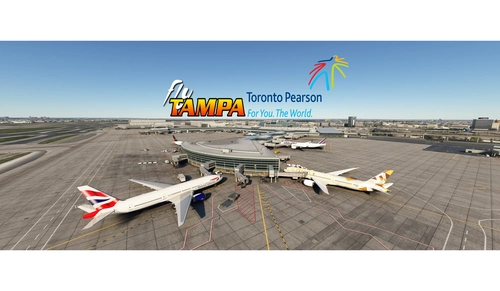
GSX config for FlyTampa Lester B. Pearson Intl. CYYZ
Custom GSX configuration for FlyTampa Lester B. Pearson Intl. enhances main gates and stands with tailored vehicle placements. Gates adjusted for specific aircraft sizes and custom pushbacks, alongside correct handling and catering choices. Includes de-icing pads, jetway height adjustments, and VDGS systems, with detailed instructions for installation and file organization. For precise gate positioning, refer to Navigraph charts 10-9B, 10-9C, 10-9D. Improve your ground operations at CYYZ with this comprehensive GSX enhancement.
by mortysimmer
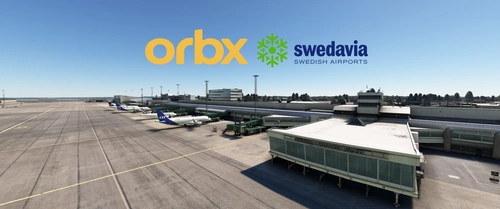
GSX Profile - ORBX ESGG Gøteborg Landvetter
Enhance your airport experience at ORBX ESGG Gøteborg Landvetter with this GSX Profile add-on. This profile includes custom gate editing for various aircraft types, real-world catering and handling services, adjusted jetways, and more. Choose between two versions with different Visual Docking Guidance Systems. Please note that some gates require manual aircraft alignment upon spawning. Install and enjoy a realistic airport environment in Microsoft Flight Simulator.
by mortysimmer
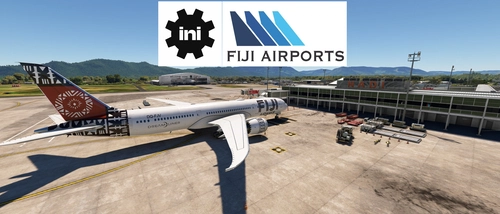
GSX Profile - IniBuilds Nadi International Airport (NFFN)
Enhance your ground handling experience at Nadi International Airport with this GSX Profile by IniBuilds, featuring custom pushbacks, passengers walking to jetways, and adjusted jetway heights. Organized into 3 sections with gates accommodating different aircraft sizes, this add-on also includes custom vehicle placements and a marshaller for added realism. Enjoy a seamless experience with ATS FIJI handling and catering ATS services, along with a Python file for improved apron sorting and custom stop positions.
by mortysimmer
Log in to join the discussion
Log InComments(13)
4 months ago
4 months ago
4 months ago
about 2 years ago
about 2 years ago
over 2 years ago
over 2 years ago
over 2 years ago
can you please tell me, what are the .py files are for and what is the difference to the .ini ones? thank you!
over 2 years ago
over 2 years ago
I agree with you. These new airports from Asobo are a mess. Missing approach navdata, gates not suitable for planes bigger than Cessna 172 despite markings on the ground saying B747, useless jetways...
over 2 years ago
over 2 years ago
over 2 years ago