
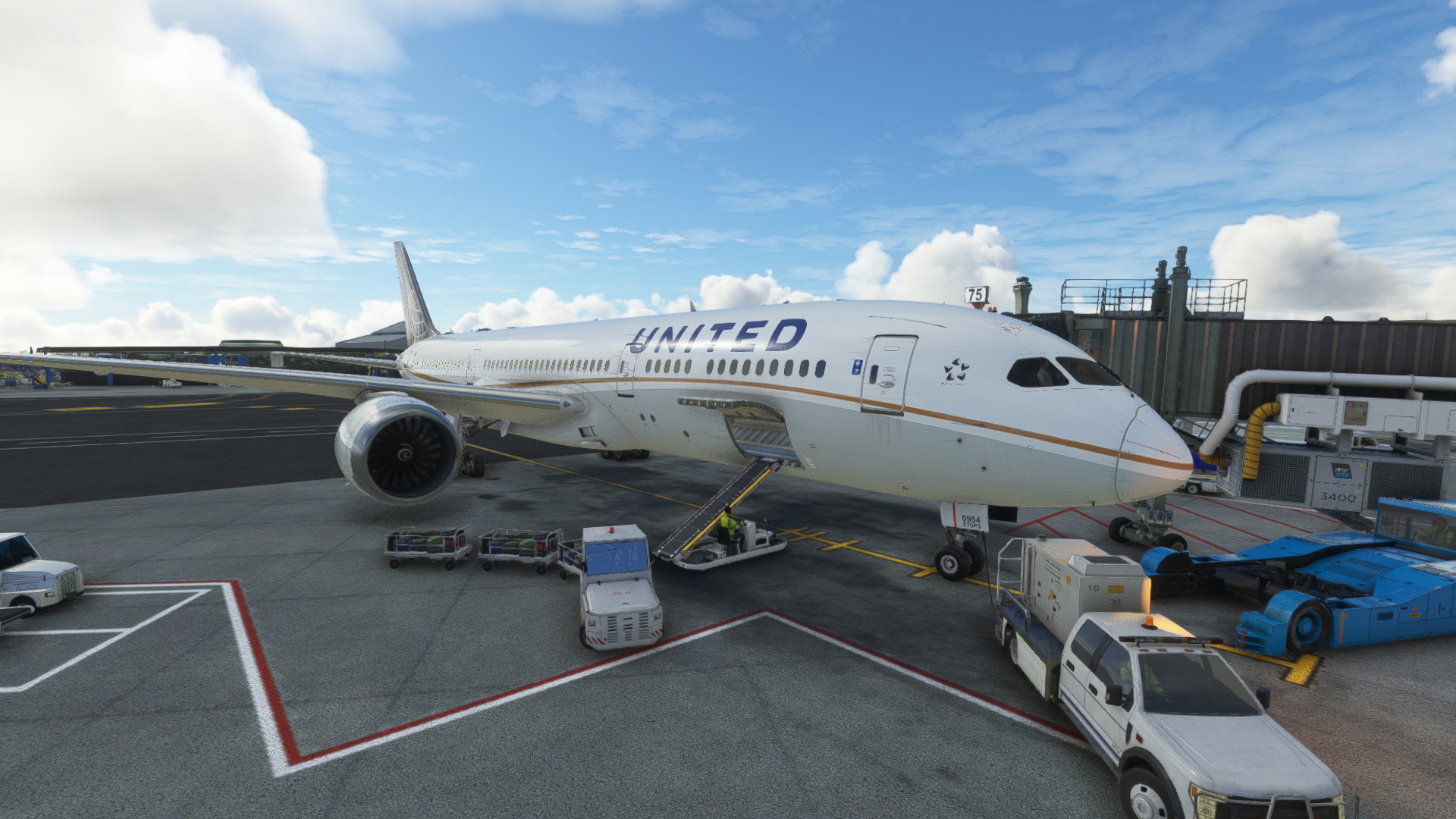
Description
EN :
HorizonSim Boeing 787-9 United Airlines N13954 Dirty 8K repaint by Kikiwi
Installation : Unzip the downloaded folder and drop it in your community folder
A problem with the plane? Don't hesitate to tell me in comments! Don't hesitate to subscribe so you don't miss any of my new content! For any updates, please consult the changelogs
I remind you that I do not authorize any modification or reupload of my creations. Those who do not respect this will be reported to the Flightsim.to team for an immediate deletion of the file without any warning
If you want to make a donation via PayPal because you like my content or to support me to continue don't hesitate! It's not compulsory but it's always a pleasure :)
FR :
HorizonSim Boeing 787-9 United Airlines N13954 Dirty 8K repeint par Kikiwi
Installation : Dézippez le dossier téléchargé et placez le dans votre dossier communuty
Un problème sur l'avion? N'hésitez pas à me le signalé en commentaire! N'hésitez pas à vous abonner pour ne raté aucun de mes nouveaux contenus! Pour toutes éventuelles mises à jour, merci de consulter les changelogs
Je rappelle que je n'autorise ni aucune modification ni aucun reupload de mes créations. Ceux qui ne respectent pas cela seront signalé à l'équipe de Flightsim.to pour une suppression immédiate du fichier sans aucun avertissement
Si vous voulez me faire un don via PayPal car vous aimez mon contenu ou pour me soutenir à continuer n'hésitez pas! Ce n'est pas obligatoire mais ca fait toujours plaisir :)
HorizonSim Boeing 787-9 United Airlines N13954 Dirty 8K
Experience the HorizonSim Boeing 787-9 United Airlines N13954 in stunning Dirty 8K quality, a repaint by Kikiwi. Unzip and drop the folder into your community folder for installation. Stay updated with changelogs and remember to respect the creators terms to avoid immediate file deletion.

User Reviews
1 reviews
Version History
EN : - Aircraft.cfg updated: wing registration overlap problem corrected + registration added to instrument panel - Many unnecessary files deleted --> livery weight considerably reduced - Tail glitch corrected FR : - Aircraft.cfg mis à jour : problème de chevauchement de l'immatriculation sur l'aile corrigé + immatriculation ajouté sur le tableau de bord - Suppression de nombreux fichiers inutiles --> poids de la livrée considérablement réduit - Glitch de la queue corrigé
Related
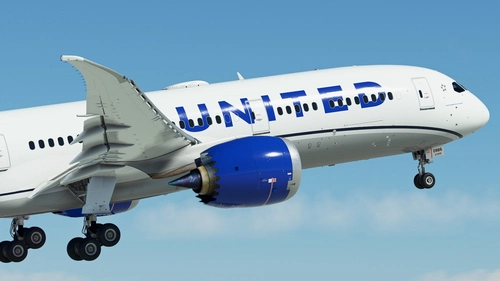
United Airlines N19986 | Boeing 787-9 | (8K + 4K)
United Airlines N19986 for the Horizonsim Boeing 787-9 brings accurate airline stencils, custom textures in 8K, remade PBR materials, and enhanced details like custom rivet work and reworked engine animations. This add-on requires the premium deluxe edition of MSFS and offers a detailed installation process. Join the Canvas Liveries Discord server for more liveries by the creator and support the development through donations.
by Jviation
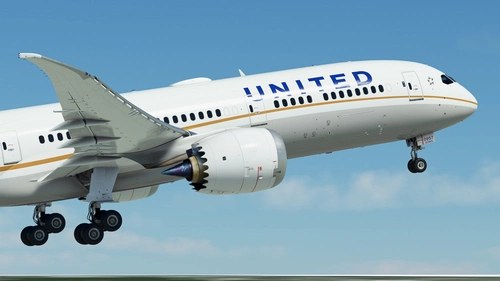
United Airlines N27957 | Boeing 787-9 | (8K + 4K)
Experience a detailed United Airlines N19986 livery for the Boeing 787-9 in breathtaking 8K and 4K resolution. This add-on offers accurate stencils and textures, custom model enhancements, and realistic PBR materials. Make sure to have the premium deluxe edition of MSFS with the default 787-10 to enjoy this livery.
by Jviation
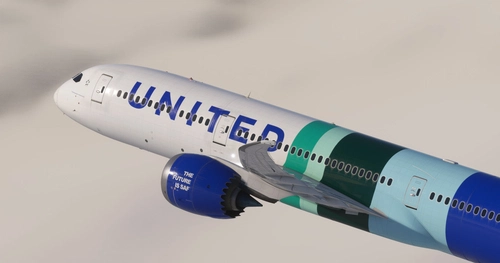
United Airlines - N24988 | Horizon 787-9 | 4K | SAF
This add-on features a custom 4K livery for the Boeing 787-9, representing United Airlines N24988 aircraft with a focus on Sustainable Aviation Fuel (SAF). It includes enhancements such as improved engine textures and adjustments to the fuselage occlusion. Installation is straightforward by placing the extracted folder into the Community folder of Microsoft Flight Simulator.
by Jeffs
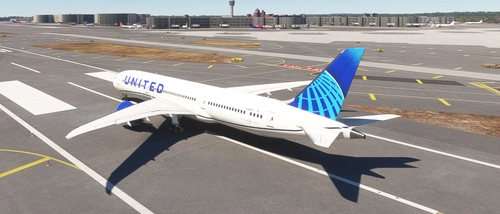
HS 787-9 United Airlines Livery N29975
Fly in style with this highly detailed United Airlines Boeing 787-9 livery, featuring tail number N29975. Simply unzip the folder and drag and drop it into your community folder to add this livery to your Microsoft Flight Simulator. Enjoy the experience of flying this iconic aircraft in the United Airlines colors.
by NoamBernstein
Log in to join the discussion
Log InComments(14)
over 1 year ago
almost 3 years ago
almost 3 years ago
But you can do it yourself - it's pretty simple, and doesn't require a lot of livery knowledge.
You just need a photo software that opens the .dds and you just have to resize to 4096×4096 (paint.net is free, I use it often).
almost 3 years ago
almost 3 years ago
1. At the top of the screen, click on "Image" between "Display" and "Layer".
2. Click on "Resize", this is the 2nd option.
3. Set the length and width to 4096 pixels.
Save and do this for each texture with a dimension of 8192 pixels. If you want, you can also halve the textures that are already 4096 pixels, so you'll need to convert them to 2048 pixels using the same method.
almost 3 years ago
almost 3 years ago
almost 3 years ago
almost 3 years ago
almost 3 years ago
almost 3 years ago
almost 3 years ago
almost 3 years ago
almost 3 years ago