
Description
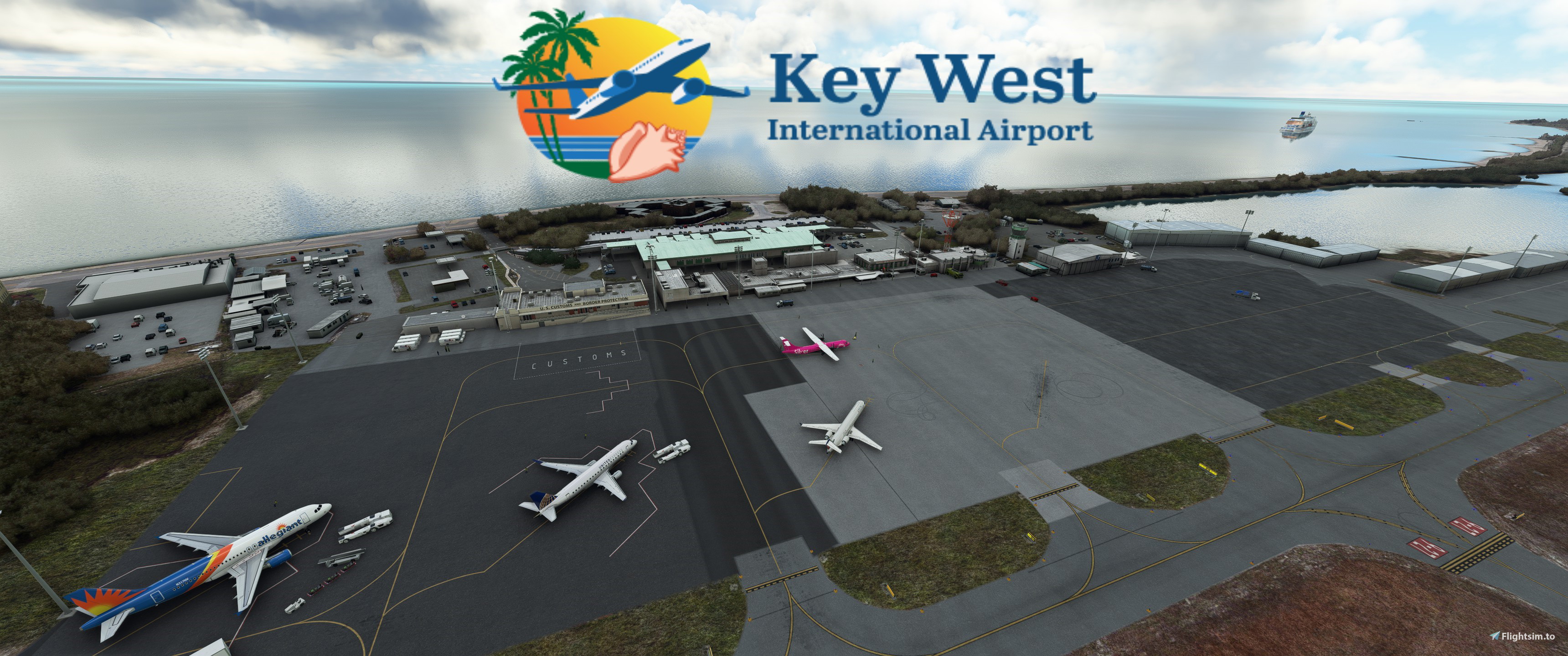
GSX Profile for ORBX Key West Scenery 1.0 made with GSX 2.9.3.
American, Jetblue, Delta, United and affiliates operate 319 and CRJ sized aircraft into this destination.
Silver Airways operate ATR.
I don't own 319 in MSFS so i used PMDG 737-700/FENIX 320 for the edit and ATR 72 for the ATR/CRJ/EJETS sized stands.
All stands listed have no pushback, underground refuelling because of size and custom vehicle placements.
Python file to sort the stands i have edited into 1 folder. It's called "Commercial Ramp" as it is called in Navigraph chart. This file also makes all aircraft stop at the same spot.
B1 - ATR (BUS)
A0 - 737/320 (BUS)
P1 - ATR (WALK IN)
P2 - 737/320 (WALK IN)
P3 - 737/320 (BUS)
P4 - 737/320 (BUS)
P5 - ATR (WALK IN)
P6 - ATR (BUS)
P7 - ATR (WALK IN)
AS ALWAYS REMEBER TO REPOSITION AT CURRENT GATE WHEN SPAWNING
Place the file in \Users\\AppData\Roaming\virtuali\GSX\MSFS
Remeber to delete or disable other ini files starting with keyw.
See attached picture for stand placements and direction as there are none in Navigraph charts.
Regards
GSX Profile - ORBX Key West International Airport (KEYW )
Enhance your ground handling operations at ORBX Key West International Airport (KEYW) with this GSX Profile add-on. Tailored for American, Jetblue, Delta, United, and Silver Airways flights, this profile ensures realistic aircraft stands and custom vehicle placements. Organized in a Python file named "Commercial Ramp," all aircraft will stop at designated spots without pushback for a seamless experience. Simply install the file in the designated folder for optimized performance.
Version History
New python file to better sort the stands and also sets custom stop positions. Changed the stop positions in the ini file so both files will need to be updated. New file name so you will have to delete the old files manually if you don't use a updater. This fixes the ATR72-42 stop position problem i had before. Redid stand 2 as a walk in for 737/320. Many small fixes throughout the airport.
Related
GSX Profile - MKStudios Montréal–Trudeau Airport (CYUL)
Custom GSX profile for MKStudios Montréal–Trudeau Airport (CYUL) featuring edited gates, adjusted jetway heights, and realistic parking options. Includes custom pushbacks, catering services, and de-icing pads for a more immersive airport experience. Organized gate sections and precise stop positions enhance taxiing and aircraft alignment. Fellow simmers are welcomed to provide feedback or suggestions for further improvements.
by mortysimmer
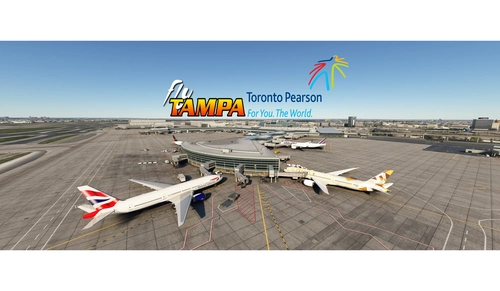
GSX config for FlyTampa Lester B. Pearson Intl. CYYZ
Custom GSX configuration for FlyTampa Lester B. Pearson Intl. enhances main gates and stands with tailored vehicle placements. Gates adjusted for specific aircraft sizes and custom pushbacks, alongside correct handling and catering choices. Includes de-icing pads, jetway height adjustments, and VDGS systems, with detailed instructions for installation and file organization. For precise gate positioning, refer to Navigraph charts 10-9B, 10-9C, 10-9D. Improve your ground operations at CYYZ with this comprehensive GSX enhancement.
by mortysimmer
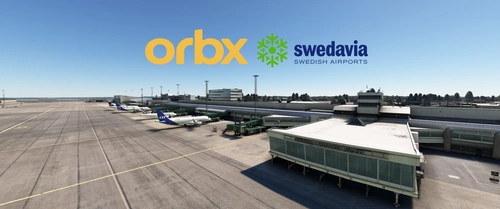
GSX Profile - ORBX ESGG Gøteborg Landvetter
Enhance your airport experience at ORBX ESGG Gøteborg Landvetter with this GSX Profile add-on. This profile includes custom gate editing for various aircraft types, real-world catering and handling services, adjusted jetways, and more. Choose between two versions with different Visual Docking Guidance Systems. Please note that some gates require manual aircraft alignment upon spawning. Install and enjoy a realistic airport environment in Microsoft Flight Simulator.
by mortysimmer
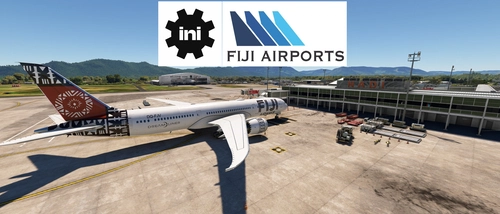
GSX Profile - IniBuilds Nadi International Airport (NFFN)
Enhance your ground handling experience at Nadi International Airport with this GSX Profile by IniBuilds, featuring custom pushbacks, passengers walking to jetways, and adjusted jetway heights. Organized into 3 sections with gates accommodating different aircraft sizes, this add-on also includes custom vehicle placements and a marshaller for added realism. Enjoy a seamless experience with ATS FIJI handling and catering ATS services, along with a Python file for improved apron sorting and custom stop positions.
by mortysimmer
Log in to join the discussion
Log InComments(2)
about 1 year ago
about 2 years ago