
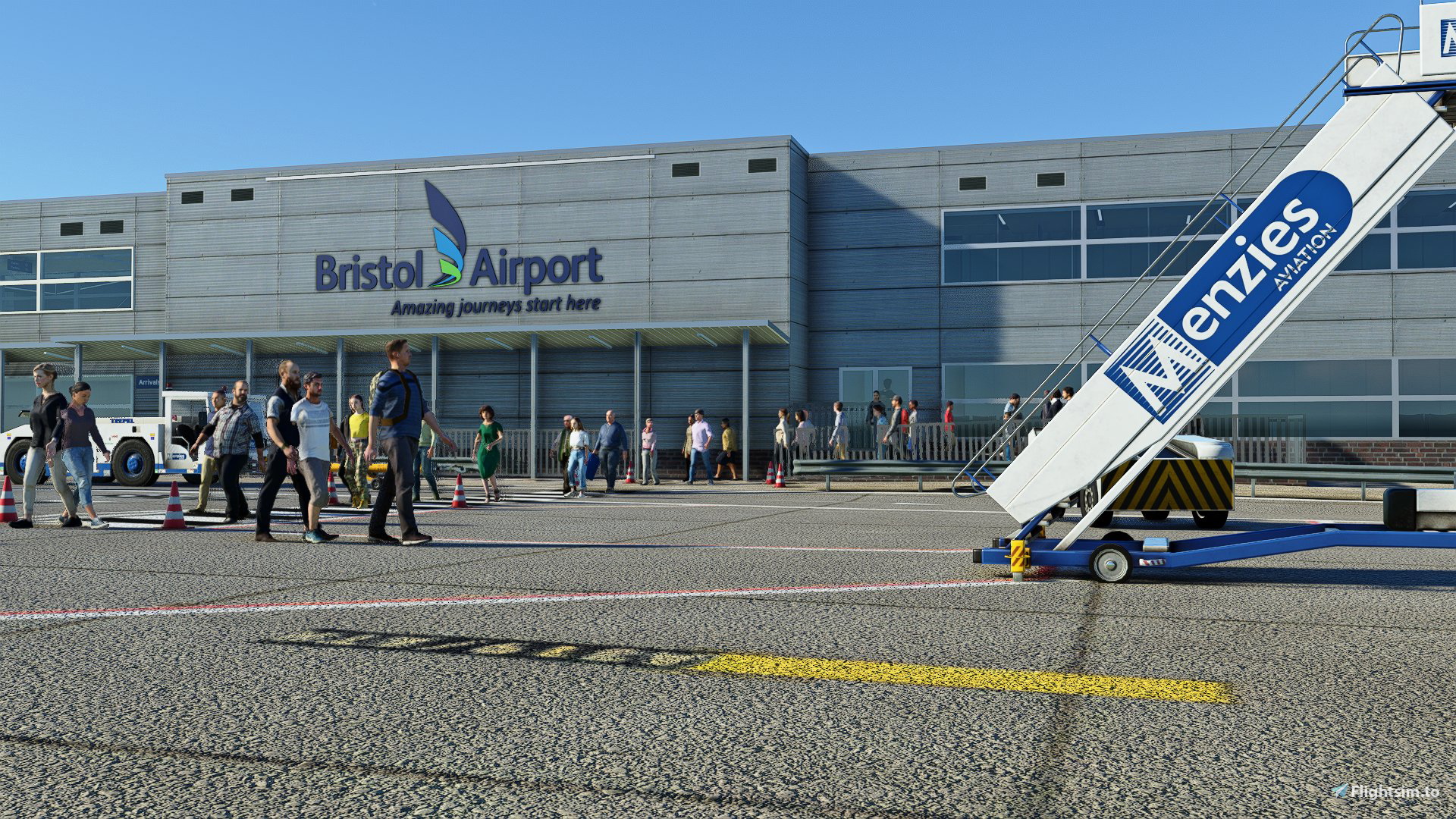
Description
Hi Everyone!
I have been working away at a GSX Profile for the PilotPlus Bristol Airport scenery for MSFS. This is a work in progress but for now the following stands are ready:
- 2 through to 9
- 11, 12, 14, 15, 19
- 21 to 26
- 28 and 30
- 31/R, 32/L/R, 33/L, 34, 35, 37
- W1, W2, W3, W5, E4
I have added custom pushback routings to each stand included - though some cul-de-sac stands need tweaks. Stands W3, W5 and E4 have long push back routes onto the main taxiway. Ground Equipment have mostly been set to Menzies with the exception of the easyJet area, and all catering is provided by DNATA.
This avoid statics at 1, 8, 10, 13, 20, 24, 29, 36 and 39 too and has custom passenger waypoints, custom pre-set Left/Right Pushback (and I have specified only one direction for the cul-de-sac parking stands meaning only one option will be available.
Unique Pushback Rules:
Stands 7 and 12, as well as 30 and 31/R are in a tight cul-de-sac. I am using a Bristol SOP document to provide a realistic set of options for pushback dependent on aircraft type. This is now available in v1.0 and will allow you to choose between a tight tear-drop push to face South (tail Left into the cul-de-sac) or the option for A320's to push long Left/Right onto Zulu with permission of ATC.
Over the next week or so I aim to complete it.
To install, extract the .zip and move the eggd-bhqjb.ini file inside to the following route:
%AppData%\Roaming\virtuali\GSX\MSFS
Check out a new GSX Discord for help and support and also new profiles! https://discord.gg/ubCkJQS6Mj
Come visit me over on YouTube and say hello! https://youtube.com/britishavgeek
GSX Pro - PilotPlus Bristol Airport EGGD Profile
A Custom Profile created specifically for Pilot Plus Bristol International Airport (EGGD/BRS) by British Avgeek for use in Microsoft Flight Simulator. Enhancing the GSX Pro experience at Bristol, it offers custom passenger boarding waypoints, custom pushback options and more!


Supporters

User Reviews
3 reviews
Version History
Fixed Custom Pushback features at: Stand 7, 12, 30, 31/31R to fit with EGGD SOPs Manual with various options
Related
Full VATSIM AIG Beta Model Matching
AIG Model Matching covering hundreds of airlines and operators around the world and hundreds of hours of work. After installing all of the required Airlines in AIG's OCI you need THIS to bring it to life in VATSIM. It has taken many many hours so I hope you enjoy it!
by BritishAvgeek
MSFS vPilot Modelmatching
Create a custom VMR model matching file for Microsoft Flight Simulator, tailored to the contents of your own community folder. This comprehensive tool covers a wide range of major airlines for use with VATSIM, including recent Aerosoft CRJ liveries. Easily edit the file to suit your specific liveries and aircraft, with ongoing updates to keep pace with new additions to MSFS. Support the creator by donating or subscribing to their YouTube channel for more aviation content.
by BritishAvgeek on Youtube
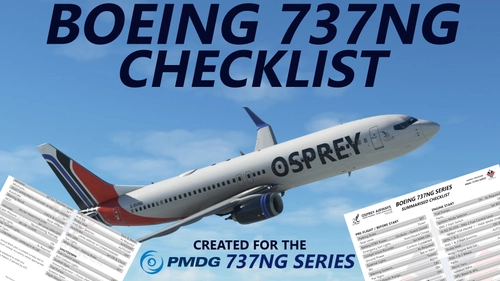
PMDG 737NG Summarised Normal Checklist
A Summarised Normal Operations Boeing 737NG Checklist covering all the important checklist items needed during each stage of flight with the PMDG 737-600, PMDG 737-700 and PMDG 737-800 for Microsoft Flight Simulator, created free for all to use and enjoy by British Avgeek.
by BritishAvgeek
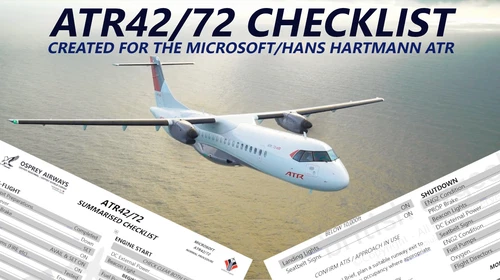
ATR 42/72-600 Normal Checklist
A comprehensive Normal Operations checklist for the ATR 42/72-600 in Microsoft Flight Simulator, designed to assist with "Hotel Mode," takeoff, and landing procedures. Ideal for those looking to familiarize themselves with this new aircraft in the MSFS Expert Series. Stay tuned for future updates and improvements to streamline the checklist process.
by BritishAvgeek
Log in to join the discussion
Log InComments(15)
about 1 year ago
:
almost 3 years ago
almost 3 years ago
almost 4 years ago
I wish the developer pilot plus would do a option to remove static aircraft really annoying when you fly online
over 2 years ago
almost 4 years ago
almost 4 years ago
Hi! Anything in the marketplace will require the BGL for it which I can't add into the profile as it's a payware addon. Not sure how it all works in relation to that - and personally I never buy anything on the marketplace either.
almost 4 years ago
Excellent profile! Thanks for using the default .bgl from the MS Store.
Only thing I have noticed is that airport walkers from inside the terminal walk outside of the terminal and onto the apron whilst floating. Is there any chance you could look at this? This happened at stand 23.
Thanks!
almost 4 years ago
Thanks, I'll take a look - during testing it wasn't an issue though if the scenery has suddenly become "solid" in an area then it'll make them appear above/around that. I'll look into it but can't promise I'll find a workaround!
almost 4 years ago
Thankyou Kindly, good sir!
about 4 years ago
Check out the user gallery tab! Some amazing screenshots from funkster added today!
about 4 years ago
Thanks for this. We've been using Wimma's excellent Profile and we'll give your EGGD one a go and see how it compares.
about 4 years ago
Hope you enjoy it. I hadn't realised someone had already made one as I ran the search a few times and could only find the UK2000 profile. Not tried the other one either but do let me know the differences!
about 4 years ago
Thanks to yourself and Michael, the Chore of doing this ourselves has been expertly undertaken. EGGD is now truly 'Ship shape and Bristol fashion'.
Thanks Guys ! Regards from Thom and Beloved Co Pilot.
about 4 years ago
Yours welcome! Been hard at work tweaking custom pushback at the cul-de-sac stands to give custom options amongst other things to improve realism. I used to be cabin crew at Bristol and I have great and fond memories operating from there!