
Description
Hi everyone! You'll see a LOT of VMR files on this website - but if I'm being honest, they're all kinda redundant now. A member of the community behind the channel has spent a few months creating and improving a program which lets you create a VMR based upon exactly what you have installed in your own community folder - it's the BEST thing we currently have available for MSFS - go check it out!
https://flightsim.to/file/15266/model-matching-magic
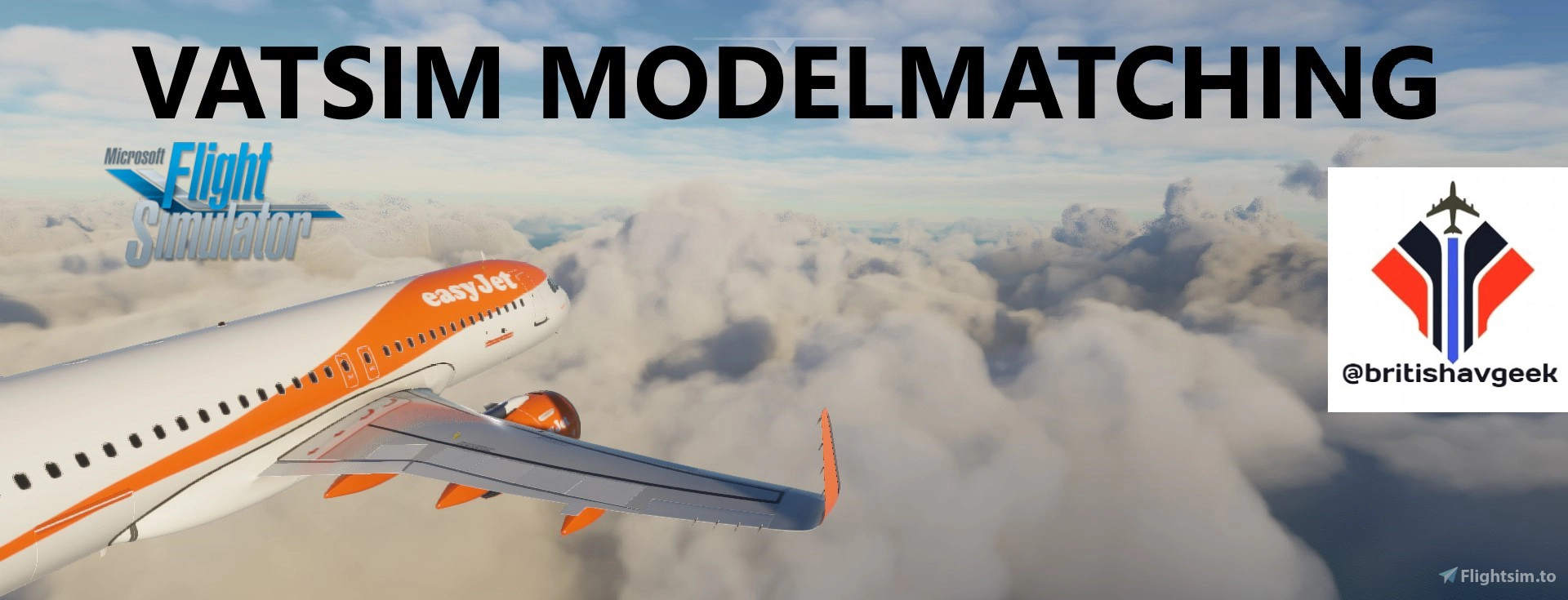
Tired of default MSFS aircraft on VATSIM? Be sure to find me on YouTube and subscribe to my channel! I have been working on this since the end of September - creating a comprehensive .vmr file for MSFS to be used with VATSIM currently covering most major Airlines
*See the discussion tab for the current long list of airlines included!
EVEN More Model Matching!! - CLICK HERE!
BEFORE YOU GO ANY FURTHER:
There is a REALLY easy way to edit the file to suit exactly what you have in your community folder... I've made a simple tutorial on my channel on how to do this - check it out here
HOW TO EASILY EDIT YOUR VML FILE
v3.0 = Inclusion of the new Aerosoft CRJ Liveries
Providing you have the relevant Megapack Liveries installed - or the most recent liveries from Flightsim.to - it should work fairly well - note that it is currently aimed at Premium Deluxe as it contains the 787-10 for model matching. There is now also a separate folder within the file for Standard Edition users also
Please read the Readme file included for more information and run vPilot as administrator!
This took me a a lot of time and as more flight models/liveries get added to MSFS I'll try update the .vmr too. Performance wise I haven't had any issues - I've included a lot of the airline livery AI model names too when available to help in this regard.
Please support my work and donate using the following link if you wish - it will be really appreciated!
Donations via BuymeaCoffee
Find me on Youtube here:
Click Here & Subscribe to the British Avgeek Youtube Channel!
hit that subscribe button while you're there!
Quick Links:
My Discord Server
File Installation Video - Click Here
FAQs? Check the Discussions tab
Want to know whats coming soon? - Check Airlines Supported in Discussions
It's taken a LOT of work and keep your eye here for updates! I will support FLAi when released (have the file ready!) too so keep you eye here!
Hope you like my work - any requests/issues, put them into the discussion tab!
If you like my work, please consider supporting me by clicking one of the links below :)
MSFS vPilot Modelmatching
Create a custom VMR model matching file for Microsoft Flight Simulator, tailored to the contents of your own community folder. This comprehensive tool covers a wide range of major airlines for use with VATSIM, including recent Aerosoft CRJ liveries. Easily edit the file to suit your specific liveries and aircraft, with ongoing updates to keep pace with new additions to MSFS. Support the creator by donating or subscribing to their YouTube channel for more aviation content.


Supporters

User Reviews
30 reviews
Version History
Added ALL new Aerosoft CRJ formats VMR built using some of my latest addons to my own community folder. Be sure to check out the video below if you need to tweak it more. https://youtu.be/NZ_40S_eTT4 VERSION 3.1 Quick fix as I left the backup liveries to show my channel livery and unless you have that, it will fail... so I've reverted it back to the default A320neo airbus house livery.
Related
Full VATSIM AIG Beta Model Matching
AIG Model Matching covering hundreds of airlines and operators around the world and hundreds of hours of work. After installing all of the required Airlines in AIG's OCI you need THIS to bring it to life in VATSIM. It has taken many many hours so I hope you enjoy it!
by BritishAvgeek
PMDG 737NG Summarised Normal Checklist
A Summarised Normal Operations Boeing 737NG Checklist covering all the important checklist items needed during each stage of flight with the PMDG 737-600, PMDG 737-700 and PMDG 737-800 for Microsoft Flight Simulator, created free for all to use and enjoy by British Avgeek.
by BritishAvgeek
ATR 42/72-600 Normal Checklist
A comprehensive Normal Operations checklist for the ATR 42/72-600 in Microsoft Flight Simulator, designed to assist with "Hotel Mode," takeoff, and landing procedures. Ideal for those looking to familiarize themselves with this new aircraft in the MSFS Expert Series. Stay tuned for future updates and improvements to streamline the checklist process.
by BritishAvgeek
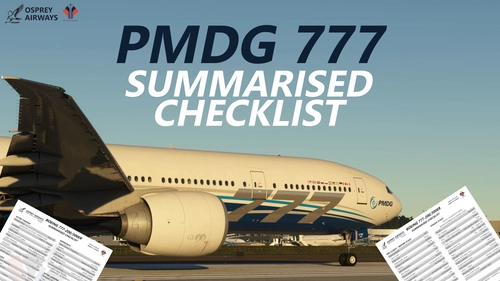
Osprey Airways PMDG 777 Series Checklist
Enhance your PMDG 777-300ER experience with Osprey Airways Summarised Checklist. Designed as a handy reminder for key flight phases, this two-page printable guide will assist you in navigating important areas smoothly. Check out the accompanying YouTube tutorial playlist for further guidance on mastering this twin-aisle airliner. Stay tuned for a custom livery by Tapzi for Osprey Airways Pilots post-release. Happy Flying!
by BritishAvgeek
Log in to join the discussion
Log InComments(234)
about 4 years ago
It's a shame it can't do PMDG 737 and other aircraft but anyway its fantastic!
about 4 years ago
Hi, it's because the model matching has moved to AIG as it offers the best model matching option. Check out my AIG VMR instead and download AIG for a much more immersive experience!
about 4 years ago
I just recently downloaded the AIG aircraft and have placed the folder: aig-aitraffic-oci-beta in my community folder as in the instructions. I don't use the vmr files anymore but under the "Advanced" button of V-Pilot, only 209 aircraft are scanned, meaning none of the AIG are. I have the DVD Microsoft Store Version of MSFS2020. I'm a bit frustrated as so far after verifiying with V-Pilot support, my Community folder is correctly stored in the typical folder path. Does anyone else here with the Mocrosoft Store Version, have the same problem?
about 4 years ago
Please check out my other vmr for AIG Modelmatching
about 4 years ago
Would like to add demo/test a/c -I.e official Airbus using ICAO callsign = AIB (example AIB78) Boeing use ICAO call sign BOE (example BOE98)
over 4 years ago
work like a charm l love it
over 4 years ago
Hey, I have two problem: After closing vpilot once, it reverts back to the autogenerated models and only applies Lufthansa CRJ Regional models to some aircraft.
If I open Vpilot after I have reinstalled it, it assigns the correct models but they are invisible in the sim.
My models are stored unter E:\aig-aitraffic-oci-beta
over 4 years ago
hi! for the AIG models you'll need to grab my AIG VMR https://flightsim.to/file/23365/full-vatsim-aig-beta-model-matching
over 4 years ago
Hi there. Thanks for all the work you put into this. I have been using the large livery file created by Samueleonard which utilizes your pre-built VMR file. It has been working well, but recently I am finding more and more models are not matching and defaulting to Asobo liveries. British Airways is a particular problem. No BA liveries are matching, but were matching a few days ago. Are you aware is any recent MSFS updates have impacted this ? I have also tried using ModelMAtrchingMAgic to scan and build a VMR file and tried that too, but the same result ?
Andrew
over 4 years ago
Um, I didn't know that it had been packaged into any other packages elsewhere so I don't know what to suggest about that. You want to likely follow the AIG installation tutorial I've created on my youtube channel and download my actual VMR via this website for the AIG models/liveries. A few are reporting issues with BA liveries - that won't be this file causing the problem but rather issues with models/issues with pilots not using the correct type codes etc on vatsim
over 4 years ago
Thanks for the reply. I had been using the AIG method per your excellent video, but same thing happened ie many liveries not matching. Turns out a simple uninstallation of vPilot and reinstallation solved the issue. Never imagined it was an issue with your work, but likely something in MSFS. Anyway, all good for now. Thanks again for your excellent work .
almost 5 years ago
I love the program but is there any way possible to export and to import using CSV file to make it easier without taking hours to do all manually
almost 5 years ago
Hi!
Thanks for your tutorials! I have a question though; Is there a way to download all your flightplans that you use from somewhere, and the corresponding VMR-file? Or should I just use the program and sit for hours downloading everything? :)
almost 5 years ago
Hi, I'd recommend my AIG VMR and download the AIG installer with most of the airliners on there for the best AI coverage currently for MSFS
about 5 years ago
First of all thank you for all the work done!
I have two weekends of YouTube, google and forum behind me to configure Flight Simulator for Vatsim... "Will be much more easy than xPlane they said..." :P
After all I still get a lot of "Failed to create aircraft...". Normally I would say I am good in understanding such systems but at the moment I resginate.
Is my understanding of the following right.
We need
1. (All) possible liveries other people use on Vatsim and we want to see. Therefore the Megapack is useful, but this really is way too much gigabyte for my SSD. Do we really need this big files?
2. The ivao x-csl files. I remember the csl files from xPlane. In my understanding they there did what 1. Is now doing in flight simulator. So why do we need it?
3. The .vmr files. They are making the model matching possible. So Vatsim says there is a dude in a KLM a320 and the vrm file checks the local installed liveries for the correct liveries and wohoo shows the correct plane in KLM style.
But as I only have installed three liveries (thats also what the magic modelmatching tool finds out).... Back to 1 :D
That's my understanding. And I think I have done everything like seen in numerous tutorials etc... Still have all of these Failed to load aircraft
(And yes. There are some that work. But I would say Minimum 20 fail messages on a good event day airport).
I am begging for help :Dn
about 5 years ago
Hi,
I'd recommend using the Modelmatching Magic program that you'll find on this website - hopefully that'll help.
Re: the megapack liveries - they've lost their shine a little and fallen away somewhat so I use liveries mainly from this website too - which is where modelmatching magic comes in - download what you want to see and run that program to make a custom VMR.
Ultimately, you'll still get failures - half the time, it's vpilot being told by MSFS that it cannot display a particular livery so it scans again (up to 4 times) to find a suitable match. This is why you can get multiple dings for one callsign... it's absolutely nothing to do with the file but instead the lack of proper model matching available in MSFS currently for VATSIM and also the way MSFS deals with generating traffic on request by vpilot when it sends the data to it - and even then, MSFS does what it wants sometimes :)
about 5 years ago
great! Thanks for the fast reply.
So after all we just download whatever liveries for the single planes we want to see and create a .vrm file with the magic model matching tool.
So is the entire IVAO thing obsolet, which you describe in your tutorial from January?
about 5 years ago
I've had lots of reports that SU5 has caused the IVAO models to be invisible and I've not used them since SU5 got released
about 5 years ago
Hey, I find the amount of detail in the description a bit confusing. The red text at the top says that everything else is redundant and we should use the 'magic' one you linked that scans the communities folder. So does that mean we don't need to download your one? Or do we download both? In which priority order?
about 5 years ago
You can download both, put the Modelmatchingmagic one above this one and use this as a "sweeper" to pick up anything modelmatching magic misses.