
Description
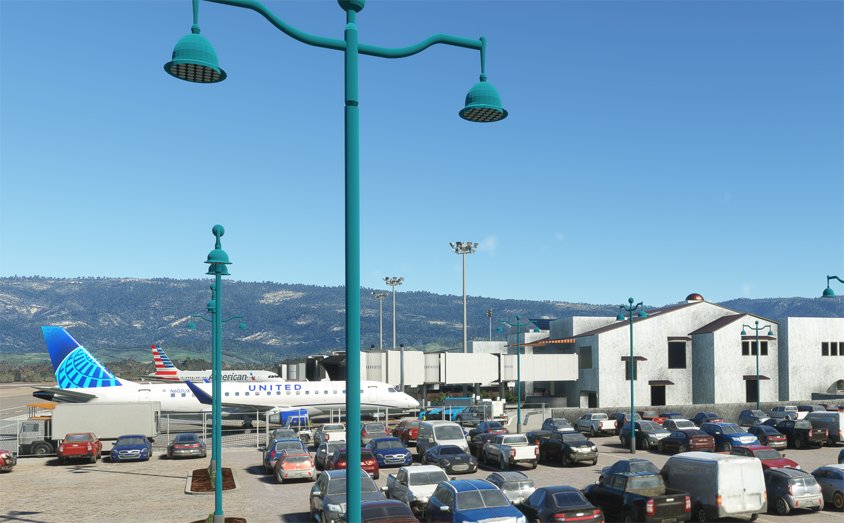
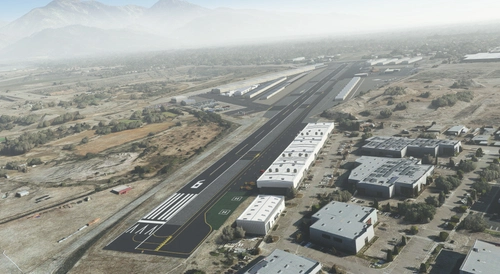
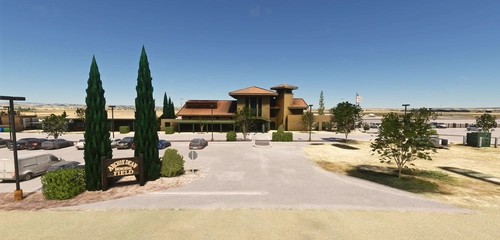
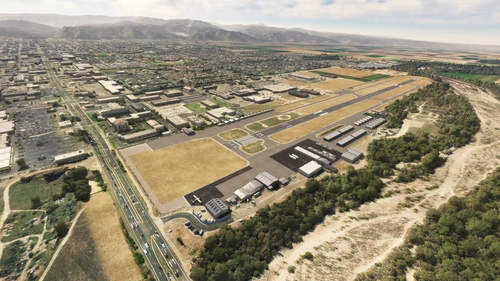
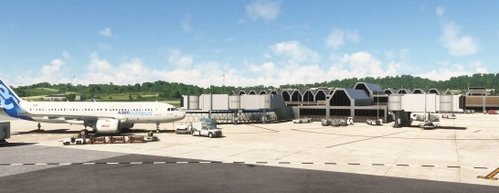
KSBA Santa Barbara is one of my favorite airports. I've got most of the buildings, but since I'm using outdated satellite imagery, this scenery will not be up to date and does not look like the actual airport does today. The traffic control will do some strange things such as routing aircraft in a loop back onto the runway just to exit at the taxiway they originally used to exit the runway. This is a bug in the AI system and I don't have a clue how to fix or don't think I can fix it. Players will also be routed in loops to get to their paring space. I'm using AIGAIM, but the default AI traffic will give you more planes. I decided to use the glass jetway which are not animated.
Dependencies
Location
KSBA_Santa_Barbara
Explore KSBA Santa Barbara airport in this detailed add-on, offering a mix of buildings and scenery. Please note that due to outdated satellite imagery, the airport may not reflect its current real-life appearance. Experience some quirks with AI traffic control routing and parking, as well as stationary glass jetways in this scenery.


Supporters

User Reviews
16 reviews
Version History
KSBA-v1.0.3-changes ------------------RESOLVED SEPARATING JETWAY ISSUE ------------------- This is a discovery by me and not a fix from Asobo. Long test period not done, I didn't have any jetway connecting to the wrong door, however this may be due to the short test period. Added flags from tsr-windy things Replaced ramp lghts near main terminal PACKAGE NAME CHANGED to jd-airport-ksba-santa-barbara - DELETE your existing ksba-santa-barbara package
Featured in Collections(3)



Related
KCAE Columbia Metropolitan Airport
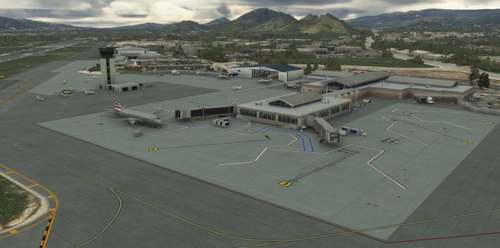
Explore KCAE Columbia Metropolitan Airport, a detailed hand-crafted scenery add-on for Microsoft Flight Simulator. The airport serves as the main commercial hub for Columbia, South Carolina, and features meticulously designed models, including a prominent UPS building. Key improvements include accurate taxiway layouts and historical context, enhancing your virtual experience of this regional cargo hub. This add-on requires specific scenery libraries to function properly.
by danielsjam
KPDK Dekalb Peachtree Airport
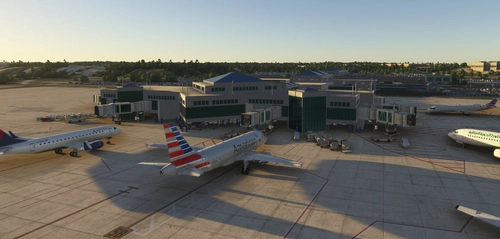
KPDK Dekalb Peachtree Airport is a detailed add-on for Microsoft Flight Simulator, featuring the second-busiest airport in Georgia, located just northeast of Atlanta. This airport, known for its historical military background and current civilian operations, includes handcrafted buildings, hangars, and a helipad used by local television stations. The add-on requires additional libraries for optimal performance and provides an authentic representation of the airports surroundings.
by danielsjam
KAGS Augusta Regional Airport at Bush Field
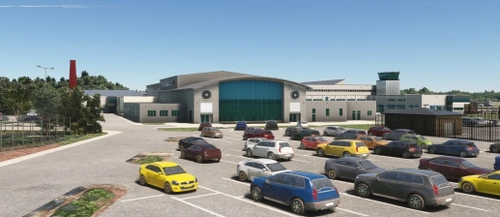
Explore Augusta Regional Airport at Bush Field, serving Augusta, Georgia, with this detailed Microsoft Flight Simulator add-on. The airport features a new passenger terminal, two runways, and serves major airlines such as American Eagle and Delta Air Lines. Experience increased passenger usage and commercial flights during events like the Masters golf tournament.
by danielsjam
KTRI Tri-Cities Regional Airport
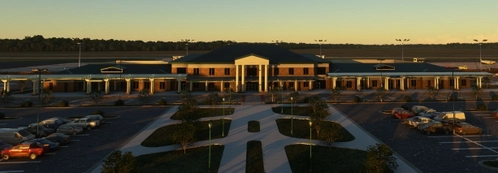
KTRI Tri-Cities Regional Airport (IATA: TRI) serves the Northeastern Tennessee and Southwestern Virginia regions, specifically the Tri-Cities area. This add-on features a handcrafted airport model with an open hangar that includes animated doors and a detailed terminal building. Additionally, it provides a realistic environment with an animated ASR on-site. Users may need to install specific object libraries to fully utilize the add-ons features in Microsoft Flight Simulator.
by danielsjam
Log in to join the discussion
Log InComments(44)
3 months ago
9 months ago
over 1 year ago
over 1 year ago
almost 2 years ago
almost 2 years ago
-- Default enabled (Online, Air Traffic Type set to Real Time Online, Graphics, Global Rendering Quality, Traffic Airport Quality and Air Traffic set to High) about 20 secs.
-- FSLTL AI enabled (Online, Air Traffic Type set to off, Graphics, Global Rendering Quality, Traffic Airport Quality and Air Traffic set to off) about 20 secs.
-- GAMod AI enabled -- (Online, Air Traffic Type set to Real Time Online, Graphics, Global Rendering Quality, Traffic Airport Quality and Air Traffic set to High) about 3 mins. -- (Online, Air Traffic Type set to AI Offline, Graphics, Global Rendering Quality, Traffic Airport Quality and Air Traffic set to High) about 2 mins. -- (Online, Air Traffic Type set to off, Graphics, Global Rendering Quality, Traffic Airport Quality and Air Traffic set to off) about 2 mins. -- If you have other mods that load at this airport, it probably will effect load time. -- If you have a long load time with the default settings, I don't know what could be causing it, unless it's the surrounding scenery that load from the cloud.
over 1 year ago
over 1 year ago
almost 2 years ago
about 2 years ago
Thank you!
over 2 years ago
over 2 years ago
over 2 years ago
about 3 years ago
about 3 years ago
about 3 years ago
about 3 years ago
about 3 years ago