
Description
KSTP - St. Paul Downtown / Holman Field - St. Paul, MN
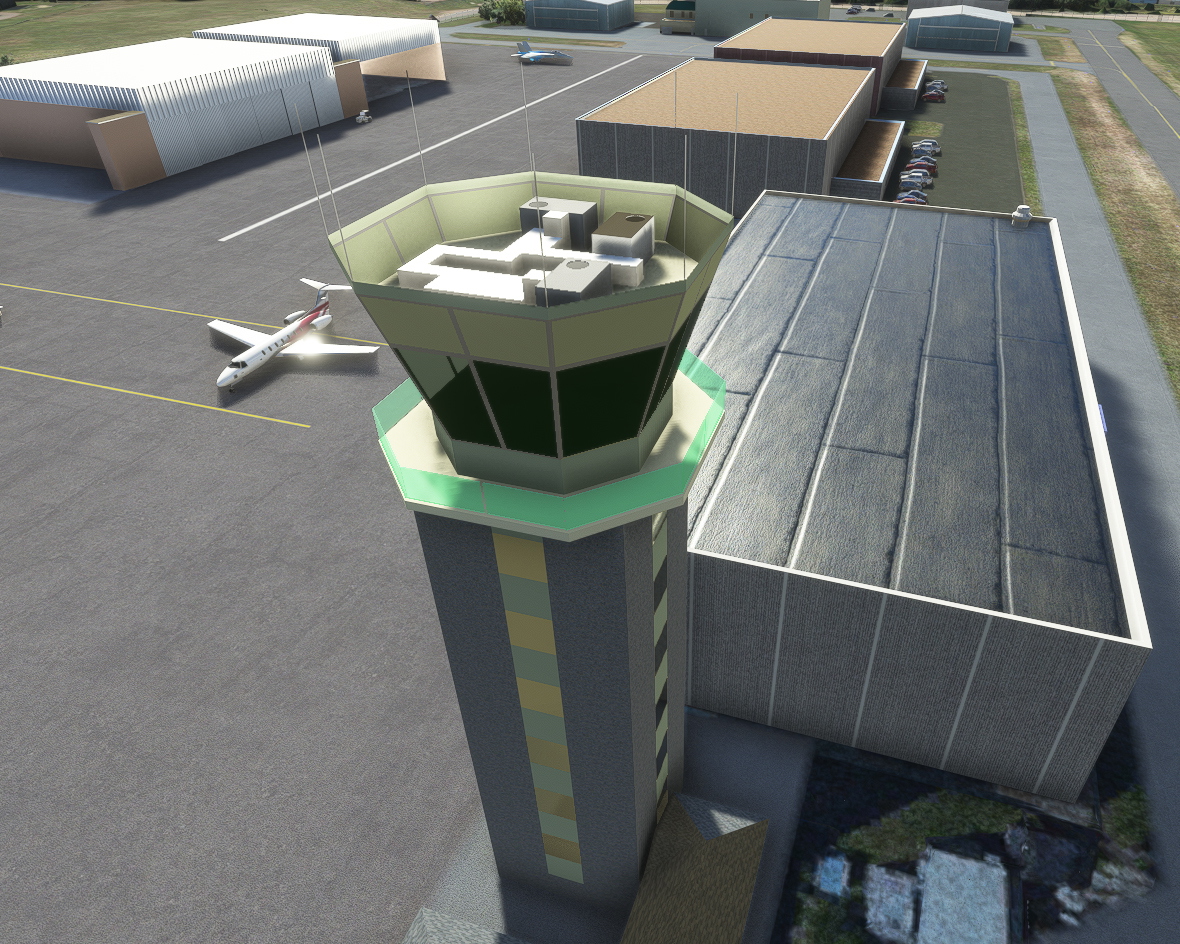
St. Paul Downtown airport is one of the top reliever airports in the Twin Cities area. As the name implies, it is situated near the downtown area of St. Paul and as such it is home to many area business hangars and sees a fair amount of business jet traffic as well as Piston Engined aircraft. It is surrounded on two sides by the Mississippi River and will partially flood when the river is high. It is also home to the Hangar of the Saint Paul Army Aviation Facility which sees a fair number of Blackhawk helicopter operations in any given day.
The airport has three runways, the primary is 14-32 which is just shy of 6500'. The other two crosswind runways are 13-31 at 4000' and 9-27 at over 3600'. There are two main FBO's on the field and the airfield is a part-time Class D airfield with the associated tower.
Update 3.1 Note:
This version adds CHS Field - Baseball in St Paul, a current landmark that was a building site when Bing Maps last covered it. I have messed around with the fencing around the FBO as well. (Still shimmers)
Update 3.0 Notes:
- Taxi Signs now have a reverse side to match reality at most Airports in the USA.
- Holmans Table has been tweaked to provide railings to Balconies, doors onto the Balconies, and a clock, none of which would have been possible without a great photo taken by Devan Mayer and posted to Google Earth.
- The 3M Hangar facility has now been modelled, replacing the amazing job Ben did in constructing this out of Asobo Hangars.
- Holmans Table and the 3M Hangars now use LODS to reduce the vertex count. There is still a lot more work to do on other buildings to trim things down.
Known Issue:
For reasons beyond my comprehension, ATC insists on sending users that are parked at Holmans Table, -and wish to take off on runway 14-, on a round trip via Echo to Delta cross runway 31, Alpha, Alpha One. Just turn right onto Echo and ignore the rest.
Update 2.0 Notes:
- Airport Services
- Marshalls will appear at all parking spaces where aircraft can exit forward. Pushback is available where forward exit is not possible.
- Lighting
- All the edge lighting has been positioned as precisely as possible, rather than accept the auto positioned lights that can end up in the middle of taxiways. These lights at present are likely to remain on during the day, but this means they are on in poor lighting, which fits well with other new features.
- Tower Complex and Hangars
- The hangars on the western side have all been modelled, and parking spaces, regardless of size, have been set as GA_SMALL so that Airport Services only provide the marshaller.
- Beacon now has inclement weather sensitivity, so it comes on if the rain or snow falls at a rate over 5mm/Hr.
- Flood Defence wall has now been modelled, with custom lights on top.
- Holman's Table has been modified with more accurate tower presentation.
- Taxiways have been checked to make sure ATC directions and AI Aircraft follow real world instructions.
Dependancy
Please ensure that MNSD-MODELLIB-AIRPORT-MODELS is installed in the Community Folder to provide the new beacon.
Known Issues:
Weather can enter open hangars. Awaiting Asobo fix to Environmental Occlusion.
Lights have very short visible distance, also awaiting Asobo.
Notes:
- Taxiway redesign - Addition of numerous taxiways to bring the airport to it's current layout
- Taxiway names - Brought the airport to the correct taxiway names and signage
- PAPI's updated to the current airport format based on 2021 AIRNAV data
- The majority of the AI hangars were removed and replaced with stock hangars of similar shape and size. Hangars also added to those missed by the default Asobo implementation (the MN Army National Guard hangar was pulled from the World Update KSWF airport)
- Night lighting added to many of the hangars
- One hangar was added from the colinj library. Thanks colinj!
- Static scenery objects added
- Blackhawk helicopter and Falcon Jet object from the JB's Scenery Models package. Thanks JB! (The Falcon Jet was added to the location where "The Learning Jet" currently sits. This IRL is a retired Fedex 727 but I couldn't find a 727 static object. The Falcon was a trijet so it was used)
- Beacon objects added and location corrected (including the beacon on Dayton's Bluff north east of the airfield across the river)
Update Notes:Version 1.1
-Three custom created buildings added:-
1. Old Terminal Building - now Holman’s Table.
2. Army National Guard Aviation Hangar.
3. St Paul Flight Center
-Extra Fencing:-
Concrete Flood Defence Fence and revised general link fencing. Fences are overlapped where a gap would be left though having insufficient space left for a full fence.
Caveats:
Connomar started learning Blender just before Christmas. These are the 2nd-5th models ever created using this package, so there is still a huge learning curve ahead.
The models are one LOD size only. I have yet to crack the art of LODS. I don’t see any degradation of performance on my 2016 PC, so hopefully all will be well.
There is no signage on any of the buildings, simply because I haven’t worked out how to make that work yet. It looks fine in Blender. You may notice the attempt at adding text to a back-plate on the Flight Center, but there are no letters.
Textures Credit:
The textures used were either hand drawn, or more often, downloads from Textures.com.
Installation:
If you have a previous version, please either delete or move the folder to a location outside of MSFS. Extract the zip file and put the package in your Community folder.
About MNSceneryDesign:
MNSceneryDesign is a combined effort between users connomar and spidermanMN.
MSFS 2024
A lot of work will be needed to make our airports fully compliant with 2024, but that doesn't mean the 2020 versions can't be used. At the time of writing, 12/13/2024, there seems to be an issue with the Community folder. I would recommend that you create a folder with all the packages you want to put in the community folder before you do anything else. If you already have packages in the Community Folder, then I found moving it and then populating it with all the packages before running MSFS 2024 worked.
2020 Static Aircraft are missing. Vegetation is missing around the fencing bordering the river, and Terraforming is behaving in a different manner to 2020. There is a new version with suffix B appended, as I neglected to put in the correct Title, which is now needed in 2024.
Dependencies
Frequently Asked Questions
Location
KSTP - St. Paul Downtown - Holman Field - St. Paul, MN - 3.1
Explore KSTP - St. Paul Downtown/Holman Field in Minnesota with this detailed add-on. Discover the top reliever airport, business hangars, Blackhawk helicopter operations, and more. Updates include CHS Field landmark, accurate taxi signs, enhanced lighting, and detailed tower complexes. Created by MNSceneryDesign, this add-on elevates your flight simulation experience.


User Reviews
7 reviews
Version History
Featured in Collections(1)
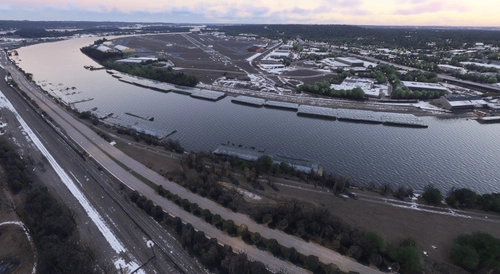

Related
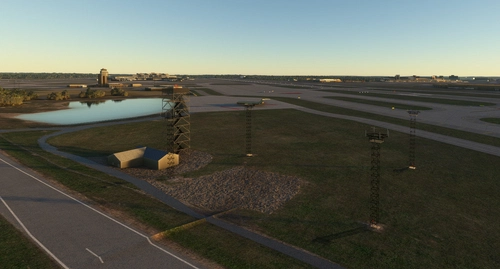
KMSP - Minneapolis St Paul International
Add-on summary: Exciting updates and improvements for Minneapolis St Paul International (KMSP) Airport, with detailed enhancements for various terminals, parking areas, lighting, and ground markings. Explore realistic textures, redesigned structures, and optimized AI traffic flow. Keep your experience alive with each version release, bringing a dynamic and evolving airport environment.
by Martin Connor (connomar)
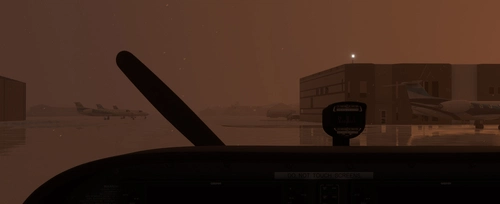
KDLH - Duluth International Airport - Duluth, Minnesota
Enhance Duluth International Airport with this beta add-on, incorporating updates from a multi-year project to modernize taxiways and introduce new GA Hangar spaces. Delve into a detailed rendition featuring over 40 models, including changes such as enhanced hangars, airport services modifications, and improved lighting elements. Stay tuned for upcoming releases to further refine this evolving airport scenery.
by MNSceneryDesign
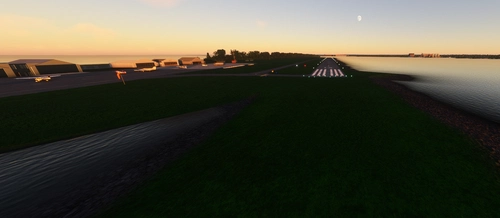
Sky Harbor Airport, Duluth, Minnesota
Explore Sky Harbor Airport, KDYT in Duluth, Minnesota with this MSFS model featuring a newly built runway and detailed airport features like lit windsocks, waterways for float planes, reflective markers, and a rotating beacon. Experience added realism with the main hangar door that opens during the day, immersive effects with Grain Silos and Ore Handling buildings, and a ship sailing in the canal. Join the aviation community and enhance your flight simulation experience at this historic airport.
by MNSceneryDesign
(KBRD) Brainerd Lakes Regional
Brainerd Lakes Regional Airport (KBRD) is a detailed add-on for Microsoft Flight Simulator, located in Crow Wing County, Minnesota. This mod features accurate representations of the airports structures including a modern terminal, two fire and rescue centers, and custom-built general aviation hangars. Enhancements in this version include improved lighting, correctly positioned edge markings, and additional signage, as well as the construction of new facilities and models to enhance realism. Notable features also include a jetway and a newly created helicopter landing pad with proper lighting.
by Martin Connor
Log in to join the discussion
Log InComments(27)
7 months ago
Which one do I download for MSFS 2024?
7 months ago
almost 2 years ago
over 2 years ago
over 2 years ago
A suggestion I have is to open up some more of the hangars and populate them with usable aircraft parking spots, equipment, lockers, etc. That adds a great deal of life beyond the typical static aircraft and parked vehicles. Here are some links. The first one I believe includes blender objects ready to use.
https://flightsim.to/file/16007/msfs-object-library-with-150-models-ranging-from-towers-hangers-terminals-to-cones
https://flightsim.to/file/26325/open-hangar-library
over 2 years ago
Thanks for your suggestion and objects.
Martin
over 2 years ago
about 3 years ago
about 3 years ago
I have several projects going right now, the main one being MSP, but I will add CHS to the list.
about 3 years ago
over 3 years ago
This is very nice : Thank you for the update: I would love to have just a very short description of the three folders involved and what they are for :)
over 3 years ago
No Problem.
The one that ends tsassets contains scenery objects which are basically nothing but a set of planes, that are automatically placed in front of taxiway signs, which have been generated and placed exactly behind existing signs, but reversed. This provides a mask against the yellow background, for ILS and Hold Short signs, so pilots can see they are clear of the runway or ILS zone.
The mnsd-modellib-airport-models contains things like the windsocks, which unlike the standard ones, are orange and lit. You may also noticed the umbrellas in front of Holman's Table. They actually open up once over a certain temperature. There are wigwag lights in there too, along with different street and airport lighting, Air conditioners, etc. For a full list, download the library version from this site and look in the download for the pdf file.
All the rest of the models are in the kstp-st-paul-downtown-holman-fld folder.
I hope that answers your query.
Martin
about 3 years ago
I currently have two asset libraries in use. One is mgcscenery-modelib-tsassets. The ts stands for Taxi Sign, and this small library contains masks that I position in from of taxisigns to make them more realistic. i.e. when you taxi off the runway and pass the Hold Short Line, the sign from the runway side should now show the Hold Short Line Symbols.
mnsd-modellib-airport-models contains our own components such as the airport Beacon, the Umbrella that opens according to temperature, street lighting and many more assets. Developers can download this from flightsim.to and use those assets in their own creations.
I hope that explains.
Martin
about 4 years ago
Being from MN, this is my go to GA airport for pattern work. Excellent addition!
over 4 years ago
Work with SU9 `??
over 4 years ago
I just tried it and had no issues.
over 4 years ago
This does look really good. This is so much better than default. Keep up the good work!
over 4 years ago
I do notice that the runway markings have abrupt areas when using aftermarket textures. I have both REX and Zinertek and notice a sharp cut off of runway markings. As if there was a gap. According to REX, these should only replace only default runway/taxiways.