
Description
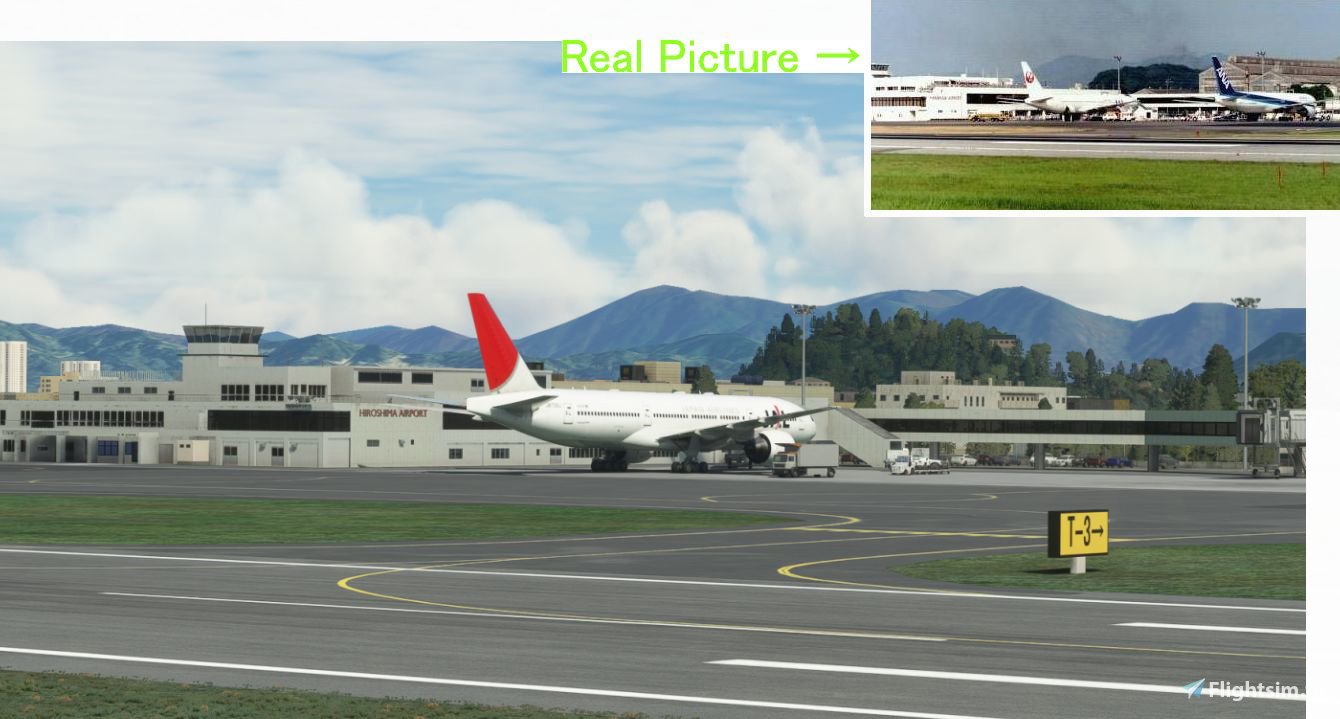
I created Hiroshima Airport (1993), which was the most unique airport in Japan.
Around 1989, the toll tax was abolished in Japan, and the fares for flights between Tokyo and Hiroshima became cheaper than first-class railroad fares, and the demand for flights between Hiroshima and Tokyo increased.
Despite the runway being only 1,800 meters long, air demand could not keep up with demand, so large planes such as A300s and B767s, which exceeded airport restrictions, were deployed between Hiroshima-Tokyo.(and hirosima- Naha, and Sapporo too.)
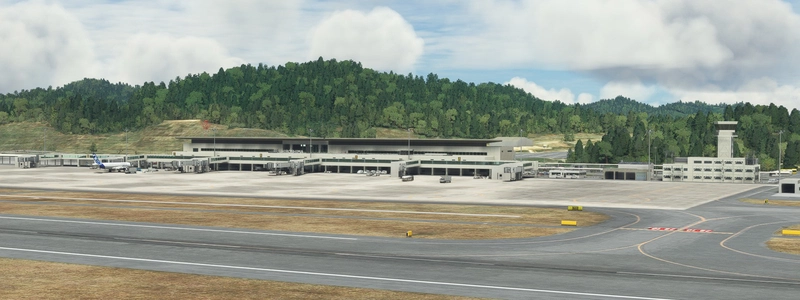
The apron at Hiroshima Airport is extremely small and has a structure in which three jets are forced into it.
The RWY22 landing while circling the mountains of Hiroshima city was very thrilling.
In 1993, New-Hiroshima Airport was opened on top of the mountain, and old airport changed the name to "Hiroshima Nishi" and survived as an airport for short distances.
However, there was a plan to build an expressway south of the river, and raising the road would shorten the runway by 340m, so there was debate as to whether a tunnel would be used to keep the airport alive. In the end, the plan to make the road elevated was adopted,
Hiroshima Airport was downgraded to heliport in 2011.
I removed the highway that got in the way of this scenery and replaced it with a tunnel.
Ver1.3 2022/11/30 (10.2MB)
・I changed JETWAY from default to custom.
・I made it so that when the AI lands, it goes to the GATE (When the AI landing , JETWAY automatically appears)
Many other fixes.
This scenery has no dependencies. Works alone.
Ver1.2 Old File(8.9MB) 2021/08/16
Location
(RJBH) Hiroshima Airport 1993
Experience the unique charm of Hiroshima Airport in 1993 with this detailed add-on. Witness the historical transition of this Japanese airport, from the era of deploying large planes exceeding airport restrictions to its downgrade to a heliport in 2011. Enjoy custom JETWAY features and various fixes in the latest version for an enhanced flight simulation experience.
User Reviews
10 reviews
Version History
Ver1.3 2022/11/30 (10.2MB) ・I changed JETWAY from default to custom. ・I made it so that when the AI lands, it goes to the GATE (When the AI landing , JETWAY automatically appears) Many other fixes.
Related
(RJBE) Kobe Airport
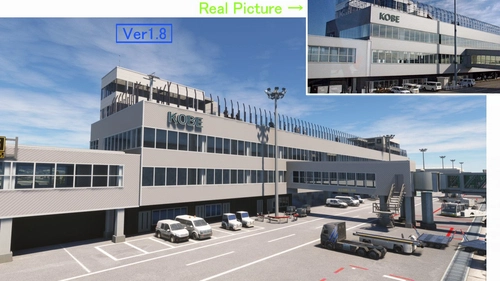
Experience the challenge of landing at Kobe Airport in Microsoft Flight Simulator with this add-on. Located 8 km south of Kobe city, the airport features a unique approach over the sea and through the Akashi Big Bridge. Version 1.8 includes enhancements like realistic tire marks, improved textures, and added details for a more immersive flying experience.
by KAZE
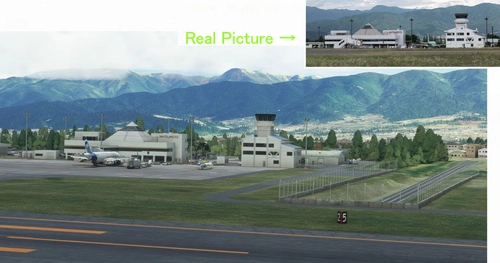
(RJAF) MATSUMOTO Airport
Experience the challenge of landing at Japans most difficult airport, Matsumoto Airport. Navigate high mountains and a mountain valley approach before landing at 2100FT. Ver1.5.1 update includes fixes for parking lot elevation, taxiway slope, and enhanced terminal visuals. Ensure to delete old files and replace them with the updated kaze-airport-rjaf-matumoto version for a seamless experience.
by KAZE
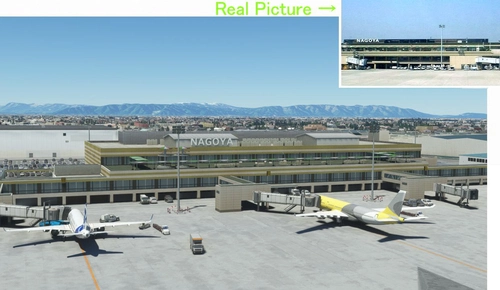
(RJNA) NAGOYA Airport 2004
(RJNA) NAGOYA Airport 2004 add-on offers a nostalgic recreation of the bustling Nagoya Airport from the early 2000s in Microsoft Flight Simulator. This scenery adds a passenger terminal to the default Nagoya Airport, addressing some of the default bugs present. Version 1.3 includes enhancements such as a realistic observation deck, custom Jetway models, and corrected taxiway lines for a more immersive experience.
by KAZE
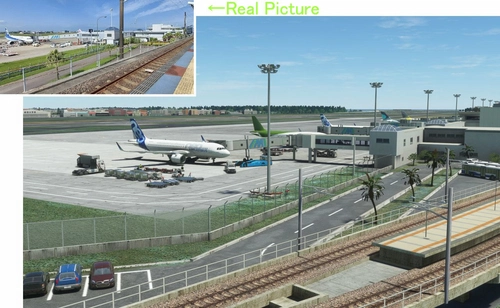
(RJFM) Miyazaki Airport
Enhance your Japan flying experience with the RJFM Miyazaki Airport add-on. This local airport in the south of Japan features 15 custom buildings and realistic enhancements, making it a convenient gateway to the picturesque town of Miyazaki. Stay tuned for upcoming updates as the creator works towards achieving version 1.0 for an even more immersive experience.
by KAZE
Log in to join the discussion
Log InComments(42)
about 1 year ago
But the scenery flatens the new photogrammetry of World update around the airport and there is vegetation on the runway. Could you revise?
about 2 years ago
about 2 years ago
As a little suggestion, it will be great if antenna object is placed at the position of the decommissioned Kan'on VOR (34.35938684294138, 132.410427750845).
よろしくお願いいたします。
https://flightsim.to/file/80140/hiroshima-nishi-airport-rjbh-navdata
over 2 years ago
素晴らしいです!!
over 2 years ago
almost 4 years ago
I Love this Airport, amazing approach scenery and bit of challenging Approach with hills and mountains on both sides,
is there any published Approach Chart for this Airport? thanks
almost 4 years ago
I uploaded the chart, so please download it.
Press the download button and you will get two. It's downstairs. "RJBH Chart (JPEG)"
over 4 years ago
One of my favourites! beautiful approach
almost 5 years ago
I N C R E D I B L E !
about 5 years ago
Used version 1.2 of your scenery and added my homemade VOR approach to perform a circle to land video starring your airport.
https://www.youtube.com/watch?v=QPsy8zokVKM
Not sure if liners we're also performing circle-to-land here ?
Very beautiful work and many thanks as I like so much to fly closed airports. It helps to learn many things about the place and why they close airports.
about 5 years ago
Very very nice. I was excited. Thank you.
about 5 years ago
Thank you for your two wonderful works, 1.1 and 1.2.
thank you.
about 5 years ago
Thank you. It was nice to have you like it.
about 5 years ago
Great little airport! Would be nice if it had a plug/star symbol, as its rather hard to find otherwise
about 5 years ago
Thank you for your valuable opinion.
What is a plug / star symbol?
I looked it up, but I don't understand the meaning.
I don't understand English, so I use translation software.
about 5 years ago
i just mean the Star symbol, that makes the airport easy to see on the world map. Most custom airports have this, so it is easy to find. Excellent job with airport :D
about 5 years ago
I understand. I will be careful next time.