
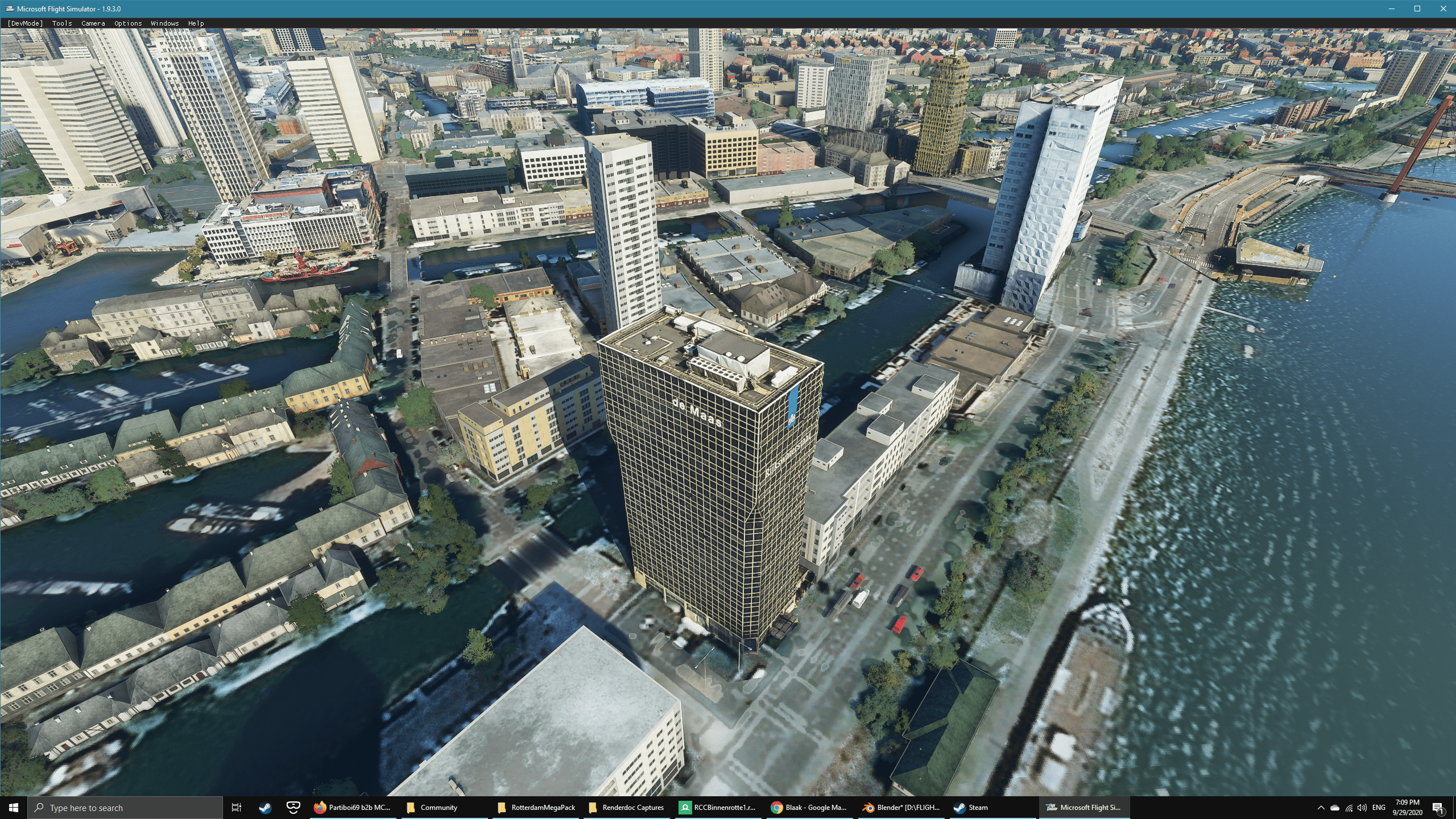
Description
- Willemswerf (looks meh tbh but I still added it since I work there).
- Red Apple:
- Tropicana;
- Stedin building;
- Calex building (still Westermeijer building in the sim)
- Maritiem Museum;
- de Koopvaert;
- de Maas;
- the Tapas Boat (shame on you Microsoft for not handcrafting this gem into the game;)
Some other smaller adjacent buildings are also included. With help from Geraldar98's guide, I tried reducing the blue tint from the buildings with a preset of my own. Feedback on how to improve is always appreciated! I took some buildings as a complete block, let me know if you just want the separate buildings and I'll do that. Up next: color correcting the Markthal and WTC and completing the Binnenrotte and Coolsingel.
File credits
This free creation contains content from Google Maps or Google Earth. In accordance with Google Terms of Services and especially point 2.2 of Google Maps/Google Earth Additional Terms of Service, this creation is based on « fair use » or « fair dealing » of the data provided by google throught its services. No commercial use or any gain is or will ever be made by the author of this creation, who doesn’t own anything regarding google assets but a simple user Licence. According to the following document https://www.google.com/intl/en-GB/permissions/geoguidelines/, the author is freely sharing a creative application of Google Maps or Google Earth. The author will not recieve any form of retribution for sharing his work, even general donations from users of file hosting web services under the form of « rewards » or « tips ». If this content would be found somewhere where it is provided in exchange of money or any kind of retribution, I wouldn’t be with the consent of the author who will stick to strict free content creation diffusion.
Part of this content including 3d data and textures is copyrighted by
Imagery ©2020 Google, Imagery ©2020 CNES/ Airbus, Maxar Technologies,
USDA Farm Service Agency, Map data ©2020 Google.
Rotterdam Buildings part 1
Enhance your Rotterdam City Centre experience with this collection of iconic buildings, including Willemswerf, Red Apple, Tropicana, and more. Each building is provided as a separate file for customization. Designed with a focus on detail, this add-on aims to improve the city landscape, with future updates planned. Created using Google Maps data, this free content offers a realistic rendition of Rotterdams architectural landmarks.


User Reviews
6 reviews
Version History
No version history available.
Related
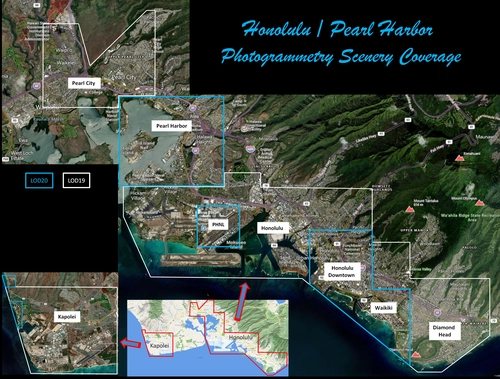
Honolulu
Explore the photogrammetry scenery of Honolulu, including the iconic Pearl Harbor area with optimized performance for better FPS. Discover Waikiki, Honolulu downtown, and more with this detailed addon. Enhance your experience by adding free mods for carriers, battleships, and military airplanes in Pearl Harbor and surrounding bases. Support the creator for future updates if you enjoy this mod.
by steveli
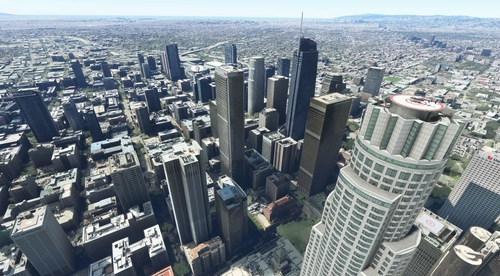
Downtown Los Angeles
Various buildings and monuments that are missing from Los Angeles in the game that shoudn't be. Wilshire Grand Center, SoFi Stadium, 801 S Grand, 825 S Hill, 888 S Hope, 1000 Grand, Apex the One, Atelier, Aven Apartments, Metropolis Towers, Level Los Angeles
by senecadriver
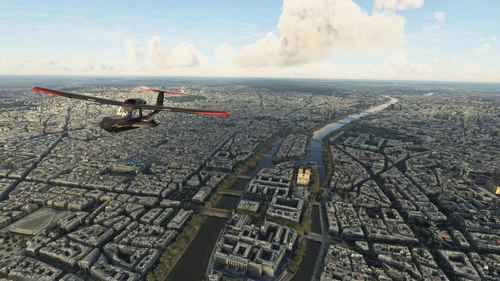
Paris
Explore the iconic cityscape of Paris in Microsoft Flight Simulator. This detailed add-on captures the essence of the French capital, featuring famous landmarks and architectural marvels. With accurate GPS coordinates, immerse yourself in the beauty of Paris, known for its historical significance and vibrant culture. Download now and experience the City of Light from a whole new perspective.
by Thalixte
Dubai City Pack
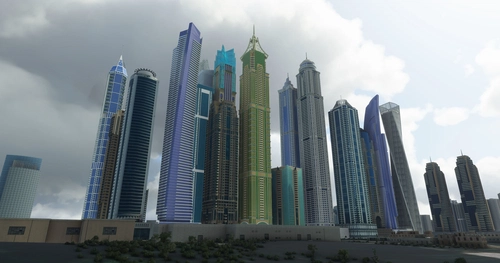
Explore a detailed rendition of Dubai City and Jebbel Ali Port featuring over 250 custom buildings and various landmarks like the iconic hotels and tourist attractions. While focusing on enhancing the daytime visuals, this pack offers improved textures for select buildings, promising a refreshing experience for simmers. Additionally, adjustments have been made to SkyDive Dubai Airport to address previous elevation issues, ensuring a more immersive flight into this dynamic cityscape.
by risuali
Log in to join the discussion
Log InComments(19)
about 6 years ago
about 6 years ago
about 6 years ago
about 6 years ago
about 6 years ago
about 6 years ago
about 6 years ago
In your images you also show the Wijnhaven including the Witte Huis, but at first sight these seem not to be included yet.
Added comment: I got them after copying the fille rccstedin from the folder TestStedin/packages directly into the Community folder.
about 6 years ago
The only thing I'm really missing when flying over the centre is De Hef. But I just noticed in Google Earth that it's under construction. Perhaps you can do the Unilever office instead?
I was also thinking,...would it be possible to convert some of the 3D ships that are in the harbour? Zuidplein might be a nice addition as well...
I hope I'm not being too greedy ;-)
about 6 years ago
With a young family and job it's going to take some time though, please be patient:).
I know that the city of Rotterdam has a free 3d model of the Hef on their website, but it has no color and I don't know how to get it, too bad really.
about 6 years ago
Thanks!
about 6 years ago
about 6 years ago
about 6 years ago
Handy tool for organize your files and put them together per Country. And the option quickly select what you want to switch on for your flight.
about 6 years ago
about 6 years ago
Then before each flight, I copy only the files related to the country I'm flying on in the community folder, and remove them after the flight. It's a bit of work, but keeps load times short and things more orderly.
about 6 years ago
about 6 years ago
about 6 years ago
about 6 years ago