
Description
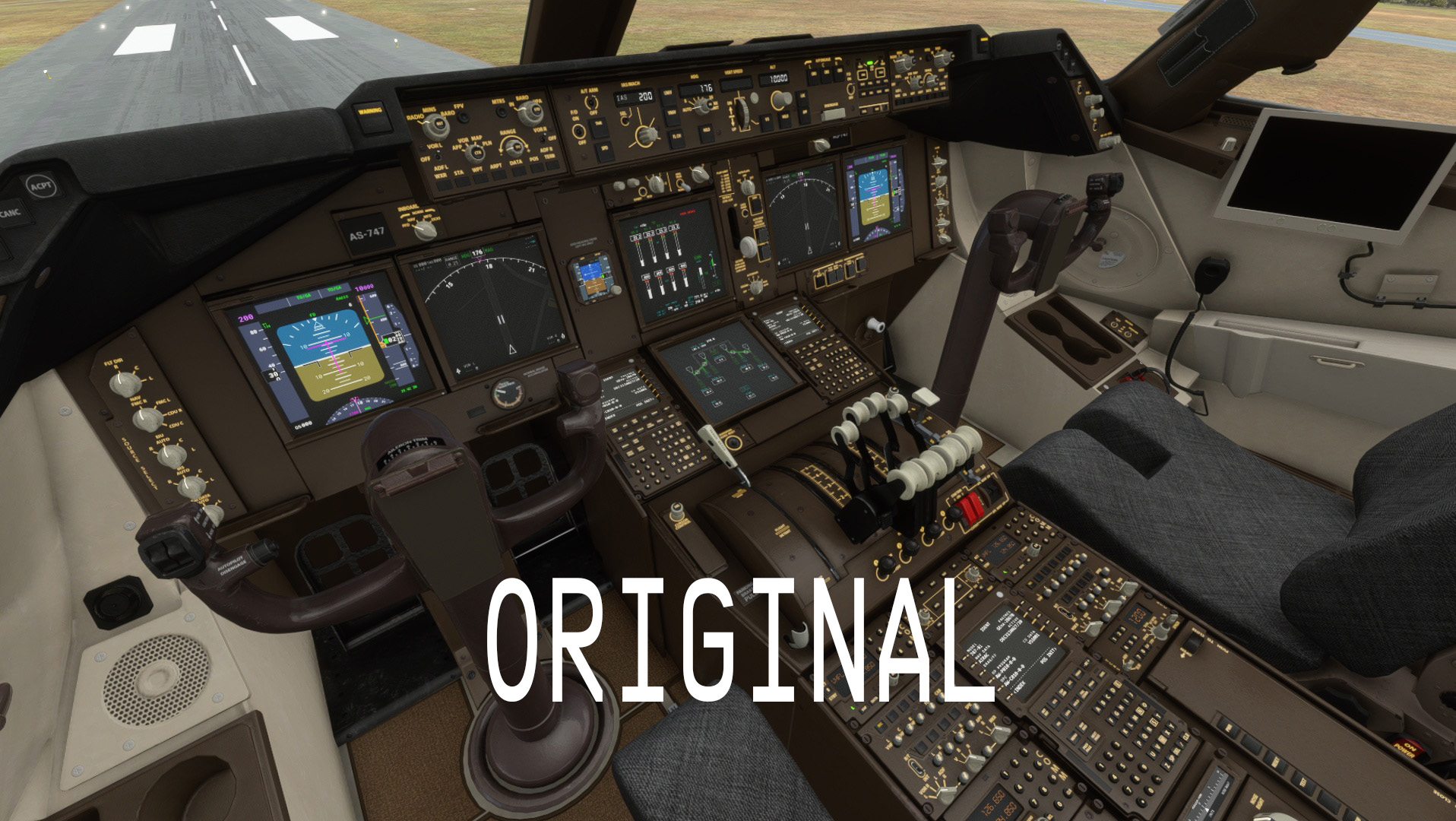
Thought I'd do the Boeing 747 a favour and change it from the brown colour to a Black/Dark Grey cockpit with blue emissive lighting.
Unzip and place folder "Boeing B748i Cockpit -Black-Grey" into your community folder.
If you are using the Salty-747 Mod you will not get the blue lighting. Their cockpit emissive text is that yellow/orange colour which still looks good but blue is better. You have two options:
1. Remove the Salty mod. The last update was Dec 28, 2020 and the 747 has been updated by Asobo since then and is a lot better
2. Copy B747_COCKPIT_TEXTS_EMISSIVE.TIF.DDS & B747_COCKPIT_TEXTS_EMISSIVE.TIF.DDS.json from my texture folder and paste in Salty's texture folder
So with Salty's mod installed, the only change is the blue lighting turns the yellow/orange colour. Everything else works fine.
Any issues lemmie know.
Boeing B747-8i Cockpit - Black-Grey with blue lighting
Transform your Boeing 747-8i cockpit with this Black-Grey theme featuring stunning blue lighting. Simply unzip and place the folder into your community folder for a sleek new look. Note: Compatibility with the Salty-747 Mod may affect the blue lighting, but alternatives are provided for a seamless experience.

User Reviews
4 reviews
Version History
No version history available.
Related
Full GSX Profile - MK Studios - Dublin Airport (EIDW)
Enhance your Dublin Airport experience with this GSX Profile for MK Studios EIDW from Orbx or simMarket. Customized parking stands, pushback options, and passenger walkways for a more realistic simulation. Note: a current SU9 issue affects Pier 2 jetways, with a fix expected in SU10. Simply extract the files and follow the installation instructions for an improved airport experience.
by Crazy88
GSX Profile for '(KLGA) La Guardia Int'l' - by FeelThere
Enhance your airport experience with FeelTheres GSX Profile for (KLGA) La Guardia Intl. This add-on features custom vehicle positions, marshaller positions, cargo vehicles, pushbacks with multiple waypoints, and mostly jetways for a realistic ground handling simulation. Follow the simple installation instructions to enjoy a more immersive airport environment at one of the busiest airports in the United States.
by Crazy88
GSX Profile Impulse Simulations Adelaide International Airport (YPAD) Terminals1-4
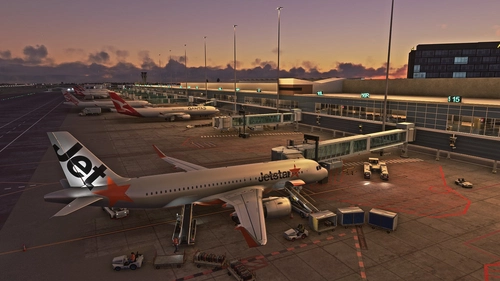
This GSX Pro profile is for Adelaide International Airport (YPAD) by Impulse Simulations. This profile covers T1-4 terminal stands. Gates 27-29 don't have jetways. Also has custom pushback profiles to quickly select te correct runway. If there's anything wrong, let me know.
by Crazy88
![GSX Profile for LVFR's [KBDL] – Bradley International Airport](https://cdn.flightsim.to/images/24/gsx-profile-for-lvfr-s-kbdl-bradley-international-airport-A7_bD.jpg?width=500)
GSX Profile for LVFR's [KBDL] – Bradley International Airport
GSX Profile for LVFRs [KBDL] – Bradley International Airport enhances the airport with custom vehicle positions, marshaller placements, and cargo features. With detailed military parking for fighter jets and good cargo parking options, this add-on provides a realistic airport experience. Parking information includes specifics for different aircraft sizes and types, making it convenient for various flights. Install the profile easily by following the provided instructions for an improved ground handling experience at Bradley International Airport.
by Crazy88
Log in to join the discussion
Log InComments(15)
over 4 years ago
Really love this mod. The "Boeing beige" looks very old and dated. This makes the aircraft feel more modern. What I would personally love would be one with white lighting - I think the combination of the black interior with white lighting would look stunning.
almost 5 years ago
The panels on the plane doesn't work with this mod
about 5 years ago
Amazing mod! Are you planning on doing an orange one with the black interior to keep it kinda true to life?
about 5 years ago
Thanks mate. Haven't thought about it but may do so when I get time ;)
over 5 years ago
over 5 years ago
https://flightsim.to/file/13047/boeing-b747-8i-cockpit-black-grey-with-green-lighting
over 5 years ago
over 5 years ago
over 5 years ago
Have you considered making the same for the 787? I know its already black and grey but the blue lights would be real nice. thanks
over 5 years ago
over 5 years ago
over 5 years ago
over 5 years ago
Gav
over 5 years ago
over 5 years ago