
Description
Airport description
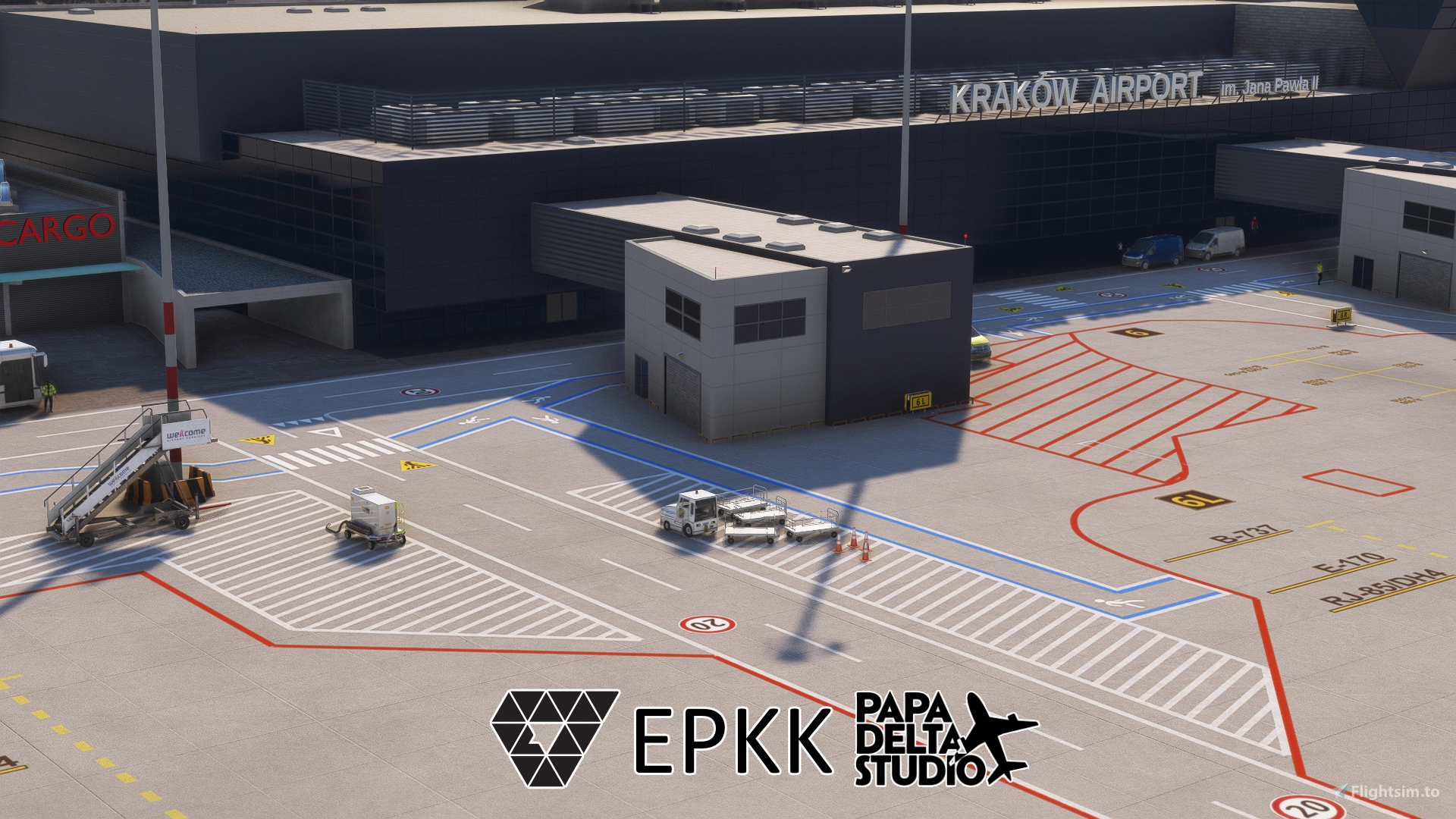
Krakow-Balice John Paul II International Airport is an international airport located near Kraków, 11km west of the city centre, in southern Poland. It is the second-busiest airport of the country in terms of the volume of passengers served annually.
The scenery is designed with an apron layout available IRL since July 2024 for VATSIM usage.
Features
- updated apron layout (July 2024)
- construction site of new cargo terminal
- custom buildings: Terminal, Tower, HEMS, Administrative-Technical Building, ST10Bis transformer station, New Cargo building (on construction site), firefighters station, weather radar building (on the northern hill), Camaldolese Monastery (on the southeastern hill)
- detailed ground markings (VATSIM compatible)
- custom static airplane on military apron: M-28 Bryza (Skytruck), C-295 Casa, Ukrainian government A319
- default Asobo jetways or GSX jetways - you need to select your version during installation
Optional dependencies for 3D models:
- Mikea.at - AssetPack by Mikea.at for HEMS helicopter (optional, but recommended)
- Windy Things for wind sock on HEMS and flags near main terminal (optional, but recommended)
- Animated Human 3D Models Library (optional, but recommended)
- airport military (old) tower requires default KMKX scenery installed (optional)
- FSLTL for static aircraft on civil apron (optional, disabled by default)
Optional static aircraft
As default static civil aircraft are disabled. You can enable some static LOT, RYR, WZZ aircraft on stands 7R (7 ia also unavailable), 13, 19 and 28. To enable them after upacking the add-on find in folder "Scenery\airport-epkk-krakow\papadelta-epkk-static-civil-aircrafts-fsltl" a file named "static-civil-aircrafts-fsltl.bgl.disabled" and rename it to "static-civil-aircrafts-fsltl.bgl" (without ".disabled"). FSLTL is required for 3D models.
As default static military aircraft are enabled. To disable them find in folder "Scenery\airport-epkk-krakow\papadelta-epkk-static-military-aircrafts" file named "static-military-aircrafts.bgl" and change it name to "static-military-aircrafts.bgl.disabled" (with ".disabled").
As default static Ukrainian government A319 is enabled. To disable it find in folder "Scenery\airport-epkk-krakow\papadelta-epkk-static-A319-URABA" file named "nereusz-epkk-static-A319-URABA.bgl" and change it name to "nereusz-epkk-static-A319-URABA.bgl.disabled" (with ".disabled").
IRL HEMS airbase in Krakow has been moved to Kokotów. If you feel that standing HEMS helicopter is not needed for you it can be disabled. To disable it find in folder "Scenery\airport-epkk-krakow\papadelta-epkk-static-hems-helicopter" file named "nereusz-epkk-static-hems-helicopter.bgl" and change it name to "nereusz-epkk-static-hems-helicopter.bgl.disabled" (with ".disabled").
How to install?
In the ZIP file you have 3 folders (and readme.txt):
-
- \GSX-Profile-EPKK\
- \papadelta-epkk-DEFAULT-jetways\
- \papadelta-epkk-GSX-jetways\
- \epkk-readme.txt
It's required that you always have only one version installed at a time. If you install both, weird things can happen (visual glitches etc).
If you don't know what to install, please install default version in "papadelta-epkk-DEFAULT-jetways" directory as it's safer option and will work for everyone.
Please don’t overwrite old airport with new one as some internal structure may change. Always remove old version of the airport and then install new one.
Steps if you don’t have GSX PRO
If you don't have installed GSX Pro, you have to install "papadelta-epkk-DEFAULT-jetways" version. It uses default ASOBO jetways and works with no additional requirements. Copy this and only this folder to your community.
Steps if you do have GSX PRO installed
But if you do have GSX PRO (and only then), you should use "papadelta-epkk-GSX-jetways" version. It contains prettier glass jetways from GSX package.
Also GSX requires it’s profile to be installed (it won’t recognize it just by installing airport). Two GSX Profile files (.ini and .py) are in \GSX-Profile-EPKK\ folder. You need to find them and place BOTH the .ini and .py files in %appdata%\Roaming\Virtuali\GSX\MSFS
GSX Pro profile
GSX Pro profile is included in this add-on, but GSX requires it to be installed (it won’t recognize it just by installing airport). Two GSX Profile files (.ini and .py) are in \nereusz-airport-epkk-krakow\@GSX-Profile\ folder. You need to find them and place BOTH the .ini and .py files in %appdata%\Roaming\Virtuali\GSX\MSFS
Alternatively you can download GSX profile for EPKK (Papa Delta Studio) using GSX Hub app.
Alternatively you can download GSX profile for EPKK (Papa Delta Studio) as a separate addon and install it using Drag and Drop Installer.
Thank you!
I would like to say thank you for Jan P., Krystian (juzio), Przemysław W. and Mirek @LiveATCDigital for helping me with this creation ❤
M-28 Bryza 3D Model by Pnuky modified with custom livery, licensed under CC Attribution License 4.0.
Show your support
If you enjoy my creations, please leave a comment and rating below. You can ☕ BuyMeACoffee to support further content like this. It's very appreciated. More coffee ☕☕☕ = more airport details :)
FAQ
- Can I use this addon with Drzewiecki Design buildings?
No, you can not. If you try, I'm pretty sure you will end up with DD buildings on the new taxiway G. Some buildings in DD scenery are grouped as one object and can't be included one by one even if you try. - Is there a GSX profile for this airport?
Yes. See the above GSX Pro profile section. - Is it compatible with MSFS2024?
Kind of. Trees from apron have been removed. But MSFS2024 uses differently positioned ground textures that can be visible as not aligned with ground of the airport. We'll work on it. But if you just want to fly and use apron on VATSIM you can do it easily. But for now main compatibility is provided only for MSFS 2020, and 2024 is considered as "usable".
Dependencies
Location
EPKK Kraków - Balice ( Papa Delta Studio / nereusz )
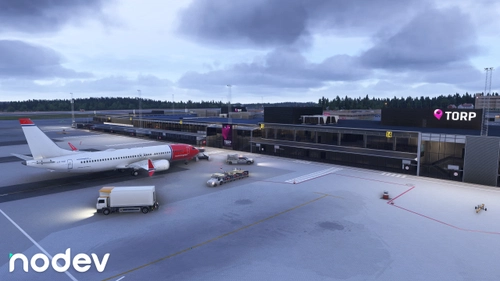
EPKK Kraków - Balice add-on featuring an updated apron layout used since July 2024. See the construction site of a new cargo terminal at the second-busiest airport in Poland.



User Reviews
17 reviews
Version History
EPKK airport: - support for MSFS 2024 - trees from apron removed (but there's still some glitches on ground) - runway holding point taxi signs only on captain's side - removed autogen trees/bushes near runway - lamp on stand 30 moved outside of stand - reworked apron taxi signs (more realistic) - reworked stands 1-6 edge markings (rounded in front) - completely reworked custom taxi lights - technical road near twy F - twy F is a little wider - Added custom stairs (LSAS, WAS) and fuel truck (ORLEN) - added fence around the airport - better toll buldings on highway on north - fixed beacon light on high mast - fixed stand 2R geo position (needs GSX update!) - fixed low quality taxilines (more rounded) - additional flag near Fire Station - additional transformer station near every high lamp - added people on tower balcony - paved roads near runway appliances - blue lines on pedestiran paths - concrete barrier ilumination fix - old Cargo banner is iluminated only in front - red iluminated banner on Fire Station building - static A319 ukrainian government airplane on military apron - static C295 Casa airplanes on military apron GSX 0.9: - fixed 2R position - reworked walk-in paths according to path layout change - disabled wing walkers as real
Featured in Collections(1)
Related
EPKT Katowice - Pyrzowice Wojciech Korfanty Airport Poland (Update)
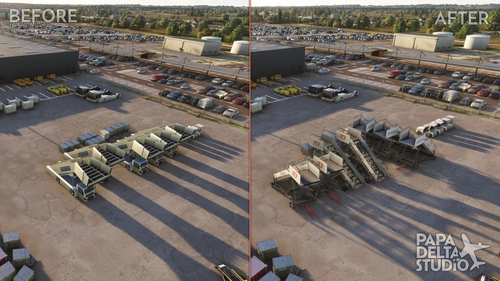
This add-on is an update by Papa Delta Studio for scenery package for Katowice-Pyrzowice Airport (EPKT) in Poland by PG_Sim. The upgrade enhances realism and details based on the original creation by PG_Sim, featuring several corrections and additions including improved lighting and adjustments to airport elevation. Compatible with both MSFS 2020 and MSFS 2024.
by Papa Delta Studio
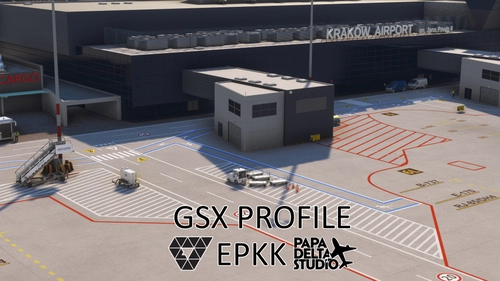
GSX Profile for EPKK Kraków - Balice ( Papa Delta Studio / nereusz )
This GSX profile is designed specifically for EPKK Kraków - Balice airport. It features custom vehicle positioning, tailored airplane parking based on aircraft type, and walk-in paths for select stands. Additional functionalities include custom pushback configurations and organized stand grouping in the menu, providing a detailed ground handling experience.
by Papa Delta Studio
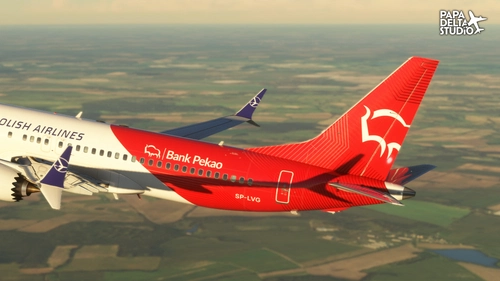
iFly Boeing 737 MAX 8 LOT Bank Pekao Livery SP-LVG (SP1 update)
This add-on features a custom livery for the iFly Boeing 737 MAX 8, representing LOT Polish Airlines with the registration SP-LVG. The livery showcases the Bank Pekao design, introduced in November 2023, and is created by Papa Delta Studio.
by Papa Delta Studio
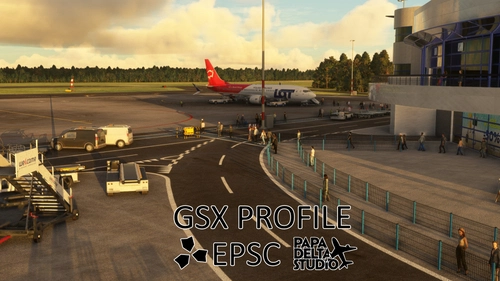
GSX Profile for EPSC Szczecin - Goleniów ( Papa Delta Studio )
This add-on provides a GSX profile specifically tailored for EPSC Szczecin Goleniów, created by Papa Delta Studio. Key features include custom vehicle positioning, specific airplane parking arrangements, walk-in paths for all stands, and accurate ground handling representatives, aligning with real-life operations. The installation process is straightforward, allowing users to easily integrate this profile into their Microsoft Flight Simulator experience. Feedback for improvements is welcomed to enhance accuracy.
by Papa Delta Studio
Log in to join the discussion
Log InComments(70)
about 8 hours ago
about 1 month ago
about 1 month ago
about 2 months ago
6 months ago
6 months ago
8 months ago
7 months ago
8 months ago
8 months ago
9 months ago
8 months ago
8 months ago
10 months ago
10 months ago
about 1 year ago
about 1 year ago
about 1 year ago
mam GSXa, zainstalowałem z GSX-jetways oraz wgrałem profile GSXa (te dostarczone z lotniskiem)
niestety, ale wygląda, że rękawy nie działają -> dla A320neo FBW i A380 FBW respią się normalnie, ale nie ruszają się. Dla A350 iniBuilds rękawy potrafią zrespić się w powietrzu, a samolot krzywo się spawnuje.
Wie ktoś co mogę robić źle? (Dodam, że na niestandardowym Monachium i Faro od Asobo wszystko działa dobrze)
over 1 year ago