
Description
PLEASE NOTE:
M3 WILL NOT WORK AS-IS FOR MSFS2024
The only workaround would be to disable the default aircraft as Target aircraft (since these are all 2020 standard aircraft) and create your own Target aircraft in your 2024 community folder and match to those. This has been tested successfully for 2024!
Multiplayer model matching is supposed to be implemented at some point by Asobo/Microsoft, so we may just be keeping this as a legacy product for those still using MSFS2020.
Multiplayer Model Matching (M3) Source Aircraft Update File
This is a Source Aircraft Update File for the M3 utility found here: https://flightsim.to/file/59353/multiplayer-model-matching-m3.
This file will update the M3 database to include the latest SOURCE aircraft not found in v1.4.2 of M3.
Steps to Update
Here are the steps to update:
1) Extract the "M3_Source_Aircraft_Update D-MMM-YYYY.mmms" file from the zip file.
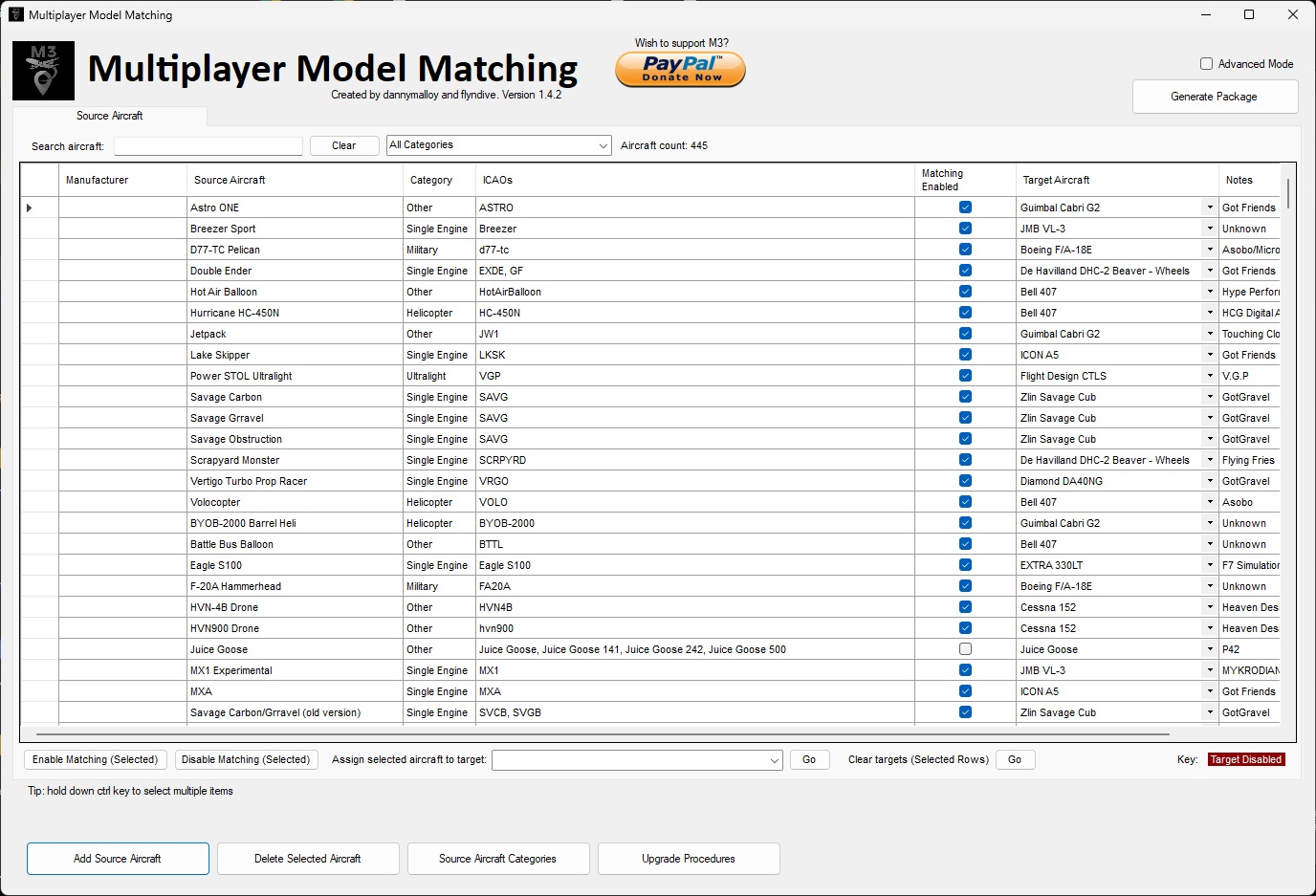
2) Within M3, enable "Advanced Mode" by pressing the box in the upper right.
3) Click on the "Import/Update Source Aircraft" button located on the bottom right.
4) Click on "Load Source Aircraft File"
5) Open the "M3_Source_Aircraft_Update D-MMM-YYYY.mmms" from whichever directory you saved it.
6) Click on "Import/Update All Aircraft"
7) Click "Yes" to update. Click Ok.
8) After the import, check the aircraft you've imported and mark as enabled or disabled for model matching (default is enabled)
9) Generate the package
10) Go to the directoy M3 is located and go to the "Output" folder. This is where the new "zMMM_MultiplayerModelMatching" folder is located.
11) Replace the "zMMM_MultiplayerModelMatching" folder in your Community folder with the new version.
12) Launch MSFS
Note that aircraft that have a blank icao_type_designator are not included in M3 as matching will fail for these aircraft without it. It's a good practice for all aircraft developers to make sure they include this attribute even for reasons other than model matching.
What is M3
M3 is a freeware configuration utility app for MSFS that offers two major features:
1) First, it generates a single package of small aircraft configuration files which, when placed in the Community folder, redirects multiplayer aircraft models you DON’T have installed to similar ones you DO have installed. So, for example, you can make a Kitfox (if you don't have it installed) look like the DHC2 Beaver instead of the generic Bonanza (for example).
2) Second, it updates the MSFS ICAO Aircraft Designator database to include all necessary ICAO designators. This allows you to see an aircraft you own, or a closely matched aircraft, even if you don’t have the livery installed.
Objective:
Eliminate or reduce the number of multiplayer generic aircraft you see while playing MSFS. Overall, M3 should provide a vastly improved multiplayer experience!
Multiplayer Model Matching (M3) Source Aircraft Update File
Update your Multiplayer Model Matching (M3) utility with the latest SOURCE aircraft using this Source Aircraft Update File. Enhance your multiplayer experience in Microsoft Flight Simulator by ensuring accurate aircraft representation and minimizing generic models.

Supporters


User Reviews
3 reviews
Version History
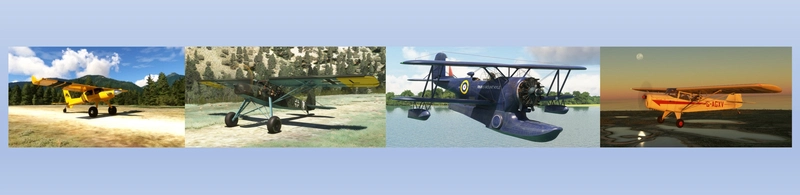
The following Source Aircraft have been added in this release. Note that all previous source aircraft added since the launch of M3 are also included: X-Cub Xtreme Performance Boeing B727-200 Aerostar Yak-52 Rans S65 Floats Eviation Alice Mikoyan-Gurevich MiG-15UTI 'Midget' Fairey Swordfish Alexander Schliecher K21 Lockheed T-33 Shooting Star (T-Bird) American Champion (8KCAB) Super Decathlon Fieseler Fi-156 Storch Wheels Fieseler Fi-156 Storch Tundra Beechcraft Sierra C24R TL-Ultralight Sirius TL3000 Grumman J2F4 Duck Grumman J2F5 Duck Grumman J2F6 Duck Cicare 8R
Related
Smaug Tundra and Floats STOL Aircraft
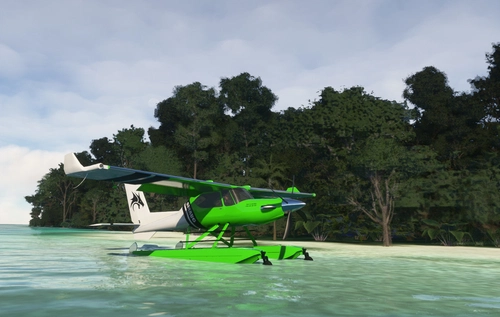
Fly high with "Smaug" - a powerful STOL aircraft for Microsoft Flight Simulator, designed for bush flying enthusiasts. Experience exceptional STOL capabilities, high cruise speeds, and versatile performance with a Pratt & Whitney PT6A-140 turboprop engine. Choose from over 40 liveries and enjoy a unique flying experience with this fictional yet realistic aircraft.
by flyndive
Grumman J2F Duck
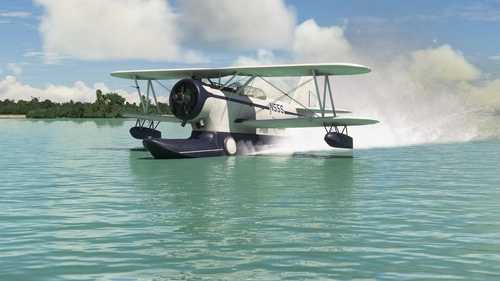
The Grumman J2F Duck for MSFS is a detailed amphibious biplane used by the U.S. armed forces during World War II. This add-on features three variants (J2F4, J2F5, J2F6) and includes 15 liveries, one of which is inspired by the film "Murphys War." The aircraft has been thoroughly updated from its FSX origins with enhancements in modeling, animation, flight dynamics, and sound. An operation manual is included, offering essential flying and operational guidance.
by flyndive
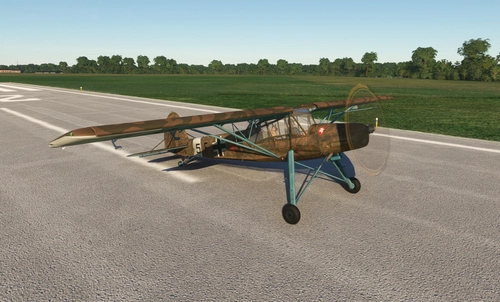
FSAddon's Fieseler Storch Fi-156
The FULL MSFS Conversion of FSAddons Fieseler Storch Fi-156 Tundra brings the iconic World War II German liaison aircraft to Microsoft Flight Simulator. Renowned for its exceptional short takeoff and landing capabilities, the Storch features a high-wing design, fixed leading-edge slats, and large trailing-edge flaps, allowing it to operate on very short runways and rough terrains. This add-on accurately simulates the aircrafts performance characteristics, including its modest speed and hovering ability, providing an authentic flying experience of one of the most notable STOL aircraft in aviation history.
by flyndive
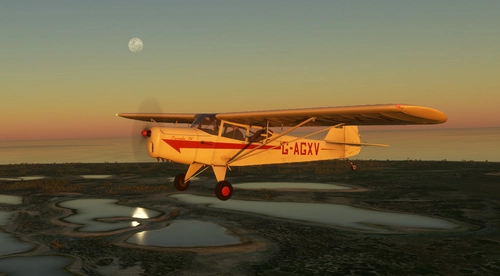
Auster J1 Autocrat
The Auster J1 Autocrat is a British light aircraft from the 1940s, celebrated for its rugged design and exceptional short takeoff and landing capabilities. This add-on features two variants: the classic wheeled version with a 110hp engine and a tundra tire variant powered by a 160hp engine, both available in multiple liveries. Converted for Microsoft Flight Simulator, it includes numerous enhancements like updated models, animations, and sound effects.
by flyndive
Log in to join the discussion
Log InComments(19)
about 1 year ago
about 1 year ago
about 1 year ago
about 2 years ago
1) Within M3, enable "Advanced Mode" -CLEAR
2) Click on the "Import Source Aircraft" button and point to this file
--> there is no such button, i suppose the button labeled "Import/Update Source Aircraft" is meant?
3) After the import, check the aircraft you've imported and mark as enabled or disabled for model matching (default is enabled)
--> are there missing some steps after step 2 and before step 3? What do i exactly need to do, once i have clicked Import/Update Source Aircraft". I suppose to click in the new window on "load source aircraft file" (because thats the only available button), then select the new downloaded file "M3_Source_Aircraft_Update 3-Aug-2024.mmms" --> but once loaded, which button to click next?
"Import/Update selected Aircrafts"
"Import/Update all Aircrafts" (
about 2 years ago
about 2 years ago
Went to a group fly-in today and I could see that some folks were obviously operating helicopters but what I saw was a small single engine plane hovering and moving like a helicopter where it should have looked like my Bell 407. It was a DC-3 fly-in and I saw no DC-3's other than my own. Just plenty of single engine light planes even when the nameplates said DC-3.
I set Live Players and Live Traffic. Is this correct?
Any ideas or corrections appreciated!
about 2 years ago
about 2 years ago
about 2 years ago
over 2 years ago
about 2 years ago
over 2 years ago
I exported a folder with the latest 1.4.2.6 database, but the date of AirTraffic/PlaneTypeICAO.spb remains 10/30/2023.
Is the update of the ICAO designators database different from this spb file?
I want to display the aircraft model even if the livery is different.
The following xml file matched the latest 1.4.2.6 contents.
ICAO_Data\multiplayer-model-matching\PackageSources\SPBs\m3-airtraffic\AirTrafficPlaneTypeICAO.xml
over 2 years ago
over 2 years ago
I ran M3 on my desktop and PlaneTypeICAO.spb with the latest date was output.
The cause is probably because I ran M3 under a folder name with full-width Japanese characters.
Output was successful when directly under (C) or in a folder with half-width English characters.
Anyway, it worked well, thank you very much.
over 2 years ago
Group Flights are alot more enjoyable with the variety of airplanes nowadays, thanks to you guys!
over 2 years ago
over 2 years ago
over 2 years ago
over 2 years ago