
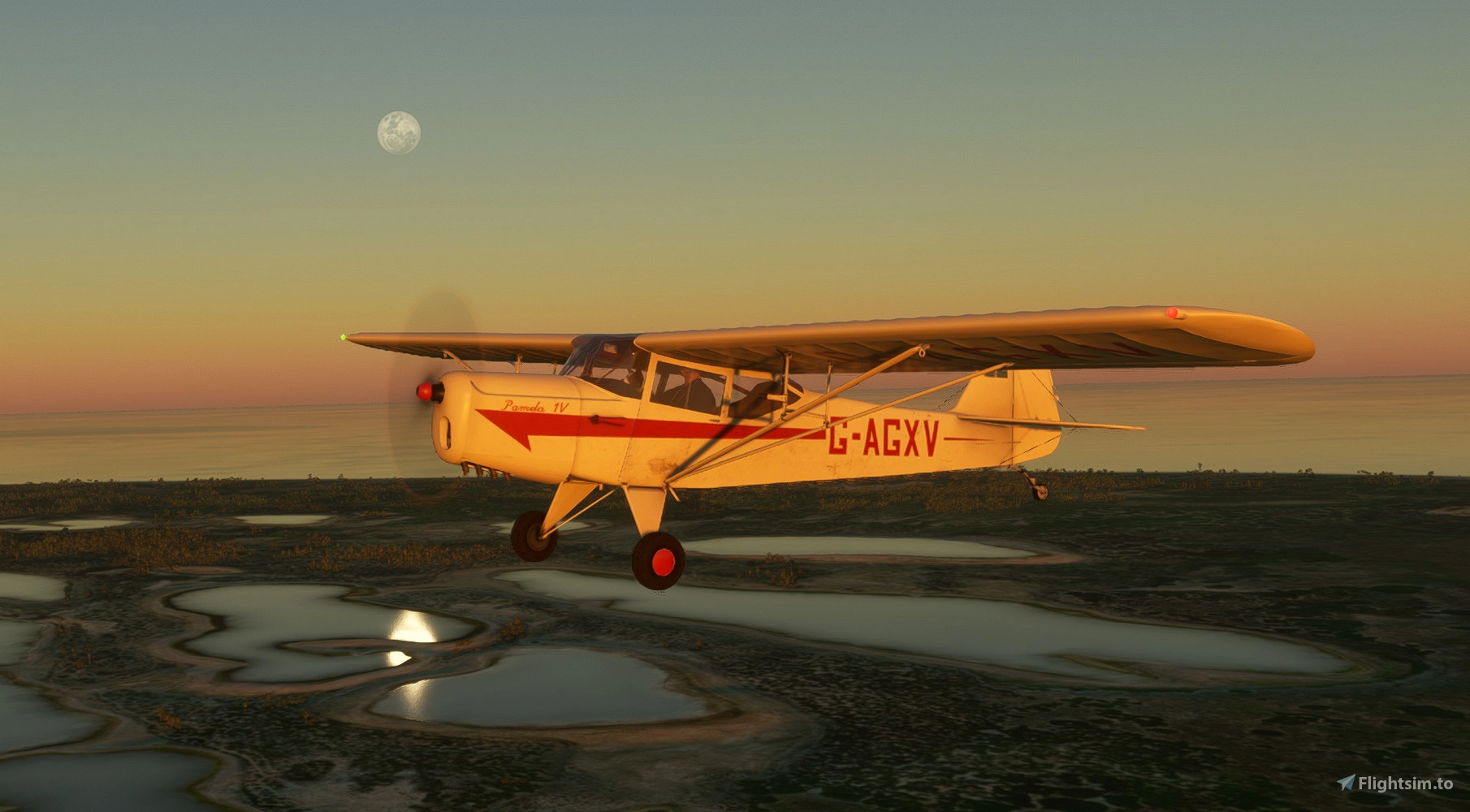
Description
INTRODUCTION
The Auster J1 Autocrat is a British light aircraft developed in the 1940s, primarily used for private flying and training. Known for its rugged construction and excellent short takeoff and landing (STOL) capabilities, it features a high-wing, fabric-covered design with seating for three. Its simplicity and durability have helped it remain an enduring classic among vintage aircraft enthusiasts.
This aircraft is a FULL native conversion from a model developed for FSX, originally created by Dave Garwood, and given permission by said author to convert for use in MSFS. Many updates, modifications, and features have been made to the original model, including: Conversion to MSFS texture format, improved modelling and animations, flight model and engine configuration updates, systems and lighting updates, and updated sounds and fx.
WHAT’S INCLUDED
The J1 comes in two variants: Original wheeled version w/ 110hp Blackburn Cirrus Major powerplant and 3 liveries, and a tundra tire variant w/ 160hp Lycoming O-320 and 7 liveries.
ACKNOWLEDGMENTS
Besides Dave’s insight and consideration for allowing me to bring his wonderful aircraft into MSFS, I want to thank the following people for providing valuable feedback during the development process, notably: Rudder58, Clockstopp3r, GromitZish, Baracus, Flying Freja, and Eazynotsoeazy48.
INSTALLATION
This aircraft will work with both MSFS 2020 and 2024.
The zip file in this download includes the aircraft folder and a readme text file.
To install, place the folder "flyndive-dg-aircraft-autocrat" into your community folder. For future updates, remember to remove the previous version from your community folder before updating. (Note: Folder name might have changed.)
Auster J1 Autocrat
The Auster J1 Autocrat is a British light aircraft from the 1940s, celebrated for its rugged design and exceptional short takeoff and landing capabilities. This add-on features two variants: the classic wheeled version with a 110hp engine and a tundra tire variant powered by a 160hp engine, both available in multiple liveries. Converted for Microsoft Flight Simulator, it includes numerous enhancements like updated models, animations, and sound effects.



User Reviews
30 reviews
Version History
v1.2 CHANGELOG o Fixed battery and alternator gauges. (Note that in MSFS2024, gauges may incorrectly show zero values [Asobo bug].) o Corrected parameters for other instrument gauges. o Corrected overlapping panel mesh to prevent "flashing" effect. o Refined cockpit meshes and textures. o Refined exterior textures. o Updated Tundra version for better water-skiing capability. o Added language packages.
Related
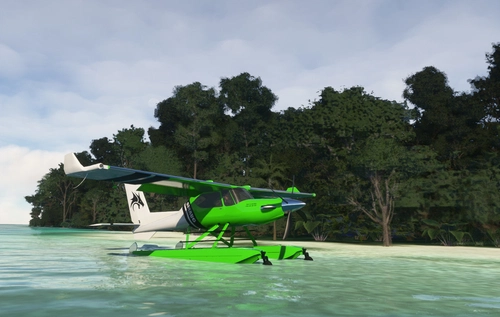
Smaug Tundra and Floats STOL Aircraft
Fly high with "Smaug" - a powerful STOL aircraft for Microsoft Flight Simulator, designed for bush flying enthusiasts. Experience exceptional STOL capabilities, high cruise speeds, and versatile performance with a Pratt & Whitney PT6A-140 turboprop engine. Choose from over 40 liveries and enjoy a unique flying experience with this fictional yet realistic aircraft.
by flyndive
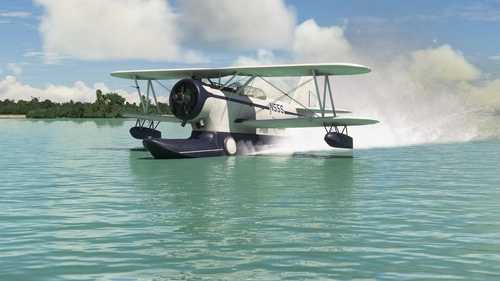
Grumman J2F Duck
The Grumman J2F Duck for MSFS is a detailed amphibious biplane used by the U.S. armed forces during World War II. This add-on features three variants (J2F4, J2F5, J2F6) and includes 15 liveries, one of which is inspired by the film "Murphys War." The aircraft has been thoroughly updated from its FSX origins with enhancements in modeling, animation, flight dynamics, and sound. An operation manual is included, offering essential flying and operational guidance.
by flyndive
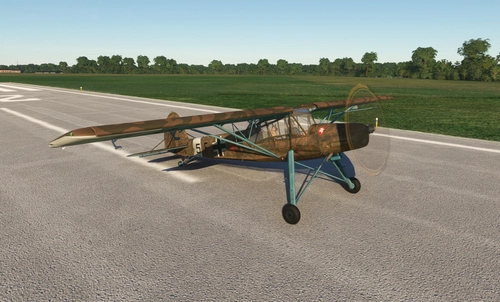
FSAddon's Fieseler Storch Fi-156
The FULL MSFS Conversion of FSAddons Fieseler Storch Fi-156 Tundra brings the iconic World War II German liaison aircraft to Microsoft Flight Simulator. Renowned for its exceptional short takeoff and landing capabilities, the Storch features a high-wing design, fixed leading-edge slats, and large trailing-edge flaps, allowing it to operate on very short runways and rough terrains. This add-on accurately simulates the aircrafts performance characteristics, including its modest speed and hovering ability, providing an authentic flying experience of one of the most notable STOL aircraft in aviation history.
by flyndive
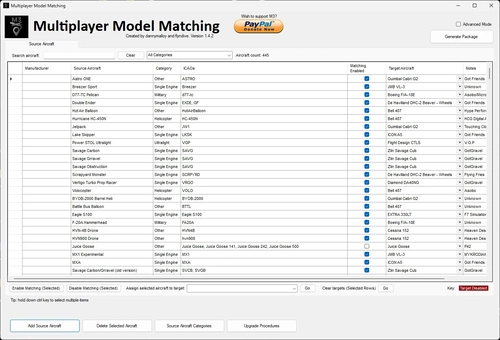
Multiplayer Model Matching (M3) Source Aircraft Update File
Update your Multiplayer Model Matching (M3) utility with the latest SOURCE aircraft using this Source Aircraft Update File. Enhance your multiplayer experience in Microsoft Flight Simulator by ensuring accurate aircraft representation and minimizing generic models.
by flyndive
Log in to join the discussion
Log InComments(60)
8 months ago
Even though the Auster J1 Autocrat is not equipped with an in-cockpit autopilot system the functionality is still available via the MSFS built-in default autopilot.
Default autopilot functionality is actually already enabled in the Auster's systems.cfg files.
All basic functions operate correctly EXCEPT for Altitude Hold, VS, and FLC modes, which ignore the selected target altitude.
This can be corrected by changing the following entry in the systems.cfg [AUTOPILOT] section:
From:
altimeter_indicator = 2
To:
altimeter_indicator = 1
Paths to systems.cfg:
flyndive-dg-aircraft-auster-autocrat\SimObjects\Airplanes\Autocrat_OEM
flyndive-dg-aircraft-auster-autocrat\SimObjects\Airplanes\Autocrat_Tundra
All standard AP controls can be accessed in a variety of ways including:
Keyboards shortcuts enabled in the MSFS Controls settings menus.
Hardware controllers, eg. Logitech Multi-Panel (I set up mine with SPAD.neXt).
Software addons, eg. The PMS50 GTN 750 In-Game Mode.
8 months ago
8 months ago
Some time later...
I have not used the Auster for a while but after your reply I gave it another go. I did the startup procedure exactly as I have always done and this time the engine started as it is supposed to. No idea why it now works or why it did not start before, I have not changed anything that should affect it. The sim is just strange.
8 months ago
I do appreciate the feedback and glad its now working for you.
8 months ago
9 months ago
UPDATE:
I have now tried the Tundra version and I have the same problem starting the engine cold and dark on the apron.
I also noticed that I cannot enable the co-pilot avatar like I can in the standard version.
8 months ago
9 months ago
I have spent many hours enjoying this plane. One problem I have is that I cannot ever start the engine at the beginning of a sim session from cold and dark at a parking spot, only the CTRL+E keyboard shortcut will start the engine. I do know how to start a plane using the in-cockpit controls, fuel quantity checked, battery on, fuel cock open, mixture rich, open throttle a bit, pump fuel primer, magnetos on, press start button, prop turns but no ignition and then prop stops turning.. Interestingly after landing and shutting down I can then restart the engine successfully using the in-cockpit procedure. Other than that it's great.
9 months ago
12 months ago
I enjoy flying it a lot in MSFS2024 it handles as predicted and needs some thought and forward planning.
I have a question, how do you remove the passenger, and a request, can you make the whisky compass functional please.
9 months ago
It does not work in the Tundra version.
about 1 year ago
about 1 year ago
about 1 year ago
about 1 year ago
about 1 year ago
about 1 year ago
about 1 year ago
about 1 year ago